Quick answer
To add Terra Mystica: Fan Factions to any game, simply treat the new factions as part of the standard faction pool. They are fully compatible with the base game, Fire & Ice, and Merchants of the Sea, so you can mix them in without changing the core rules.
Why fan factions work with every Terra Mystica expansion
Terra Mystica: Fan Factions was designed from the start to slot into any existing setup. The 20 new factions were submitted by fans and vetted for quality, and they are completely compatible with the base game, Fire & Ice, and Merchants of the Sea. That means you can use them whether you are playing a standalone base game or a full expansion game.
Because the factions follow the same core mechanics, you do not need to learn special rules or make exceptions. They simply expand the variety of choices available during setup.
What to check before your first game with fan factions
Before you shuffle the new factions into your existing pool, confirm that you have the correct number of factions for your player count and that all components are accounted for. The expansion includes 20 factions, so you may need to separate them from the base game factions if you want to control which ones are available.
If you are playing with newer players, consider introducing only a few fan factions at a time to avoid overwhelming them with too many options.
Step-by-step: adding fan factions to your game
- Separate the fan factions from your core factions: Before setup, take the 20 fan faction tiles out of the box and place them in a separate pile. This keeps the new options distinct and makes it easier to choose how many to include. Mixing them all together can make it harder to track which factions are in play, especially if you want to limit the selection.
- Choose how many fan factions to include: For a standard game, decide whether to replace some or all of the base factions with fan factions, or to add them to the pool. With 20 new factions, you can tailor the mix to your group's experience level. Adding all 20 at once can overwhelm new players; start with a handful and increase gradually.
- Shuffle the selected factions into the setup pool: Once you have chosen which fan factions to use, shuffle them together with the factions you are already using. Then proceed with the normal setup for Terra Mystica, Fire & Ice, or Merchants of the Sea. Make sure you use the correct faction board side and any associated components for each fan faction, as they may differ from core factions.
- Draft or assign factions as usual: Use the standard drafting or assignment method from the rulebook. The fan factions do not change how factions are selected; they simply add more options. If you are playing with an expansion that modifies faction selection, such as Fire & Ice, follow those rules exactly.
- Play the game with the fan faction abilities: Each fan faction has its own unique abilities and playstyle. Refer to the included faction tiles for their specific powers, and play them just like any other faction. Double-check any faction-specific rules on the tile, as some may introduce minor exceptions that are easy to miss.
Product facts
-
Terra Mystica: Fan Factions: Terra Mystica: Fan Factions includes 20 new factions for the game. This significantly increases replayability and variety, giving you many new combinations to explore.
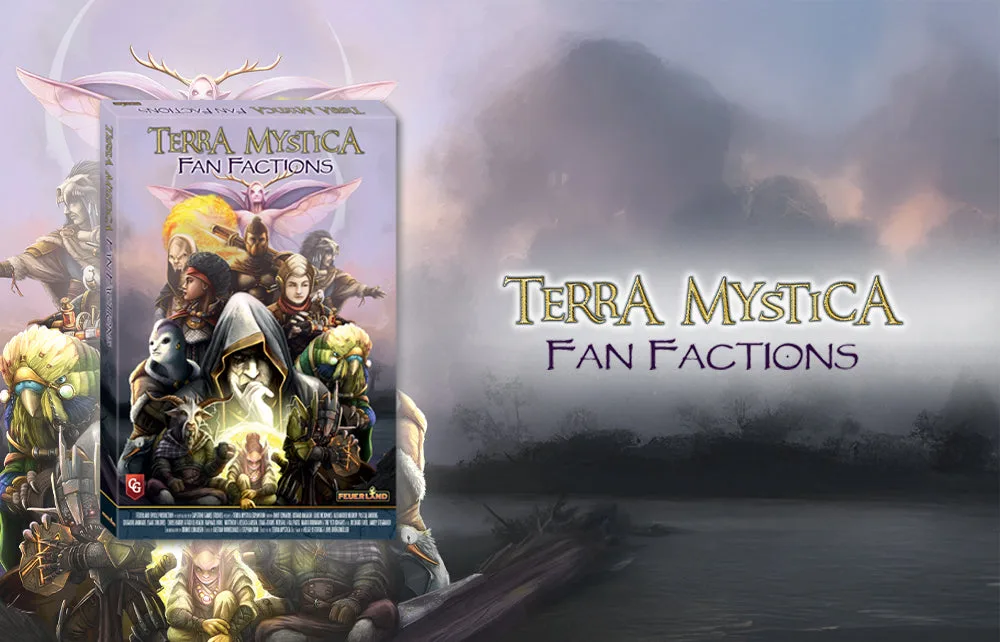
Terra Mystica: Fan Factions
-
Terra Mystica: Fan Factions: All of the new factions are completely compatible with the base game, Fire & Ice, and Merchants of the Sea. You can use them regardless of which expansion you own, without needing to adapt rules or components.