What the TetherPro USB-C Adapter Does
The Tether Tools TetherPro USB-C to USB Female Adapter solves a common problem: your computer has a USB-C port, but your existing TetherPro USB cables have a USB-A connector. Rather than replacing all your cables, this adapter lets you keep using them for data transfer during tethered shooting.
This is a data-only cable – it is not intended for charging. The adapter is available in high-visibility orange or black, and it is built to USB 3.0 specifications for reliable, fast transfers.
TetherPro USB-C Adapter at a Glance
-
Tether Tools TetherPro USB-C to USB Female Adapter: Data Cable – Do not use for charging Prevents confusion if you are used to USB-C cables that also deliver power. This adapter is strictly for data transfer.
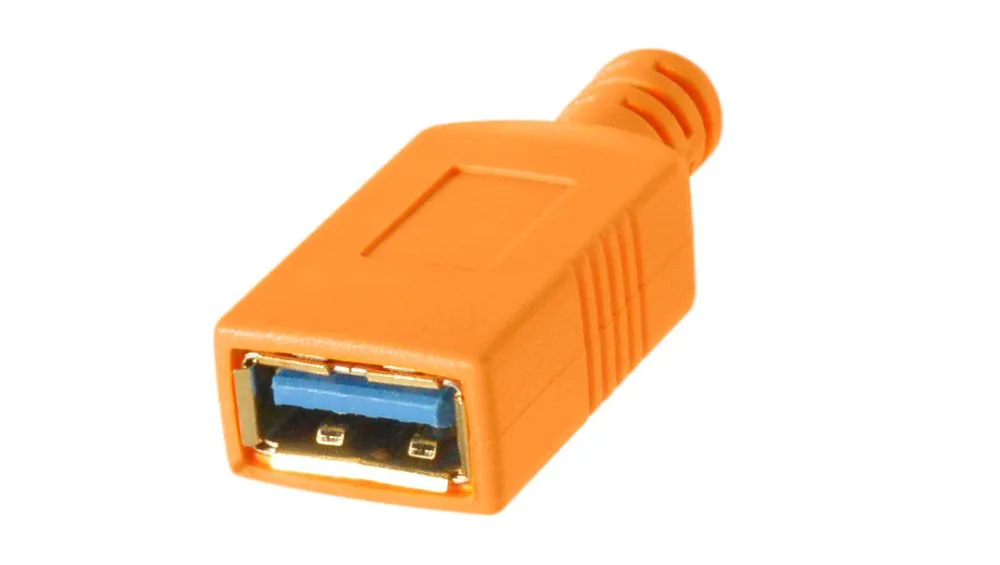
Tether Tools TetherPro USB-C to USB Female Adapter
-
Tether Tools TetherPro USB-C to USB Female Adapter: Utilize your existing TetherPro USB Cable Saves money and reduces cable clutter by making your current TetherPro cables compatible with a USB-C computer.
-
Tether Tools TetherPro USB-C to USB Female Adapter: Length: 15′ (4.6m) Provides generous reach from your computer to your camera, especially when combined with another TetherPro cable.
-
Tether Tools TetherPro USB-C to USB Female Adapter: USB 3.0 Ensures fast data transfer speeds needed for tethered shooting without lag.
How to Set Up Tethered Shooting with the Adapter
The adapter works as a simple extension between your computer and your existing TetherPro USB cable. No drivers or software are needed.
- Check camera compatibility: Use the 'search by camera' function on the Tether Tools website to confirm that your camera model works with the TetherPro cable you plan to use. The adapter itself is universal for USB-C computers.
- Connect the adapter to your computer: Plug the USB-C end of the adapter into your computer's USB-C port.
- Attach your existing TetherPro USB cable: Connect the USB-A end of your TetherPro cable to the adapter's USB-A female port.
- Connect the other end to your camera: Plug the appropriate end of the TetherPro cable into your camera's USB port. Ensure the connection is secure.
- Start your tethering software: Open your preferred tethering application (e.g., Capture One, Lightroom). The camera should be recognized automatically.
When to Choose the Adapter Over a New Cable
If you already own one or more TetherPro USB cables and are moving to a computer with only USB-C ports, this adapter is a cost-effective solution. It also adds reach when combined with another cable, giving you extra flexibility in the studio. For specific cable lengths and compatibility, please follow the product instructions.
However, if you do not own any TetherPro cables, a dedicated USB-C to camera cable may be simpler. The adapter is also not suitable for charging devices, so keep that in mind if you need a power-delivery cable.