Quick Answer
Position the Theatrus T107 so the tweeter is at ear height, keep the speakers away from walls, and follow the step-by-step setup below to get precise, low-distortion monitoring.
Why placement matters for the T107
The Theatrus T107 is a 3-way quad 10" monitor designed for larger studio environments. Its custom drive unit delivers precise, low-distortion monitoring across a wide range of sound pressure levels, but that accuracy only holds if the speaker is placed correctly. Poor positioning can cause bass buildup, muddy imaging, or a skewed frequency response.
Because the T107 is a large, powerful monitor, it needs breathing room. Placing it too close to a wall will exaggerate low frequencies, while placing it too far apart can create a hole in the stereo image. The following steps account for the T107's size and output capability.
Trade-offs to consider
Near-field placement (under 1.5 meters) is possible but not ideal for the T107. Its quad 10" drivers are built to deliver full dynamic range in mid-to-far field listening, so sitting too close may overwhelm you with bass and reduce the stereo image. For most rooms, a distance of 2 to 3 meters from each speaker to your listening position is a good starting point.
The T107 is heavy and large. Make sure your stands or wall mounts are rated for the weight. If you're using them on a desk, consider isolation pads to reduce vibrations that can color the sound.
Theatrus T107 Setup Steps
- Position the speakers symmetrically: Place the T107s so they form an equilateral triangle with your listening position. The distance between the speakers should be roughly equal to the distance from each speaker to your ears. Start with 2 to 3 meters on each side. Use a tape measure to confirm equal distances; even a few inches can shift the stereo image.
- Set the tweeter at ear height: The AMT tweeter should be at the same height as your ears when you're seated. If the T107 is too low, tilt it upward slightly, but avoid extreme angles that can cause comb filtering. A laser level or a simple string can help you verify tweeter height accurately.
- Keep away from walls and corners: Place the T107 at least 30-50 cm (12-20 inches) from the rear wall and even more from side walls. This reduces bass buildup and prevents boundary reflections from muddying the low end. If you must place near a wall, try plugging the port (if available) or use room correction software—but don't rely on it as a substitute for good placement.
- Angle the speakers toward your ears: Toe the speakers in so the tweeters point directly at your listening position. This improves high-frequency clarity and helps create a precise center image. Start with a 15-degree toe-in angle and adjust from there. Listen to a mono track and adjust the toe-in until the center image is solid and focused.
- Check for reflections and room modes: Place acoustic panels at the first reflection points on the side walls and ceiling. Avoid placing the T107 in the middle of the room where bass modes are strongest. Walk around the room while playing a bass tone to identify problem areas. If you hear a boomy or hollow sound at your listening position, try moving the speakers a few centimeters forward or backward to avoid a room mode.
- Set the gain and crossover correctly: If your setup includes a subwoofer, set the crossover around 80 Hz and adjust the T107's gain to match your interface's output level. Use a test tone and a sound level meter to calibrate each speaker to the same SPL. Always recalibrate after moving the speakers—even a small change can affect the balance.
About the Theatrus T107
-
Theatrus T107 Quad 10" Flagship Monitor Speaker: The Theatrus T107 is a 3-way quad 10" monitor with a custom-designed drive unit by Aperion Audio, built for precise, low-distortion monitoring in larger studio environments. This design supports high sound pressure levels without distortion, so you can trust your mixes even at loud volumes, but only if the speaker is placed to take advantage of that capability.
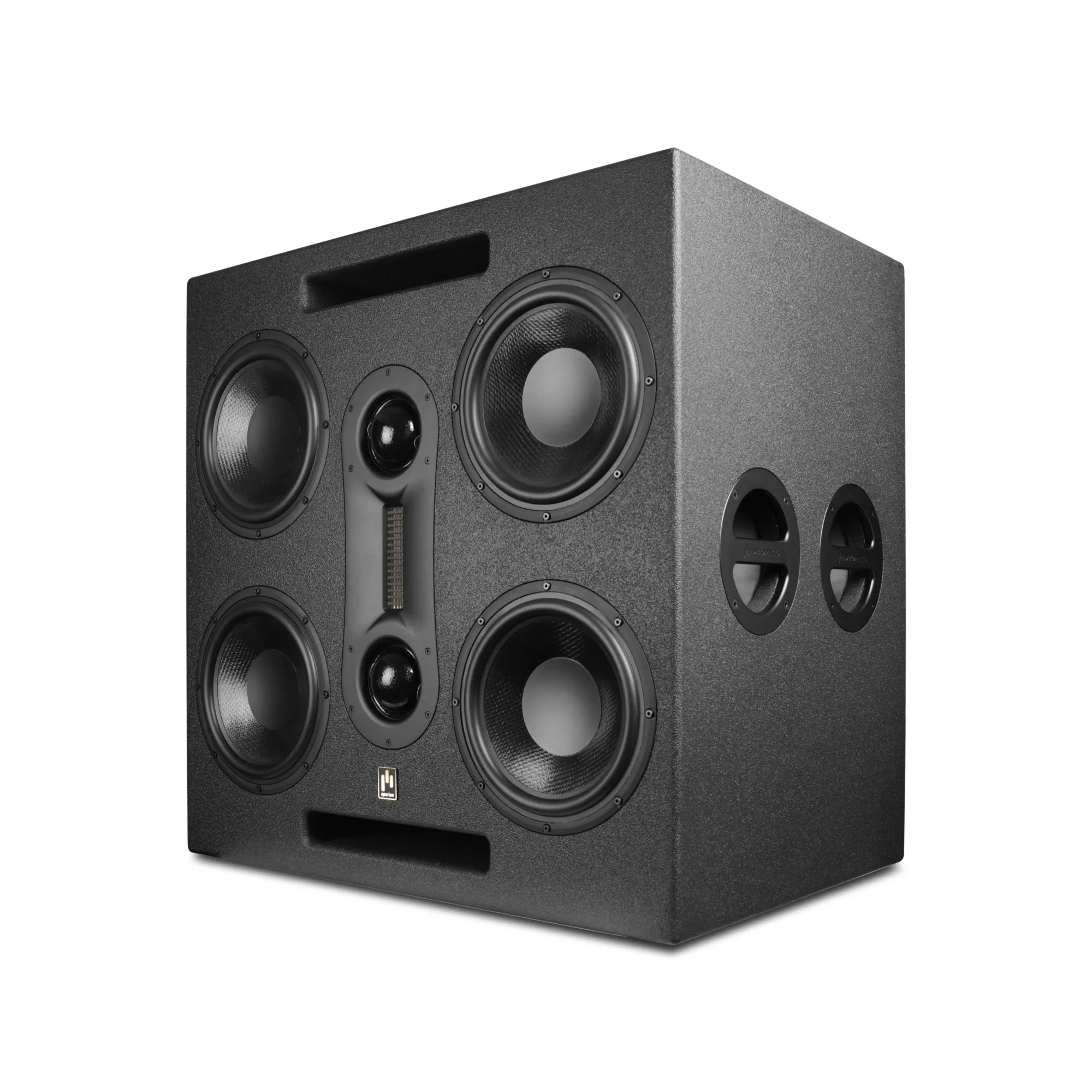
Theatrus T107 Quad 10" Flagship Monitor Speaker