Quick answer
Mount the Theatrus T65S at ear level, use a stud finder for secure wall attachment, and run speaker wire cleanly behind the slim cabinet. Proper placement and wiring prevent rattles and ensure the 3-way driver array delivers its full soundstage.
Why placement matters for the T65S
The Theatrus T65S uses a 3-way design with five drivers, including an AMT ribbon tweeter and dual 2-inch soft-dome midrange drivers. This array creates a wide soundstage, but only if the speaker is positioned correctly. Mounting too high or too low will shift the image and reduce clarity.
Because the T65S is slim and designed for on-wall installation, you have less flexibility to angle it after mounting. Plan the height and horizontal position carefully before drilling.
Tools and materials you will need
You will need a stud finder, level, drill with appropriate bits, screwdriver, speaker wire (14–16 gauge recommended), wire strippers, and the mounting bracket included with the T65S. If your walls are drywall without studs at the desired location, use toggle bolts rated for the speaker's weight.
The T65S is an open-box item, so confirm that all mounting hardware is present before starting. Missing parts can delay installation.
Step-by-step setup guide
- Choose the mounting height: Measure so the center of the T65S is at ear level when seated in your main listening position. For a typical home theater, this is about 42–48 inches from the floor. Common mistake: mounting too high, above ear level, which pushes the soundstage upward and reduces clarity.
- Locate wall studs and mark bracket positions: Use a stud finder to mark stud centers behind the desired location. Hold the included mounting bracket against the wall, level it, and mark screw holes. If no stud aligns with the bracket, use toggle bolts rated for at least 30 lbs. Checkpoint: double-check that the bracket is level before drilling. An unlevel bracket will tilt the speaker and misalign the driver array.
- Run speaker wire to the location: Plan a clean wire path from your amplifier or receiver to the T65S. Use in-wall rated speaker cable if running inside walls. Leave at least 6 inches of slack at the speaker end for easy connection. Common mistake: pulling the wire too tight, which can strain the connection terminals or pull the speaker out of alignment over time.
- Mount the bracket and attach the speaker: Screw the bracket securely into the wall using the marked holes and appropriate anchors. Then lift the T65S onto the bracket, aligning the keyhole slots. Slide the speaker down until it locks into place. Connect the speaker wire to the terminals before fully seating the speaker if access is tight. Checkpoint: after mounting, gently tug the speaker to confirm it is locked. A loose speaker can vibrate and cause buzzes during playback.
- Connect and test the system: Connect the other end of the speaker wire to your amplifier or receiver, observing polarity (+ to +, – to –). Power on the system and play a test tone or familiar track at low volume. Listen for distortion, rattles, or imbalance. Common mistake: reversing polarity on one speaker, which causes phase cancellation and a thin, hollow sound. Verify connections with a battery test or polarity checker if unsure.
Product fact
-
Theatrus T65S Slim On-Wall Speaker Openbox: The Theatrus T65S is a 3-way slim on-wall speaker with an AMT ribbon tweeter, dual 2-inch soft-dome midrange drivers, and a total of five drivers. The multiple drivers mean precise placement is critical to avoid phase cancellation and to let the tweeter and midranges work together for a cohesive soundstage.
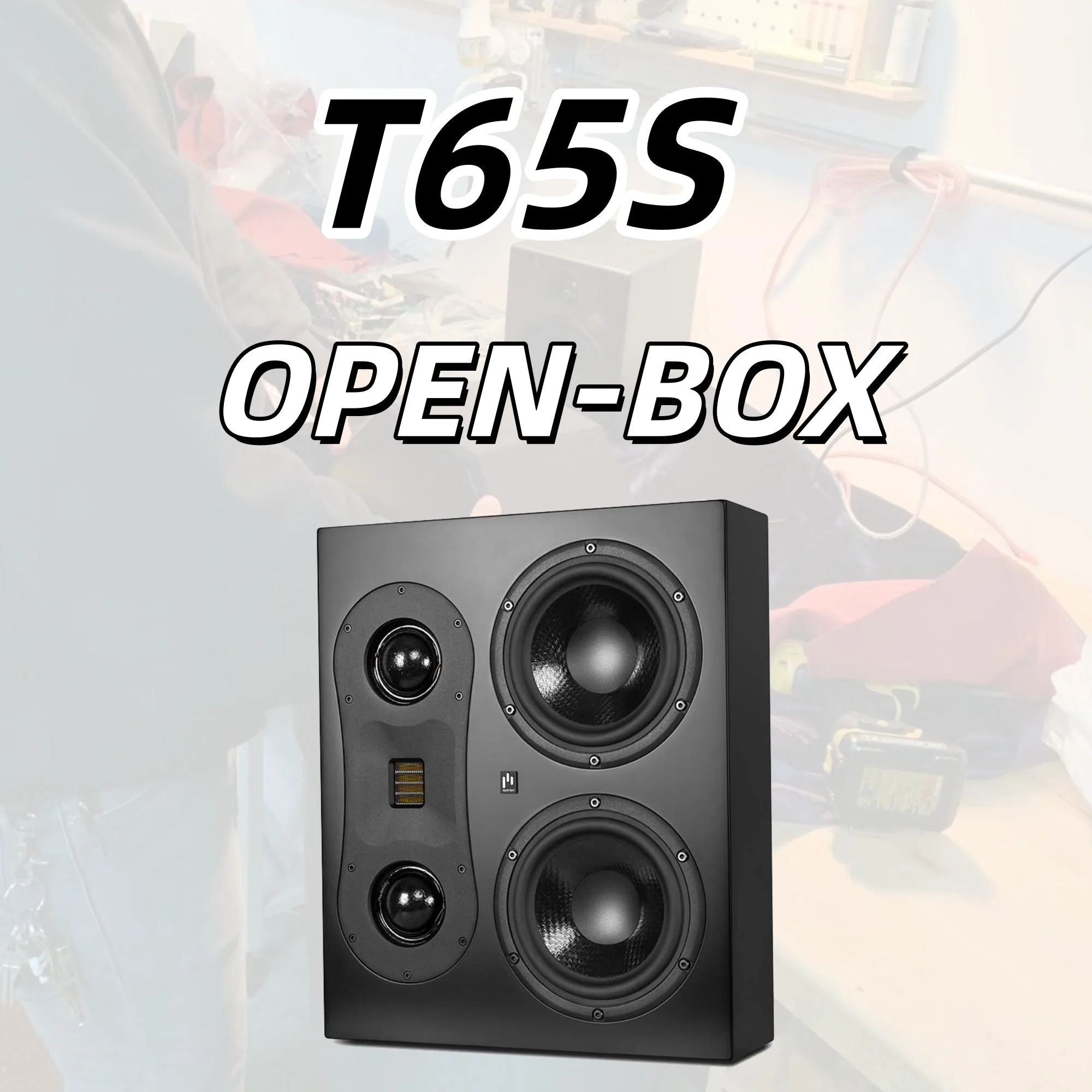
Theatrus T65S Slim On-Wall Speaker Openbox