Quick answer
Clean the optics with a blower and microfiber cloth, keep the battery contacts dry, and store the unit in a dry case at room temperature. Avoid touching the germanium lens with bare fingers.
Why thermal lenses need special care
Thermal monoculars use germanium or other infrared-transmitting materials for their objective lens. These coatings are softer than standard glass and can scratch easily. The Pulsar Telos XP50, for example, uses a high-performance F50/1.0 objective lens that delivers long detection range but requires gentle cleaning to preserve image quality.
Battery maintenance for reliable fieldwork
The Pulsar Oryx LRF XG35 runs on a removable APS5 Li-Ion battery pack (4900 mAh). Keeping the battery contacts clean and dry prevents power interruptions during critical use. Moisture or debris on the terminals can cause intermittent shutdowns or reduce battery life over time.
How to clean and maintain your thermal monocular
- Blow off loose debris: Use a manual air blower (not compressed air) to remove dust, sand, or grit from the objective and eyepiece lenses. Skipping this step risks scratching the lens when you wipe it. Always blow before you wipe.
- Clean the lenses with a microfiber cloth: Apply a drop of lens-cleaning solution to the cloth, not the lens. Wipe in a gentle circular motion. Never use household cleaners, paper towels, or your shirt—they can damage the soft germanium coating.
- Inspect and clean battery contacts: Remove the battery pack and check the metal contacts for corrosion or dirt. Wipe them with a dry, lint-free cloth. If you see white or green deposits, use a cotton swab dipped in isopropyl alcohol and let it dry fully before reinserting. A common mistake is leaving the battery in during long storage, which can cause contact corrosion.
- Store in a dry, temperature-stable case: Keep the monocular in a padded case with a silica gel desiccant pack. Avoid leaving it in a hot car or damp basement. Extreme temperature swings can cause condensation inside the lens assembly. For long-term storage, remove the battery and store it separately at room temperature.
- Perform a functional check before each outing: Turn on the unit, verify the image is clear, and check that all buttons and focus rings operate smoothly. On the Pulsar Oryx LRF XG35, test the quick-access menu to confirm brightness and contrast adjustments work. Catching a problem at home is better than discovering it in the field.
Products referenced in this guide
-
Pulsar Oryx LRF XG35 Thermal Monocular: The Oryx LRF XG35 offers fully adjustable brightness and contrast settings, and uses a removable APS5 Li-Ion battery pack (4900 mAh). Adjustable settings let you reduce brightness in low-contrast scenes, which can also help you notice lens smudges more easily during cleaning checks.
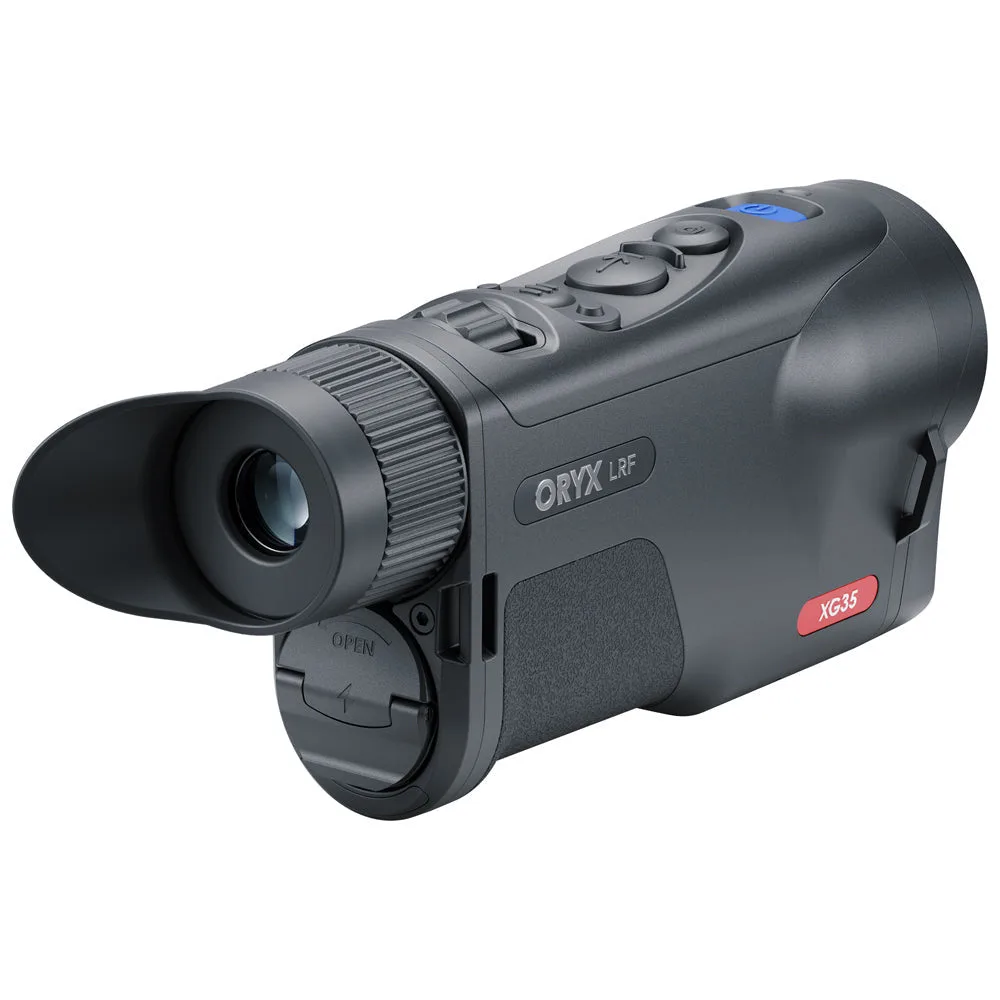
Pulsar Oryx LRF XG35 Thermal Monocular
-
Pulsar Telos XP50 Thermal Monocular: The Telos XP50 has a 1800 m detection range thanks to a powerful F50/1.0 objective lens combined with a 640x480@17µm thermal sensor. A high-performance objective lens is more sensitive to dust and scratches, so regular gentle cleaning is essential to maintain that long-range detection ability.
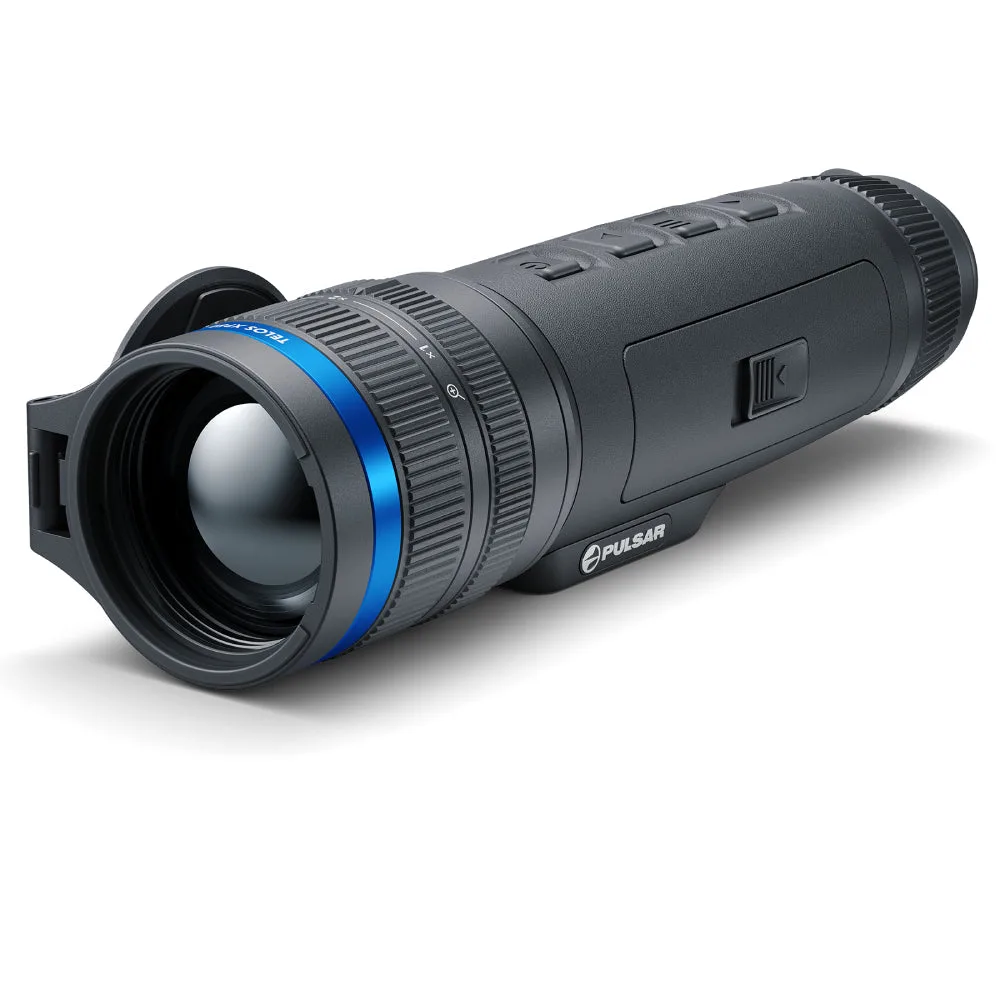
Pulsar Telos XP50 Thermal Monocular