Thunderbolt 4 Hub vs USB Hub: What's the Difference?
If you're shopping for a hub or docking station, you've likely seen Thunderbolt 4 and USB hubs side by side. The key difference is not just speed—it's what each connection can do for your specific laptop and peripherals. A Thunderbolt 4 hub, like the Plugable Thunderbolt 4 and USB4 Hub (TBT4-HUB3C), offers higher bandwidth and advanced display capabilities, while a standard USB hub focuses on adding more ports at a lower cost. Which one you need depends on your computer's ports, your display setup, and whether you need to move large files quickly.
Plugable Thunderbolt 4 and USB4 Hub at a Glance
-
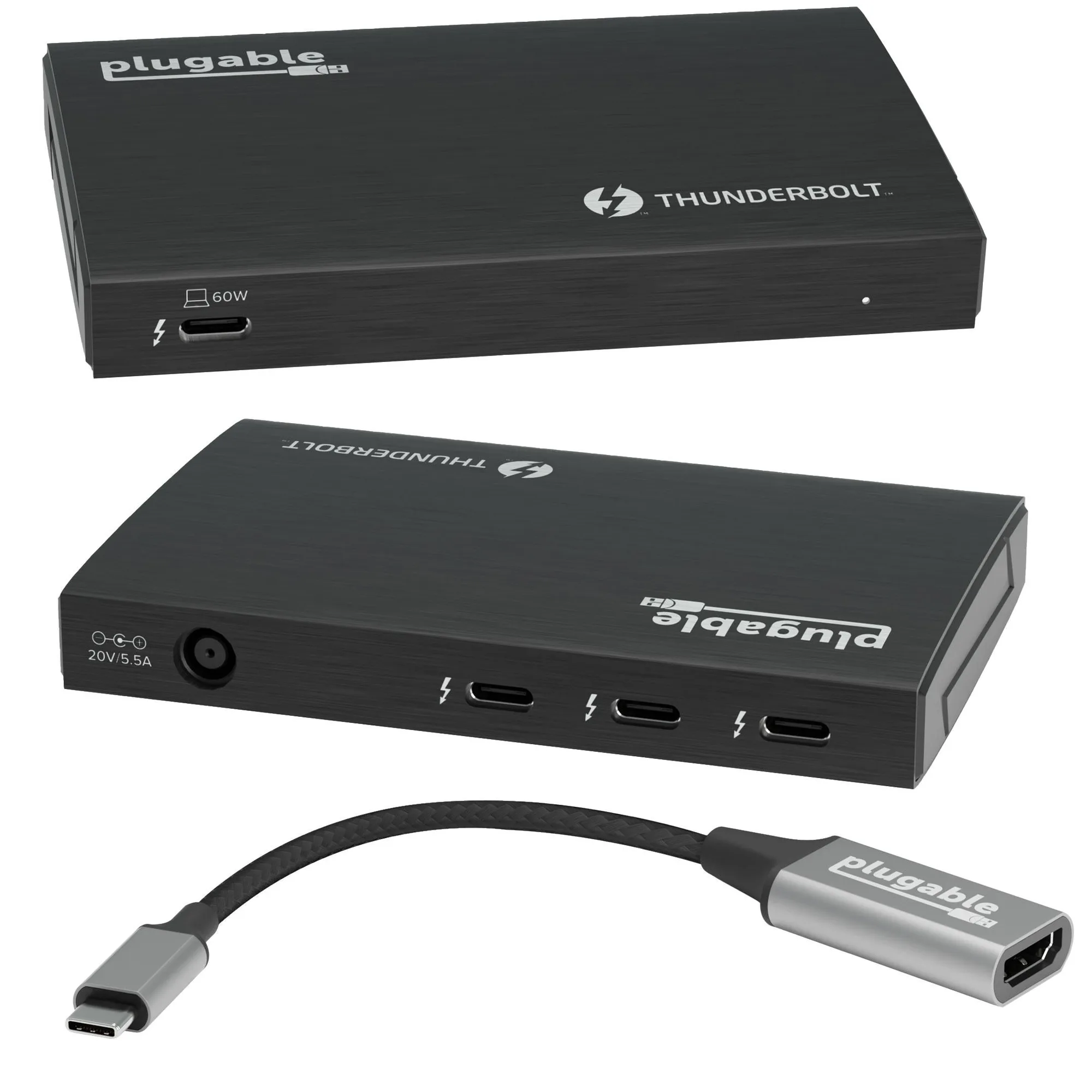
Plugable Thunderbolt 4 and USB4 Hub: This hub supports Thunderbolt 4, USB4, Thunderbolt 3, and USB-C devices, automatically adapting to your host computer's capabilities. It works with a wide range of modern laptops, including Macs with M1 or M2 chips and Windows PCs with Thunderbolt 4, but functionality is limited on USB-C-only systems.
Plugable Thunderbolt 4 and USB4 Hub
-
Plugable Thunderbolt 4 and USB4 Hub: Data transfer speeds up to 40Gbps and support for up to two 4K 60Hz displays or one 8K 30Hz display (on compatible hosts). This makes it suitable for creative professionals or anyone who needs high-resolution multi-monitor setups and fast file transfers.
-
Plugable Thunderbolt 4 and USB4 Hub: Provides 60W of charging power to the host laptop, plus up to 15W distributed across other ports. A single cable can both charge your laptop and connect peripherals, reducing desk clutter.
Thunderbolt 4 Hub vs USB Hub: Key Differences
- Speed and Bandwidth: Thunderbolt 4 hubs offer up to 40Gbps data transfer, while standard USB hubs (USB 3.2 Gen 2) typically max out at 10Gbps. If you regularly transfer large video files or work with external SSDs, the Thunderbolt hub's speed is a clear advantage.
- Display Support: A Thunderbolt 4 hub can drive two 4K 60Hz displays or one 8K 30Hz display (host permitting). Most USB hubs only support a single external monitor at lower resolutions, or require additional software like DisplayLink.
- Charging Capability: Thunderbolt 4 hubs usually include power delivery to charge your laptop (60W for the TBT4-HUB3C). Standard USB hubs often provide less power or none at all, meaning you still need your laptop's charger.
- Compatibility: Thunderbolt 4 hubs work best with Thunderbolt 4, USB4, and Thunderbolt 3 hosts. USB-C-only systems will have limited functionality. Standard USB hubs work with virtually any USB-A or USB-C port, making them more universally compatible.
- Cost: Thunderbolt 4 hubs are more expensive due to the advanced chipset and certification. A basic USB hub costs much less, which matters if you only need extra USB ports and don't require high-speed data or video.
When to Choose a Thunderbolt 4 Hub
A Thunderbolt 4 hub is the right choice if you have a Thunderbolt 4 or USB4 laptop (like a recent MacBook Pro or a high-end Windows ultrabook) and you need to connect multiple 4K displays or transfer large files quickly. The Plugable Thunderbolt 4 and USB4 Hub (TBT4-HUB3C) is a great example: it delivers full 40Gbps speed, dual 4K 60Hz display support, and 60W laptop charging through a single cable. It's also a solid option if you want a future-proof dock that works with Thunderbolt 3 and USB4 devices. Note that Thunderbolt 3 Windows systems are not recommended for this hub, and USB-C-only hosts will see limited functionality.
When a Standard USB Hub Makes More Sense
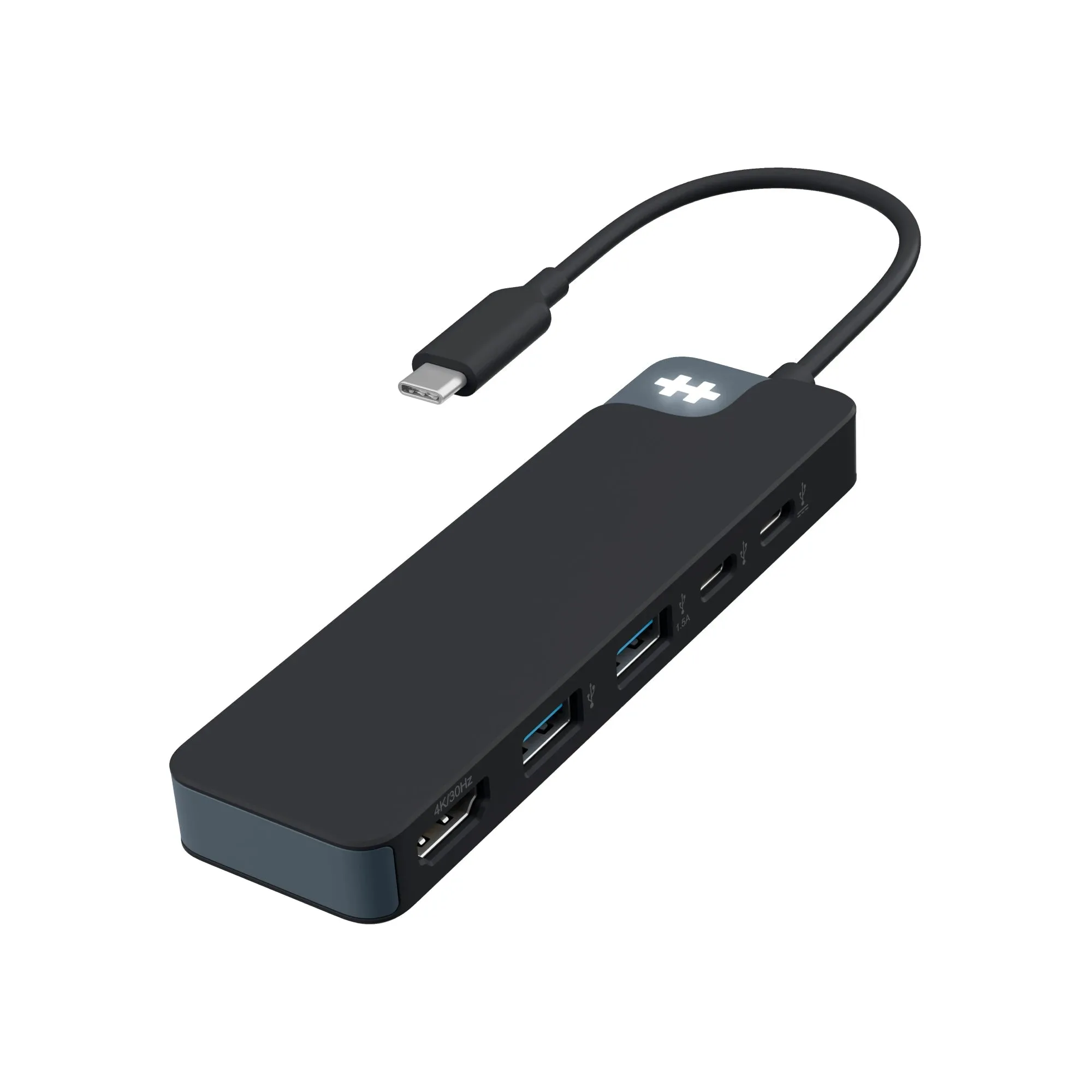
If your laptop only has USB-C or USB-A ports, or if you mainly need to connect peripherals like a mouse, keyboard, and a single external drive, a standard USB hub is often more practical and affordable. You won't benefit from Thunderbolt's extra bandwidth, and you can avoid the higher cost. For users with older laptops or those who don't need multi-monitor setups, a USB hub provides simple port expansion without compatibility headaches.