Quick answer
If you need maximum data speed (40Gbps), 8K video output, or 96W host charging, choose the Satechi Thunderbolt 4 Slim Hub Pro. For basic connectivity and lower cost, a standard USB-C hub will do.
Speed and performance trade-off
The Thunderbolt 4 Slim Hub Pro delivers up to 40Gbps data transfer, which is four times faster than most USB-C hubs (10Gbps). This matters if you regularly move large video files, work with external SSDs, or run multiple high-bandwidth peripherals simultaneously.
Standard USB-C hubs cap at 10Gbps, which is fine for web browsing, document editing, and connecting a single external display. The trade-off is price: Thunderbolt 4 hubs cost more, but you get future-proof speed.
Video output and display support
The Thunderbolt 4 Slim Hub Pro supports up to 8K at 60Hz, ideal for creative professionals who need ultra-sharp detail. Most USB-C hubs top out at 4K at 30Hz or 60Hz, which is sufficient for office work and casual media consumption.
If you use a single 4K monitor and don't need 8K, a USB-C hub saves money. But if you plan to upgrade to an 8K display or want the highest resolution now, Thunderbolt 4 is the clear choice.
Charging power considerations
The Thunderbolt 4 Slim Hub Pro delivers 96W charging to the host laptop, which can power a MacBook Pro 16-inch at full speed. Standard USB-C hubs typically provide 60W to 100W, but many fall short of 96W.
If you have a power-hungry laptop and want to charge quickly through a single cable, the Thunderbolt 4 hub is a better fit. For smaller laptops or those that charge via a separate adapter, a USB-C hub is adequate.
Thunderbolt 4 vs USB-C: trade-offs at a glance
- Speed: Thunderbolt 4: 40Gbps. USB-C: up to 10Gbps. Choose Thunderbolt 4 if you transfer large files or use fast external storage.
- Video output: Thunderbolt 4: 8K/60Hz. USB-C: typically 4K/30Hz or 4K/60Hz. Choose Thunderbolt 4 for 8K or dual 4K displays.
- Charging power: Thunderbolt 4: 96W. USB-C: varies (often 60W-100W, but not always 96W). Choose Thunderbolt 4 for power-hungry laptops like MacBook Pro 16-inch.
- Price: Thunderbolt 4 hubs cost more (e.g., Satechi Thunderbolt 4 Slim Hub Pro at $149.99). USB-C hubs are cheaper. Choose USB-C if budget is a priority and you don't need extreme speed or 8K. Check your laptop's Thunderbolt 4 port support before buying.
Product spotlight
-
Thunderbolt 4 Slim Hub Pro: Up to 40Gbps data transfer speeds and up to 8K/60Hz video output while delivering 96W charging to the host device. This means you can transfer large files in seconds, connect a next-gen 8K monitor, and keep your laptop fully charged—all through one hub.
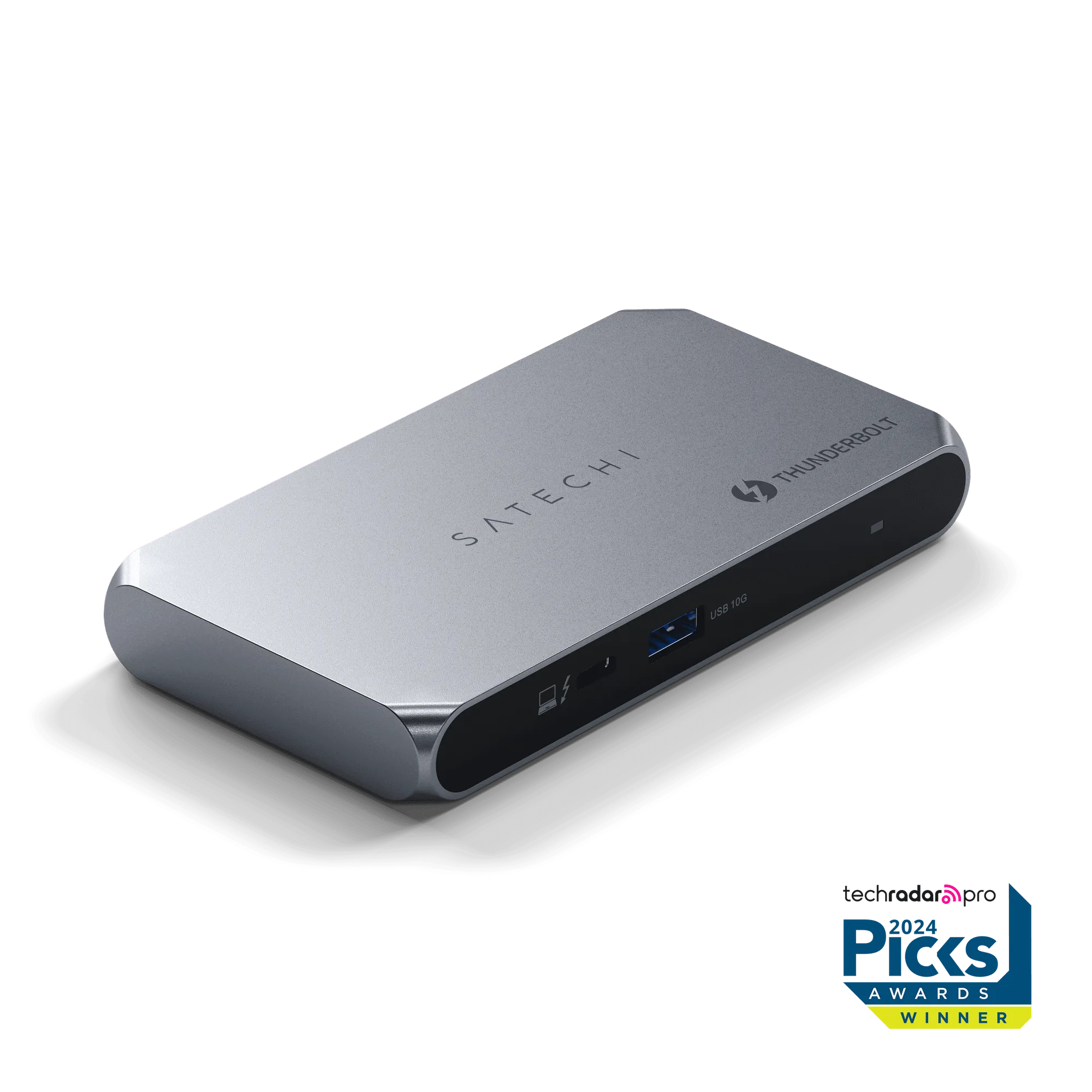
Thunderbolt 4 Slim Hub Pro
Which hub should you choose?
Best for
- Creative professionals editing 8K video or large RAW photos
- Users who need 40Gbps data transfer and 96W charging
- Anyone planning to use an 8K monitor or dual 4K displays
Not for
- Budget-conscious buyers who only need basic connectivity
- Users with older laptops lacking Thunderbolt 4 ports
- Those who only connect a single 1080p or 4K monitor for office work