Quick answer
Use the Tilta Nucleus Nano II Hand Wheel to DJI Ronin Control Adapter to bolt the hand wheel directly to your RS 2 or RS 3 Pro gimbal via the side NATO rails. This keeps focus control on the rig and eliminates a separate handle or cage.
Why mount the hand wheel on the gimbal instead of a handle
A gimbal operator often needs focus control within thumb reach while both hands stabilize the rig. Mounting the Nano II hand wheel on the gimbal body via NATO rails puts the control exactly where your hand already rests, reducing arm movement and cable strain compared to a separate handle or cage.
This adapter is a mounting solution only. It does not include the hand wheel, focus motor, or gimbal, so you will need those separately. Also check that your gimbal has side NATO rails—the RS 2 and RS 3 Pro do, but other models may not.
When this adapter is not the right choice
If you prefer to hold the hand wheel in your hand or mount it on a separate handle, this adapter adds unnecessary bulk. Similarly, if your gimbal lacks side NATO rails, you will need a different mounting solution. The adapter is specifically designed for the RS 2 and RS 3 Pro, so verify compatibility before purchasing.
Step-by-step adapter setup
- Confirm gimbal compatibility: Check that your DJI gimbal is an RS 2 or RS 3 Pro with side NATO rails. The adapter will not fit other models without modification. If your gimbal lacks NATO rails, do not proceed—this adapter is not designed for it.
- Attach the adapter to the gimbal: Slide the adapter onto the side NATO rail of the gimbal and tighten the locking screw firmly. Ensure the adapter is secure and does not wobble. A loose adapter will cause focus jitter; check tightness before every shoot.
- Mount the hand wheel to the adapter: Align the hand wheel's mounting points with the adapter and secure it using the provided screws or clamp. Do not overtighten—finger-tight plus a quarter turn is sufficient. Over-tightening can strip threads or damage the hand wheel housing.
- Connect and calibrate the focus system: Power on the hand wheel, focus motor, and gimbal. Follow Tilta's calibration procedure for the Nano II system to set focus limits and motor torque. Skipping calibration can cause the motor to hunt or fail to reach focus marks.
- Test balance and cable routing: Rebalance the gimbal with the added weight, then route cables so they do not restrict gimbal movement or snag on the adapter. An unbalanced gimbal will drain batteries faster and degrade stabilization.
Product facts
-
Tilta Nucleus Nano II Hand Wheel to DJI Ronin Control Adapter: Mounts the Nucleus Nano II hand wheel directly to a DJI RS 2 or RS 3 Pro gimbal body using the side NATO rails. This lets you keep wireless focus control on the rig itself, so you can adjust focus without reaching for a separate handle or cage.
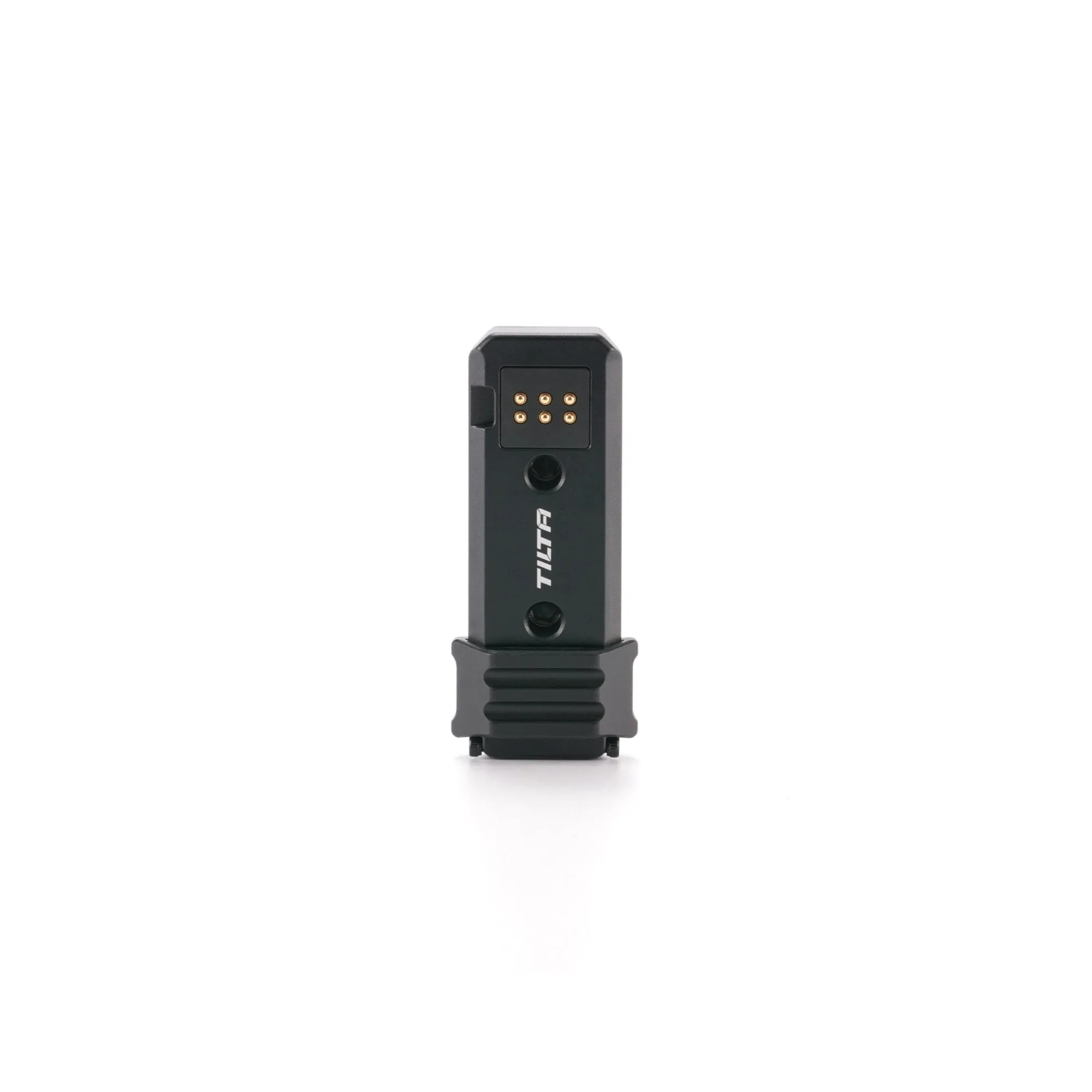
Tilta Nucleus Nano II Hand Wheel to DJI Ronin Control Adapter