What the Timex T232B Includes
The Timex T232B alarm clock radio combines a digital clock, FM radio, dual alarms, and a USB charging port in a compact bedside design. Before you start, unpack the clock, the AC wall adapter (5VDC 1.2Amp barrel jack), and the user guide. You will also need 2 AAA batteries for the battery backup system, which keeps time and alarm settings during a temporary power interruption.
Setting Up Your Timex T232B Alarm Clock
Follow these steps to get your alarm clock running in minutes.
- Connect power: Plug the AC wall adapter into a wall outlet and connect the barrel jack to the back of the clock. The display will light up.
- Install backup batteries: Open the battery compartment on the bottom of the clock and insert 2 AAA batteries (not included). This keeps your settings saved if the power goes out.
- Set the time: Press and hold the TIME SET button until the hour digits flash. Use the UP or DOWN buttons to adjust, then press TIME SET again to adjust the minutes. Press TIME SET once more to confirm.
- Set dual alarms: Press and hold the ALARM 1 or ALARM 2 button. Set the hour and minute the same way as the time. Choose the alarm sound: press the ALARM MODE button to toggle between buzzer and FM radio.
- Tune the FM radio: Press the RADIO ON/OFF button to turn on the radio. Use the TUNE UP/DOWN buttons to find a station. To save a preset, press and hold the MEMORY button, then press a number button (1-0) to store it. You can store up to 10 FM presets.
- Adjust display brightness and sleep timer: Use the DIMMER button to cycle through brightness levels. For the sleep timer, press the SLEEP button repeatedly to set a duration from 10 to 90 minutes; the radio will turn off automatically.
- Charge your phone: Plug a USB cable into the USB charging port on the back of the clock to power up your smartphone while you sleep.
Key Timex T232B Features at a Glance
-
Timex Alarm Clock for Bedroom with FM Radio and USB Charging - Black (T232B): Dual alarms can be set and used independently, with an option to wake to FM radio or buzzer. Lets you or your partner set separate wake-up times and choose a gentle radio or a traditional buzzer.
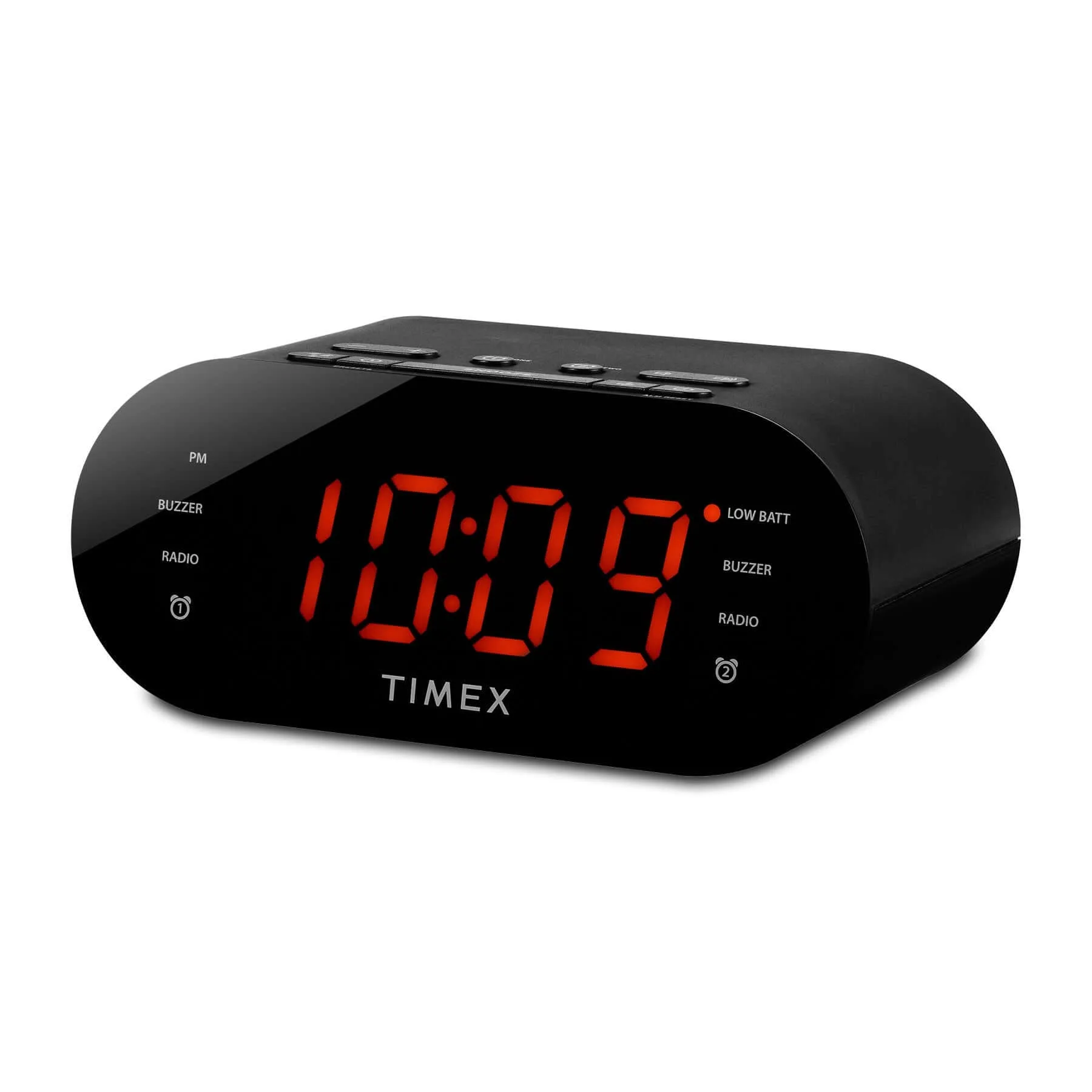
Timex Alarm Clock for Bedroom with FM Radio and USB Charging - Black (T232B)
-
Timex Alarm Clock for Bedroom with FM Radio and USB Charging - Black (T232B): Store up to 10 FM radio preset stations. Saves your favorite stations so you don't have to search each time you want to listen or wake to a specific channel.
-
Timex Alarm Clock for Bedroom with FM Radio and USB Charging - Black (T232B): Adjustable sleep timer (10-90 minutes). Useful if you like falling asleep to the radio without leaving it on all night.
-
Timex Alarm Clock for Bedroom with FM Radio and USB Charging - Black (T232B): USB charging port on back of unit. Keeps your smartphone or other device charged overnight without needing a separate charger.
-
Timex Alarm Clock for Bedroom with FM Radio and USB Charging - Black (T232B): Built-in battery backup system (2 AAA batteries required). Maintains time and alarm settings during a temporary power outage so you don't have to reset everything.
What the Supplied Information Does Not Confirm
The supplied facts do not specify the exact charging speed (amperage) of the USB port, the FM radio's reception range, or whether the alarm volume can be set to a specific level beyond the volume switch for loud or soft. If these details matter for your setup, check the user guide included with the clock or contact Timex support.