Traveling with a Steam Deck and an ROG Ally X means you’re ready for gaming anywhere — but carrying two handheld consoles requires a bit of planning. Whether you’re hopping on a plane, taking a road trip, or commuting, you want both devices protected and accessible without turning your bag into a jumbled mess.
The key is choosing a bag with padded compartments and smart organization. In this guide, we’ll cover practical tips for packing, protecting, and carrying both consoles, along with accessories that make dual console travel easier.
Choose a Bag with Separate Padded Compartments
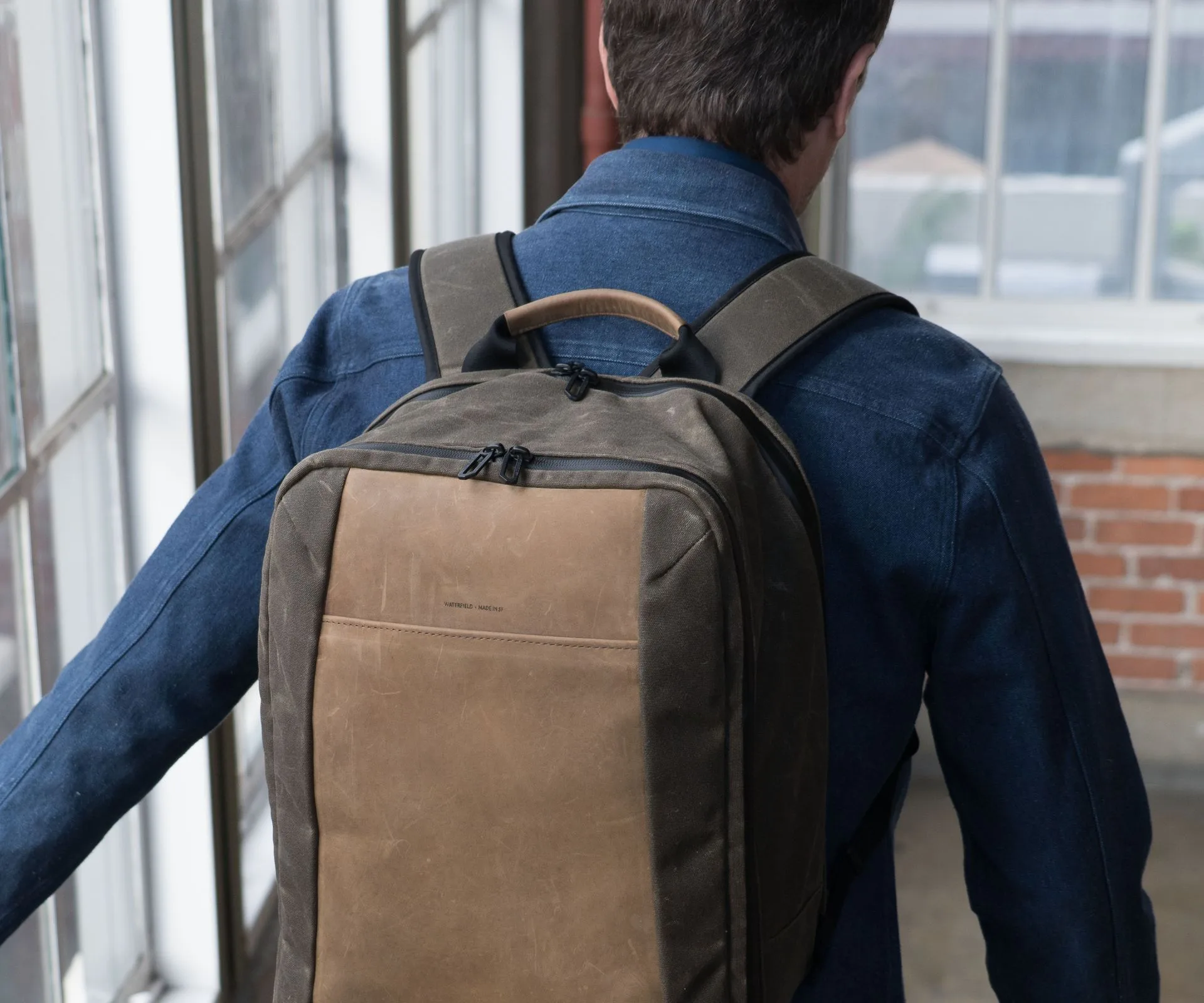
The biggest risk when carrying two consoles is them bumping into each other or getting scratched by cables and chargers. A bag like the Pro Executive Laptop Backpack offers multiple padded sections that can isolate each device. Its main compartment can hold a laptop, while the secondary padded pocket fits one console, and the top pocket can secure the other with a sleeve or pouch.
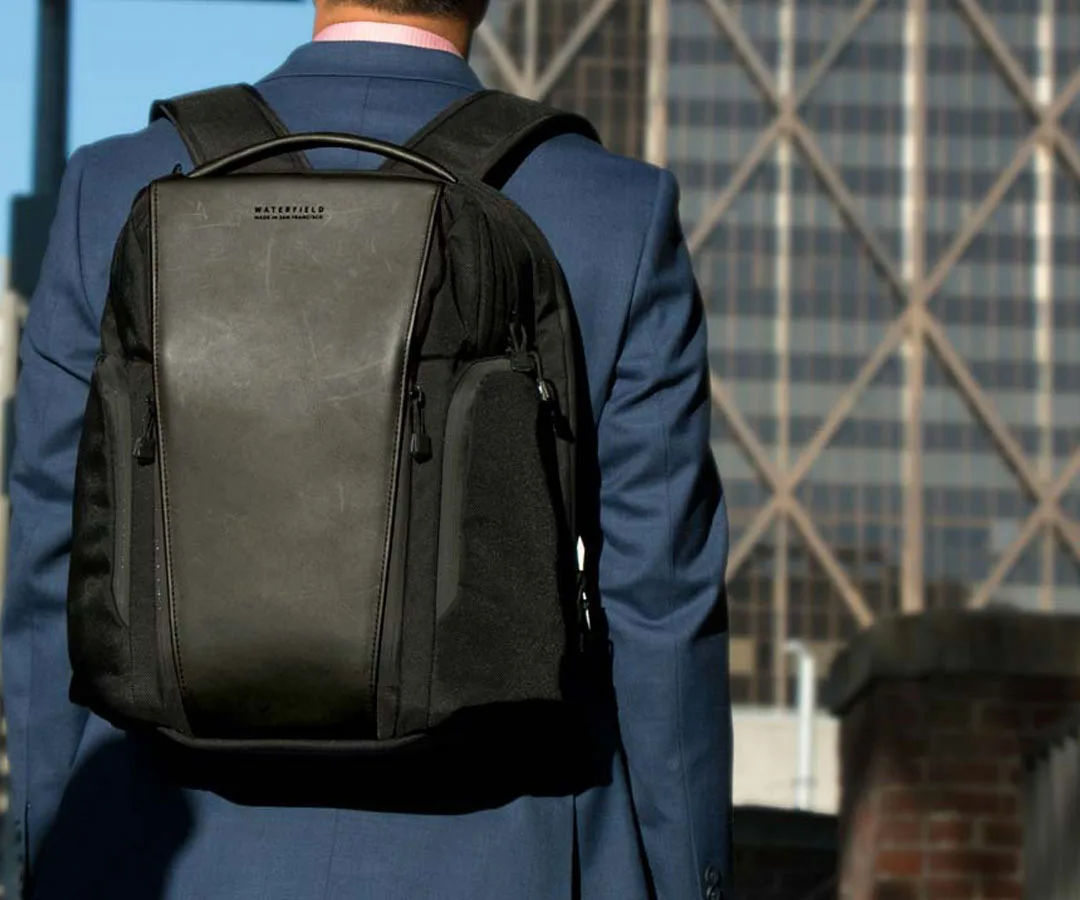
Pro Executive Laptop Backpack
Alternatively, the https://fashionfuseai.shop/products/essential-laptop-backpack-canvas-edition-157787Essential Laptop Backpack - Canvas Edition provides a large main compartment with a padded laptop sleeve, plus front organizer pockets. You can place one console in the sleeve and the other in a dedicated case like the Analogue Pocket Pouch (though designed for another device, its padded interior works for any handheld). The goal is to prevent direct contact between the two consoles.
- Use a padded sleeve or pouch for at least one console to add an extra layer of protection.
- Avoid stacking consoles on top of each other — use vertical separation when possible.
Organize Cables and Accessories to Avoid Tangles
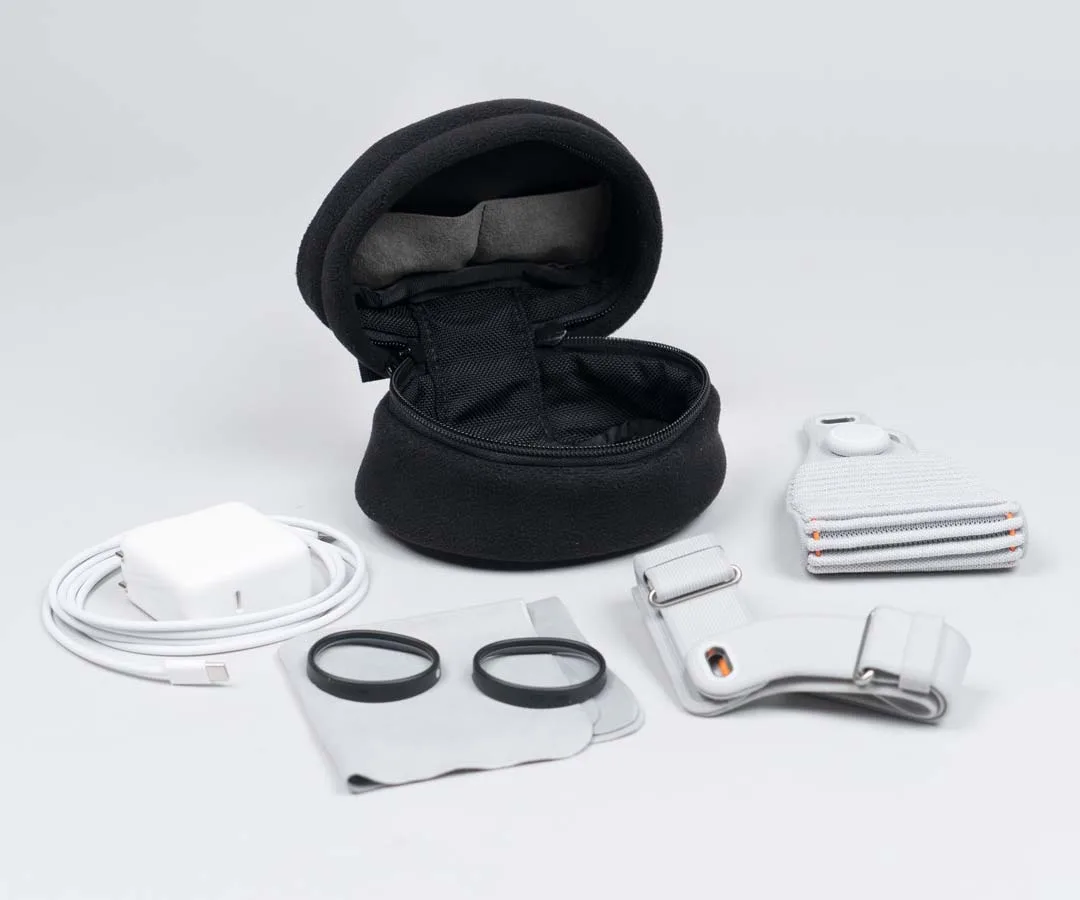
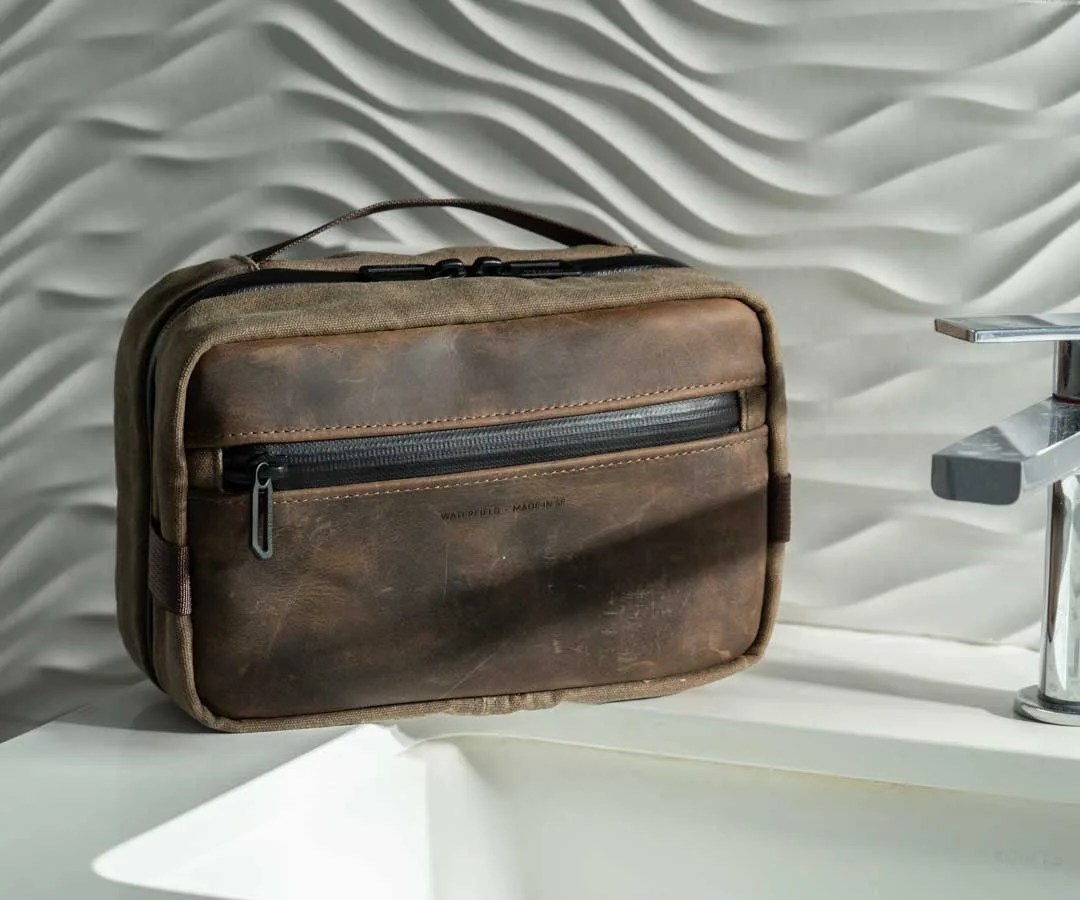
Each console comes with its own charger, cable, and possibly a dock or external battery. Mixing them together can lead to tangled cords and wasted time. Use small pouches or the built-in organizer pockets in your bag to keep each console’s accessories separate. For example, the Air Porter Carry-On Bag has a dedicated electronics organizer that can hold two sets of cables and chargers.
Labeling cables with simple tags or color-coded bands can also help you grab the right one quickly. If you’re carrying a power bank, make sure it fits in an easy-access pocket so you can charge on the go. The Carabiners can be clipped to your bag’s loops to hold earbuds or a small cable pouch within reach.
- Use small zippered pouches for each console’s charger and cable.
- Keep a power bank in an external pocket for quick top-ups during travel.
Protect Screens and Analog Sticks During Transit
The Steam Deck and ROG Ally X both have large screens and exposed analog sticks that can get damaged if pressed against other items. Always store them screen-side up and avoid placing heavy items on top. A hard-shell case like the Magnetic Case for Nintendo Switch 2 can double as a protective shell for one console (though designed for Switch 2, its interior padding works for similar-sized devices).
For additional screen protection, consider using a microfiber cloth or a thin screen cover between the console and any adjacent items. If your bag has a tablet sleeve, that’s often a safe spot for one console. The PC Laptop SleeveCase can also serve as a padded insert for a console inside a larger bag.
- Always place consoles screen-side up in their compartments.
- Use a soft cloth or sleeve to separate the screen from other gear.
Maximize Space with a Packable Backup Bag
If you’re traveling light but still want to carry both consoles plus a change of clothes or a jacket, a packable bag can be a lifesaver. The Packable Backpack folds flat when not in use and can serve as a secondary carry for one console and accessories. This gives you flexibility — use your main bag for the bulkier items and the packable bag for the second console.
When going through airport security, having both consoles in separate bags can speed up the process. Place one in your personal item and the other in your carry-on. The AirTag Leather Luggage Tag can help you keep track of your main bag if you need to check it.
- Use a packable backpack as a personal item for the second console.
- Separate consoles into different bags for easier security screening.
Traveling with a Steam Deck and ROG Ally X doesn’t have to be stressful. By choosing a bag with padded compartments, organizing cables separately, protecting screens, and using a packable backup bag, you can enjoy your games wherever you go. Focus on protection and accessibility, and your dual console carry will feel effortless.