A solar-powered bird feeder is a joy to own — no wiring, lower energy bills, and the satisfaction of watching birds while the sun does the work. But what happens when clouds roll in or the days grow short? That's where the Solar Roof with battery backup comes in. It keeps your feeder camera and smart features running even during overcast stretches, so you never miss a moment of backyard action.
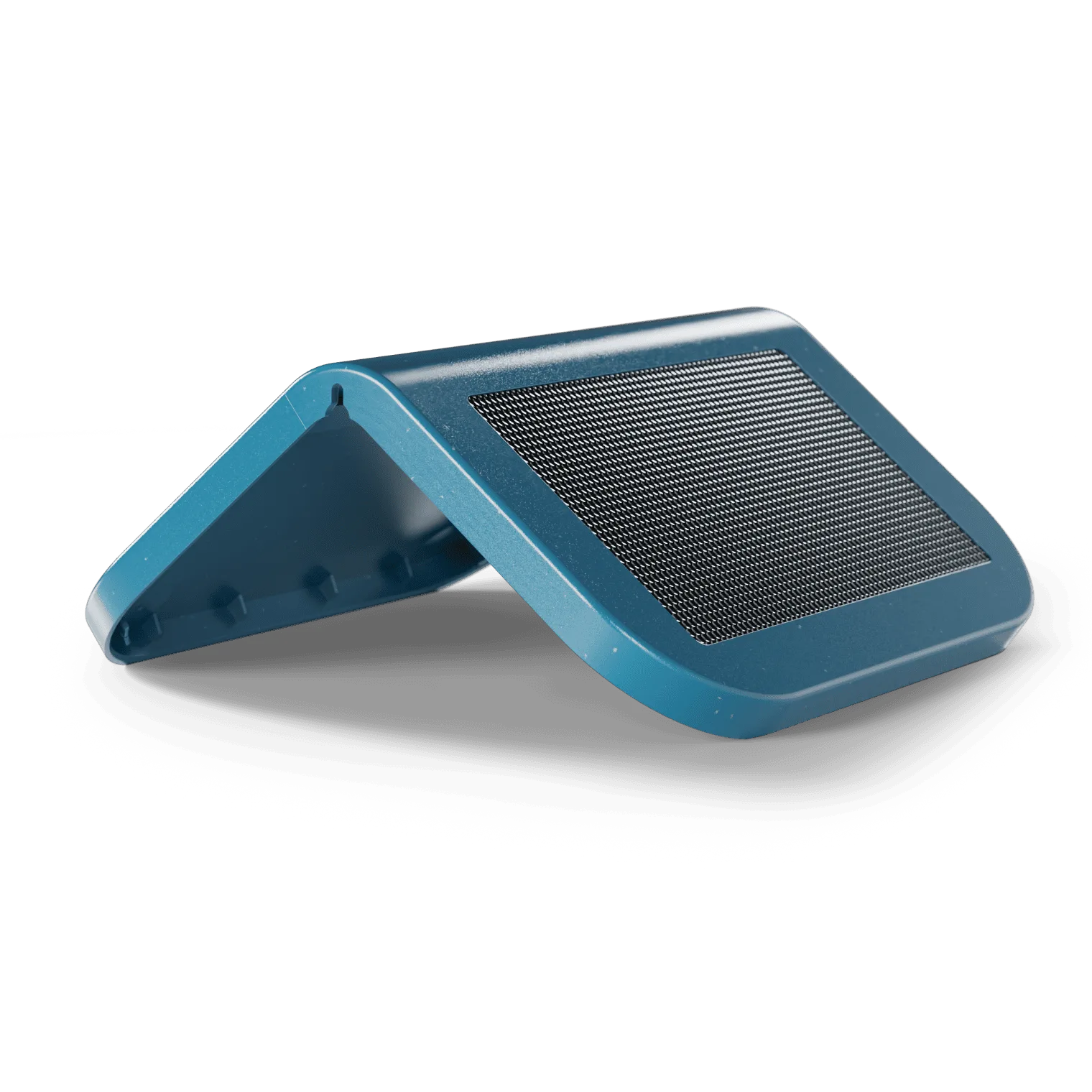
Solar Roof
In this guide, we'll share practical tips for getting the most out of your Solar Roof battery backup system. Whether you're setting up a new smart feeder or upgrading an existing one, these tips will help you extend runtime, improve solar harvesting, and keep your feeder operational through changing weather.
Understanding Your Solar Roof Battery Backup System
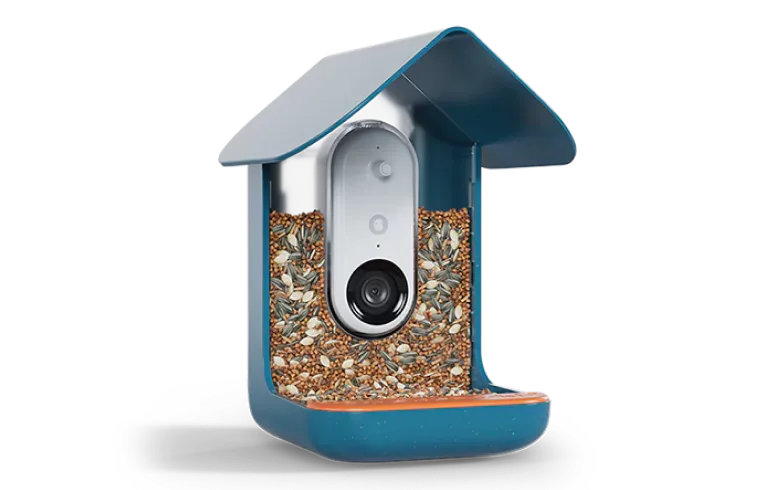
The Solar Roof is not just a panel — it includes a built-in rechargeable battery that stores energy for nighttime and cloudy conditions. This integrated design means you don't need separate batteries or adapters. When you pair it with a https://nexaelectroai.shop/products/birdbuddy-pro-solar-221217Birdbuddy Pro Solar, the entire system works seamlessly to capture sunlight by day and draw on reserves when the sun isn't shining.
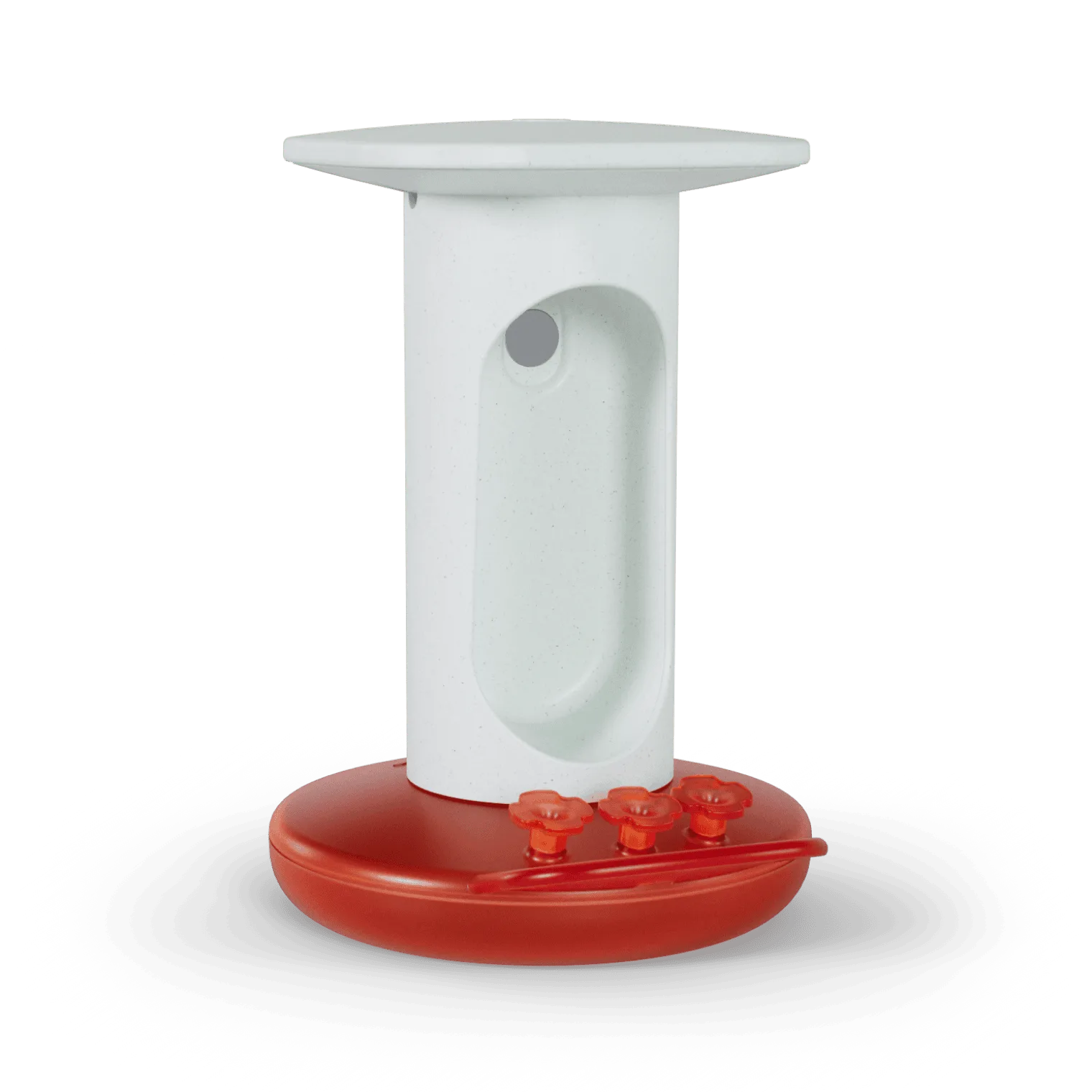
For hummingbird enthusiasts, the Smart Hummingbird Feeder Solar Roof offers the same battery backup advantage. Both models use a high-capacity lithium cell that can power camera live streaming, motion detection, and notifications for up to several days without direct sunlight. Understanding this capacity helps you plan placement and usage.
- Typical backup duration: 2–4 days of normal use (depending on activity and temperature).
- The battery recharges fully in about 6–8 hours of direct sun.
Installation Tips for Optimal Solar Harvesting
Position is everything. Place your Solar Roof where it receives at least 6 hours of direct sunlight daily. South-facing spots (in the Northern Hemisphere) work best. Avoid overhanging branches, eaves, or tall fences that cast afternoon shade. The Solar Roof tilts easily, so you can angle it toward the sun's path.
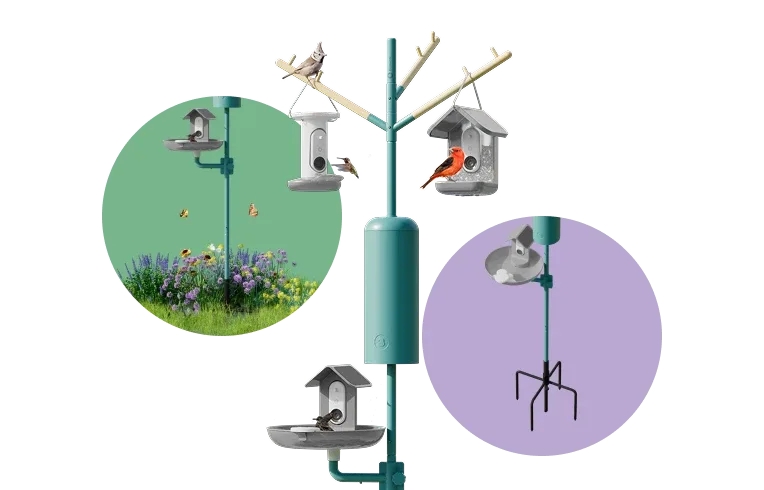
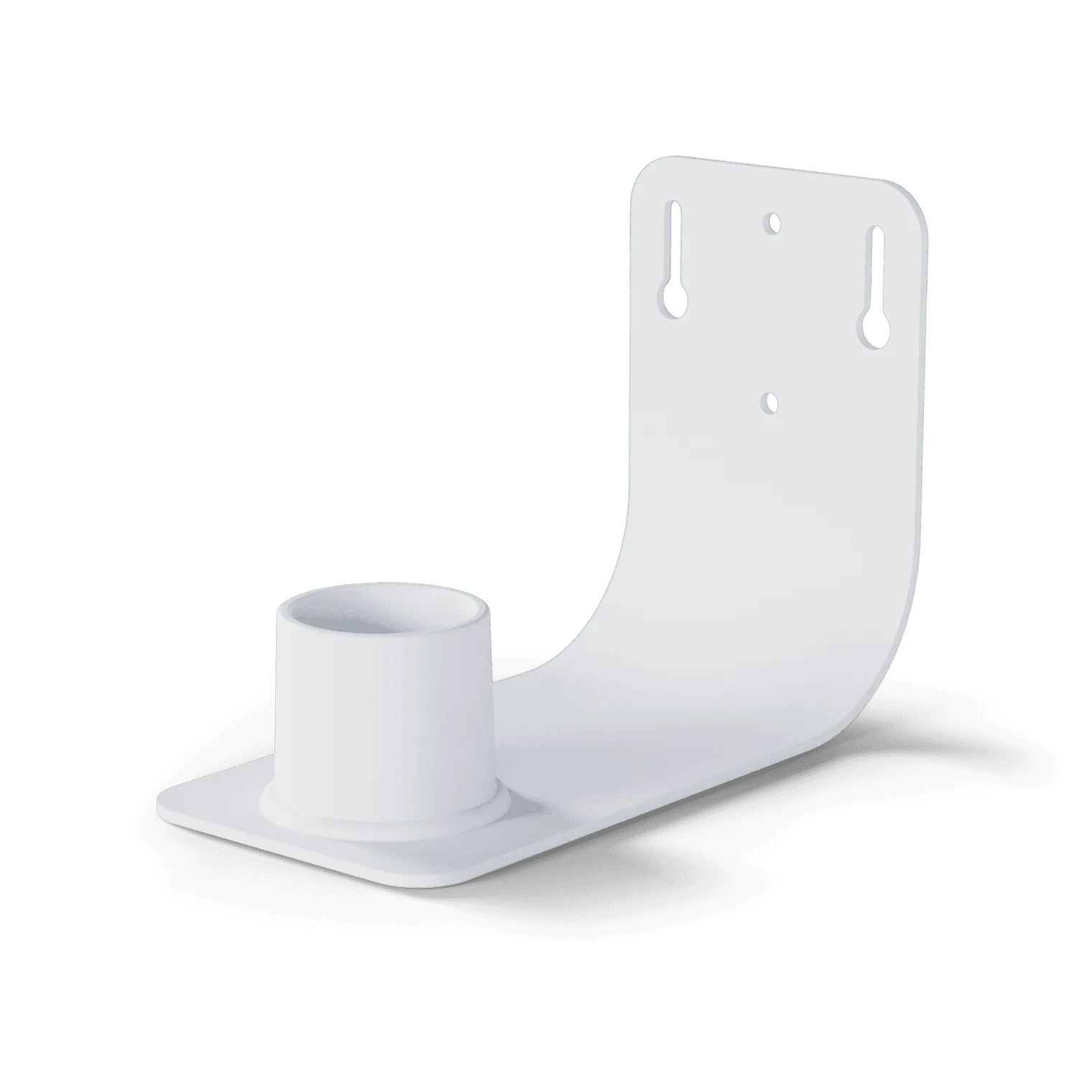
If you're mounting your feeder on a pole, consider using a Wall Mount to secure it to a sunny wall or fence. The extra height often improves sun exposure. For freestanding setups, ensure the feeder isn't blocked by nearby plants or structures. A quick observation of sunlight patterns over a week will reveal the ideal location.
- Use a clear line of sight to the southern sky if possible.
- Check for seasonal changes in sun angle — adjust position twice a year.
Maximizing Battery Life and Performance
Even with a great solar setup, small habits can extend battery life. First, reduce unnecessary notifications: in the Birdbuddy app, adjust motion sensitivity to avoid false triggers from wind or leaves. Fewer recordings mean less power draw. Also, keep the solar panel clean — dust, pollen, and bird droppings reduce charging efficiency.
Battery longevity also depends on temperature. Lithium cells perform best between 50°F and 86°F (10°C–30°C). In extreme cold, capacity temporarily drops; in extreme heat, avoid direct, prolonged sun on the battery itself (the panel is fine). The Solar Roof's design helps shield the battery while maximizing panel exposure.
- Clean the panel with a soft, damp cloth every few weeks.
- Turn off the camera's infrared LED at night if not needed (app setting).
- If you expect several overcast days, consider attaching a backup power bank via USB.
Troubleshooting Common Battery Issues
If your feeder stops working even after a sunny day, first check the app's battery indicator. A reading below 20% means it needs more sun. Reposition the feeder or trim nearby vegetation. If the battery icon never reaches 100%, the panel may be partially shaded — even a small shadow can cut output by half.
Occasionally, the system's firmware may need an update. The Birdbuddy Pro Solar and Smart Hummingbird Feeder Solar Roof receive over‑the‑air updates that optimize power management. Ensure your app is up to date and the feeder is connected to Wi‑Fi. If the battery seems to drain unusually fast, a reset or factory restore can clear software glitches.
- Verify Wi‑Fi signal strength — poor connectivity increases power usage.
- In very cold climates, bring the battery indoors if the feeder will be unused for weeks.
Seasonal Considerations for Reliable Backup Power
Winter brings shorter days and lower sun angles. If you live in a region with heavy snow, clear the panel after storms. The Solar Roof's battery backup is especially valuable in winter when birds rely on feeders most. Expect shorter backup runtime — but the system is designed to continue operating with careful management.
In summer, longer days mean abundant solar energy. Take advantage by letting the battery fully cycle — it's good for the cell's health. If you travel, the Solar Roof with battery backup will keep your feeder running and capturing visits. For extra peace of mind, pair it with the 3-in-1 Nutrition Set to provide varied food while you're away.
- In spring/fall, adjust panel tilt to match the changing sun elevation.
- Store the feeder indoors during prolonged severe weather to protect the battery.
Whether you're a weekend birdwatcher or a dedicated citizen scientist, the Solar Roof with battery backup ensures your smart feeder stays online through sun and clouds. By following these tips — from placement and cleaning to seasonal adjustments — you'll enjoy uninterrupted views of your feathered visitors. To get started, explore the Solar Roof and see how it can transform your Birdbuddy experience.