Quick Answer
Choose a TKL PCB if you want more layout flexibility and don't mind soldering; choose a 65% PCB if you prefer hotswap convenience and a compact size. Consider your desk space, need for function keys, and willingness to solder.
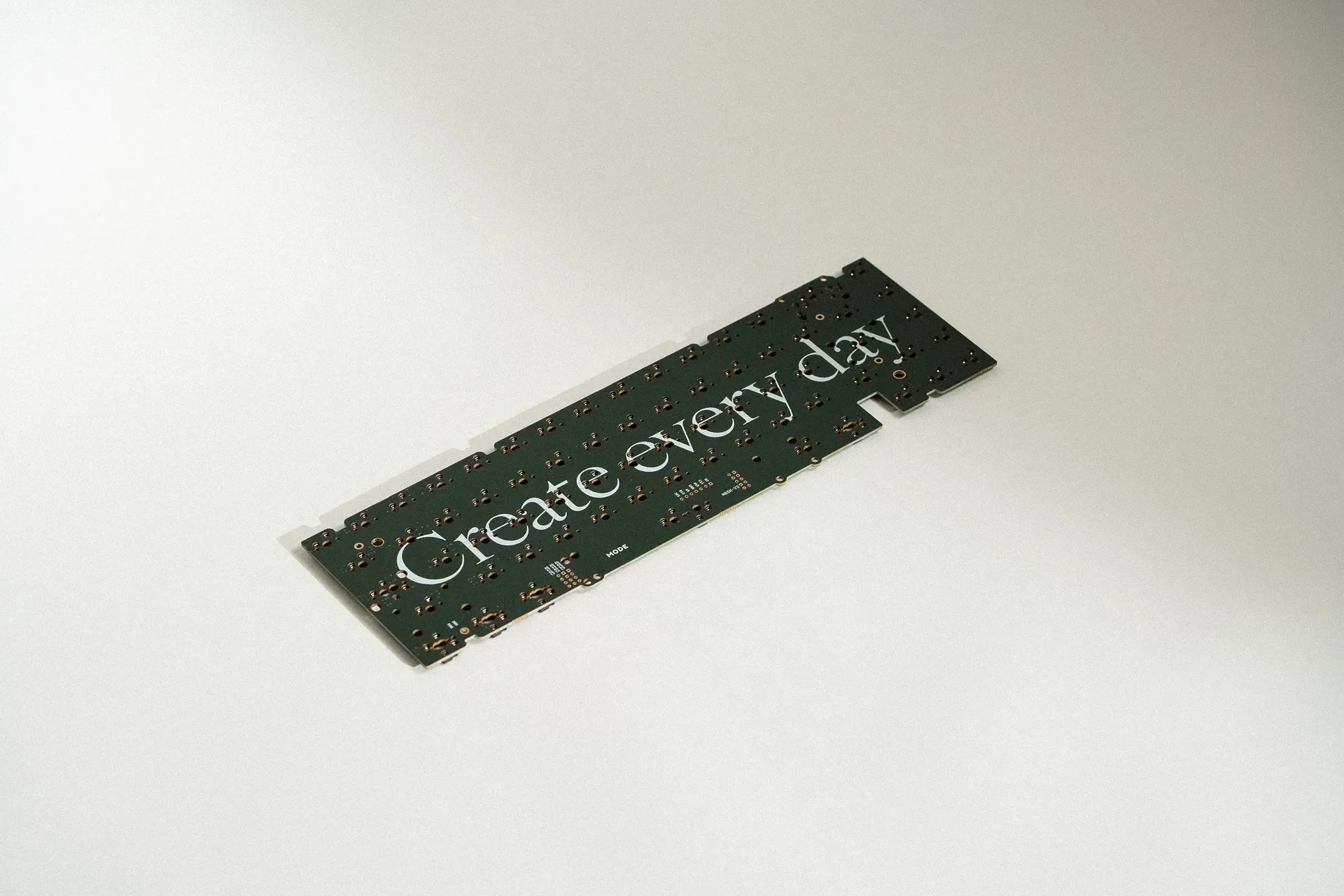
65% PCB
When building a custom keyboard, one of the first decisions is the form factor. TKL (tenkeyless) and 65% are two popular choices, each with distinct advantages. This comparison focuses on the PCB—the brain of your keyboard—and how it affects your build experience and daily use.
We'll look at layout options, tool requirements, and practical trade-offs to help you decide which PCB fits your needs. We'll also reference specific products from Mode Designs to illustrate the differences.
Understanding TKL and 65% Form Factors
TKL keyboards omit the numeric keypad but retain the function row, arrow keys, and navigation cluster. They offer a balance between functionality and desk space. A TKL PCB typically supports full-size layouts with dedicated function keys, which is great for productivity and gaming.
65% keyboards are more compact, removing the function row and navigation cluster while keeping arrow keys and some navigation keys (like Delete, Page Up, Page Down). This saves significant desk space but requires using layers to access function keys and other shortcuts.
- TKL: More keys, larger footprint, dedicated function row.
- 65%: Compact, arrow keys retained, function keys via layers.
PCB Compatibility and Layout Flexibility
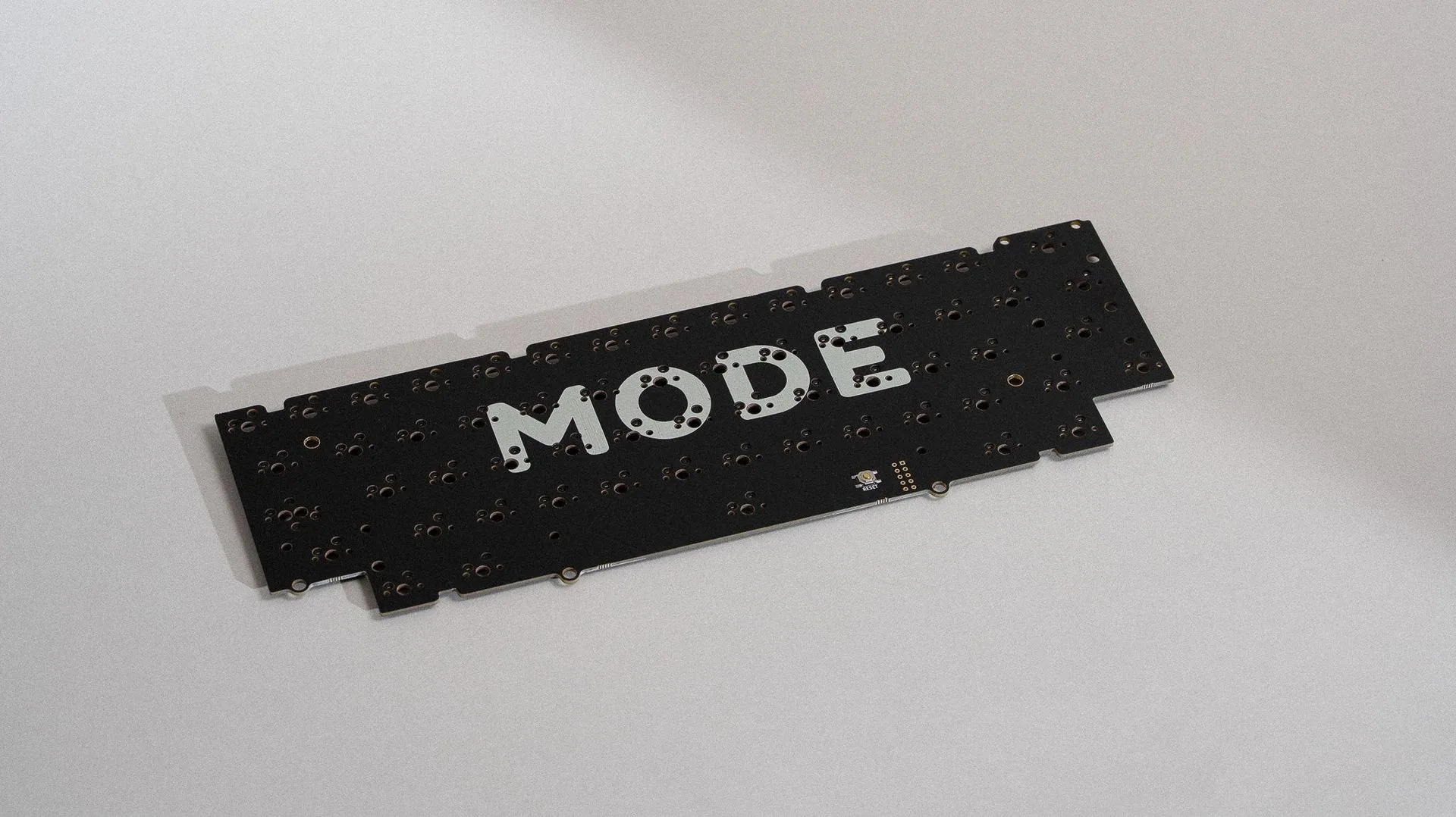
The PCB determines which layouts you can use. For example, the sonnet-pcb-320399">2024 Sonnet PCB from Mode Designs comes in both solder and hotswap versions. The solder PCB supports additional layouts, giving you more flexibility in key arrangement. The hotswap PCB is ANSI-only and requires a full plate, limiting layout options.
If you value layout flexibility and are comfortable with soldering, a solder PCB like the 2024 Sonnet PCB is a strong choice. If you prefer to swap switches without soldering, a hotswap PCB is more convenient, but you'll be restricted to certain layouts.
- Solder PCBs: More layout options, but require soldering iron.
- Hotswap PCBs: Easy switch changes, but fewer layout choices.
Build Difficulty and Tools Required
Building with a solder PCB requires additional tools, such as a soldering iron, and some skill. This can be a barrier for beginners but offers a more customizable experience. The 2024 Sonnet PCB's solder version enables additional layouts, which might be worth the extra effort for enthusiasts.
Hotswap PCBs are easier to assemble—no soldering needed. You can change switches on the fly, making it ideal for testing different switch types. However, you'll need to stick with the supported layout and full plate, which might not suit everyone.
- Solder PCB: Requires soldering iron and time.
- Hotswap PCB: No soldering, quick switch swaps.
Trade-offs at a Glance
- Layout Flexibility: Solder PCBs generally support more layouts, as seen with the 2024 Sonnet PCB. Hotswap PCBs are often limited to ANSI and full plates. If you want to experiment with layouts, choose solder.
- Ease of Build: Hotswap PCBs require no soldering, making them beginner-friendly. Solder PCBs require a soldering iron and more time. If you're new to building, start with hotswap.
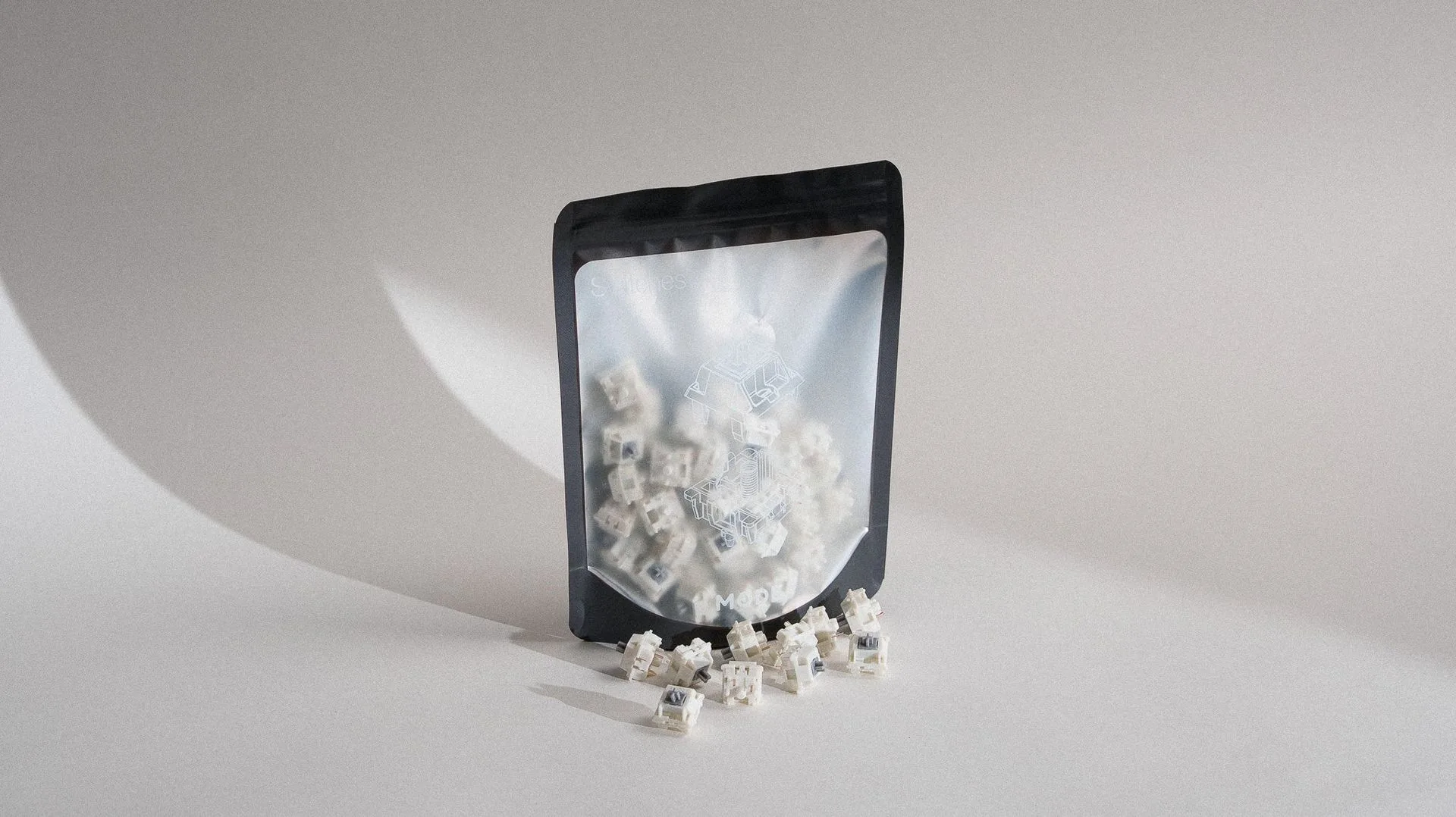
- Switch Swapping: Hotswap PCBs allow you to change switches without soldering, which is great for trying different switches. Solder PCBs make switch swapping more labor-intensive. If you like to experiment with switches, hotswap is the way.
Related Products
- 2024 Sonnet PCB: Building the Sonnet with a solder PCB will require additional tools (a soldering iron) to install switches. However, it enables additional layouts. The hotswap PCB (ANSI only) doesn't require any additional tools and allows you to change switches on the fly. However, you will only be able to use certain layouts and a full plate. Both hotswap and solder PCBs are wired-only. This illustrates the trade-off between layout flexibility and ease of assembly. If you want more layout options, choose the solder PCB; if you prefer convenience, choose hotswap.
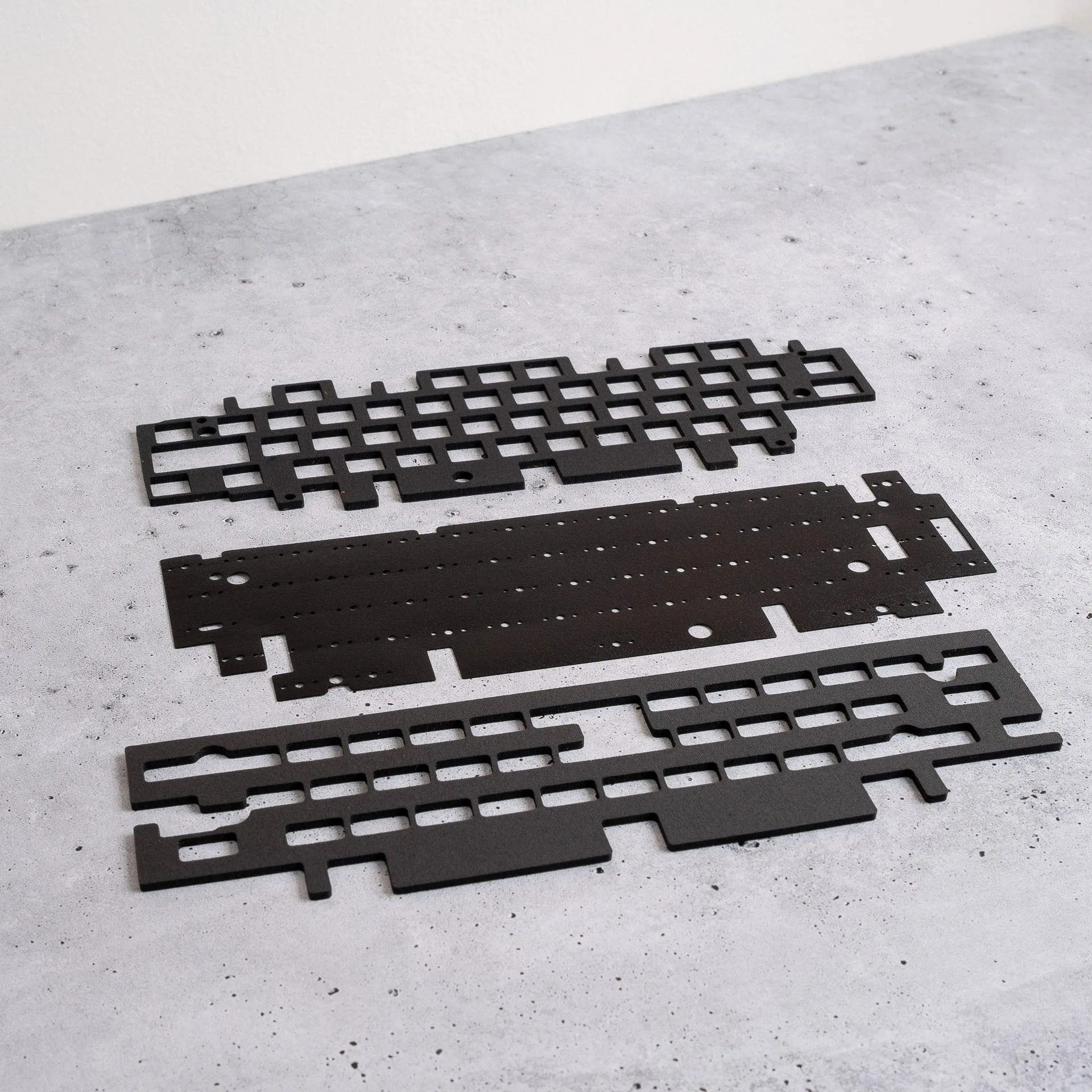
- Envoy: Envoy is a simple one-piece keyboard with softened edges and a subtle rear accent. It is easy to build and tune, making it a great choice for both newcomers and enthusiasts. Available in two editions: Mirage / Copper and Mirage / Silver Mirror. Choose between Solder or Hotswap PCB options. Select from FR4, Aluminum, Carbon Fiber, or Copper plates to customize the feel and sound. The Envoy offers both solder and hotswap PCB options, letting you decide based on your preferences for layout flexibility and ease of building. Its plate options also let you tune the typing feel.
Which Should You Choose?
Best for
- TKL PCB: Users who need dedicated function keys and don't mind soldering for more layout options.
- 65% PCB: Users who want a compact keyboard with hotswap convenience and easy switch swapping.
Not for
- TKL PCB: If you're a beginner who prefers no soldering and a smaller footprint.
- 65% PCB: If you need a function row and are comfortable with soldering to get more layouts.
Both TKL and 65% PCBs have their merits. Assess your priorities: layout flexibility vs. convenience, desk space vs. dedicated keys. With products like the 2024 Sonnet PCB and Envoy, you can tailor your build to your exact needs. Choose the one that aligns with your workflow and comfort level.