Standing desks have revolutionized the modern workspace, offering a healthier alternative to sitting all day. But to truly unlock their potential, you need the right accessories. Whether you're a remote worker, a gamer, or a creative professional, adding the right desk accessories can transform your setup from functional to phenomenal.
In this guide, we'll explore the top 5 standing desk accessories that every user should consider. From sleek cable management solutions to ergonomic upgrades, these products will help you stay organized, comfortable, and focused. Let's dive in.
1. Cable Management Solutions: Keep Your Desk Tidy
A cluttered desk is a distracted mind. One of the most overlooked yet essential standing desk accessories is proper cable management. Without it, your workspace can quickly become a tangled mess of wires, especially when you adjust your desk height. The Ultra Cable Management Bar is a game-changer in this department. It mounts under your desk and neatly routes all your cables, keeping them out of sight and out of mind. This simple addition not only improves aesthetics but also protects your cables from damage during height adjustments.
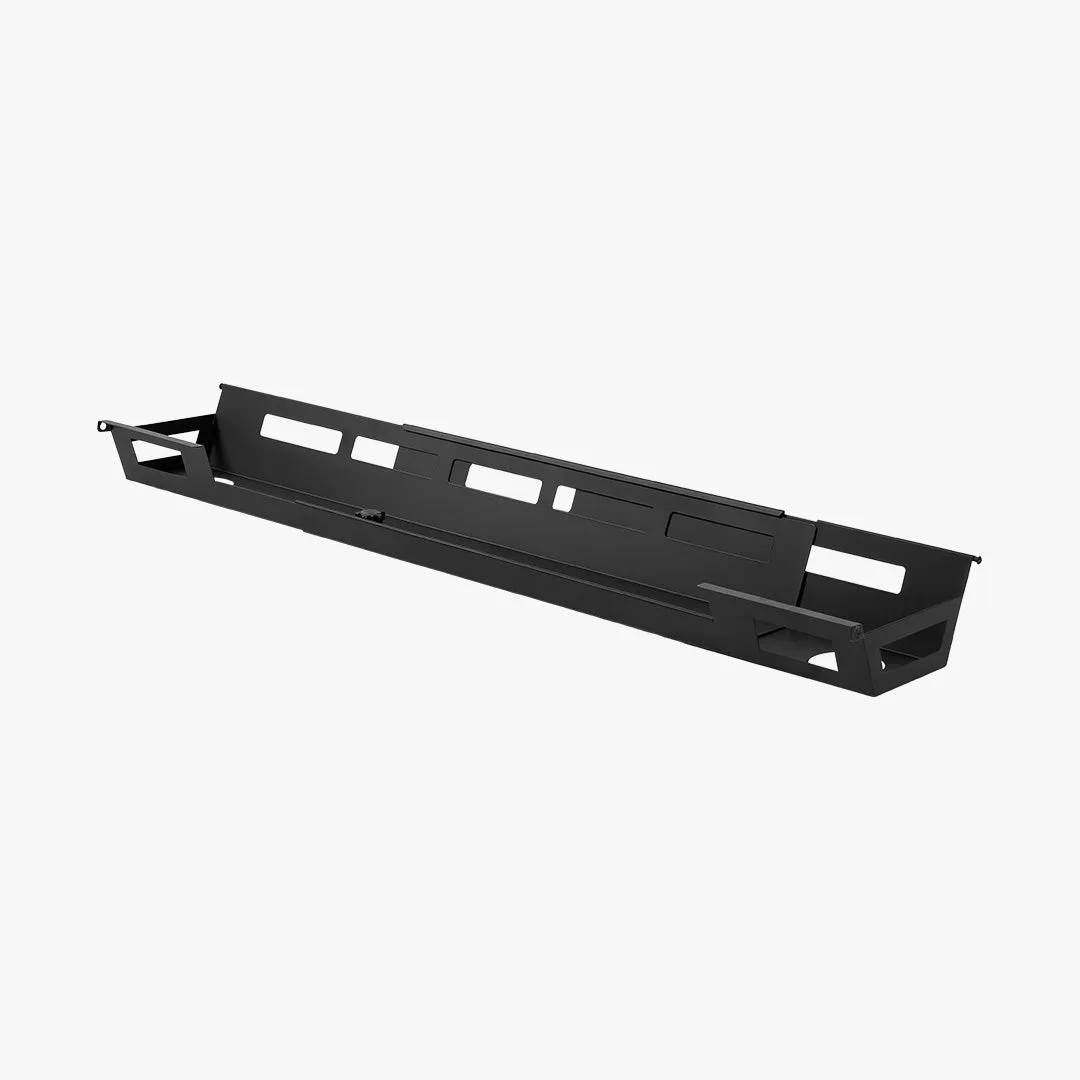
Ultra Cable Management Bar
For even more control, consider the MagRail, a magnetic cable management system that lets you attach and detach cables with ease. It's perfect for users who frequently swap peripherals. Together, these cable management accessories create a clean, professional look that enhances both focus and workflow.
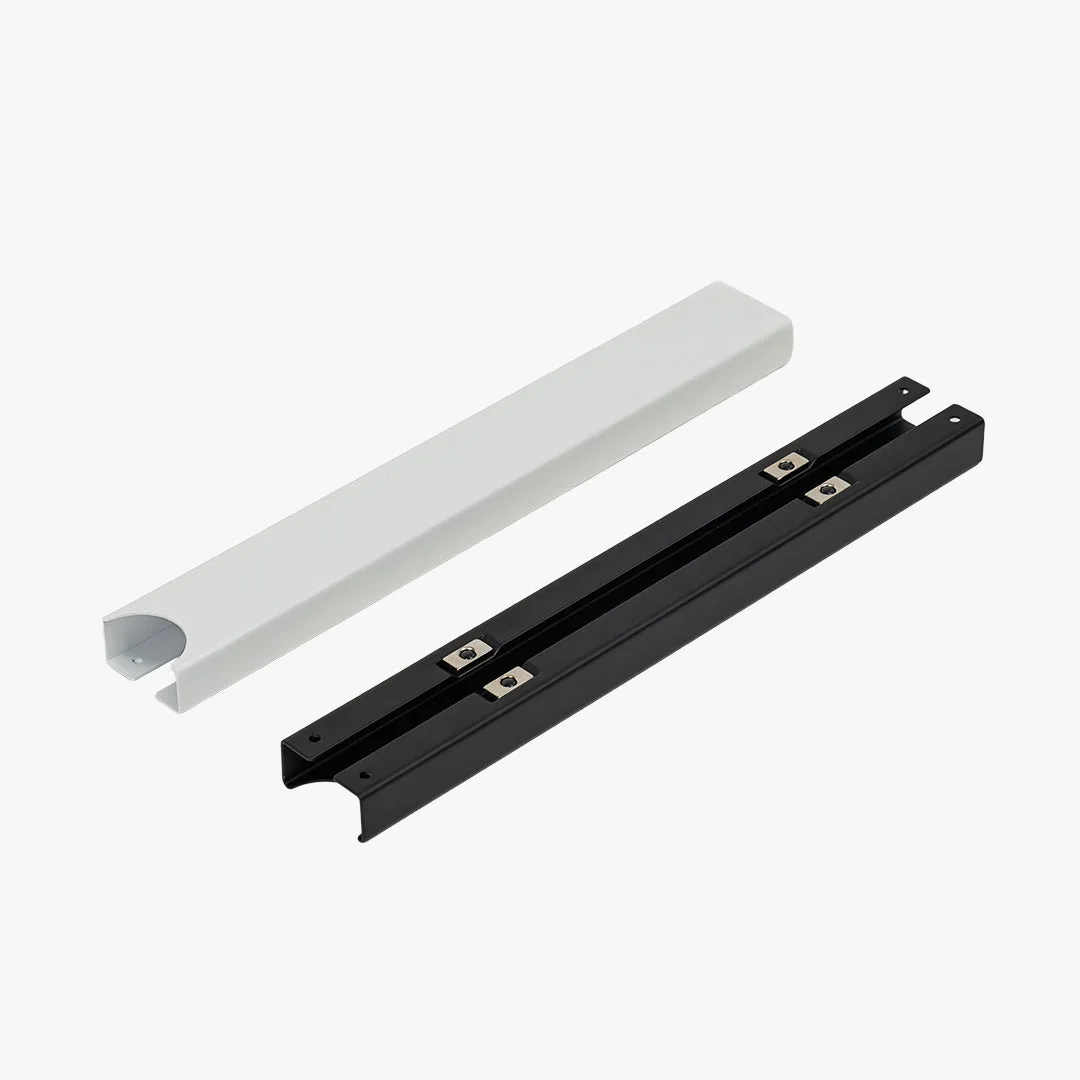
MagRail
- Tip: Use Velcro straps or cable ties alongside a management bar to bundle thicker power cords.
2. Ergonomic Seating: The Perfect Chair for Sit-Stand Desks
While standing desks encourage movement, you'll still need a great chair for those moments when you want to sit. The HÅG Capisco 8106 - Cura is an ergonomic marvel designed for dynamic sitting. Its unique saddle seat and adjustable backrest support multiple postures, including forward-leaning and perching. This chair pairs beautifully with any standing desk, allowing you to transition between sitting and standing without losing ergonomic support.
Investing in a high-quality ergonomic chair like the HÅG Capisco 8106 - Cura can reduce back pain and improve circulation. It's not just a chair; it's a tool for better health. When combined with a standing desk, you get the best of both worlds: movement and comfort.
- Tip: Pair your ergonomic chair with an anti-fatigue mat for even greater comfort during long standing sessions.
3. Speaker Upgrades: Elevate Your Audio Experience
Good audio can transform your work or play experience. Whether you're taking video calls, listening to music, or gaming, having quality speakers on your standing desk is a must. The Logitech G560 Lightsync PC Gaming Speakers deliver immersive sound with RGB lighting that syncs to your screen. They're compact enough to fit on a standing desk but powerful enough to fill a room.
For audiophiles who prefer studio-grade sound, the Edifier MR3 Powered Studio Monitor Speakers offer crystal-clear audio with a neutral frequency response. These speakers are ideal for content creators and music lovers alike. Both options can be easily mounted or placed on a shelf to keep your desk surface clear.
- Tip: Use a monitor arm to free up desk space for your speakers and create a cleaner setup.
4. Monitor Arms and Accessories: Optimize Your Screen Setup
Proper monitor positioning is key to reducing neck and eye strain. A monitor arm allows you to adjust your screen's height, tilt, and distance with ease. While not listed in our specific products, many users pair their standing desk with a monitor arm to achieve a floating screen effect. However, for those who want to keep their desk surface clutter-free, the Zero Ergo Curve is an excellent ergonomic keyboard tray that promotes a natural wrist position.
Another handy accessory is the CPU Roller Stand, which keeps your tower off the floor and within easy reach. This is especially useful for standing desks where floor space might be limited. By elevating your CPU, you also improve airflow and reduce dust buildup.
- Tip: Position your monitor at eye level so you don't have to tilt your head up or down.
5. Small but Mighty: Beverage Holders and Desk Care
Sometimes the smallest accessories make the biggest difference. The Refresh Beverage Holder clips onto your desk edge, keeping your drink within arm's reach without taking up valuable surface space. No more worrying about spills or reaching across your keyboard for a sip of coffee.
To keep your desk looking its best, the Wildwood Polish & Cloth is a must-have. It's specially formulated for wooden desktops, cleaning and protecting the surface from scratches and stains. Regular care extends the life of your standing desk and maintains its beautiful appearance.
- Tip: Place your beverage holder on the opposite side of your mouse hand to avoid accidental knocks.
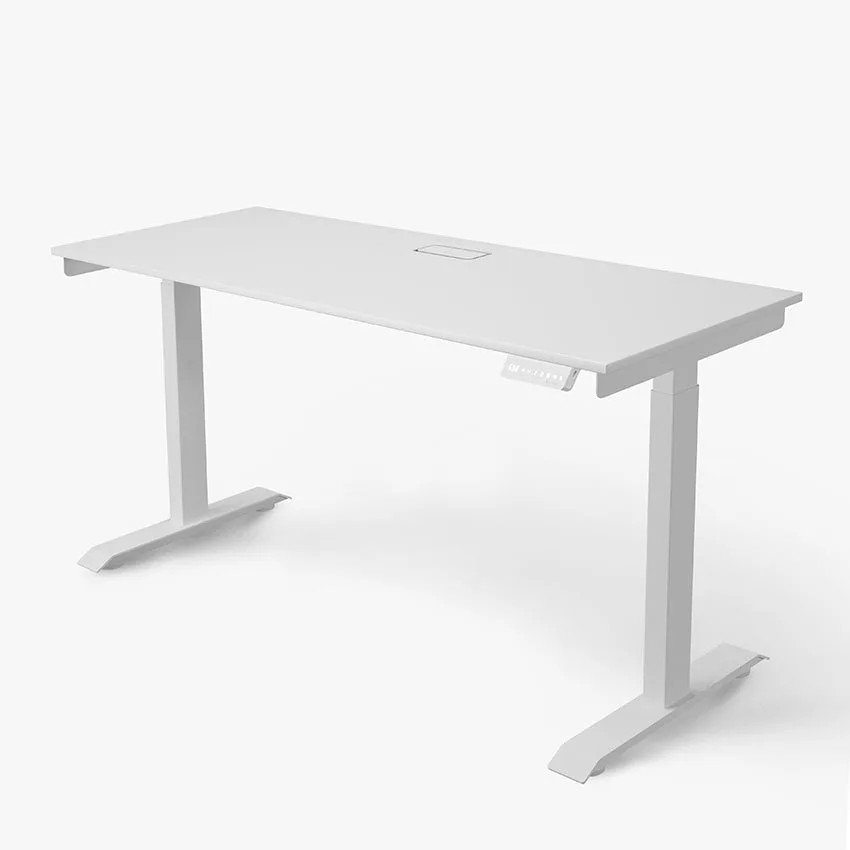
Enhancing your standing desk experience doesn't require a complete overhaul. With the right accessories — from cable management to ergonomic seating — you can create a workspace that's both functional and inspiring. Start with one or two upgrades and build from there. For a complete setup, explore the Omnidesk Essential, which pairs perfectly with many of the accessories we've discussed.