Why Dark Fabric Needs a Different Approach
Iron-on embroidery patterns are printed with a dark transfer ink that shows up well on light or white fabrics. On dark fabric, that same ink can be nearly invisible after transfer, making it hard to follow the design lines. The solution isn't a different pattern — it's a small adjustment to your transfer method and fabric preparation.
The VITAL ORGANS Iron-on Embroidery Patterns, for example, come as iron-on transfers on an 8 1/2" x 11" sheet with complete instructions for transferring onto fabric. Those instructions assume a standard light-colored fabric. For dark fabric, you'll need to adapt the process slightly to get a visible result.
Steps for Transferring onto Dark Fabric
- Choose a light-colored or white fabric backing: The simplest fix is to place a layer of light cotton or muslin behind your dark fabric before ironing. The transfer ink will show up against the light backing, even through a dark top layer. This works best for medium-weight fabrics that aren't too thick.
- Use a higher iron temperature within fabric-safe limits: Iron-on transfer ink requires heat to release from the paper and bond to the fabric. On dark fabric, a slightly hotter iron (still within the fabric's safe temperature range) can help the ink transfer more completely. Test on a corner first.
- Apply firm, even pressure for the full recommended time: Follow the transfer instructions that come with your pattern, but apply steady pressure across the entire design. Avoid sliding the iron — lift and press instead. This helps the ink penetrate the fabric fibers rather than sitting on the surface.
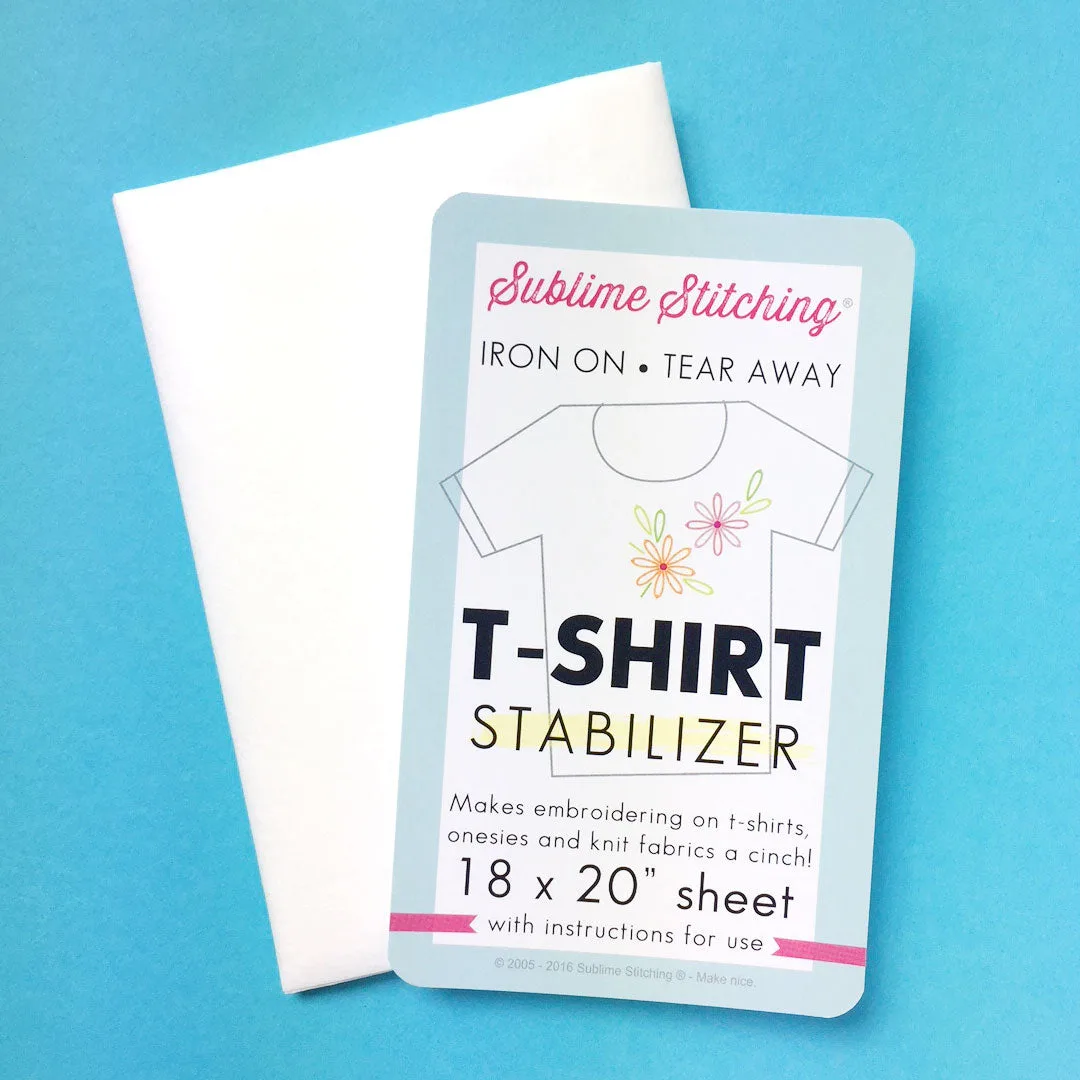
- Consider the PDF format for dark fabric projects: The VITAL ORGANS pattern is also available as a PDF with color guides. With the PDF, you can trace the design onto a light-colored transfer paper or use a water-soluble stabilizer printed with the design. This gives you more control over visibility on dark backgrounds.
What About the PDF Format?
If you're working with dark fabric often, the PDF format might be a better long-term choice. The VITAL ORGANS pattern is available as "PDF w/ color guides" — you print the design at home on regular paper, then trace it onto fabric using a light box or window. This method avoids the visibility issue entirely because you control the transfer medium.
The PDF format also includes a color guide and a quick embroidery how-to, which can help you plan thread colors that stand out against your dark fabric.
Pattern Facts That Affect Your Transfer Choice
-
VITAL ORGANS Iron-on Embroidery Patterns: Each set of iron-ons appears on an 8 1/2" x 11" sheet and includes complete instructions for how to transfer the designs onto fabric. The standard instructions assume a light fabric. For dark fabric, you'll need to adapt the method — for example, using a light backing or switching to the PDF format.

VITAL ORGANS Iron-on Embroidery Patterns
-
VITAL ORGANS Iron-on Embroidery Patterns: Choose iron-on transfers with downloadable PDF + COLOR guides, or get the PDF format alone. (You will need supplies for tracing and transferring when using a PDF printout.) The PDF format gives you more flexibility for dark fabric because you can trace the design onto a light-colored transfer medium or use a stabilizer that shows up well.
Choosing Between Iron-On and PDF for Dark Fabric
If you already have the iron-on sheet and want to use it on dark fabric, try the light backing method first. It's quick and doesn't require extra supplies beyond a piece of light fabric. If the design still isn't visible enough, switch to the PDF format for your next project.
The VITAL ORGANS pattern includes a full set of vital innards (intestines, brains, kidneys, and more) — a detailed anatomical design that benefits from clear, visible transfer lines. Taking a few extra minutes to set up your dark fabric correctly will save you from stitching blind.