Quick answer
The Transparent Spade to Banana Adapter lets you connect spade-terminated speaker cables to components with banana jacks. It's a simple, reliable solution for system flexibility.
Why Use a Spade to Banana Adapter?
Many high-end speakers and amplifiers accept spade connectors for a secure, high-contact connection. But some newer or compact components use banana jacks exclusively. The Transparent Spade to Banana Adapter bridges that gap without requiring you to re-terminate your cables.
The adapter is sold as a set of four, enough for a stereo pair of speakers. Each adapter is gold-plated for corrosion resistance and consistent signal transfer. The main trade-off is the added connection point, which is minimal with quality adapters but still worth noting for purists.
Common Mistakes to Avoid
A frequent error is forcing the spade connector into the adapter without ensuring it's fully seated. This can cause intermittent contact or damage the spade. Always check that the spade is centered and tightened evenly.
Another mistake is using the adapter on components that already accept spades. Only use it when you need to convert to banana. Overusing adapters can add unnecessary resistance and degrade signal quality.
How to Set Up the Transparent Spade to Banana Adapter
- 1. Prepare Your Cables and Components: Turn off your audio system and unplug the components. Identify the speaker cables with spade connectors and the component with banana jacks you want to connect. Common mistake: Forgetting to power down can cause a short or damage. Always power off first.
- 2. Attach the Adapter to the Spade Connector: Insert the spade connector into the adapter's slot. Ensure the spade is fully inserted and centered. Tighten the adapter's screw or clamp evenly until snug, but do not overtighten. Checkpoint: After tightening, give a gentle tug to confirm the spade is secure. Loose connections cause intermittent sound.
- 3. Connect the Adapter to the Banana Jack: Plug the adapter's banana plug end into the component's banana jack. Push firmly until you feel a click or full insertion. Repeat for all four adapters (two per channel). Common mistake: Pushing at an angle can bend the banana plug. Insert straight and steady.
- 4. Test the Connection: Power on your system and play audio at low volume. Check each channel for clear, consistent sound. If you hear static or dropouts, recheck the connections. Checkpoint: If one channel is silent, swap adapters to isolate whether the issue is the adapter or the cable.
Product Details
-
Transparent Spade to Banana Adapter: This gold-plated adapter allows the user to hook up spade-terminated speaker cables to components where banana connections are more desirable. Sold as a set of 4 adapters. The gold plating prevents oxidation and ensures a clean signal path, while the set of four covers a full stereo speaker setup.
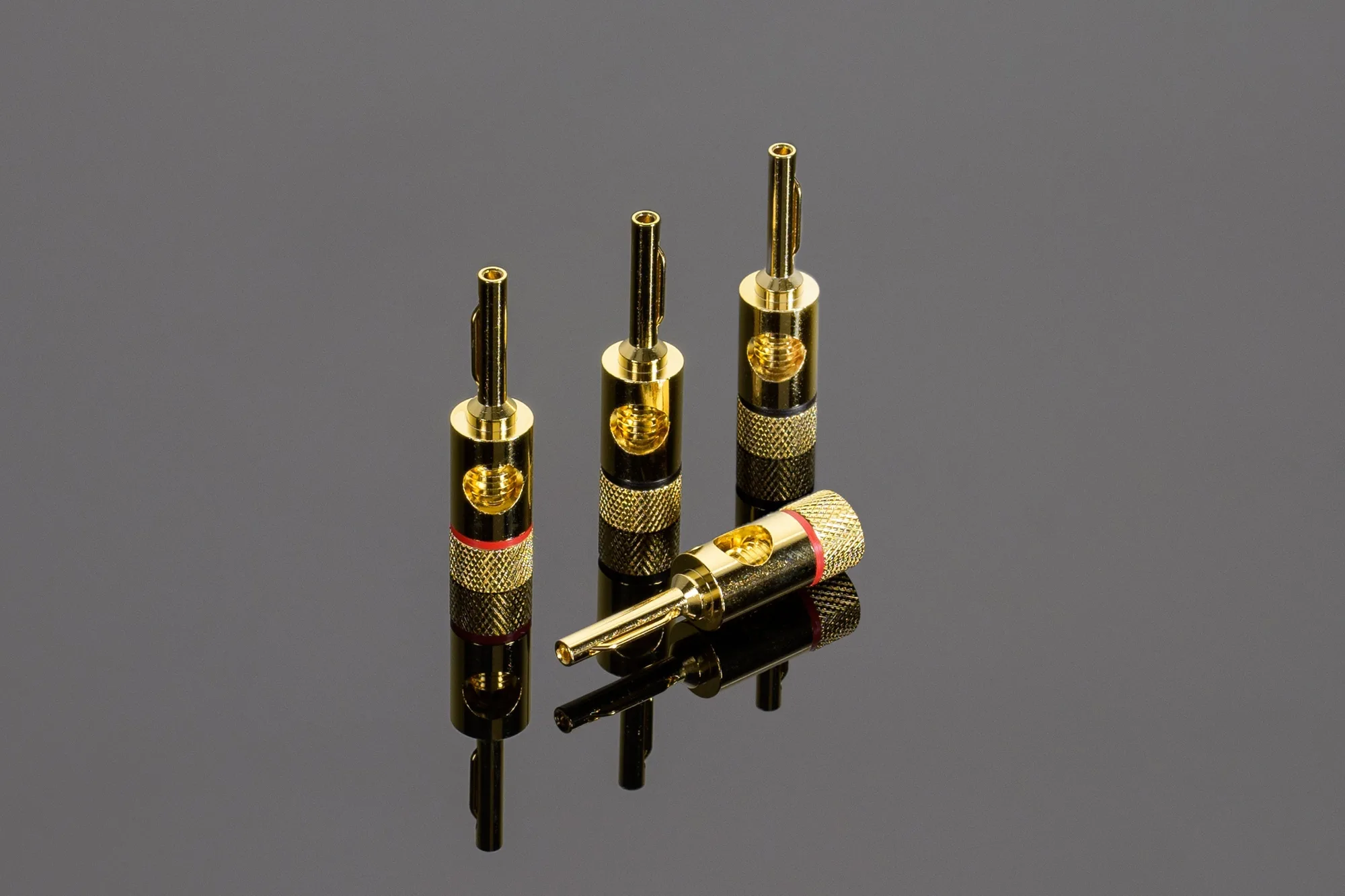
Transparent Spade to Banana Adapter