Quick Answer
If your Zendure SolarFlow battery isn't charging, start by checking the physical connections, ensuring the battery temperature is above -20°C, and verifying that the host device and app settings are correct. Most charging issues stem from loose cables, low sunlight, or incorrect configuration, which you can resolve at home. If the battery still won't charge after these checks, contact Zendure support for further assistance.
SolarFlow
A Zendure SolarFlow battery that won't charge can disrupt your home energy storage and leave you relying on the grid. Before you panic, know that many charging problems have simple fixes you can do yourself. This guide walks you through the most common causes and step-by-step solutions to get your battery charging again.
We'll cover everything from checking physical connections to adjusting app settings, and we'll help you identify when it's time to contact support. Follow these diagnostic steps in order, and you'll likely resolve the issue without needing a replacement.
Check Physical Connections and Cables
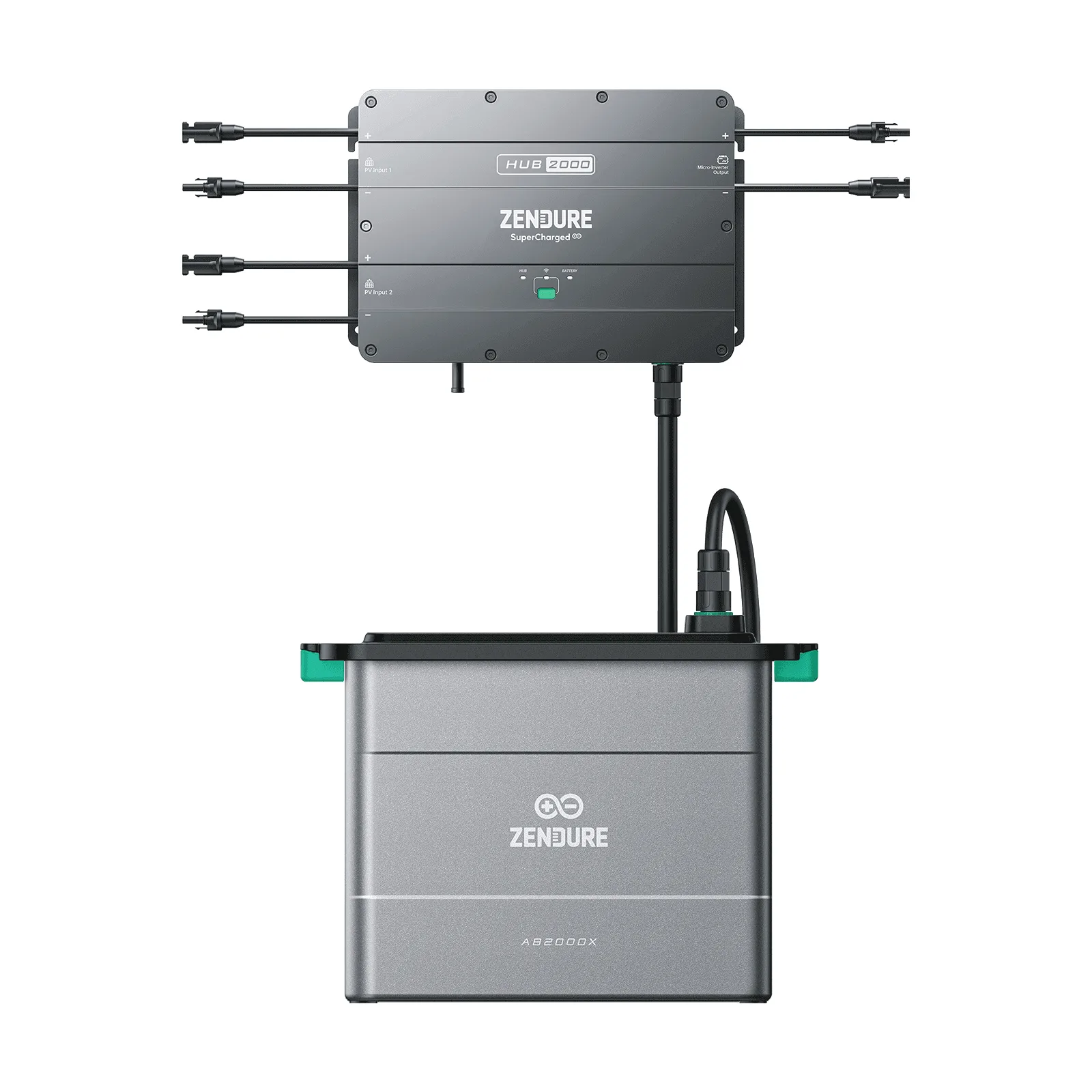
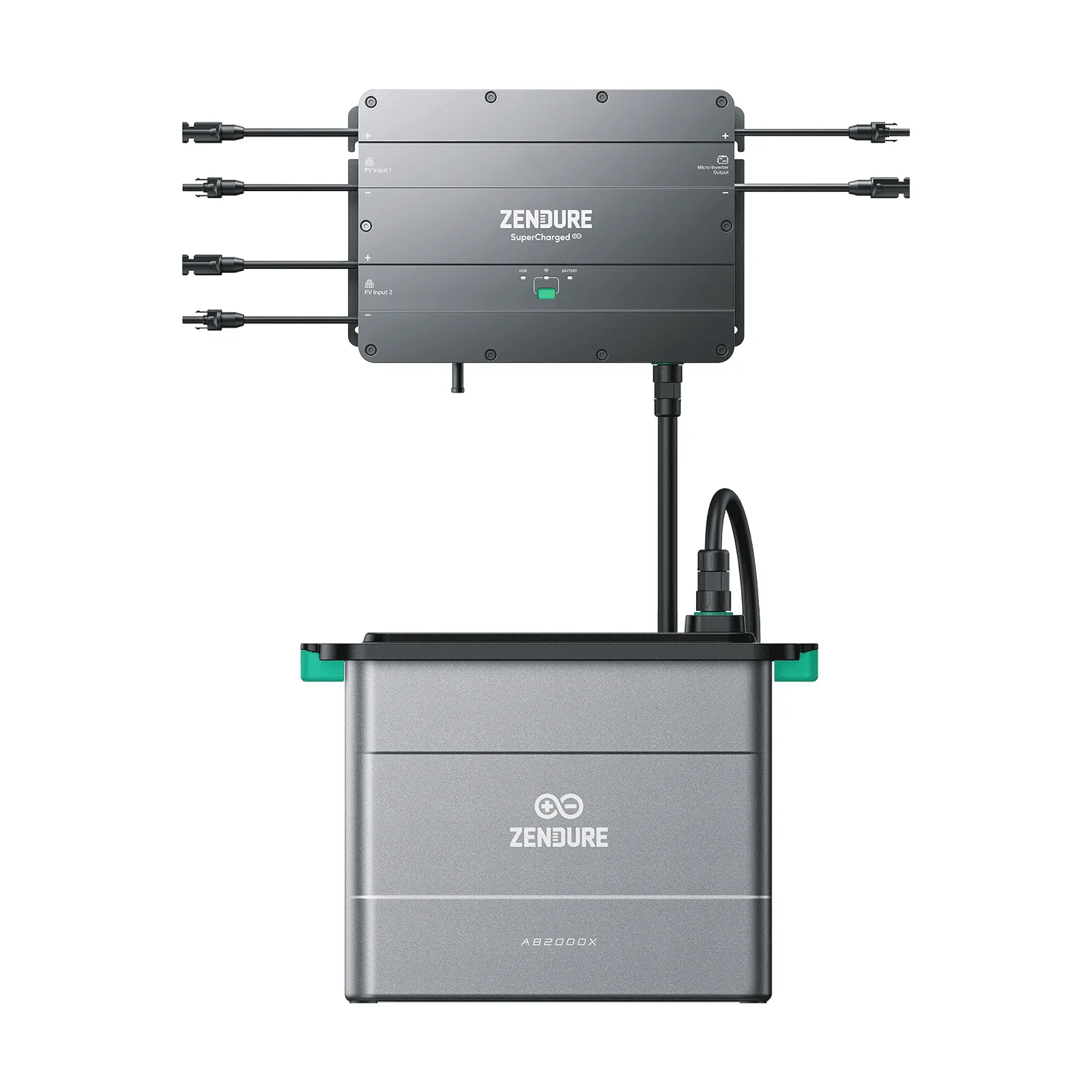
Loose or damaged cables are the most common reason a SolarFlow battery doesn't charge. Start by inspecting all connections between the solar panels, the host (like the SolarFlow 800 Plus or ACE 1500), and the battery itself. Ensure that MC4 connectors are fully seated and that there are no visible signs of wear or corrosion.
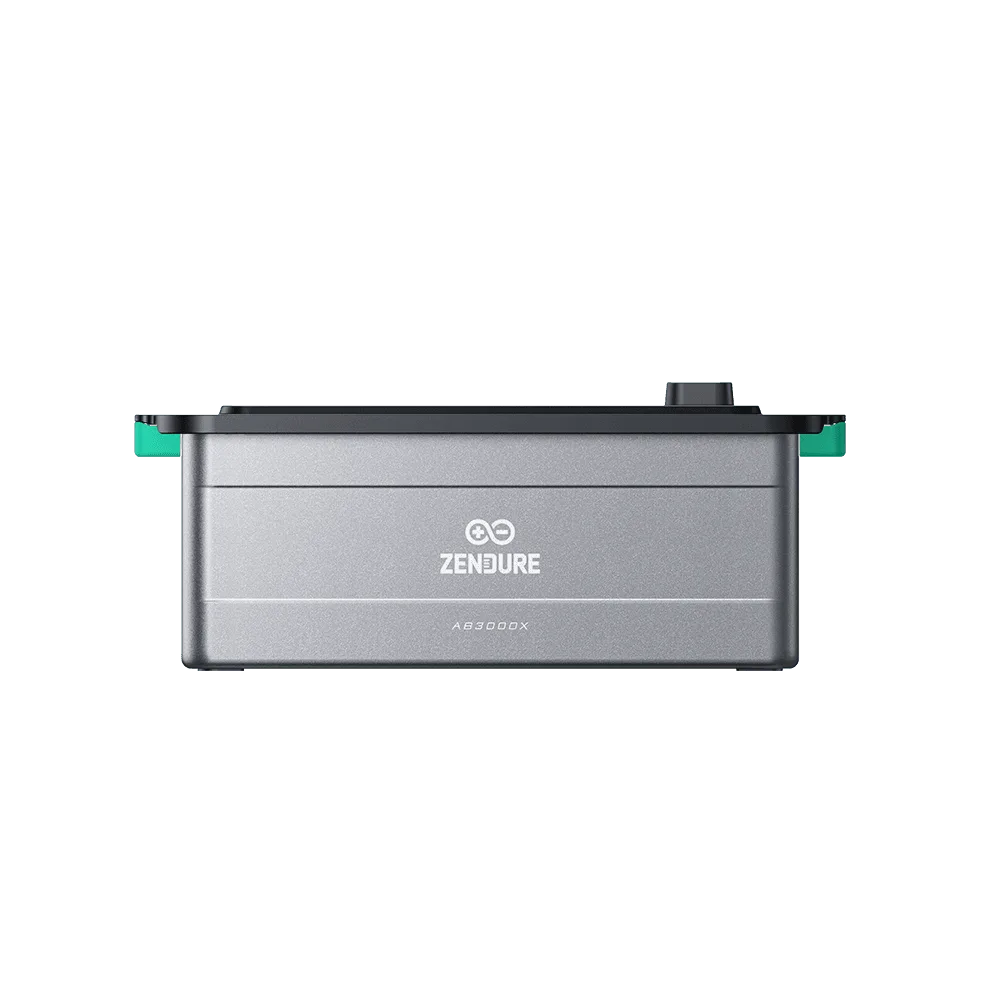
If you have an add-on battery like the AB2000, verify that it's properly stacked and connected to the main unit. For the AB2000L, check the compatibility with your host—it works with models like SolarFlow 1600 AC+, SolarFlow 800 Pro 2, and others. A mismatched connection can prevent charging.
- Power off the system before inspecting cables.
- Use a multimeter to test solar panel voltage if you suspect a panel issue.
Verify Temperature Conditions
Temperature extremes can affect battery charging. The Zendure SolarFlow Battery AB2000 is designed to charge at temperatures as low as -20°C thanks to an internal self-heating film that uses solar energy. However, if the temperature is below that threshold, the battery may not charge to protect itself.
If you're in a cold climate, ensure the battery is exposed to sunlight so the self-heating feature can activate. For other batteries, check the operating temperature range in your manual. If the battery is too hot or too cold, move it to a more moderate environment and wait for it to reach the optimal temperature before trying again.
- Place the battery in a location with direct sunlight during winter months.
- Avoid charging in extreme heat (above 40°C) to prevent thermal shutdown.
Inspect Solar Panel Output and Sunlight
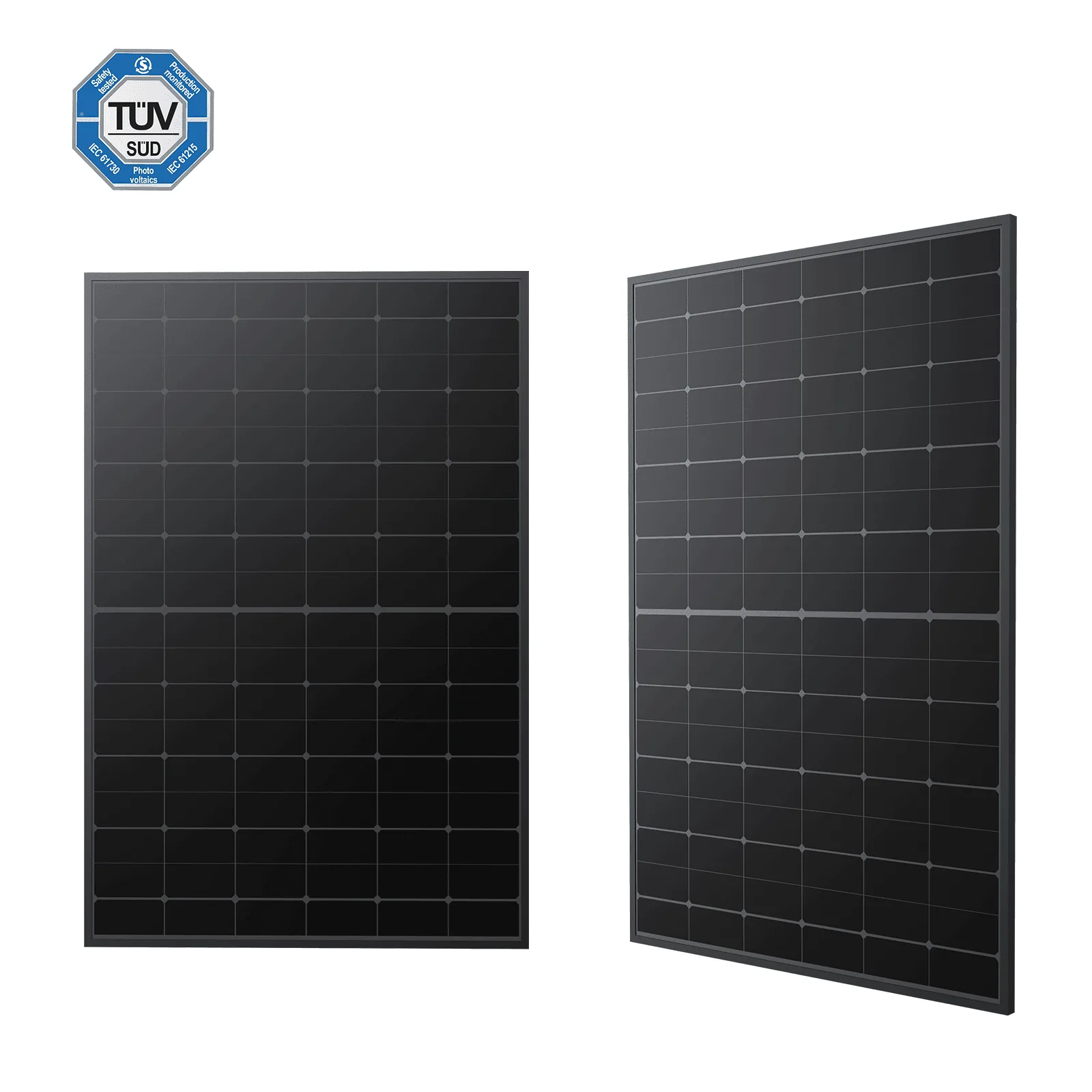
The SolarFlow system relies on solar energy to charge. If your panels are not producing enough power, the battery won't charge. Check the Zendure app to see the solar input. On a sunny day, a 500W bifacial panel can produce around 500W, but shading, dirt, or improper angle can reduce output.
Ensure your panels are clean and free from obstructions. If you have adjustable ground brackets, like the Support Brackets for Solar Panels, adjust the tilt angle to between 20° and 35° to capture maximum sunlight. Also, verify that the panel's connectors are properly attached to the host.
- Clean your solar panels regularly to maintain efficiency.
- Use the app to monitor daily solar generation and identify patterns.
Review Host Settings and App Configuration
Sometimes the issue isn't hardware but software. Open the Zendure app and check the host settings. Ensure that charging is enabled and that you haven't set a charge limit that prevents the battery from reaching full capacity. Also, verify that the system is in the correct mode (e.g., 'Eco' or 'Backup').
For systems like the SolarFlow 800 Plus, the host automatically adjusts charging and discharging based on your settings. If you've recently changed a setting, revert it and test again. Also, check if there's a firmware update for your host or battery—updates often fix bugs that cause charging issues.
- Reset the host by turning it off and on via the app.
- Consult the user manual for mode descriptions.
Diagnosis: Stop, Check, or Replace
- Symptom: Battery shows no charging in app: Check if the solar panels are producing power and if all cables are connected. If the app shows zero solar input, the issue may be with the panels or connections. If cables are secure and panels are clean, move to the next step.
- Cause: Low sunlight or panel angle: Ensure panels are facing the sun and not shaded. Adjust the tilt angle if you have adjustable brackets. If you're in a cloudy period, wait for better weather. If sunlight is adequate but battery still doesn't charge, check the host settings.
- Action: Reset and update: Power cycle the host via the app, check for firmware updates, and verify that charging is enabled in settings. If the battery still doesn't charge, try a different host if available. If after a reset and update the battery still won't charge, contact Zendure support for further diagnosis or replacement.
Zendure Products Mentioned
- Zendure Solarflow Battery AB2000: AB2000 is equipped with an internal self-heating film that can utilize solar energy and maintain the charging function even at temperatures as low as -20 °C. If your AB2000 isn't charging in cold weather, it may need sunlight to activate the self-heating film. Ensure it's not in a shaded, freezing location.
- Zendure SolarFlow Battery AB2000L: AB2000L can be paired with different hosts, such as SolarFlow 1600 AC+, SolarFlow 800 Pro 2, SolarFlow 800 Plus, to form a plug-in solar energy storage system. If you have an AB2000L, double-check that it's paired with a compatible host. An incompatible host can prevent charging.
Most Zendure SolarFlow charging issues can be resolved by checking connections, temperature, sunlight, and app settings. By following this troubleshooting guide, you can quickly identify the root cause and get your battery charging again. If the problem persists, don't hesitate to reach out to Zendure support for professional assistance.