What the i18 Motion Trigger Does
The littleBits i18 motion trigger bit acts like a motion sensor on an automatic door. When it detects movement nearby, it sends an ON signal to the next bits in your circuit. This makes it a natural choice for projects like a security light or an interactive display that responds to passersby.
Because the i18 is very sensitive, it can sometimes trigger unexpectedly or fail to respond as you expect. The following steps help you diagnose the most common issues without guessing.
Motion Trigger at a Glance
-
littleBits i18 motion trigger: With this Bit, you can control your circuits with motion. The motion trigger is similar to the sensor on an automatic door: when someone is moving nearby, it sends an ON signal to the following Bits. Understanding that the i18 works like an automatic door sensor helps you set realistic expectations for detection range and sensitivity.
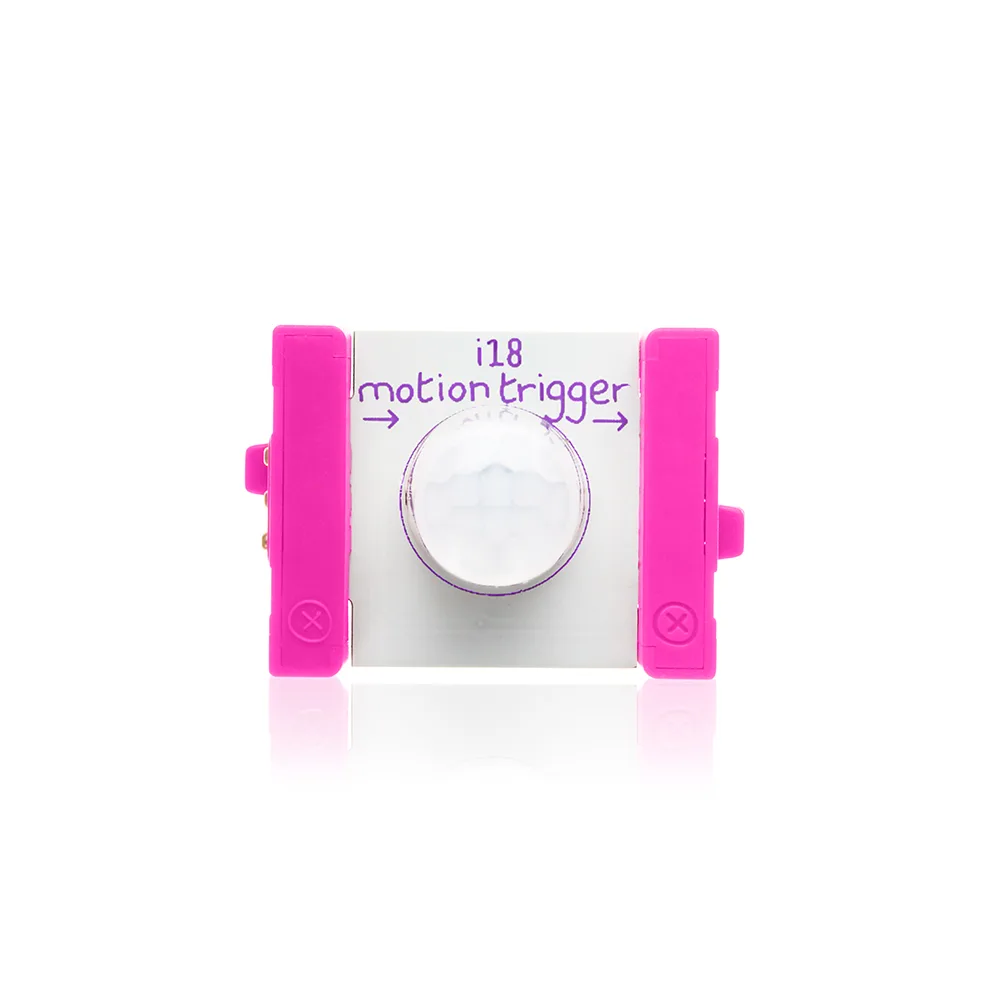
littleBits i18 motion trigger
-
littleBits i18 motion trigger: It's very sensitive, so don't move a muscle unless you want to be detected! The high sensitivity is a feature, not a bug. If the bit triggers too often, the solution is often to adjust the environment rather than the bit itself.
-
littleBits i18 motion trigger: Try it with some LEDs to create a security light. This suggested project gives you a simple, visual way to test whether the motion trigger is working correctly.
Common Symptoms and What to Check First
Before assuming the bit is faulty, rule out the most frequent causes. The i18 is a sensor that needs a complete circuit and proper power to function.
- No response when moving near the bit: Check that the power bit (such as the littleBits power or battery bit) is on and connected at the start of the circuit. The i18 needs power to detect motion and send a signal. Also confirm that the output bit (like an LED or buzzer) is connected after the motion trigger in the correct order.
- Trigger activates too often or randomly: The i18 is intentionally very sensitive. It may pick up movement from people walking several feet away, air currents, or even pets. Try testing in a quieter area or moving the bit to a location where only deliberate motion occurs near it.
- Trigger stays on continuously: If the bit detects constant motion (for example, a fan or curtain moving in its field), it will hold the ON signal. Remove any moving objects near the sensor. If the problem persists, disconnect the i18 and reconnect it to reset the circuit.
- Bit seems unresponsive after being stored: Check that the magnetic ends of the i18 are clean and free of debris. Dust or residue can interfere with the snap connection. Wipe the contacts gently with a dry cloth if needed.
Step-by-Step Diagnostic Check
Use these steps to isolate the issue when the i18 motion trigger isn't behaving as expected.
- 1. Verify the circuit order: The i18 must be placed after the power source and before the output bit. A typical test circuit: power bit → i18 motion trigger → LED bit. Reverse order will not work.
- 2. Confirm power is on: Make sure the power bit's switch is on. If using a battery, check that it is charged or has fresh batteries. The i18 has no visible indicator, so the output bit is your only clue that power is reaching the sensor.
- 3. Test with a known-working output bit: Replace the output bit with a simple LED bit that you know works. Move your hand directly in front of the i18 (within the range specified in the product instructions). The LED should light up when motion is detected. If it doesn't, the issue is likely with the i18 or the power.
- 4. Isolate the motion trigger: Remove all other bits except power and the i18, then add one output bit. This eliminates interference from other components. If the circuit works now, add bits back one at a time to find the conflicting bit.
- 5. Reset the bit: Disconnect the i18 from the circuit and wait for the duration specified in the product instructions. Reconnect it and test again. This clears any residual charge that might keep the sensor in an ON state.
When the Bit Still Doesn't Work
If you've gone through the diagnostic steps and the i18 motion trigger still doesn't respond, the bit may have a hardware issue. The supplied information does not include repair instructions or internal specifications, so we recommend contacting Sphero support or replacing the bit if it's within the return window.
For classroom use, having a spare motion trigger on hand can minimize downtime during lessons or projects.