Quick answer
Most build problems with the RC Smart Robot 3in1 come from incorrect wiring, loose connections, or misaligned gears. Check the motor polarity first, then verify gear mesh before testing the program.
Common wiring pitfalls
The 3in1 kit uses a simple control board with labeled terminals, but the small connector pins can be tricky to seat fully. A partially inserted wire causes intermittent motor or sensor behavior.
If your robot moves only in one direction or twitches, the motor wires may be reversed. Red to + and black to – is standard, but double-check the markings on your board.
Gear binding vs. motor failure
A grinding sound or no movement often points to gear mesh issues rather than a dead motor. The plastic gears can be over-tightened, causing binding. Back off the screws slightly to allow free rotation.
True motor failure is rare in this kit. Before assuming the motor is defective, test it directly with a battery pack to confirm it spins.
Programming glitches
The included remote uses a simple sequence for movement commands. If the robot doesn't respond, the remote may need fresh batteries or a re-pairing step (power cycle both units).
Some users find the manual's programming examples unclear. The key is to follow the exact timing for each command — too fast and the board skips the instruction.
Diagnosis guide
- Symptom: Robot does not move when powered on: Likely cause: Battery pack not connected or switch off. Corrective action: Verify battery pack is plugged into the board and the switch is set to ON. If still no movement, test motors directly with a 3V battery. If motors spin with direct power, the issue is in the control board or wiring.
- Symptom: Robot moves only in one direction or jerks: Likely cause: Reversed motor wires or loose connector. Corrective action: Swap the two wires on the affected motor terminal. Ensure connectors click fully into place. If swapping wires does not fix it, stop and check for gear binding before replacing parts.
- Symptom: Remote control has no effect: Likely cause: Remote not paired or dead battery. Corrective action: Insert fresh batteries in the remote. Turn off the robot, then turn it back on while pressing any remote button. Hold for 3 seconds. If pairing fails, try a different set of remote batteries. If still no response, the remote may be defective — contact support.
- Symptom: Gears grind or robot stutters: Likely cause: Over-tightened screws on gearbox or misaligned gear teeth. Corrective action: Loosen the gearbox screws by a quarter turn. Check that gears mesh without forcing. If grinding continues after loosening, inspect for broken teeth. Replace the gear if damaged.
Product facts
-
RC Smart Robot 3in1: The RC Smart Robot 3in1 is a robot kit that combines action, learning fun, and technical understanding. Its modular design means most troubleshooting focuses on the same few connection points, making fixes predictable.
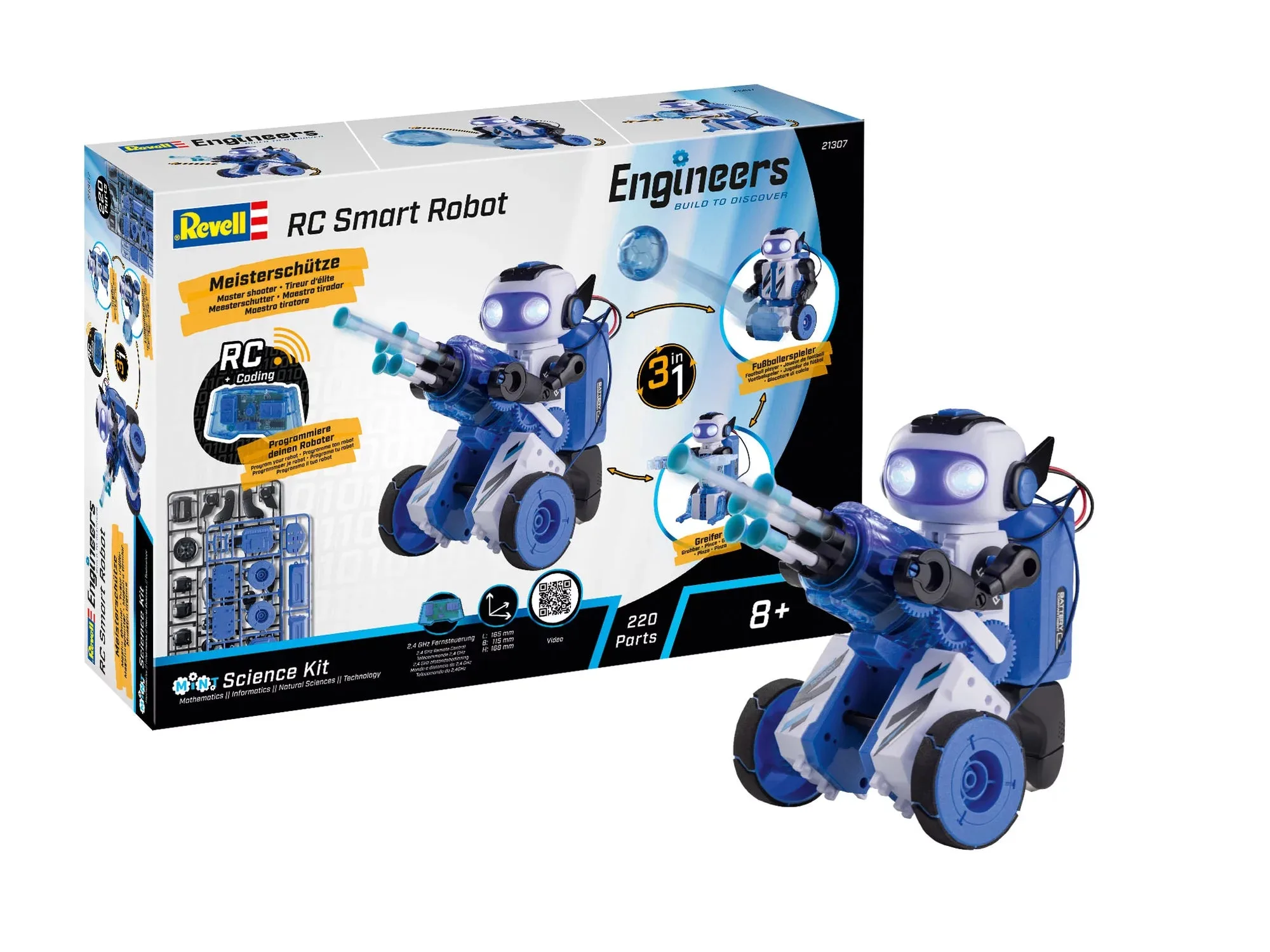
RC Smart Robot 3in1