Quick Recommendation
If you want a eye‑catching, waterproof laptop decal, start with the #1 Trash Collector holographic sticker, add a transfer sheet, and seal it with clear laminate. This method keeps the holographic shine while protecting the design from wear.
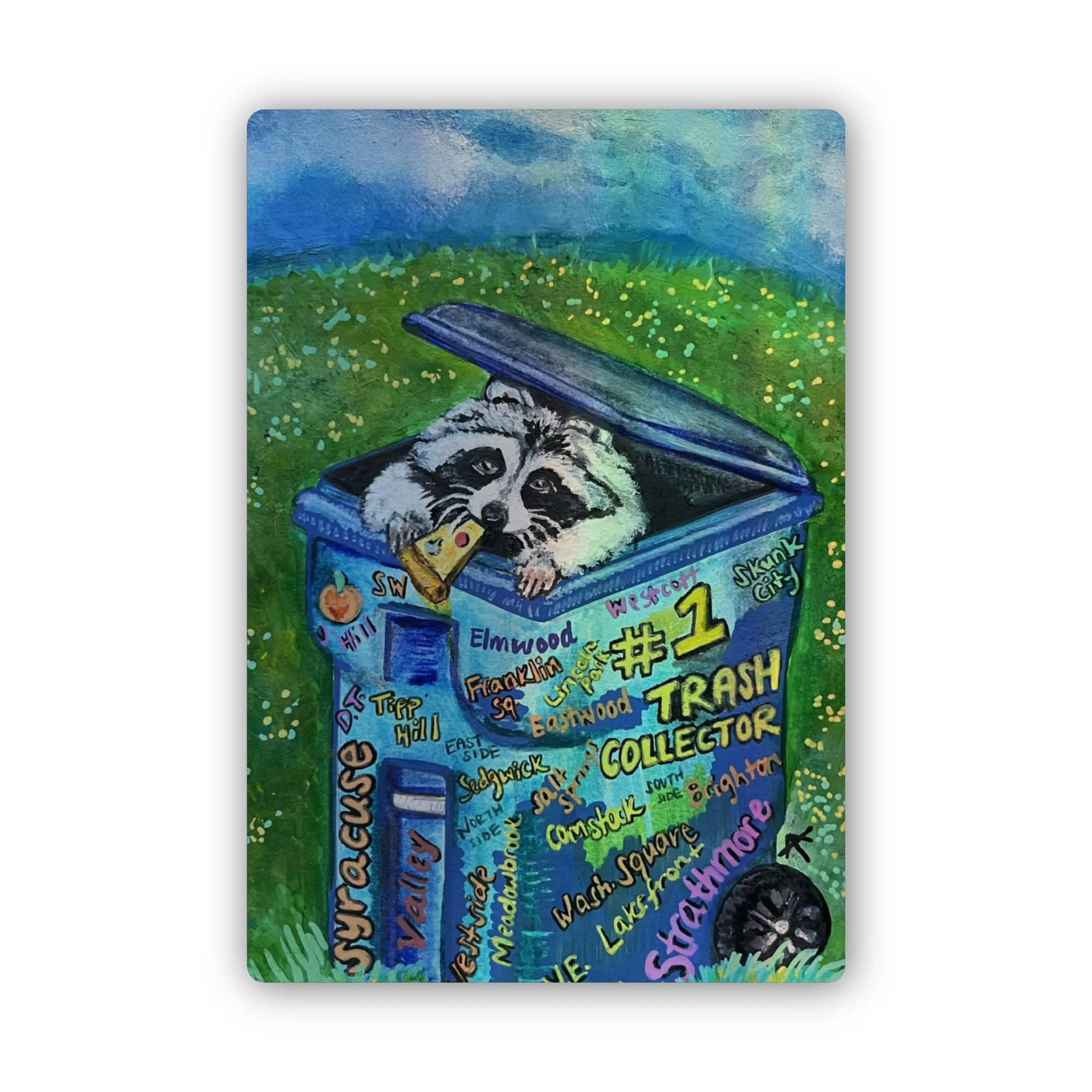
#1 Trash Collector holographic sticker
Customizing your laptop with a #1 Trash Collector laptop decal adds personality and supports a fun Syracuse litter‑pick‑up initiative. The holographic sticker’s vibrant colors and waterproof surface make it ideal for everyday use.
In this guide you’ll learn how to prep the sticker, transfer it onto a smooth backing, apply it to your laptop, and finish with a protective seal so the decal stays bright for years.
Materials and Tools
You’ll need the #1 Trash Collector Holographic Sticker, a piece of clear adhesive transfer film (or a thin vinyl sheet), a ruler, a craft knife, a squeegee or credit‑card edge, rubbing alcohol, lint‑free cloth, and a clear matte laminate sheet. Having a clean, flat workspace helps avoid dust and bubbles.
Optional but helpful items include a hair‑dryer on low heat to soften the adhesive slightly and a microfiber cloth for final polishing. Gather everything before you start to keep the process smooth.
- Tip: Clean the laptop surface with rubbing alcohol and let it dry completely to ensure optimal adhesion.
Preparing the Sticker
First, measure the sticker (1.37" x 2.0") and mark the desired placement on the transfer film with a pencil. Peel the backing from the holographic sticker carefully, keeping the adhesive side protected by the transfer film. Use the craft knife to trim any excess film so the sticker fits exactly.
Check the sticker for any dust or fingerprints; wipe gently with a lint‑free cloth. This step prevents imperfections from showing through once the decal is applied.
Applying and Sealing the Decal
Position the sticker‑on‑film onto the cleaned laptop surface. Starting at one edge, use the squeegee or credit‑card to press firmly, pushing out air bubbles toward the opposite side. If bubbles persist, lift the film slightly, re‑align, and repeat.
Once the sticker is flat, place the clear matte laminate over it and repeat the squeegeeing process. The laminate protects the holographic finish from scratches and UV fading, extending the life of your trash collector laptop decal.
- Common mistake: Rushing the squeegee can trap bubbles. Work slowly and keep pressure even.
Step‑by‑Step Conversion
- Gather Materials: Collect the holographic sticker, transfer film, laminate, squeegee, cleaning supplies, and a clean workspace. All tools at hand prevents interruptions mid‑process.
- Create Transfer Sheet: Attach the sticker to the transfer film, trim excess, and ensure the adhesive side stays protected. A properly sized transfer sheet makes alignment on the laptop easier.
- Apply and Seal: Place the sticker‑on‑film on the laptop, smooth out bubbles, then cover with laminate and press again. Sealing with laminate locks in the holographic shine and adds durability.
Product Details
- #1 Trash Collector Holographic Sticker: 1.37" x 2.0" Die Cut Waterproof Holographic Sticker Unique mixed media sticker: a raccoon's pizza party in a Syracuse trash cart now available with holographic pizzaz! Spot your neighborhood amidst the '#1 Trash Collector' graffiti. Part of a fun initiative to encourage litter pick-up in Syracuse, NY! The waterproof, holographic surface stays bright on laptops, and the compact size fits most laptop lids without covering vents.
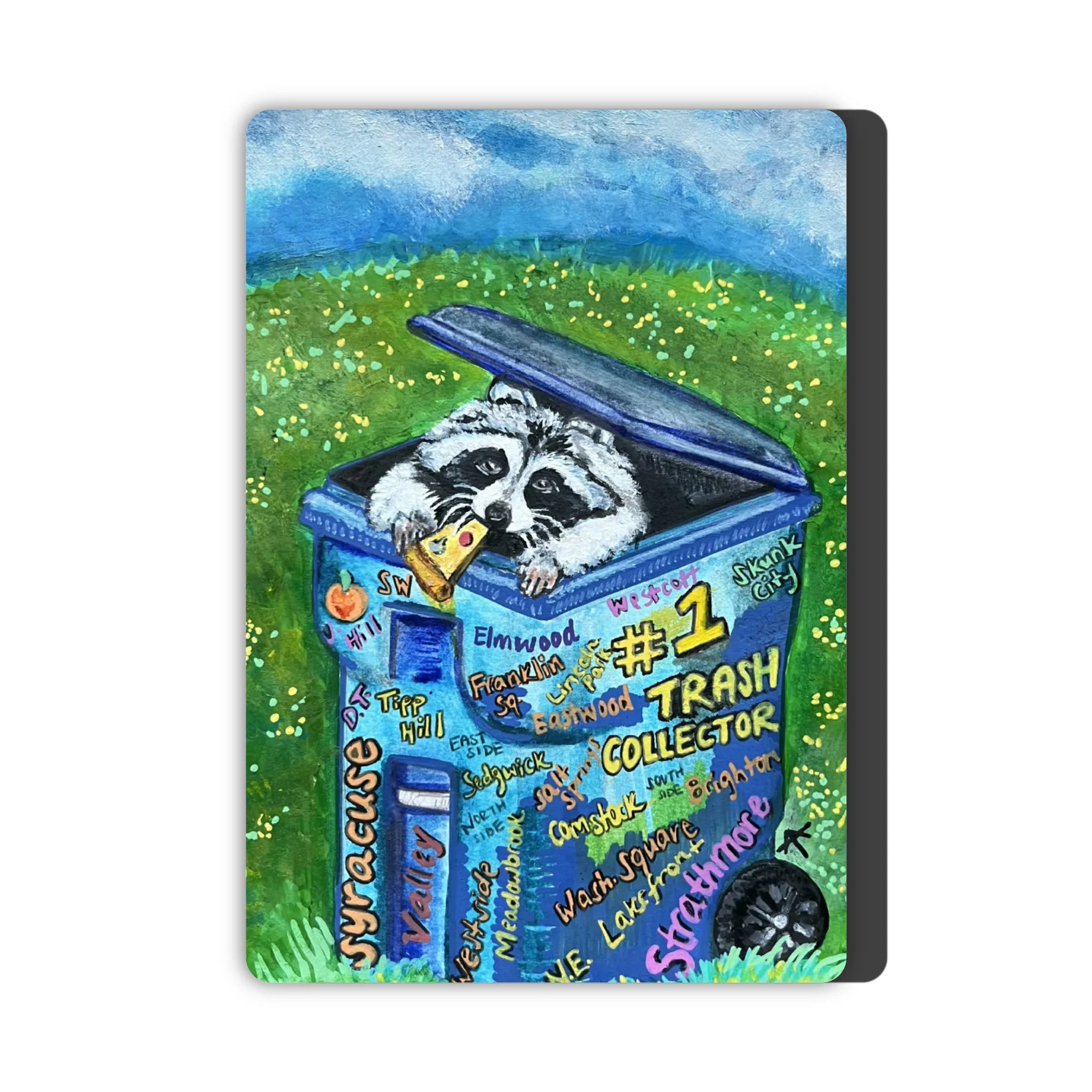
- #1 Trash Collector Magnet: 1.38" x 2.0" Magnet Unique mixed media sticker: a raccoon's pizza party in a Syracuse trash cart! Spot your neighborhood amidst the '#1 Trash Collector' graffiti. Part of a fun initiative to encourage litter pick-up in Syracuse, NY! Use the magnet as a test piece to preview placement before committing the sticker to your laptop.
With just a few supplies and careful steps, you can turn the #1 Trash Collector holographic sticker into a striking laptop decal that showcases Syracuse spirit while protecting your device.