Quick answer
Most Turtlebox cutouts come from a weak Bluetooth link, a power problem, or a loose cable. Start by moving the speaker and phone closer together, then check the charger and cable. If the sound still drops, the issue is likely internal and you should contact Turtlebox support instead of trying more fixes.
Separate the symptom: Bluetooth dropout or audio fault?
A Bluetooth dropout usually shows as the music stopping completely, the speaker disconnecting, or the phone losing the pairing. An audio fault is different: the track keeps playing, the lights stay on, but the sound crackles, fades, or cuts in and out. Treat these as two separate problems because the fixes do not overlap.
Test with a wired source if your model has an aux input. If the cutouts disappear when wired, the issue is in the wireless chain. If they continue, the problem is inside the speaker or the audio file itself.
Bluetooth connection issues: the usual suspects
Distance and obstacles matter more than most people expect. Bluetooth is a short-range radio, and a body, a wall, or a metal truck bed between the phone and speaker can cause dropouts. Keep the phone on the same side of the speaker and within a clear line of sight.
Interference is the second common cause. Wi-Fi routers, other Bluetooth devices, and crowded campsites with dozens of phones can all compete for the same radio space. Move away from the crowd or turn off Bluetooth on devices you are not using.
If the dropout happens only when you walk away, that is normal range behavior, not a fault. If it happens when the phone is sitting right next to the speaker, try unpairing and repairing, and forget the device in your phone's Bluetooth settings first.
Power and charging problems that look like audio dropouts
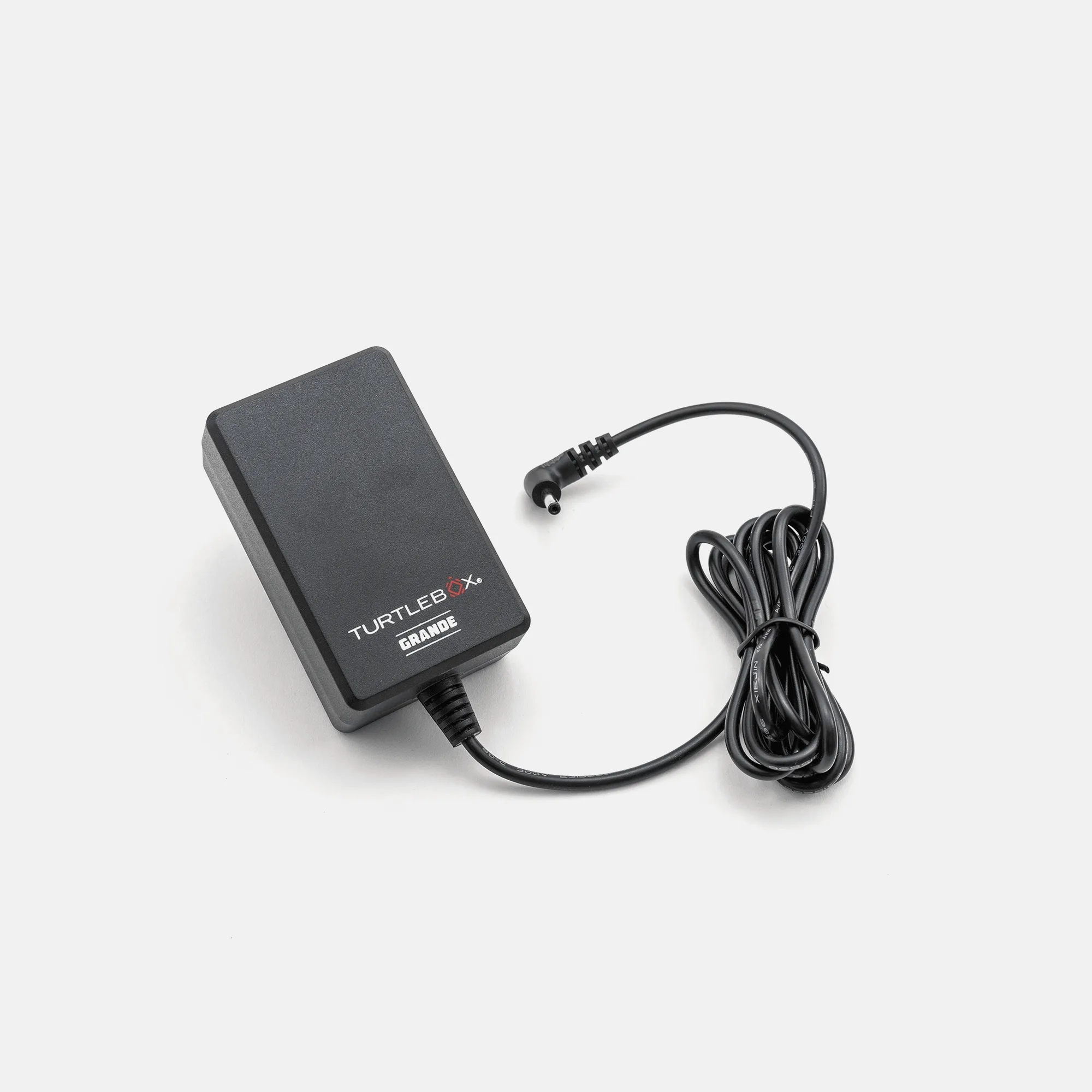
A weak or failing charger can cause the speaker to behave unpredictably, including brief cutouts when the battery sags under load. The Grande Charger outputs 20.0V / 3.0A, so if you are using a different charger that cannot deliver that, the speaker may not charge properly or may cut out when you turn the volume up.
Grande
Check the cable and connection first. A loose plug or a worn cable can interrupt power just enough to reset the Bluetooth chip. Try a different outlet and a known-good cable before assuming the speaker is faulty.
If the cutouts only happen at high volume and stop at lower volume, that points to a power delivery limit rather than a Bluetooth problem. In that case, charge fully with the correct charger and retest.
Physical and environmental causes
Turtlebox speakers are built for outdoor use, but extreme heat, direct sun, and water exposure can still affect performance. If the speaker cuts out after sitting in a hot truck bed, let it cool down and dry off before testing again.
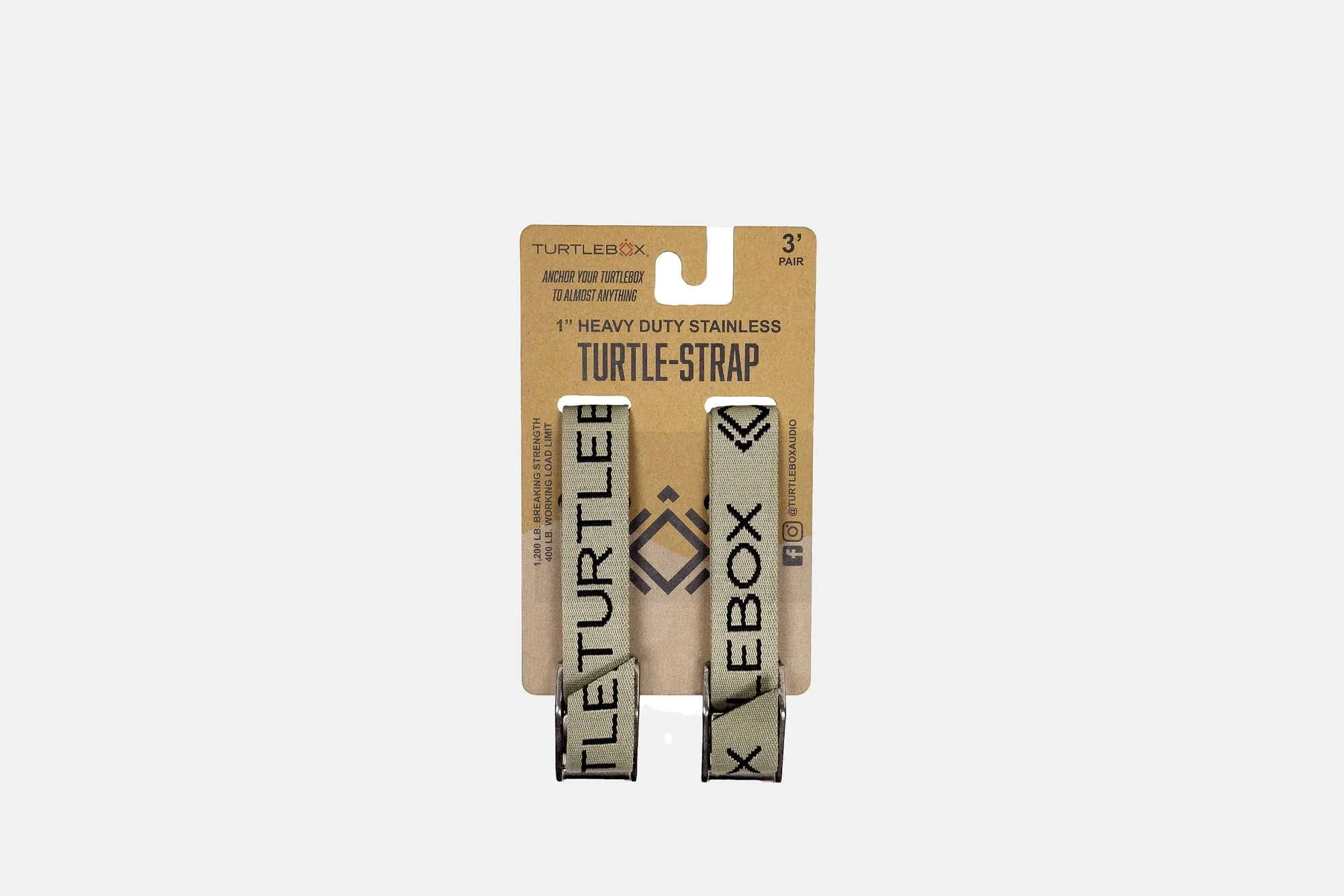
Vibration is another factor. A speaker that is not secured can bounce and momentarily lose internal connections. The Tie-Down Straps are 36 inches long and designed to hold the speaker on a Ranger, kayak, or boat, which reduces movement and the chance of intermittent cutouts.
Inspect the speaker for cracks, loose ports, or a damaged charging port. Physical damage is not a settings issue, and no amount of troubleshooting will fix a broken internal connection.
When to stop troubleshooting and get support
If you have tested with a wired source, tried a different phone, charged fully with the correct charger, and moved away from interference, and the cutouts continue, stop. Further resets and re-pairing are unlikely to help.
At that point, contact Turtlebox support with your model, purchase date, and a clear description of when the cutouts happen. That information speeds up the diagnosis and avoids wasting time on fixes that do not apply to your situation.
Cutout diagnosis: symptom, cause, action, stop point
- Music stops when phone is in pocket: Body blocking the Bluetooth signal between phone and speaker. Keep phone on the same side with clear line of sight. If it still drops at close range, move to the next check.
- Cutouts only at high volume: Battery sag or charger cannot deliver enough current. Charge fully with the correct charger. If cutouts persist at moderate volume, suspect an internal fault.
- Sound crackles but track keeps playing: Audio fault, not a Bluetooth dropout. Could be the source file or a damaged driver. Test another track and a wired source. If crackling continues, stop and contact support.
Accessories that prevent common cutout triggers
- Tie-Down Straps: Tie-Down Straps are 36 inches long and designed to secure your Turtlebox on a Ranger, kayak, or boat. Reduces vibration and movement that can cause intermittent audio dropouts.
- Grande Charger: Grande Charger outputs 20.0V / 3.0A as a backup or replacement charger for the Turtlebox Grande. Correct power delivery prevents low-battery cutouts and charging-related instability.