Adjusting Volume Without Touching Your Device
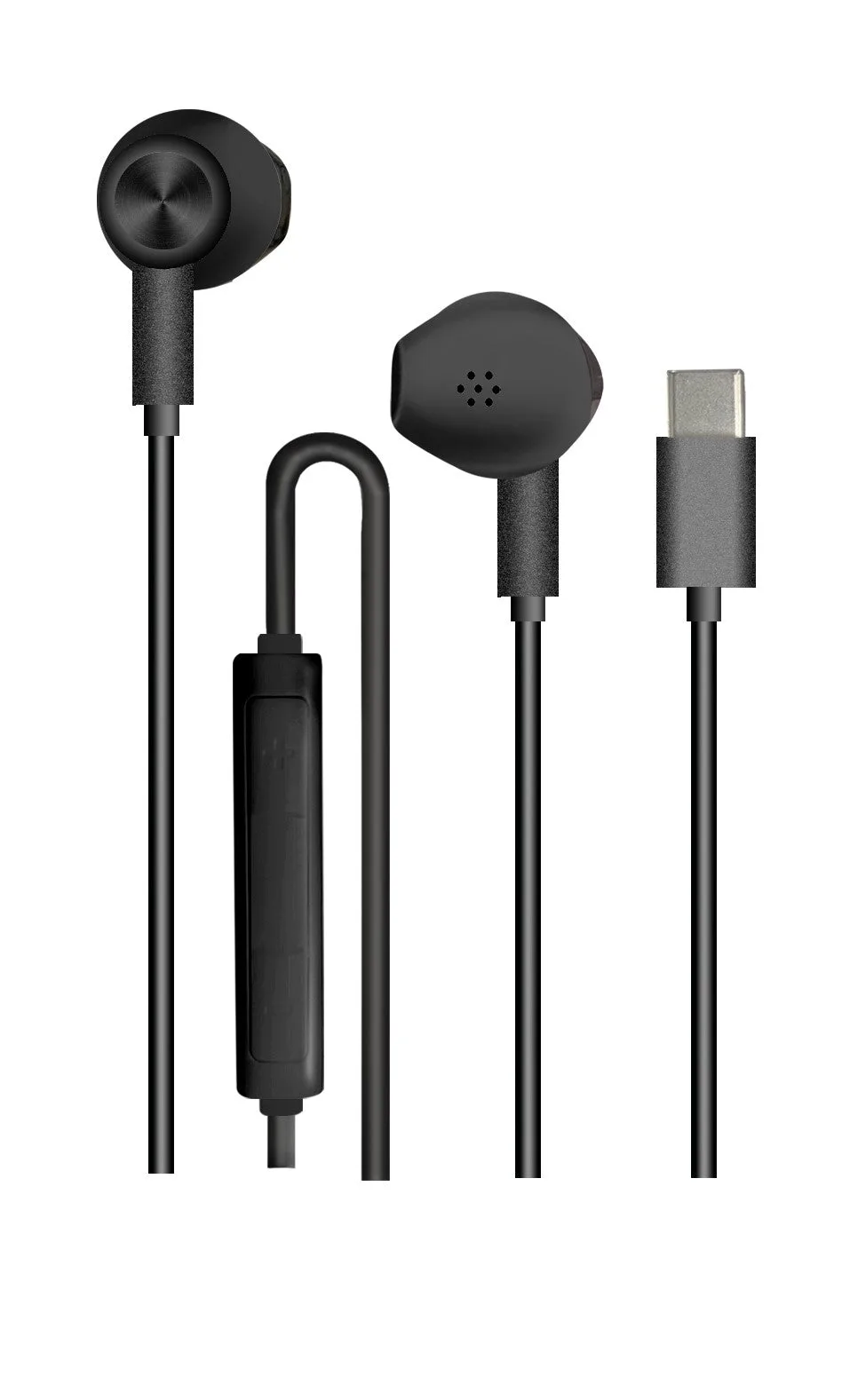
The Type-C Wired Earbuds with Mic and Volume Control let you adjust sound levels directly from the cable. This means you can stay focused on your music, call, or video without reaching for your phone or computer.
The integrated volume control is built into the earbud cable. Simply locate the small control module along the wire and use the buttons to raise or lower the volume. The design puts you in command of your audio environment, making adjustments quick and natural.
What the Type-C Wired Earbuds Offer for Volume Control
-
Type-C Wired Earbuds with Mic and Volume Control: Seamless User Control: Stay in command of your audio environment with the integrated volume control feature. This confirms that volume adjustment is built into the earbuds themselves, not just a feature of your source device. You can change levels without interrupting your activity.
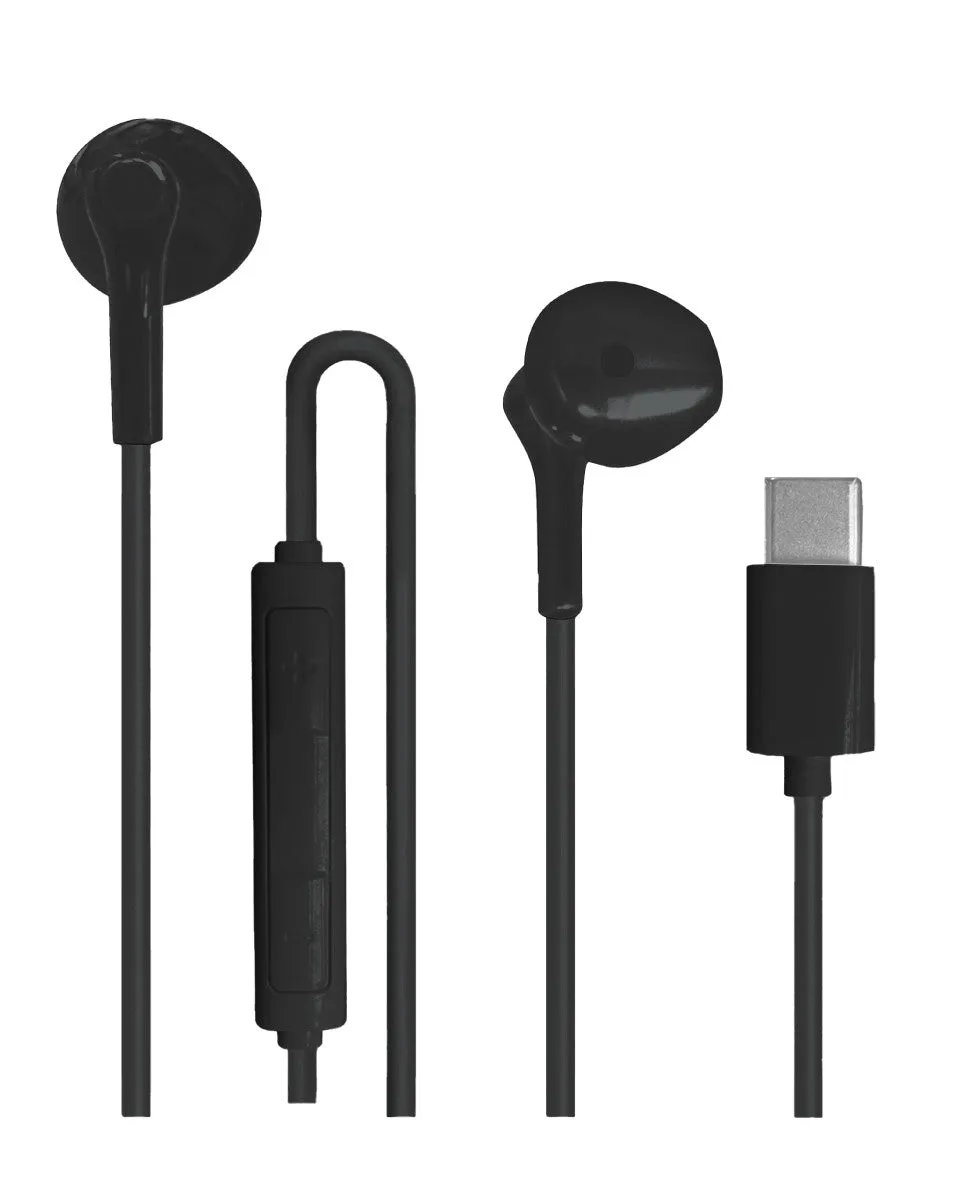
Type-C Wired Earbuds with Mic and Volume Control
-
Type-C Wired Earbuds with Mic and Volume Control: Easily adjust sound levels without reaching for your device, allowing you to stay engaged in the moment. This is the practical benefit: you keep your hands free and your attention on what you're doing, whether you're walking, working, or relaxing.
How to Use the Volume Control
Using the volume control is straightforward. After plugging the earbuds into your Type-C device, find the small module on the cable near the microphone. It typically has two buttons: one for volume up and one for volume down.
Press the '+' or up button to increase volume, and the '-' or down button to decrease it. The change happens immediately, so you can fine-tune the level to your preference. There is no need to open any app or adjust settings on your device.
Compatibility and Setup
These earbuds are designed to work seamlessly with Type-C devices. The Type-C connector provides a stable audio connection without needing adapters or extra accessories. Just plug them in and the volume control should work automatically with your device.
The built-in microphone also uses the same connection, so you can take calls or record voice without additional setup. The volume control and mic work together to give you a complete hands-free experience.
What the Supplied Information Does Not Confirm
The product information does not specify the exact number of volume steps or whether the control works with all apps and operating systems. For best results, test the volume buttons with your most-used apps. If you encounter any issues, check your device's audio settings or consult the manufacturer's instructions for your specific device model.