What Does "Diskless" Mean for the DH2300?
When you see a NAS listed as "diskless," it means the enclosure ships without any hard drives or SSDs installed. The UGREEN NASync DH2300 Diskless EU is exactly that: a network-attached storage unit that you populate with your own storage drives. This approach has clear benefits and a few honest trade-offs that matter before you click buy.
The DH2300 is designed for users who already have drives they want to reuse, or who want to choose specific capacities and brands that aren't bundled. It also keeps the upfront cost lower — the catalog price is $44.88 compared to a $68.00 comparison price — but you'll need to budget for drives separately.
What the DH2300 Record Confirms
-
UGREEN Storage Network Attached DH2300 Diskless EU: Large Capacity, Broad Compatibility The DH2300 supports large storage capacities and works with a wide range of drive types, so you aren't locked into a specific brand or size.
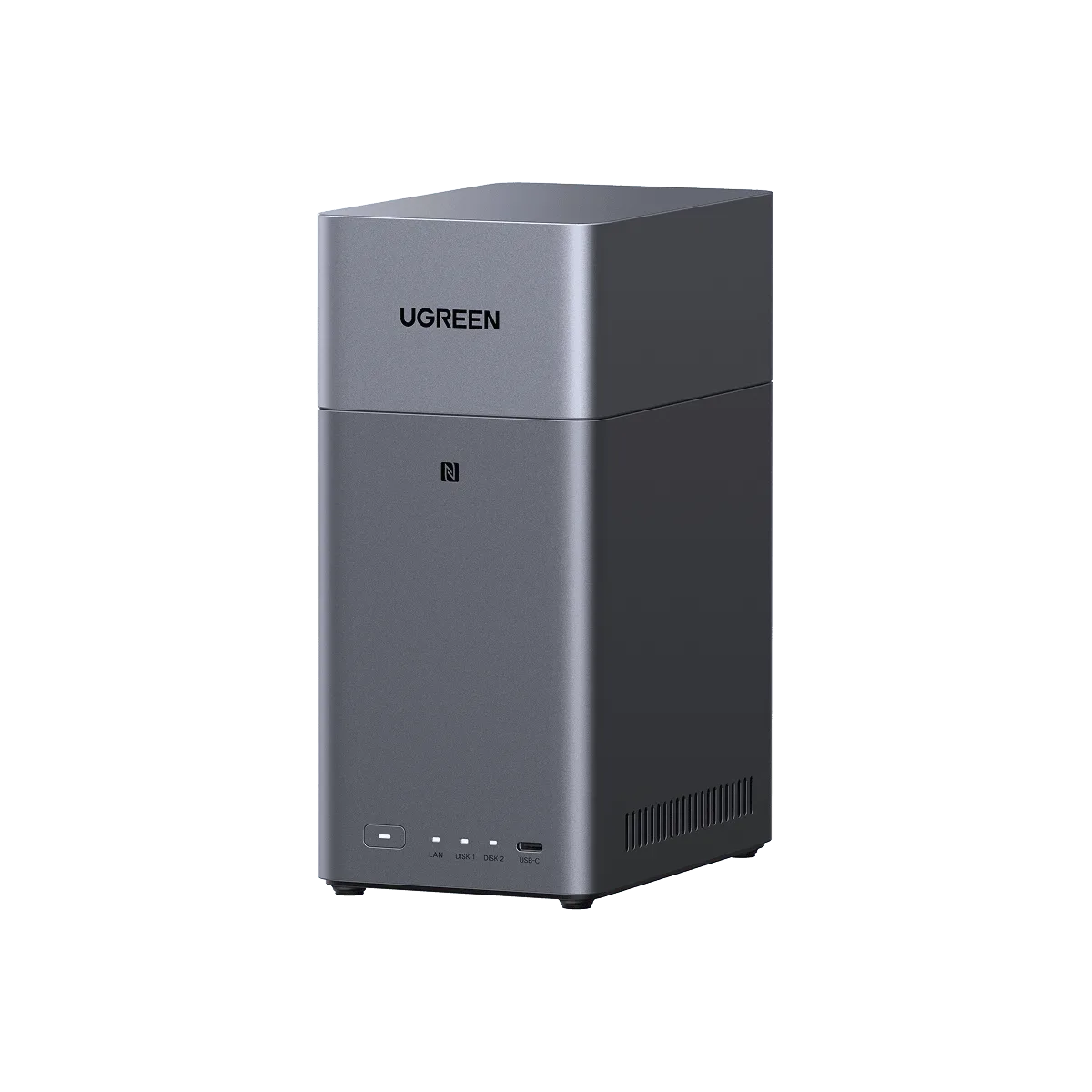
UGREEN Storage Network Attached DH2300 Diskless EU
-
UGREEN Storage Network Attached DH2300 Diskless EU: Easy Installation Setting up your own drives is straightforward, which is important if you're not a hardware expert. The record confirms the installation process is designed to be simple.
-
UGREEN Storage Network Attached DH2300 Diskless EU: 0 Monthly Fee, No Subscription Required Unlike some cloud services, the DH2300 has no recurring fees for its core NAS functions. You pay once for the hardware and use your own drives.
-
UGREEN Storage Network Attached DH2300 Diskless EU: Versatile Interfaces The DH2300 includes multiple connection options, making it easier to integrate into your existing home network setup.
Who Benefits Most From a Diskless NAS?
A diskless NAS is a smart choice if you already own compatible drives — perhaps from an old external enclosure or a previous NAS that failed. It's also ideal if you want to choose enterprise-grade drives for reliability or specific capacities that pre-configured bundles don't offer.
On the other hand, if you're new to NAS and don't have spare drives, the diskless model adds an extra shopping step. You'll need to research compatible hard drives or SSDs, buy them separately, and install them before you can use the device. The catalog confirms broad compatibility, but it doesn't list specific tested models, so you'll want to check UGREEN's official compatibility list or community forums.
Diskless vs. Pre-Configured NAS: Real Trade-Offs
- Upfront cost: Diskless is cheaper initially ($44.88 vs. $68.00 comparison price), but you must add drive costs. Pre-configured bundles cost more but are ready to use out of the box.
- Drive choice: Diskless lets you pick any compatible drive brand, speed, and capacity. Pre-configured NAS locks you into whatever the manufacturer chose.
- Setup effort: Diskless requires installing drives and possibly formatting them. Pre-configured NAS is plug-and-play. The DH2300 is noted for easy installation, but it's still a step you have to do yourself.
- Future upgrades: Both allow replacing drives later, but a diskless start means you can begin with smaller drives and upgrade as needed, spreading out the cost.
What the Catalog Doesn't Tell You — and Why It Matters
The DH2300 record highlights features like "4K Home Cinema," "AI Powered Collaboration Hub," and "Smart Media Libraries," but it doesn't specify the processor, RAM, or maximum supported drive capacity. These details affect how well the NAS handles tasks like transcoding 4K video or running multiple apps. If media streaming is your primary use, you may want to confirm those specs from UGREEN's official datasheet before buying.
Similarly, while the record mentions "Data Security" and "Privacy Protection," it doesn't detail the encryption methods or backup software included. If you need specific security features (like AES-256 encryption or scheduled backups to cloud services), verify those capabilities independently.
Is the DH2300 Right for You?
The UGREEN NASync DH2300 Diskless is a good fit if you want to control your storage choices and keep the base price low. It's less ideal if you prefer a complete, ready-to-run system or if you're unsure which drives are compatible.
If you decide to go diskless, factor in the cost of two drives (the DH2300 appears to support at least two bays based on its "Large Capacity" claim, but check the official specs). Budget for drives that match your performance needs — 7200 RPM HDDs for bulk storage, or SSDs for speed. And remember: the "Easy Installation" claim suggests you won't need advanced technical skills, but you will need a screwdriver and a few minutes of your time.