Quick answer
The UGREEN NASync DXP2800 is a solid choice for a home media server if you need simple centralized storage and don't require high-speed transcoding or multi-bay redundancy.
Why a dedicated NAS beats a PC for home media
A dedicated network attached storage (NAS) device like the DXP2800 runs quietly, uses less power, and stays on 24/7 without the complexity of a full computer. For streaming movies, backing up photos, or syncing documents across devices, it offers a purpose-built personal cloud experience.
Key trade-offs to consider
The DXP2800 holds two drives, which means you can mirror them for data safety but you lose raw capacity compared to a 4-bay model. If you plan to transcode 4K video for remote streaming, check that your media apps support software transcoding, as this unit relies on the CPU rather than a dedicated GPU.
Decision rules for your home media NAS
- Number of drive bays: The DXP2800 has two bays. Use one drive for data and one for backup (RAID 1), or combine them for maximum capacity (JBOD). If you need more than 20-30 TB or want to expand later, look at a 4-bay model.
- Media streaming needs: If you stream mostly to devices that handle their own decoding (like a smart TV or Apple TV), the DXP2800 works well. If you plan to transcode 4K video for multiple remote users, consider a model with a faster CPU or GPU.
- Setup and management: The UGREEN interface is designed for easy setup. You can be up and running in under an hour. If you prefer advanced features like Docker containers or virtual machines, the DXP2800 may feel limited.
Product facts
-
UGREEN NASync DXP2800: Compact desktop form with centralized storage for documents, media, and backups. It fits neatly on a shelf and keeps all your home media in one place, accessible from any device on your network.
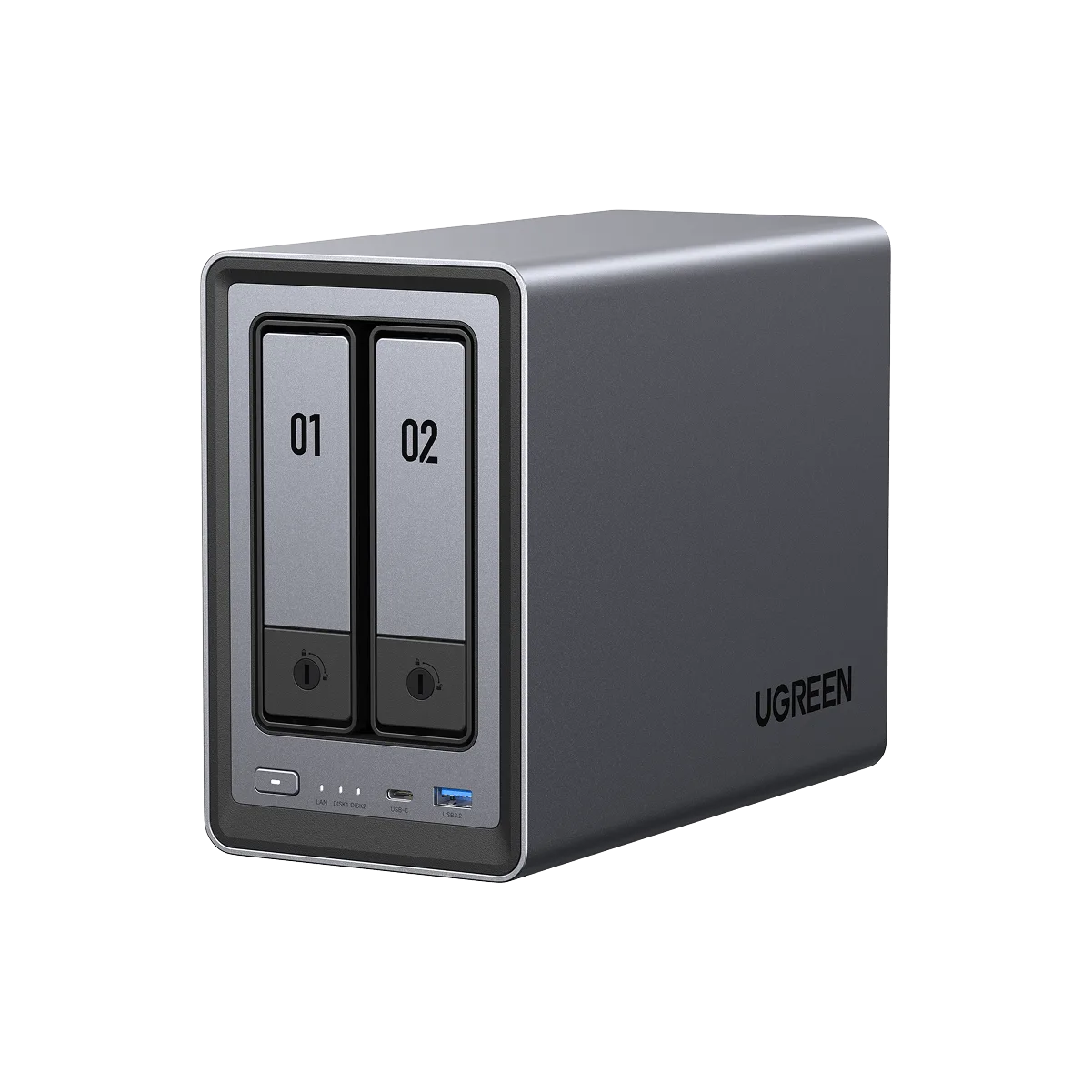
UGREEN NASync DXP2800
Who should buy the UGREEN NASync DXP2800?
Best for
- Home users who want a simple, quiet personal cloud for media and file backups
- Small households with one or two people streaming locally
Not ideal for
- Users who need 4K transcoding for multiple remote streams
- Those who plan to run many apps or virtual machines on the NAS