Quick answer
To set up the Ulanzi D200H Stream Deck Controller, connect it via USB-C, install the companion software, and customize the 13 LCD buttons for your streaming or editing workflow.
What the D200H does differently
The Ulanzi D200H combines a stream deck with a USB-C hub, so you can connect peripherals while controlling your software. Its 13 LCD buttons are fully customizable per app, but the initial setup requires the companion software—it is not plug-and-play out of the box.
Setup steps
- Connect and install software: Plug the D200H into your computer using the included USB-C cable. Download and install the companion software from the manufacturer’s support page. Launch the software and wait for it to detect the controller. Common mistake: Skipping the software install. The buttons will not work until the software is running.
- Map your first action: In the software, select an empty button slot. Choose an action type (e.g., hotkey, text, or application launch). Press the corresponding physical button to confirm the assignment. Repeat for each button you need. Checkpoint: Test the first action immediately. If it does not trigger, verify that the software is not minimized to the system tray.
- Set up a profile per app: Create a new profile in the software for each app you use (e.g., OBS, Adobe Premiere, Zoom). Assign button layouts specific to that app. Switch profiles manually from the software menu or assign a button to cycle through profiles. Common mistake: Using the same layout for all apps. Profiles let you keep relevant controls front and center.
- Configure the USB-C hub: Connect your peripherals (webcam, microphone, external drive) to the D200H’s USB-C port. Confirm they appear in your operating system’s device list. If a device is not recognized, try a different cable or port on the hub. Checkpoint: The hub shares bandwidth with the button data. Avoid connecting high-power devices that may cause instability.
Product facts
-
Ulanzi D200H Stream Deck Controller: The Ulanzi D200H has 13 fully customizable LCD buttons and built-in docking functionality with high-speed connectivity. You can assign different actions to each button and use the hub to connect your microphone, webcam, or storage without extra adapters.
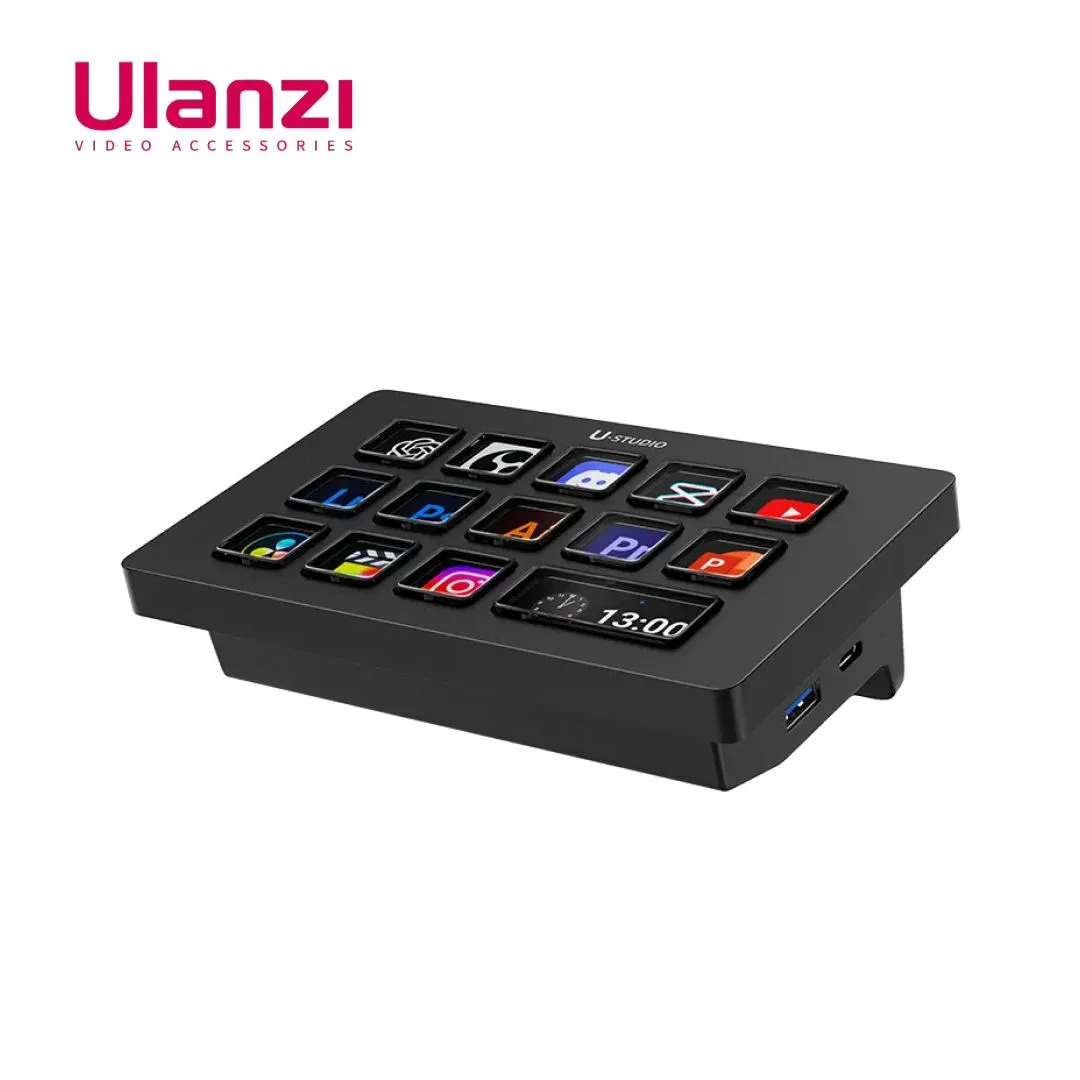
Ulanzi D200H Stream Deck Controller