When it comes to gaming comfort, ear cushions play a crucial role. Whether you're in a marathon gaming session or a long flight simulation, the right ear cushions can make all the difference. Turtle Beach, a leader in gaming headsets, offers a range of ear cushions designed for different models, each with unique materials and compatibility. This guide will help you navigate the world of Turtle Beach ear cushions, ensuring you choose the right ones for your headset and know how to replace them when needed.
From the Stealth Pro to the Stealth 600 Gen 3, each headset has specific ear cushion requirements. Using the wrong cushions can lead to discomfort, poor sound isolation, or even damage to your headset. We'll break down compatibility, materials, and replacement steps, so you can keep your audio experience at its best.
Understanding Ear Cushion Compatibility
Turtle Beach designs ear cushions to fit specific headset models. While some cushions may look similar, the mounting mechanism, size, and shape can vary. For instance, the Stealth Pro uses a different attachment system compared to the Stealth 600 Gen 3. It's essential to check your headset's model number and compare it with the compatible ear cushion listing.
The Stealth 700 series, including the Gen 3, has its own set of ear cushions that are not interchangeable with the Stealth Pro or Stealth 600. Similarly, the Stealth 500 has a unique design. To avoid confusion, always refer to the product description or compatibility chart before purchasing. For example, the Stealth 500 Ear Cushion - Left is specifically designed for the Stealth 500 headset, ensuring a perfect fit and optimal comfort.
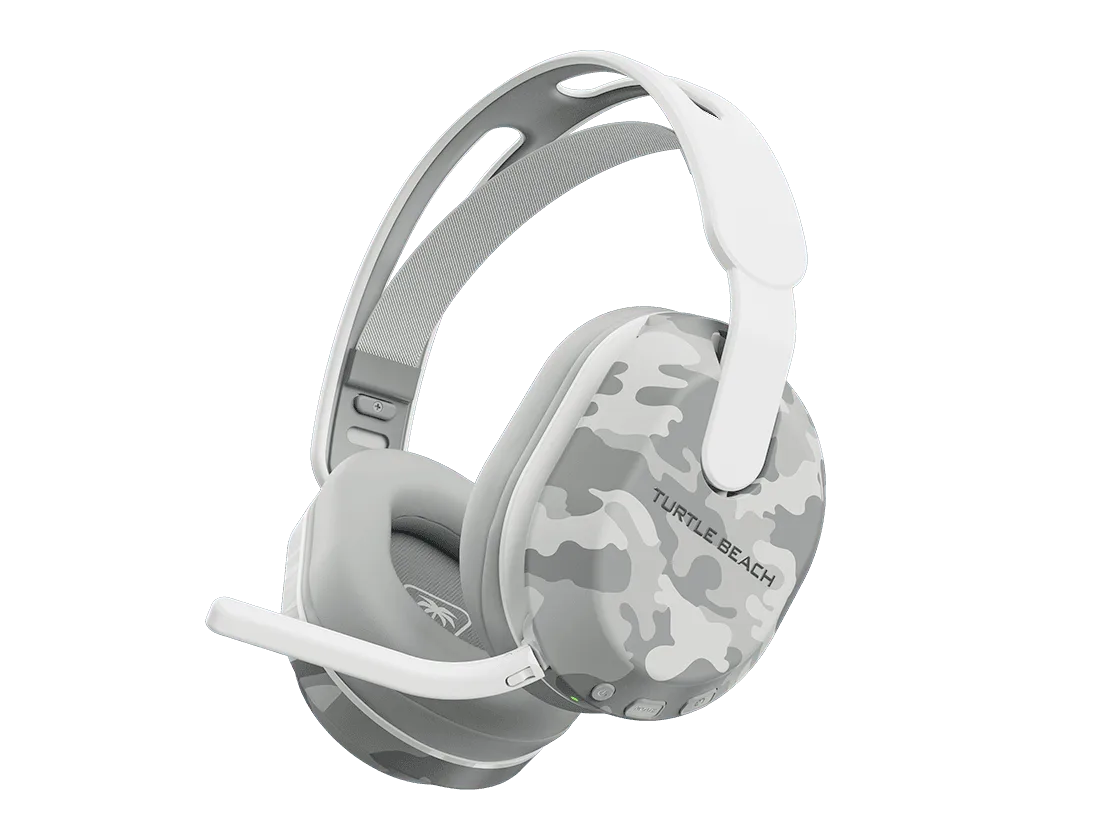
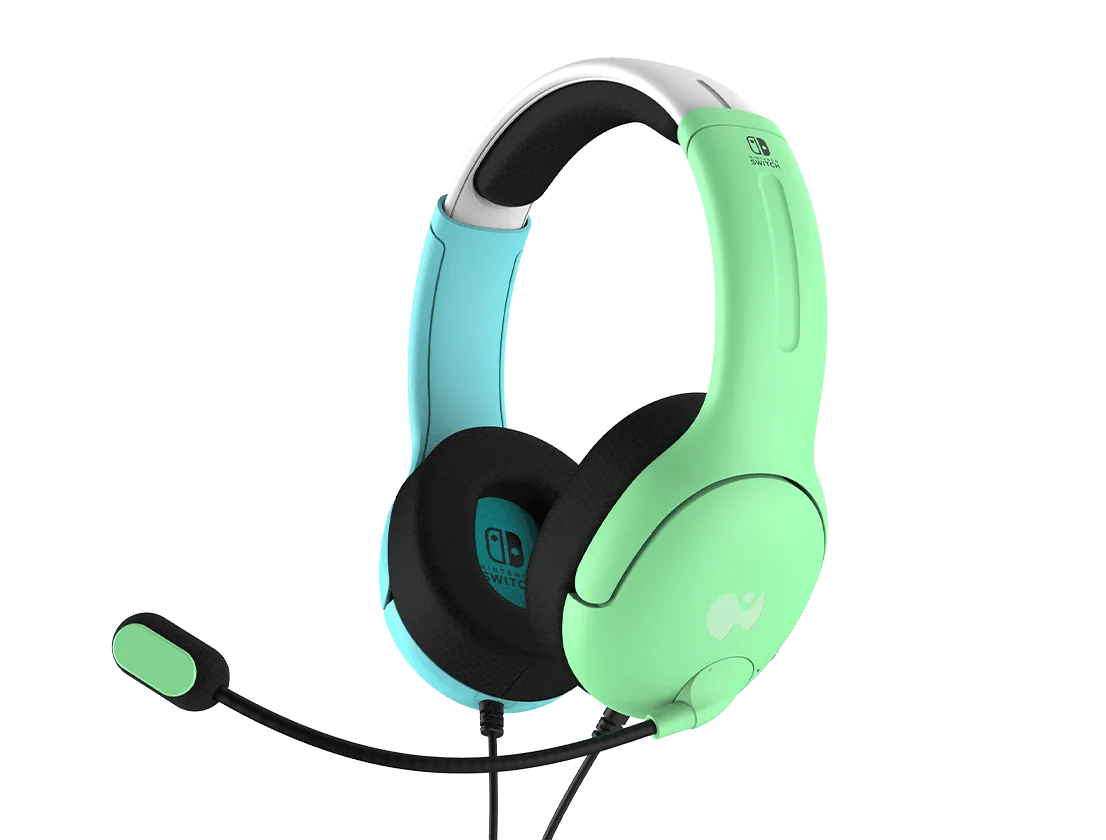
Stealth 500 headset
- Check your headset model number on the underside of the headband.
- Look for the 'compatible with' section on the ear cushion product page.
- If unsure, contact Turtle Beach support or consult the user manual.
Materials and Comfort: What to Look For
Turtle Beach ear cushions come in various materials, including memory foam, leatherette, and fabric. Memory foam provides excellent pressure distribution and conforms to your ears, making it ideal for long gaming sessions. Leatherette offers a smooth, breathable surface that's easy to clean, while fabric cushions are more breathable and often preferred for warmer climates.
The Stealth Pro ear cushions, for example, feature a plush memory foam core wrapped in a soft leatherette, providing both comfort and durability. On the other hand, the Stealth 600 Gen 3 cushions are designed with a similar focus on comfort but may have a slightly different shape to accommodate the headset's ear cup design. When choosing, consider your personal comfort preferences and whether you need noise isolation or breathability.
- Memory foam offers the best comfort for extended wear.
- Leatherette is easy to wipe clean but may trap heat.
- Fabric is breathable but may absorb sweat and odors.
Step-by-Step Replacement Guide
Replacing ear cushions is a straightforward process that can breathe new life into your headset. Most Turtle Beach ear cushions are designed to be user-replaceable, with a simple twist-and-pull mechanism or a snap-on design. Here's a general guide: First, gently pull the old cushion away from the ear cup, twisting if necessary. Then, align the new cushion with the mounting ring and press it into place until you hear a click.
For specific models like the Stealth Pro, you may need to remove the ear cup's outer cover first. Always refer to the user manual or online tutorials for your particular headset. If you're replacing cushions on a Stealth 600 Gen 3, the process is similar, but be careful not to damage the thin plastic clips. If you're unsure, consider purchasing a replacement cushion that comes with installation instructions, like the Stealth 500 Ear Cushion - Left, which is designed for easy installation.
- Turn off the headset before replacing cushions to avoid accidental button presses.
- Use a soft cloth to clean the ear cup area before installing new cushions.
- If the cushion has a left/right orientation, double-check the markings.
Top Ear Cushion Picks for Popular Turtle Beach Headsets
Choosing the right ear cushion for your Turtle Beach headset can enhance your gaming experience. For the Stealth Pro, the Stealth Pro ear cushions are a popular choice, offering a perfect fit and premium comfort. If you own a Stealth 600 Gen 3, the Stealth 600 Gen 3 ear cushions are designed specifically for that model, ensuring a secure fit and optimal sound isolation.
For those with a Stealth 500, the Stealth 500 Ear Cushion - Left is a direct replacement that maintains the original comfort and performance. Additionally, if you're looking for a complete setup, consider the Stealth Pro PlayStation Transmitter, which pairs perfectly with your Stealth Pro headset, ensuring a seamless wireless connection. Similarly, the Stealth 600 Gen 3 PlayStation Transmitter - White is an excellent accessory for your Stealth 600 Gen 3, providing a reliable connection for your gaming sessions.
- Stealth Pro ear cushions: ideal for long gaming sessions with memory foam comfort.
- Stealth 600 Gen 3 ear cushions: designed for a snug fit and durability.
- Stealth 500 Ear Cushion - Left: perfect for replacing worn-out cushions on your Stealth 500.
When to Replace Your Ear Cushions
Ear cushions wear out over time, especially with frequent use. Signs that it's time to replace them include visible wear and tear, flattening of the foam, or a decrease in comfort and sound isolation. If you notice the leatherette peeling or cracking, it's definitely time for a replacement.
Generally, it's recommended to replace ear cushions every 6-12 months, depending on usage. If you game daily for several hours, you may need to replace them more often. Keeping your cushions in good condition not only ensures comfort but also maintains the acoustic seal, which is crucial for immersive audio.
- Check for signs of wear like flaking, tearing, or loss of shape.
- If you notice a decline in noise isolation, consider replacing the cushions.
- Store your headset properly to extend the life of your ear cushions.
Choosing the right Turtle Beach ear cushions is essential for maintaining comfort and audio quality. Whether you need a replacement for your Stealth Pro, Stealth 600 Gen 3, or Stealth 500, there's a perfect option available. Remember to check compatibility and follow the replacement guide for a seamless experience. For a complete setup, consider pairing your new ear cushions with a reliable transmitter like the Stealth Pro PlayStation Transmitter to ensure uninterrupted gaming. Explore our range of ear cushions and accessories today to keep your headset in top condition.