What to Look for in a Compatible Laptop
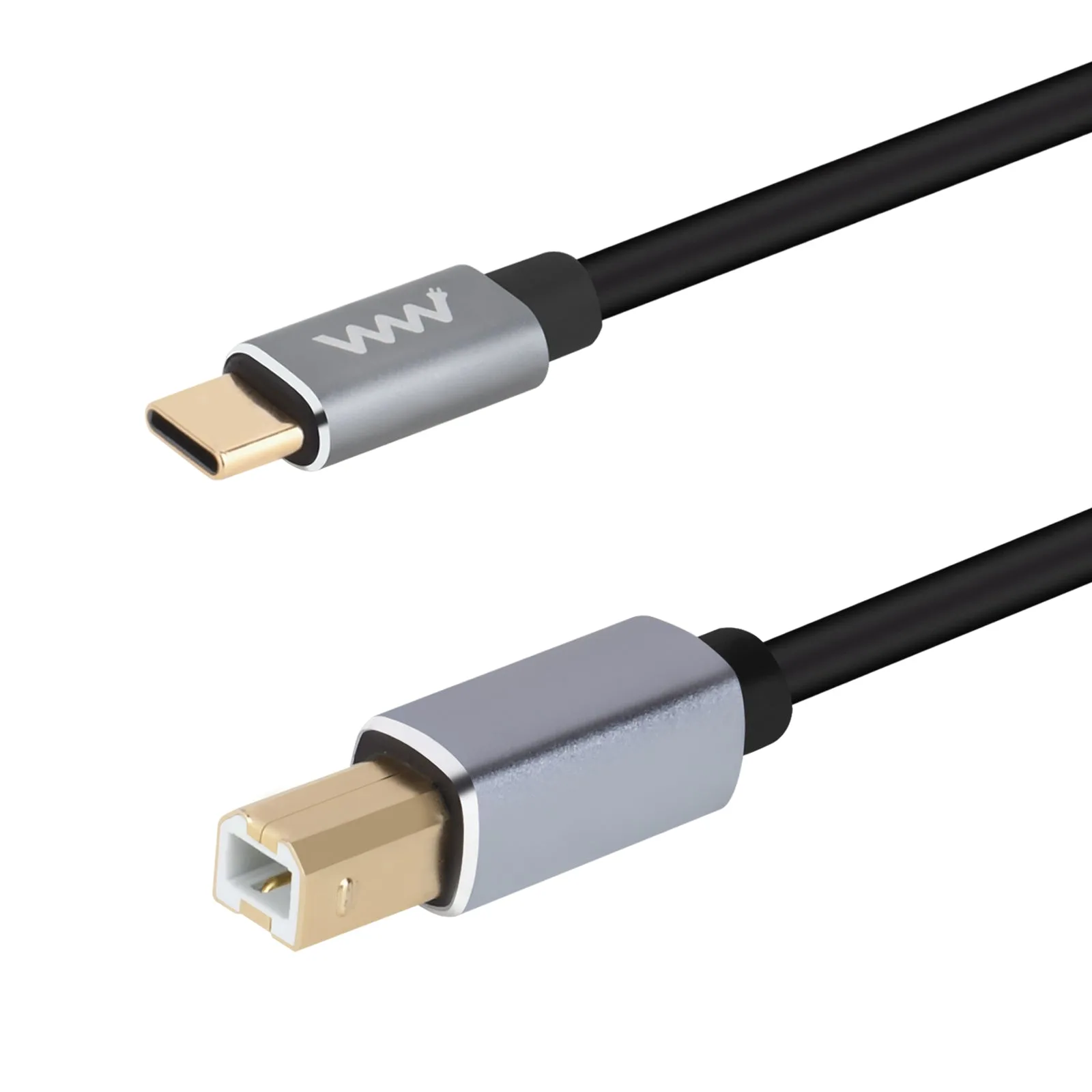
The Universal 16-Port Triple Display USB-C Dock connects to your laptop through a single USB-C port. Before buying, check that your laptop has a USB-C port that supports video output and power delivery. Not all USB-C ports are the same — some only charge or transfer data, while others can drive external displays.
This dock is designed for universal compatibility with USB-C enabled laptops and devices. That includes many modern Windows laptops, MacBooks, and Chromebooks, as long as they meet the basic requirements for video and power over USB-C.
Dock Specifications That Matter for Compatibility
-
Universal 16-Port Triple Display USB-C Dock: Universal compatibility with USB-C enabled laptops and devices. This means the dock works with a wide range of laptops, but you still need to verify your laptop's USB-C capabilities for video and power.
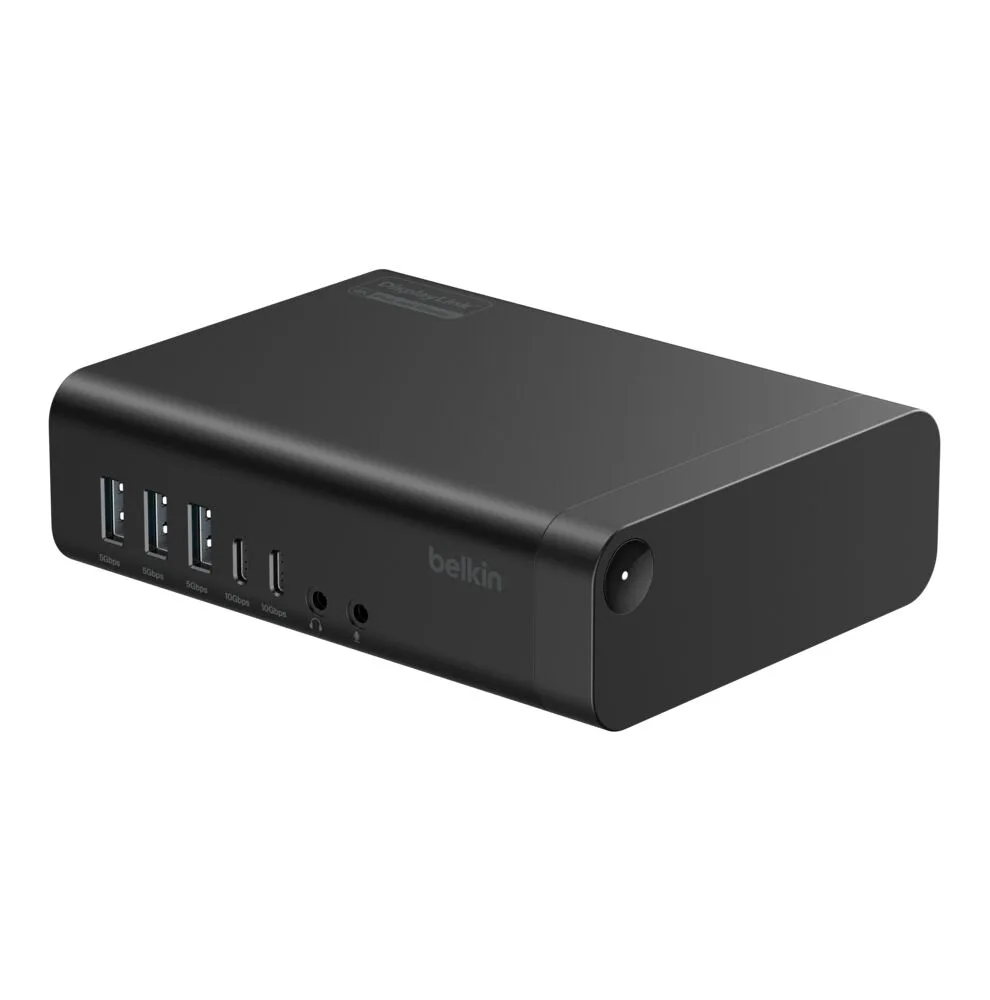
Universal 16-Port Triple Display USB-C Dock
-
Universal 16-Port Triple Display USB-C Dock: 140W power delivery to charge your laptop and connected devices. A high power delivery ensures your laptop stays charged even under heavy use, but your laptop must support USB-C charging at that power level.
-
Universal 16-Port Triple Display USB-C Dock: Triple display support to extend your desktop across multiple monitors. Triple display output is ideal for multitasking, but your laptop's graphics hardware and USB-C port must support multiple external displays.
Check Your Laptop's USB-C Port for These Features
To use the Universal 16-Port Triple Display USB-C Dock, your laptop's USB-C port should support:
- DisplayPort Alternate Mode (DP Alt Mode): This allows the USB-C port to output video signals. Without it, the dock cannot drive external monitors.
- USB Power Delivery (USB PD): Needed for the dock to charge your laptop through the same cable. Check your laptop's supported wattage — the dock delivers up to 140W.
- Sufficient Graphics Capability: Triple display output requires your laptop's GPU to support multiple external monitors. Integrated graphics may limit you to two displays.
Laptops That Typically Work Well
Most modern laptops with a full-featured USB-C port (often marked with a DisplayPort or Thunderbolt icon) will work. This includes many models from Apple, Dell, HP, Lenovo, ASUS, and Acer released in the last few years. Chromebooks with USB-C that support DP Alt Mode are also compatible.
If your laptop has a Thunderbolt 3 or Thunderbolt 4 port, it will work as well, since those ports include USB-C compatibility with video and power delivery.
When Compatibility May Be Limited
Older laptops or budget models may have USB-C ports that only support data transfer or charging, not video. In that case, the dock will still charge your laptop and connect USB devices, but you won't get external displays.
Some laptops with USB-C may also limit the number of external displays they can drive. Check your laptop's specifications for "Max External Displays" or "Multi-Stream Transport (MST)" support. If your laptop only supports two external monitors, the dock's triple display feature won't fully work.