Quick Answer
For a balanced mix of visibility and durability, stick your Unpacking stickers on a laptop, journal cover, or water bottle—surfaces that are smooth, clean, and not exposed to excessive heat or moisture.
Surface Matters: Smooth, Clean, and Dry
The Unpacking stickers are made of vinyl and range from 1 to 2 inches, which makes them ideal for small and medium flat surfaces. Vinyl adheres best to smooth, non-porous materials like metal, glass, plastic, and laminated paper. Rough or textured surfaces (like fabric or raw wood) reduce adhesion and can cause peeling over time.
Before applying, clean the surface with a mild soap or alcohol wipe to remove oils and dust. Let it dry completely—sticking on a damp surface traps moisture and weakens the adhesive. This step is easy to skip, but it's the difference between a sticker that stays for years and one that curls within weeks.
Heat and Sunlight: The Hidden Enemies
Vinyl stickers can handle everyday handling, but prolonged direct sunlight and high heat can cause colors to fade and adhesive to soften. Car windows, dishwasher-safe bottles (if you use the dishwasher), and direct sunlight on a desk are risky spots. If you want your Unpacking stickers to look vibrant for a long time, choose locations that stay out of harsh UV and away from heat sources.
This doesn't mean you can't use them on a car or a mug—just be aware that they may age faster. For items you use daily, like a water bottle, hand-washing and avoiding the dishwasher will extend the sticker's life.
Step-by-Step: Where to Stick Your Unpacking Stickers
- Choose a smooth, clean surface: Pick a spot on your laptop lid, journal cover, or water bottle that is flat and free of texture. Wipe the area with an alcohol wipe or mild soap, then dry it completely. Avoid porous surfaces like fabric or raw wood—they won't hold the adhesive well.
- Plan your layout before peeling: Lay the stickers on the surface without removing the backing to arrange them. This helps you avoid crooked placement and lets you group them by theme or color. Take a photo of your layout so you can replicate it if you need to reposition.
- Peel and apply from one edge: Peel the sticker from its backing and align it with your planned spot. Press down from one edge to the other to push out air bubbles. Use a credit card or your thumb to smooth it firmly. If you see a bubble, lift the nearest edge and re-smooth—don't press hard on the bubble, as it may tear the vinyl.
- Seal for extra durability (optional): For surfaces that get heavy use, like a water bottle or laptop, consider applying a clear vinyl topcoat or a thin layer of clear packing tape over the sticker to protect it from scratches and moisture. Skip sealing if you plan to remove the sticker later—tape can make removal harder.
- Avoid heat and direct sunlight: Keep your decorated items out of prolonged direct sunlight and away from heat sources like radiators or car dashboards. If you use a dishwasher, hand-wash the item instead to preserve the sticker. If you notice fading or peeling, move the item to a cooler, shaded spot to slow further damage.
Product Facts
-
Unpacking Sticker Sheet Set: This officially licensed Unpacking sticker set features the designs of the collectible in-game achievements. Each sticker is a miniature tribute to the game's achievements, making them perfect for celebrating your in-game milestones on your gear.
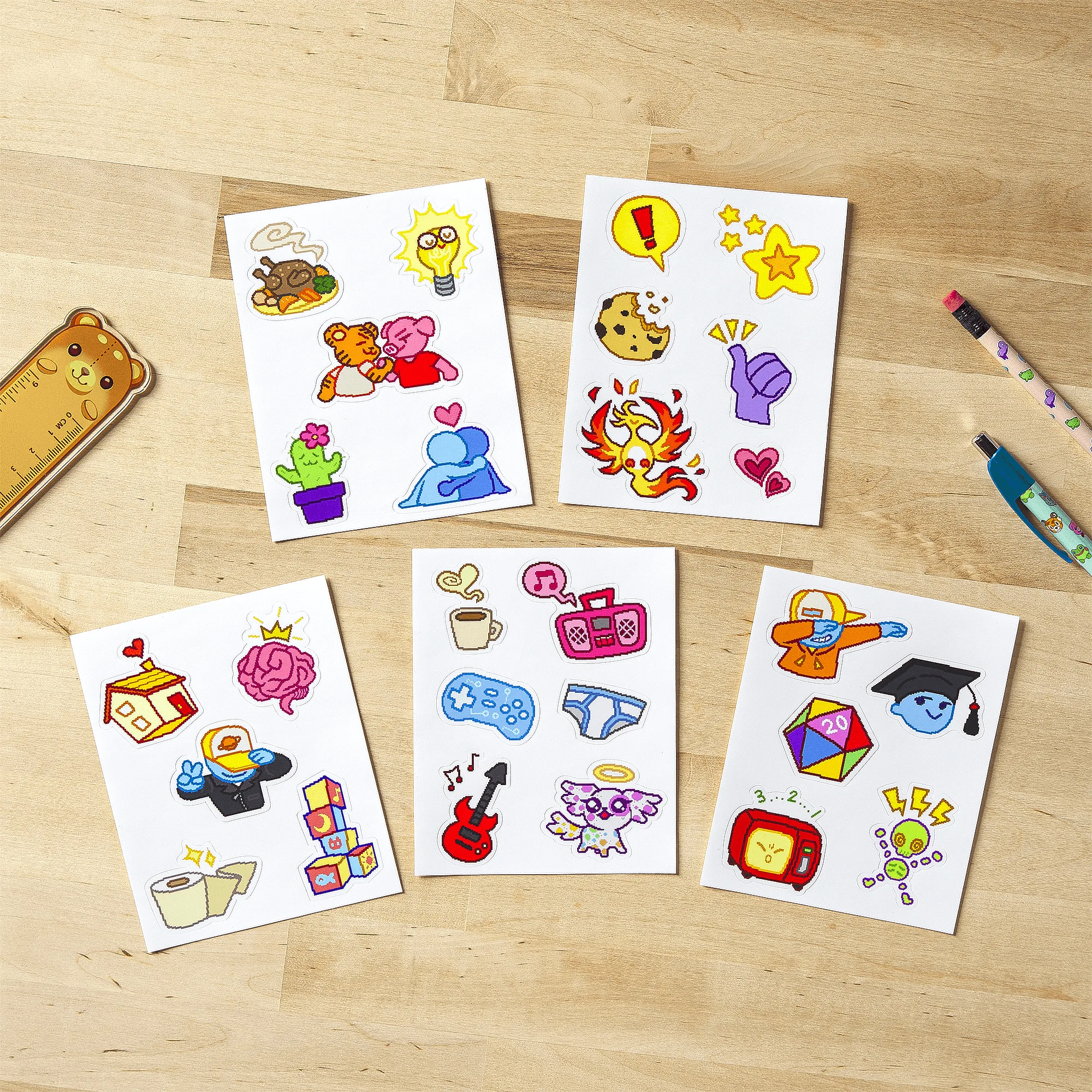
Unpacking Sticker Sheet Set
-
Unpacking Sticker Sheet Set: The set includes cute, high-quality vinyl stickers ranging from 1-2 inches per sticker. The compact size fits neatly on laptop lids, journal corners, and water bottles without overwhelming the surface.