Quick Recommendation
If you’re comfortable working with electricity, you can upgrade the wiring yourself, but always turn off the circuit breaker, verify the wire gauge matches the fan’s requirements, and double‑check connections before powering up. When in doubt, call a licensed electrician.
Modern smart ceiling fans need a reliable power source and often require a dedicated circuit or a specific wire gauge to support features like Wi‑Fi, remote control, and integrated LED lighting.
Upgrading your existing wiring lets you enjoy those conveniences safely, but it demands careful planning, proper tools, and strict adherence to electrical codes.
Assess Your Existing Circuit and Wire Gauge
Start by locating the breaker that controls the fan’s circuit and switch it off. Use a voltage tester to confirm the power is truly off before touching any wires. Then, remove the fan’s canopy or existing light kit to expose the wiring. Typical smart fans require 12‑AWG or 14‑AWG copper conductors; check the fan’s installation manual for the exact specification.
Common mistake: assuming the old wiring is adequate because the previous fan worked. Older homes often have 16‑AWG or even aluminum wiring, which cannot safely carry the higher current of a smart fan’s motor and LED driver. If the gauge is undersized, replace it with the recommended size before proceeding.
- Verify continuity with a multimeter to ensure no hidden breaks in the circuit.
Run New Wiring and Connect the Smart Fan
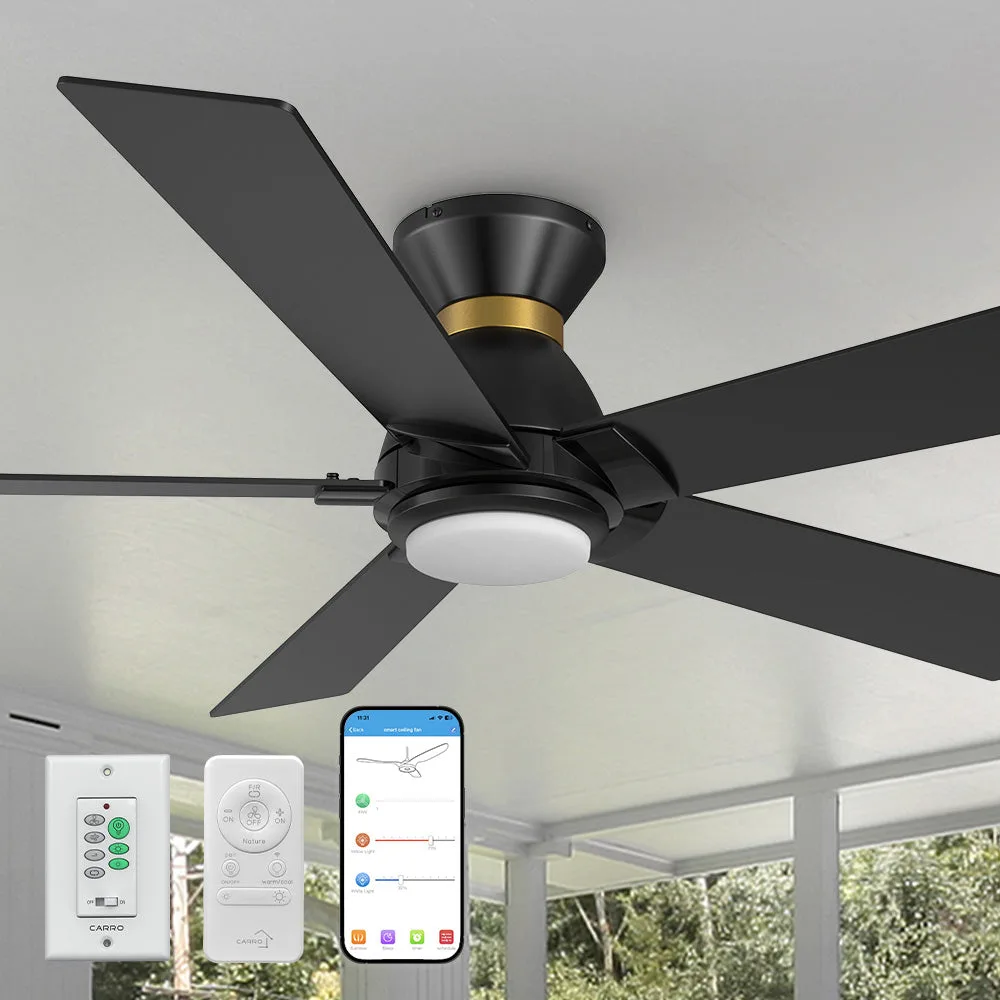
If the existing wires are insufficient, run new 12‑AWG or 14‑AWG Romex from the breaker panel to the fan’s mounting box, following local code for securing and protecting cables. Connect the hot (black), neutral (white), and ground (bare or green) wires to the fan’s corresponding terminals. Many smart fans, like the Ariccia model, also have a separate low‑voltage wire for the remote or Wi‑Fi module; follow the diagram precisely.
Checkpoint: tighten all terminal screws firmly but avoid over‑tightening, which can damage the wire strands. After wiring, restore power at the breaker and test fan speed, light color temperature, and smart‑home integration. If any function fails, re‑inspect connections before assuming a product defect.
Step‑by‑Step Wiring Upgrade
- Turn Off Power: Switch off the dedicated breaker, verify with a voltage tester, and lock the breaker to prevent accidental re‑energizing. Never start work with live wires; a missed voltage can cause shock or damage.
- Verify Wire Gauge and Compatibility: Measure the existing conductors with a gauge tool; replace with 12‑AWG or 14‑AWG copper if the fan’s specs call for it. Undersized wire is a common cause of overheating and tripped breakers.
- Connect Fan Wiring and Test: Attach hot, neutral, and ground wires to the fan’s terminals, secure all connections, restore power, and confirm fan speed, light, and smart features work. If any function fails, re‑check each connection before assuming a product fault.
Product Highlights Relevant to Wiring
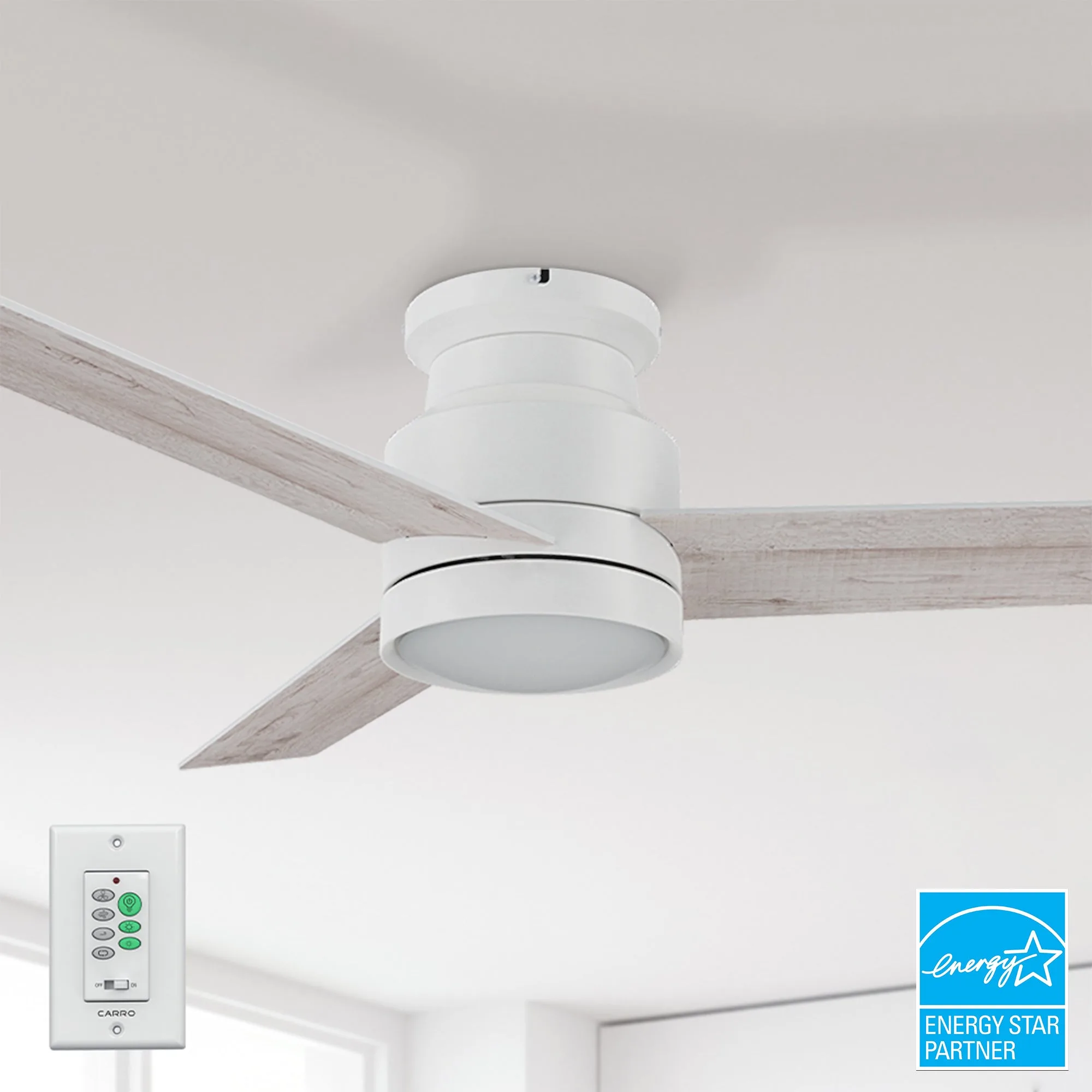
- Ariccia 52 inch Flush Mount Ceiling Fan with LED Light and Wall Switch: FULL POWER‑OFF MEMORY: Designed to remember your comfort. Keeps your last speed, brightness, and color temperature every time power returns. Ensures the fan resumes exactly where you left it after a power outage, so proper wiring that maintains power continuity is essential.
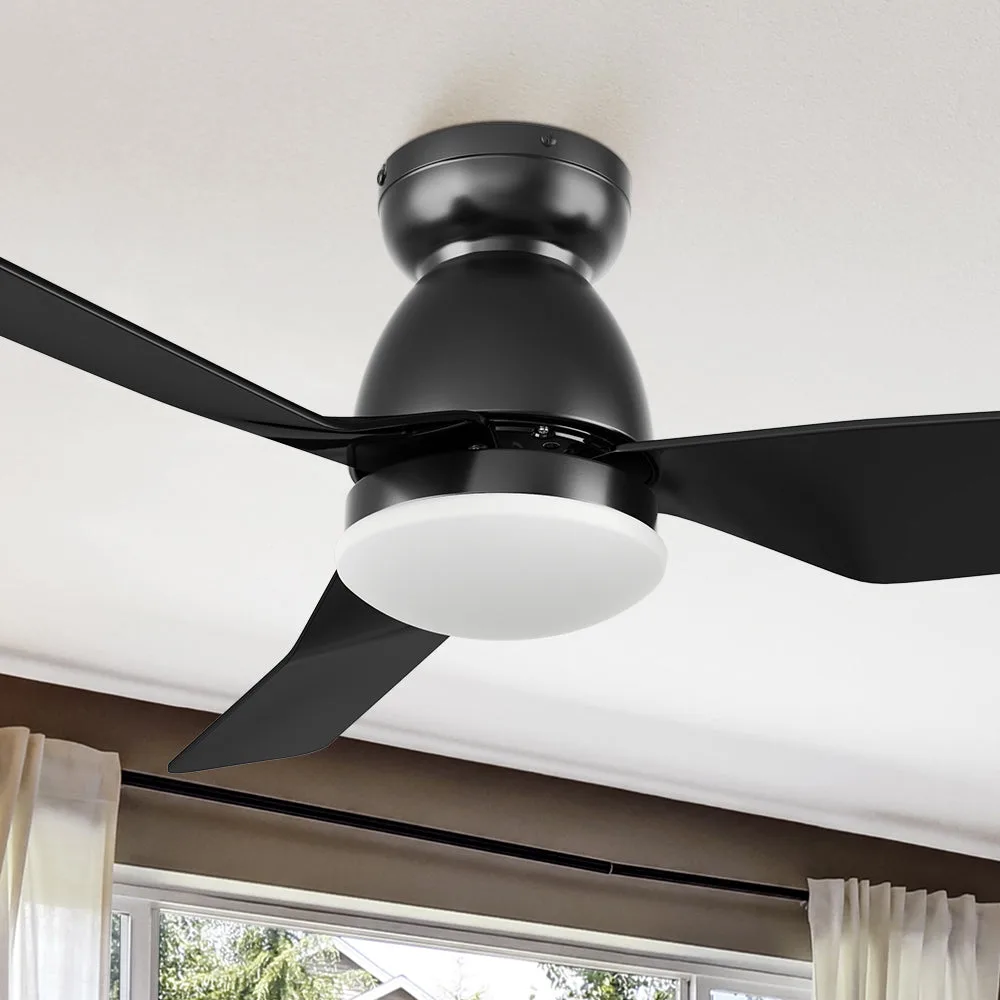
- Sonoma Pro Low Profile Smart Fan with LED light and Remote 44 Inch: Quick Installation: The Sonoma comes with user-friendly instructions and all necessary installation parts for a quick and seamless installation on even ceilings. Simplifies the DIY upgrade process, but only if the wiring meets the fan’s electrical requirements.
Upgrading your wiring empowers you to enjoy all the convenience of a smart ceiling fan while keeping your home safe. Follow each step carefully, respect the limits of your existing electrical system, and don’t hesitate to call a professional if anything feels uncertain.