Quick answer
If you need low latency and a reliable connection for calls or gaming, a wired USB audio adapter is the better choice. For cable-free convenience with headphones or speakers, a Bluetooth adapter works well for music and casual use.
Latency and reliability
Wired USB audio adapters send audio over a direct cable connection, which means near-zero latency and no signal dropouts. Bluetooth adapters introduce a small delay (typically 100-300 ms) and can be affected by interference or distance from the source device. For real-time applications like video calls or gaming, the wired path is more dependable.
Compatibility and setup
Both adapter types are plug-and-play on most modern systems. A USB audio adapter adds headphone and microphone jacks to any USB-A or USB-C port without drivers. A Bluetooth adapter enables wireless pairing with headphones, speakers, and peripherals, but may require driver installation on some older Windows or Linux systems.
Wired vs wireless tradeoffs
- Latency: Wired USB audio adapters deliver near-instant audio, ideal for real-time communication and gaming. Bluetooth adapters add noticeable delay that can disrupt sync. Choose wired for latency-sensitive tasks.
- Mobility: Bluetooth adapters let you move freely within 10 meters of your device. Wired adapters tether you to the computer but never lose connection. Choose Bluetooth for wireless freedom.
- Setup simplicity: USB audio adapters work immediately on any USB audio class device without drivers. Bluetooth adapters may need driver installation on some systems. Choose wired for zero-fuss setup.
Product facts
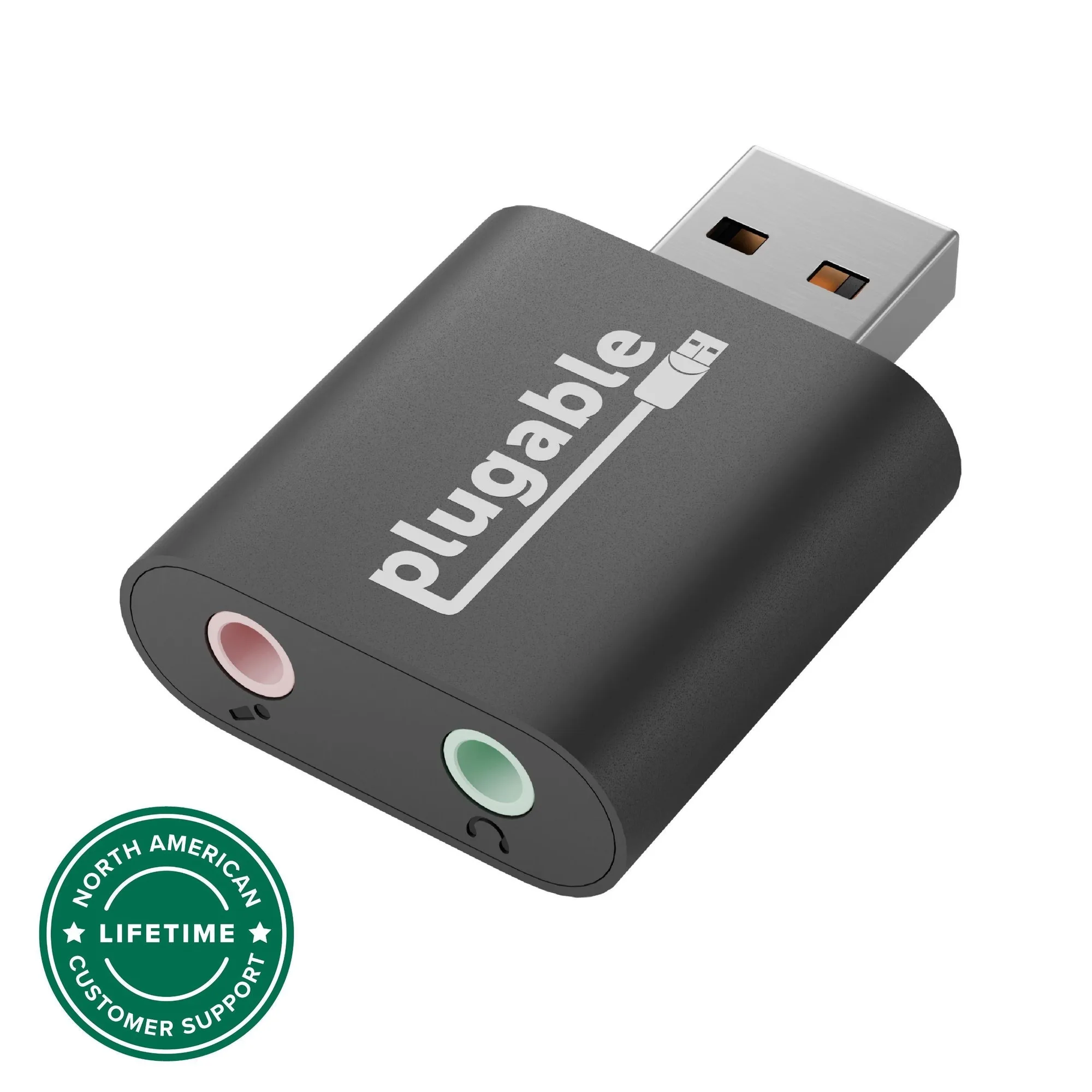
- Plugable USB Audio Adapter: The Plugable external sound card (USB-AUDIO) is an easy way to instantly gain a headphone and a microphone jack to your existing USB audio class enabled system. It installs without needing to load any necessary drivers. You get a simple, low-latency audio connection for calls, gaming, or music without extra setup.
- Plugable USB 2.0 Bluetooth® Adapter: This Plugable adapter upgrades Windows and Linux PCs with the latest Bluetooth 4.0 support. It works with other Bluetooth devices within approximately a 10m (30 foot) radius, with transfer rates up to 3 Mbps. You can connect wireless headphones or speakers without cables, but may experience slight audio delay and range limitations.
Which should you pick?
Best for
- Users who need low-latency audio for calls, gaming, or video editing
- Anyone who wants a simple, driver-free audio solution
Not for
- Users who prefer wireless headphones and are okay with minor audio delay
- Situations where you need to move around while listening