Quick answer
Slow charging usually comes from a mismatch, not a broken phone. Your wall charger sets the maximum wattage, your USB-C cable must carry that wattage and support USB Power Delivery, and the port you plug into must negotiate the same standard. Match all three, and a 45W charger like the NRGlink 45W Dual USB-C Wall Charger can charge two devices at full speed instead of trickling.
Why a 45W charger can still charge slowly
A charger's wattage is a ceiling, not a guarantee. The NRGlink 45W Dual USB-C Wall Charger splits its 45W total output between two USB-C ports, so a single device may see less than 45W when both ports are in use. The cable also has a rating: a cable built for low-power data may cap charging well below what the charger can deliver. Finally, the phone itself decides how much power to accept. If any link in that chain is weaker, you get slow charging even with a high-wattage brick.
Match the cable's power rating to the charger
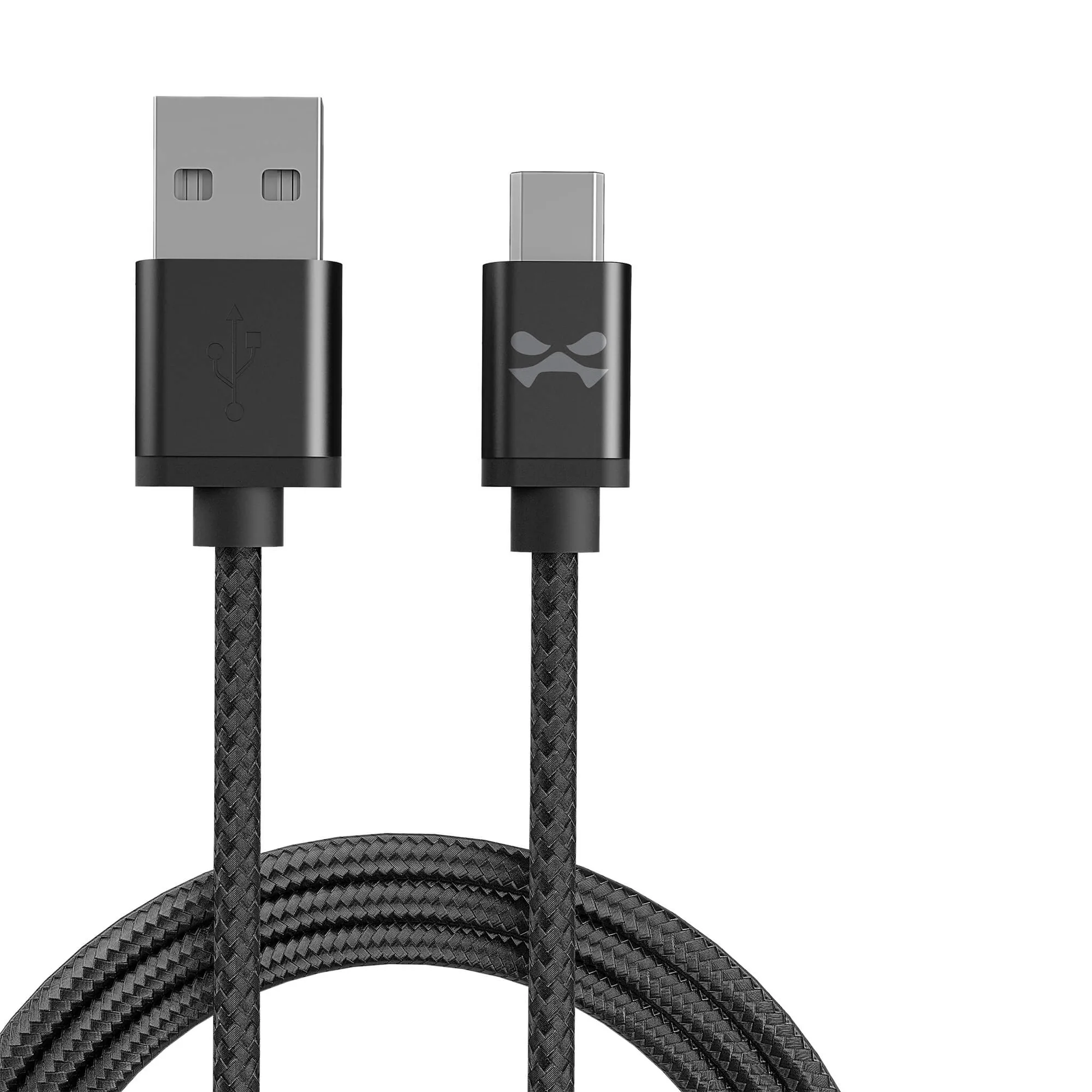
The cable must be rated for at least the wattage you want to deliver. For a 45W charger, look for a USB-C cable explicitly rated for 45W or higher and marked as supporting USB Power Delivery. A charge-only cable with no wattage rating is the most common culprit behind 'why is my phone charging slowly' complaints. If you use Micro USB devices, the NRGline Micro USB Durable Fast Charging Cables support fast charging for compatible devices, but Micro USB has a lower ceiling than USB-C Power Delivery, so don't expect 45W through that connector.
Check what your phone will actually accept
Even a perfect cable and charger can't force a phone past its own limit. Most phones cap fast charging at a specific wattage and protocol, and some only fast-charge on one port or with a specific cable type. Check your phone's stated fast-charging wattage before buying a higher-wattage charger. If your phone tops out at 20W, a 45W charger will still work safely but won't charge faster than 20W. The charger delivers what the device requests, not more.
Step-by-step: pair your cable and charger for full speed
- Identify your phone's maximum fast-charging wattage: Look up the exact fast-charging wattage your phone supports. This is the target your cable and charger must meet or exceed. Checkpoint: if you don't know the number, assume 18–25W for most phones and don't overspend on a 100W charger.
- Choose a charger that meets or exceeds that wattage: Pick a wall charger rated at or above your phone's fast-charging wattage. The NRGlink 45W Dual USB-C Wall Charger covers most phones and can split power across two USB-C ports. Mistake to avoid: buying a 45W charger but plugging into a USB-A port, which won't support USB Power Delivery.
- Select a USB-C cable rated for the same wattage: Use a USB-C cable explicitly rated for at least the charger's wattage and marked as supporting USB Power Delivery. A low-rated cable will throttle charging no matter how powerful the charger is. Mistake to avoid: grabbing a random charge-only cable from a drawer. If it has no wattage rating, it's probably the bottleneck.
- Plug into the correct port and check the connection: Use a USB-C port on both ends. On dual-port chargers, plugging in a second device can reduce power to the first, so charge your most important device alone if speed matters. Checkpoint: if charging is still slow, swap the cable first — it's the most common failure point.
- Confirm fast charging is active on your phone: Most phones show a fast-charging indicator or a lock-screen message. If you don't see it, the phone hasn't negotiated Power Delivery with the charger. Next step: try a different cable or a different port on the charger before assuming the phone is faulty.
Products that support proper pairing
- 45W Dual USB-C Wall Charger Fast Charging — NRGlinkWall Charger 45W / White: 45W total power output with dual USB-C ports for charging two devices simultaneously. Two USB-C ports mean you can charge a phone and a tablet at once, but expect the 45W to be shared rather than delivered fully to each port.
- Micro USB Durable Fast Charging Cables — NRGline: Micro USB durable fast charging cables that support fast charging for compatible devices. Useful if you still have Micro USB gadgets, but they won't carry USB-C Power Delivery wattage, so pair them with a matching lower-wattage charger.
- iPhone 17 / Air Series Protective Clear MagSafe Cases — COVERTiPhone 17 Pro / Clear: iPhone 17 / Air Series protective clear MagSafe case with built-in MagSafe compatibility. A case with MagSafe compatibility won't block wireless charging alignment, but for wired fast charging you still need a USB-C cable and charger that meet the phone's requirements.