Quick answer
Buy for the laptop's charger wattage plus a reserve for the ports you actually use. A 150W GaN dock covers a power-hungry laptop and several accessories; a 140W triple-display dock suits multi-monitor desks; a bus-powered hub is fine for a phone, tablet, or low-power laptop. Check the dock's stated laptop charging output, not just its total wattage.
Total wattage is not the same as laptop charging wattage
A dock's headline number, such as 150W or 140W, is its overall power budget. That budget is split between charging your laptop and running the dock's ports, card readers, and connected drives. The laptop charging figure is usually lower and is the number that decides whether your battery rises or slowly drains during work.
So when you ask how many watts a USB-C dock needs, start from your laptop's own charger. If the original charger is 96W, a dock that reserves a similar amount for the laptop is the safe target. A dock that shares its budget more thinly may keep a light workload running but lose ground during exports, builds, or calls.
Count the ports that draw power, not just the ones you plug in
Every powered device on the dock competes for the same budget. An external SSD, a phone charging at full speed, a webcam, and a USB-A accessory all take a share. Monitors usually draw little from the dock, but adapters and bus-powered drives can matter more than people expect.
A practical method is to list your three heaviest accessories and add their charging needs to your laptop's requirement. If the total sits close to the dock's laptop output, choose a larger dock or move one accessory to a wall charger. This is also why a dock advertised for charging can still be the wrong choice for a fully loaded desk.
Match the dock class to the desk
For a single laptop plus a monitor and a couple of peripherals, a mid-size dock is usually enough. For a triple-display desk with drives and wired networking, the larger docks make more sense because they combine more ports with a bigger power budget. For travel, a compact hub that draws power from the laptop is lighter but will not charge a demanding laptop quickly.
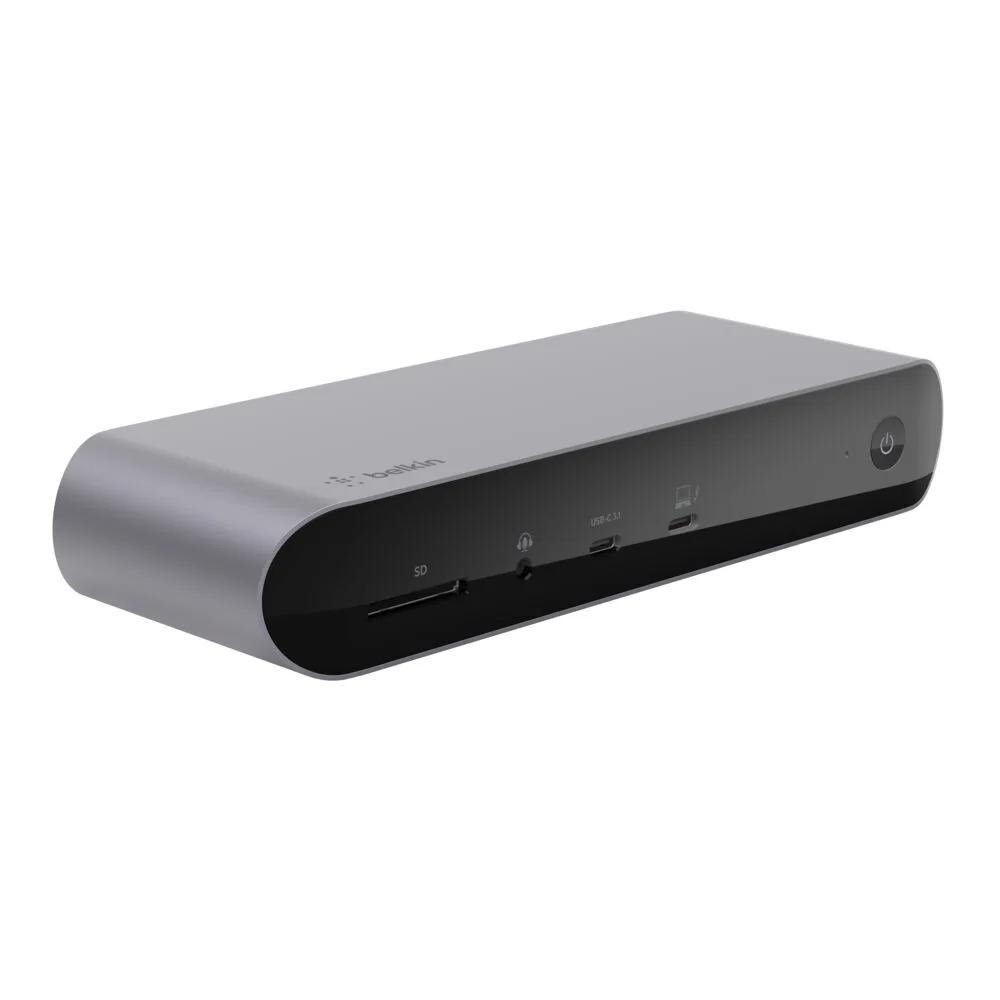
The Belkin USB-C 11-in-1 Pro GaN Dock 150W sits in the desktop class: GaN technology keeps its power supply compact, and its 11-in-1 layout covers multiple devices at once with 150W power delivery. The Universal 16-Port Triple Display USB-C Dock is the multi-monitor option, with 16 ports and triple display support backed by 140W power. The USB-C 7-in-1 Multiport Hub Adapter is the portable choice for adding ports on the go.
Where a small adapter still earns its place
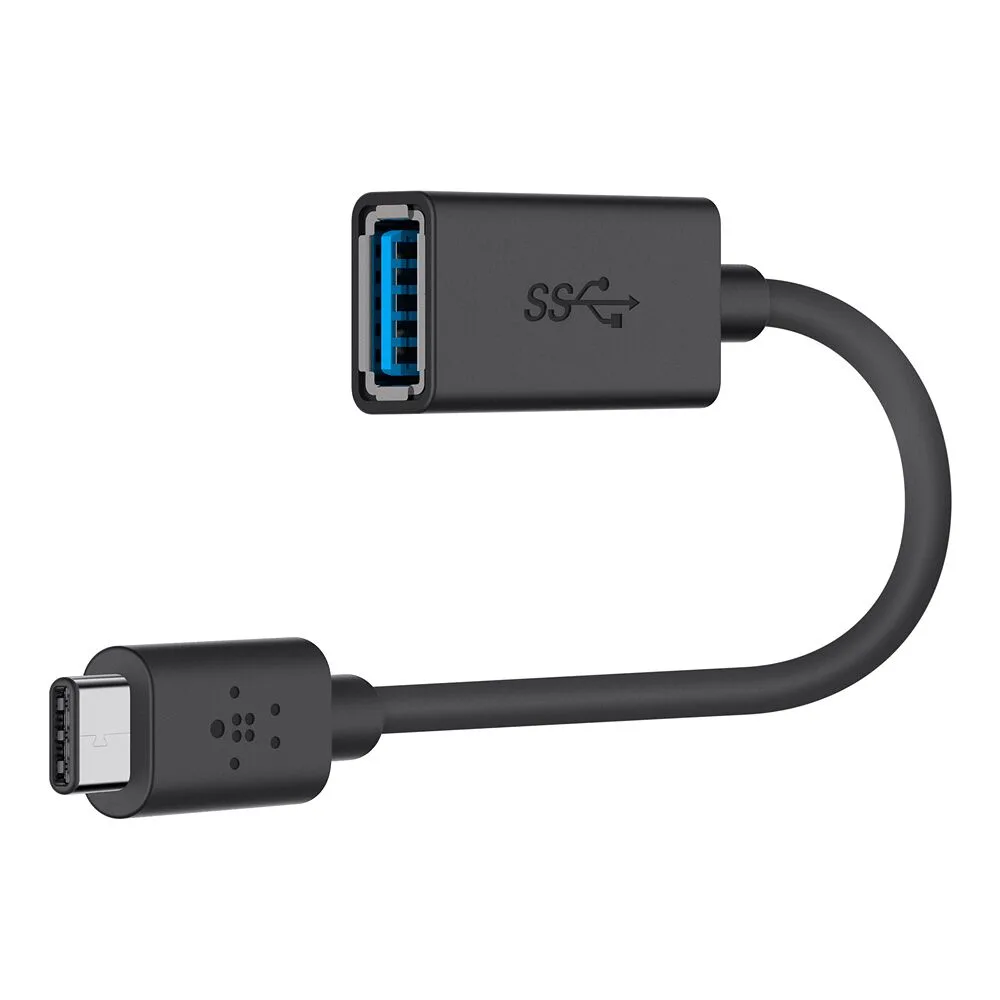
Not every power problem needs a dock. If you mainly move files between a USB-C laptop and older USB-A drives, the 3.0 USB-C to USB-A Adapter supports USB 3.0 speeds up to 5 Gbps and up to 1.5A for charging and syncing. It will not power a laptop, but it removes a common reason to buy a bigger dock you do not need.
Keep the adapter in your bag and leave the dock on the desk. That split keeps your travel kit light and your desk wiring stable, and it prevents you from paying for ports twice.
Decision rules for dock wattage
- Start from your laptop charger: Find the wattage printed on your laptop's original USB-C charger. Treat that as the minimum the dock should reserve for laptop charging. If the dock's laptop output is below your charger's wattage, expect slower charging or drain under load.
- Add your heaviest accessories: Add the charging needs of the two or three devices you will keep connected, such as a phone, SSD, or webcam. If the total approaches the dock's laptop output, step up a dock class or move one device to a wall charger.
- Choose by desk, not by headline wattage: A triple-display desk benefits from the 16-port dock's layout; a single-screen desk with a demanding laptop fits the 150W GaN dock. Match ports and displays first, then confirm the power budget covers your laptop.
Docks and adapters at a glance
- USB-C 11-in-1 Pro GaN Dock 150W: USB-C 11-in-1 Pro GaN Dock 150W with 11-in-1 connectivity and 150W power delivery. A single desktop dock for a demanding laptop plus several accessories, with GaN keeping the power supply compact.
- Universal 16-Port Triple Display USB-C Dock: Universal 16-Port Triple Display USB-C Dock with 16 ports, triple display support, and 140W power. The pick when multiple monitors and many peripherals matter more than the highest single charging figure.
- USB-C 7-in-1 Multiport Hub Adapter: USB-C 7-in-1 Multiport Hub Adapter with a compact, portable design for adding ports. Useful for travel and light setups where you add ports but do not expect the hub to replace your laptop charger.
- 3.0 USB-C to USB-A Adapter (USB-C Adapter): 3.0 USB-C to USB-A Adapter supporting USB 3.0 data transfer up to 5 Gbps and up to 1.5A. Solves legacy USB-A connections without adding a powered dock to your bag.
Who should buy which
Best for
- Desk setups with a power-hungry laptop and several accessories that need one dock and one cable
- Multi-monitor desks that need triple display output and many ports more than the highest charging figure
- Travel kits that need extra ports without a second power supply
Not for
- Buyers who only need to connect a USB-A drive occasionally; a small adapter is enough
- Setups where the laptop's own charger already meets the laptop's needs and no extra ports are required
- Anyone expecting a compact hub to fast-charge a high-wattage laptop