What You Need for a Single-Cable Setup
The Plugable USBC-PDMON portable monitor connects and powers through a single USB-C cable—but only if your host device has a video-capable USB-C port. This includes USB-C ports that support DisplayPort Alt Mode (DP Alt Mode), USB4, or Thunderbolt. Charging-only or data-only USB-C ports will not output video, and the screen will stay black.
For the 100W pass-through charging to work, you need to connect a USB-C power adapter (not included) to the monitor. The monitor can then receive up to 100W PD input and deliver up to 85W to your laptop, keeping both the display and your host charged through one cable.
Step-by-Step Setup
- Check your host port: Confirm your laptop or tablet has a USB-C port that supports DP Alt Mode, USB4, or Thunderbolt. If you are unsure, check your device specifications or look for a 'DP' or 'Thunderbolt' icon next to the port.
- Connect the monitor: Use the included 1.0 m (3.3 ft) USB-C cable to connect the monitor directly to your host device. For best results, avoid using a hub or dock—some USB-C ports on hubs do not pass DP Alt Mode video.
- Enable pass-through charging (optional): Plug a USB-C power adapter (sold separately) into the monitor's USB-C PD input port. The monitor will power on and can charge your laptop at up to 85W, depending on the adapter's output.
- Adjust display settings: Once connected, your operating system should detect the monitor automatically. If the display looks dim, adjust the monitor's hardware brightness and color modes using the on-screen menu buttons.
Key Compatibility and Cable Tips
-
Plugable USB-C Portable Monitor with Protective Case/Stand, 100W Pass-Through Charging: This monitor requires a video-capable USB-C port: USB-C DisplayPort Alt Mode (DP Alt Mode), USB4, or Thunderbolt. Charging-only or data-only USB-C ports will NOT output video. Using the wrong port type is the most common reason for a black screen. Always verify your host port before connecting.
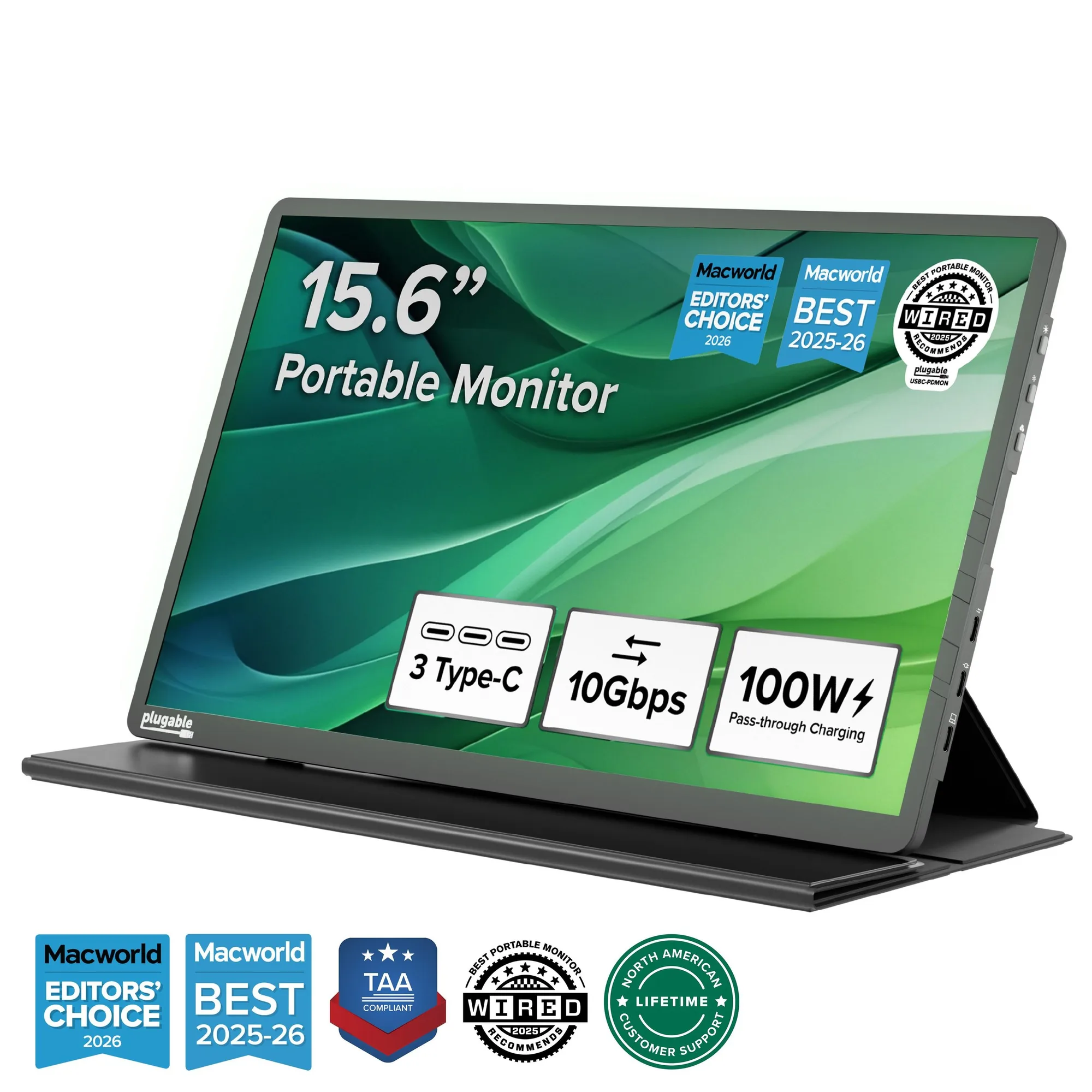
Plugable USB-C Portable Monitor with Protective Case/Stand, 100W Pass-Through Charging
-
Plugable USB-C Portable Monitor with Protective Case/Stand, 100W Pass-Through Charging: Many identical-looking USB-C cables are charge-only and won’t carry video. The included cable supports video and power. If you need a longer cable, choose one that explicitly supports DP Alt Mode + Power Delivery + 10Gbps or higher. A charge-only cable will power the monitor but show no video. Using the supplied cable avoids this confusion.
-
Plugable USB-C Portable Monitor with Protective Case/Stand, 100W Pass-Through Charging: Connect a USB-C power adapter (not included) to enable USB-C PD pass-through: powers the monitor and can charge your device (up to 100W PD input, up to 85W to host). This turns the monitor into a single-cable docking solution for laptops that support USB-C charging, reducing cable clutter on your desk.
What to Know About Power and Brightness
Many laptops can power the monitor over the same USB-C cable used for video, but phones or tablets may need extra power from the pass-through adapter. The monitor is optimized for indoor productivity; direct sunlight can reduce perceived brightness. It also supports HDCP playback when your device, port, and apps support HDCP output.
The Plugable USBC-PDMON is TAA-compliant and designed for home offices, business travel, hot-desking, classrooms, and IT deployments. It comes with a folding travel cover/stand, so you can use it as a second screen right out of the box.