Why Choose a Wired Ethernet Connection?
When Wi-Fi feels slow or unreliable, a wired connection often provides a more stable and consistent experience. A USB-C to Gigabit Ethernet adapter lets you plug your laptop or tablet directly into a router or wall jack, bypassing wireless interference. This is especially useful for video calls, large file transfers, or online gaming where a drop in connection can be disruptive.
The Belkin USB-C to Gigabit Ethernet Adapter is designed to bring a wired network connection to USB-C enabled devices, offering high-speed internet access through a Gigabit Ethernet port. Its compact size makes it easy to carry, so you can get a wired connection at home, in the office, or while traveling.
How to Set Up the Adapter
Setting up the Belkin USB-C to Gigabit Ethernet Adapter is straightforward. The adapter is plug-and-play, which means you don't need to install additional software. Here’s how to get connected:
- Connect the adapter to your device: Plug the USB-C connector into your laptop or tablet. The adapter is designed for USB-C enabled devices, so make sure your device has a USB-C port.
- Connect an Ethernet cable: Plug one end of an Ethernet cable into the adapter's Gigabit Ethernet port and the other end into your router, modem, or wall jack.
- Let your device recognize the connection: Because the adapter is plug-and-play, your device should automatically detect the wired connection. No additional software or drivers are required.
- Check your network status: Once connected, your device should show a wired network connection. You can verify by opening your network settings or simply browsing the internet.
What the Belkin Adapter Offers
-
USB-C to Gigabit Ethernet Adapter: Connects your USB-C laptop or tablet to a Gigabit Ethernet network for high-speed wired internet access. This confirms the adapter supports Gigabit speeds, which is ideal for bandwidth-intensive tasks like streaming or large downloads.
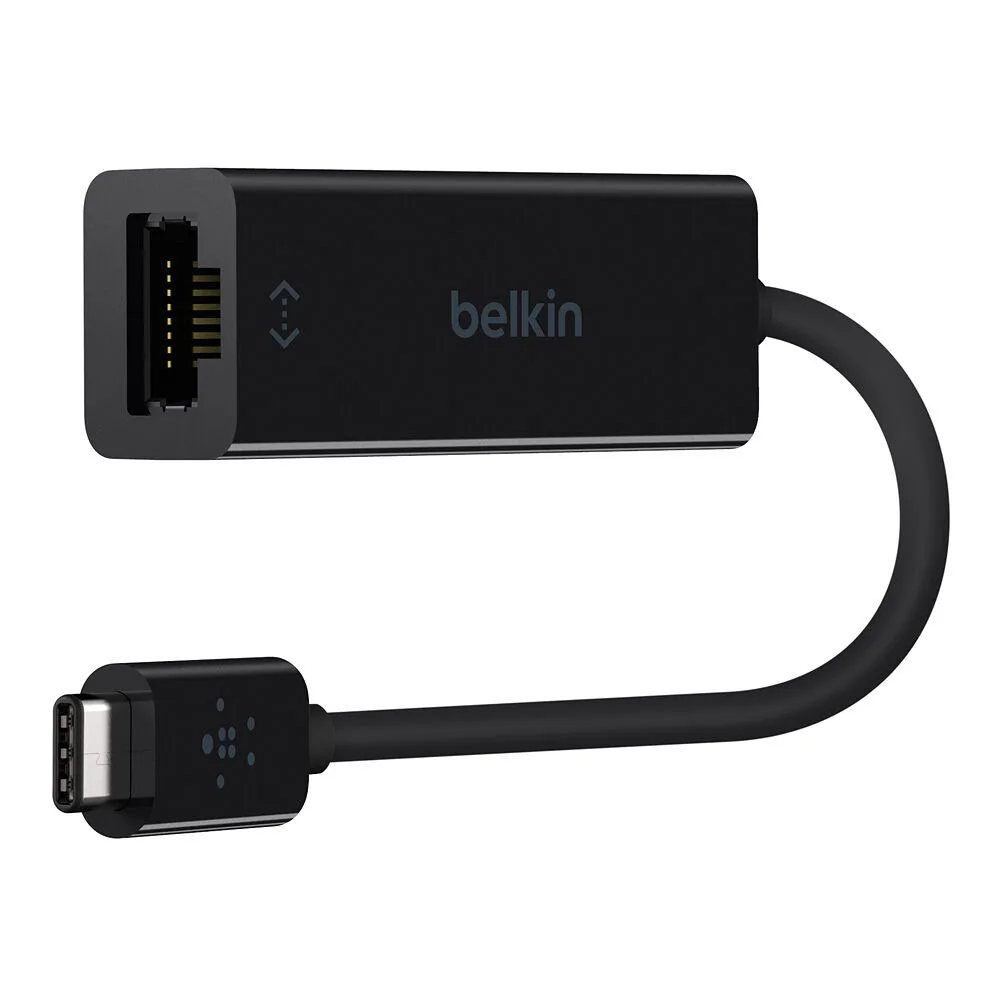
USB-C to Gigabit Ethernet Adapter
-
USB-C to Gigabit Ethernet Adapter: Plug-and-play functionality for quick setup without additional software. You can set up the adapter in seconds without installing drivers, making it a convenient option for travelers or quick office setups.
-
USB-C to Gigabit Ethernet Adapter: Compact and portable design, making it easy to carry in a bag or pocket. The small form factor means you can keep it with your laptop and use it anywhere you need a stable wired connection.
Compatibility Considerations
The Belkin USB-C to Gigabit Ethernet Adapter is designed for USB-C enabled devices. This includes many modern laptops, tablets, and even some smartphones. However, it's important to verify that your specific device supports USB-C connections and that the adapter is compatible with your operating system. The supplied information confirms the adapter works with USB-C devices but does not specify particular brands or models. If you're unsure, check your device's specifications or contact the manufacturer.
Also, note that the adapter provides a Gigabit Ethernet connection, which means it can support network speeds up to 1 Gbps, assuming your router and internet plan support those speeds. If your network is slower, the adapter will still work but will be limited by your internet connection.
Troubleshooting Common Issues
If you encounter issues after connecting the adapter, here are some common checks:
- No connection detected: Make sure the Ethernet cable is securely plugged into both the adapter and the router. Try a different cable or port on your router.
- Slow speeds: Check that your internet plan and router support Gigabit speeds. Also, ensure the Ethernet cable is Cat5e or higher for Gigabit performance.
- Adapter not recognized: Since the adapter is plug-and-play, it should work without drivers. If your device doesn't recognize it, try connecting to a different USB-C port or restart your device.