Quick answer
For everyday file transfers, 64GB or 128GB covers most needs. Choose 256GB if you work with large video files or want a single drive for backups.
Why capacity matters more than speed for most users
USB 3.2 speeds are common now, but the real bottleneck is running out of space mid-transfer. A drive that is too small forces you to juggle files or carry multiple drives. Picking the right capacity upfront saves time and frustration.
The trade-off between portability and storage
Larger capacities like 256GB hold more data, but you rarely need to carry your entire archive on a keychain. Smaller drives (32GB–64GB) are lighter and cheaper, making them ideal for daily document transfers. If you regularly move large media files, the extra capacity of a 256GB drive justifies the slightly higher cost.
Decision rules for choosing USB flash drive capacity
- 32GB – Documents and small projects: Holds about 8,000 documents or 2,000 photos. Best for students or office workers who transfer text files and occasional images.
- 64GB – Everyday file transfers: Stores roughly 16,000 documents or 4,000 photos. A balanced choice for most home and work users who move mixed file types. If you often run out of space on a 32GB drive, 64GB is the next logical step.
- 128GB – Media and backups: Holds about 32,000 photos or 25 hours of HD video. Good for photographers, videographers, or anyone backing up a laptop.
- 256GB – Heavy storage needs: Stores roughly 64,000 photos or 50 hours of HD video. Ideal for large media libraries or as a single backup drive for multiple devices. Consider this if you work with 4K video or need to carry your entire project archive.
Product spotlight
-
USB Flash Drive, Elite, [Basics]: 256GB capacity with USB 3.2 high-speed performance and a built-in keyring loop. This size holds roughly 64,000 photos or 50 hours of HD video, and the keyring loop keeps it handy without needing a separate case.
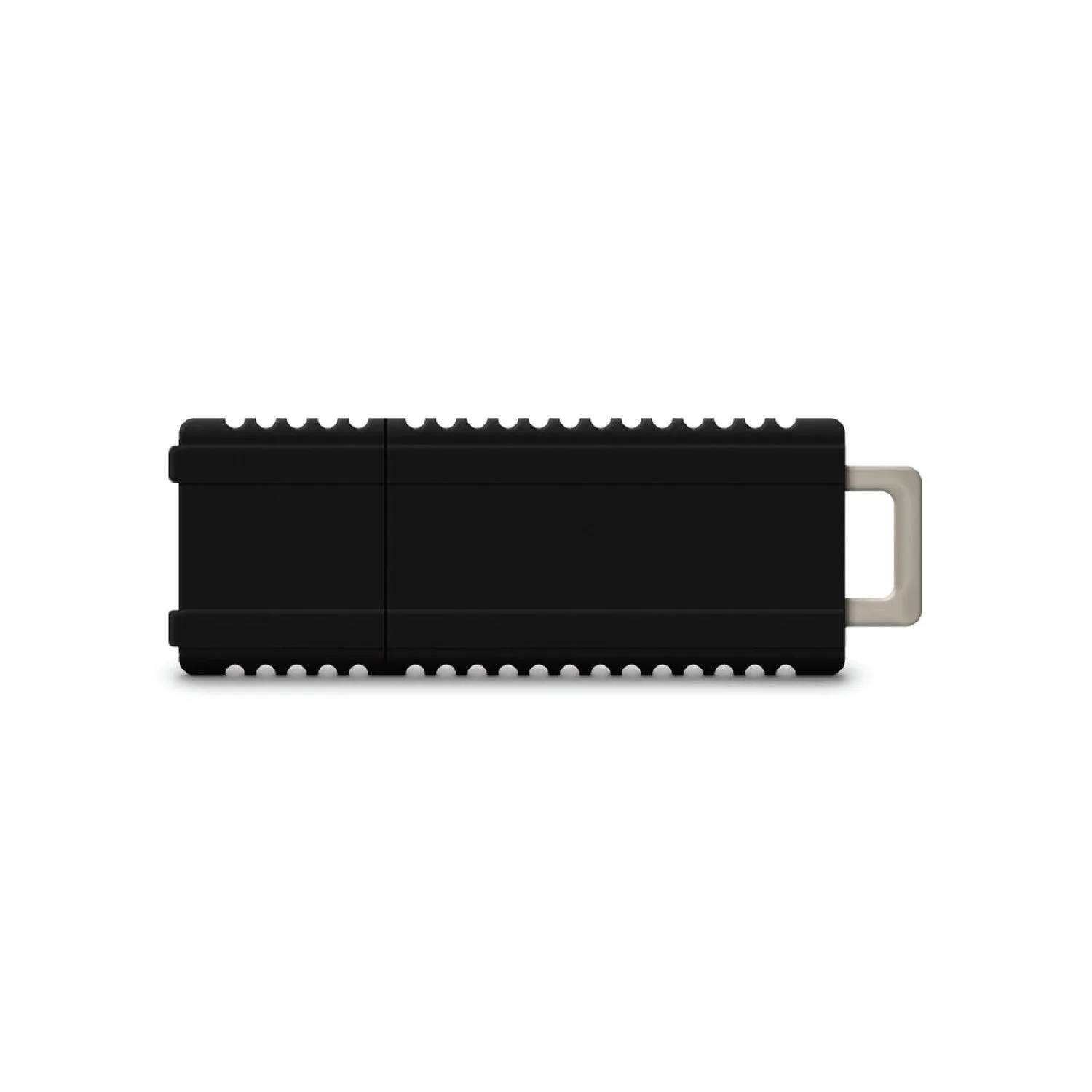
USB Flash Drive, Elite, [Basics]
Which capacity fits you?
Best for
- Students and office workers who transfer documents and small files daily
- Photographers and videographers who need a portable backup for media projects
Not ideal for
- Users who only need to move a few files occasionally – a 32GB drive is more cost-effective
- Anyone needing a single drive for massive 4K video archives – consider an external SSD instead