Quick answer
Buy a USB4 40Gbps NVMe enclosure only if your computer has a USB4 or Thunderbolt 4 port and your work moves large files regularly; otherwise a slower enclosure is the better value. The UGREEN M.2 NVMe SSD Enclosure (40Gbps, USB4, Thunderbolt 4) is the model to consider when you need that full interface headroom.
What 40Gbps actually changes for an NVMe drive
40Gbps is the interface ceiling, not a promise that every M.2 NVMe drive will hit it. The enclosure and the host port set the ceiling; the drive's own read and write performance sets the real result. A fast drive in a 40Gbps enclosure can feel closer to internal storage, while a budget drive will cap lower no matter what the enclosure supports.
That matters because most buyers compare enclosure numbers to drive numbers. Match the enclosure to the drive you already own or plan to buy, and check that your computer's port is USB4 or Thunderbolt 4 before paying for 40Gbps.
Thunderbolt 4 compatibility: what to check before buying
Thunderbolt 4 and USB4 share the same physical USB-C connector, but not every USB-C port is either one. A plain USB 3.2 port will still work with a USB4 enclosure, but it will run at the port's own slower speed, so you pay for bandwidth you cannot use.
Check your computer's spec sheet for USB4 or Thunderbolt 4 rather than assuming from the connector shape. On desktops, confirm the specific port, not just the motherboard model.
The trade-offs you accept with a 40Gbps enclosure
High-bandwidth enclosures cost more, can run warmer under sustained transfers, and often need a capable cable to reach their rated speed. They also make less sense for small documents, photo libraries, or backup drives that never see large sequential files.
If your files are mostly small or your workflow is occasional, a slower enclosure leaves more budget for the SSD itself, which usually affects everyday responsiveness more than the interface does.
Decision rules for choosing a USB4 NVMe enclosure
- Confirm the host port first: Choose a 40Gbps USB4 enclosure only if your computer lists USB4 or Thunderbolt 4 on the port you will use. If it lists USB 3.2 or plain USB-C, buy a slower enclosure and put the savings into the drive. The port, not the enclosure label, sets your real speed.
- Match the enclosure to the drive: Pair a 40Gbps enclosure with an M.2 NVMe drive rated for high sequential performance. A slower drive will not reach the enclosure's ceiling, so the extra bandwidth goes unused. Budget for the drive and enclosure together, not separately.
- Decide by file size, not by habit: Choose 40Gbps if you regularly move large video, project, or backup files. For documents, photos, and occasional transfers, a slower enclosure is the more sensible purchase. Estimate your typical file size before paying for bandwidth.
- Plan for cable and heat: Use a cable rated for USB4 or Thunderbolt 4 and expect the enclosure to warm up during long transfers. If sustained speed matters, leave airflow around the enclosure rather than stacking it under other gear. A rated cable is part of the purchase, not an afterthought.
Product facts to weigh
-
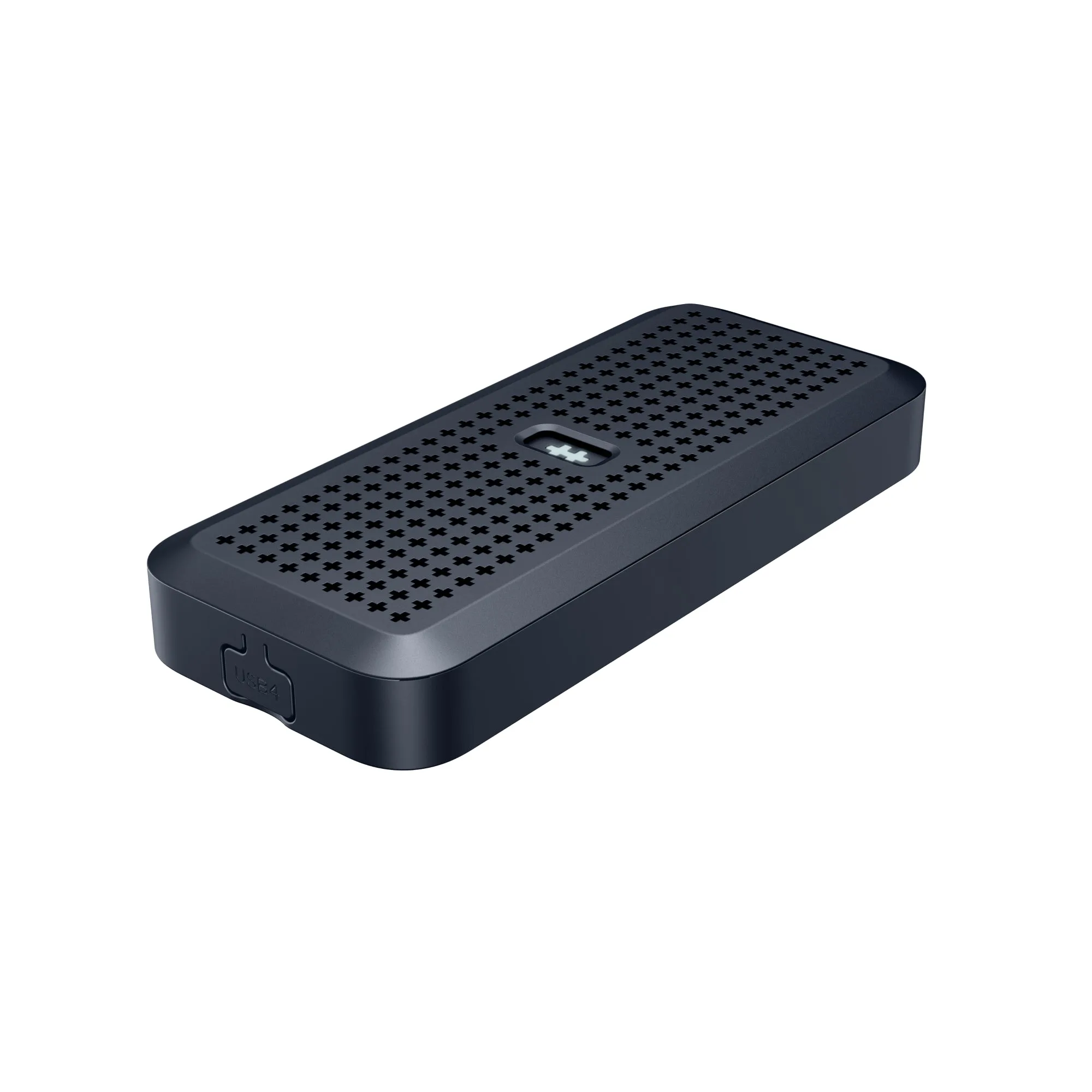
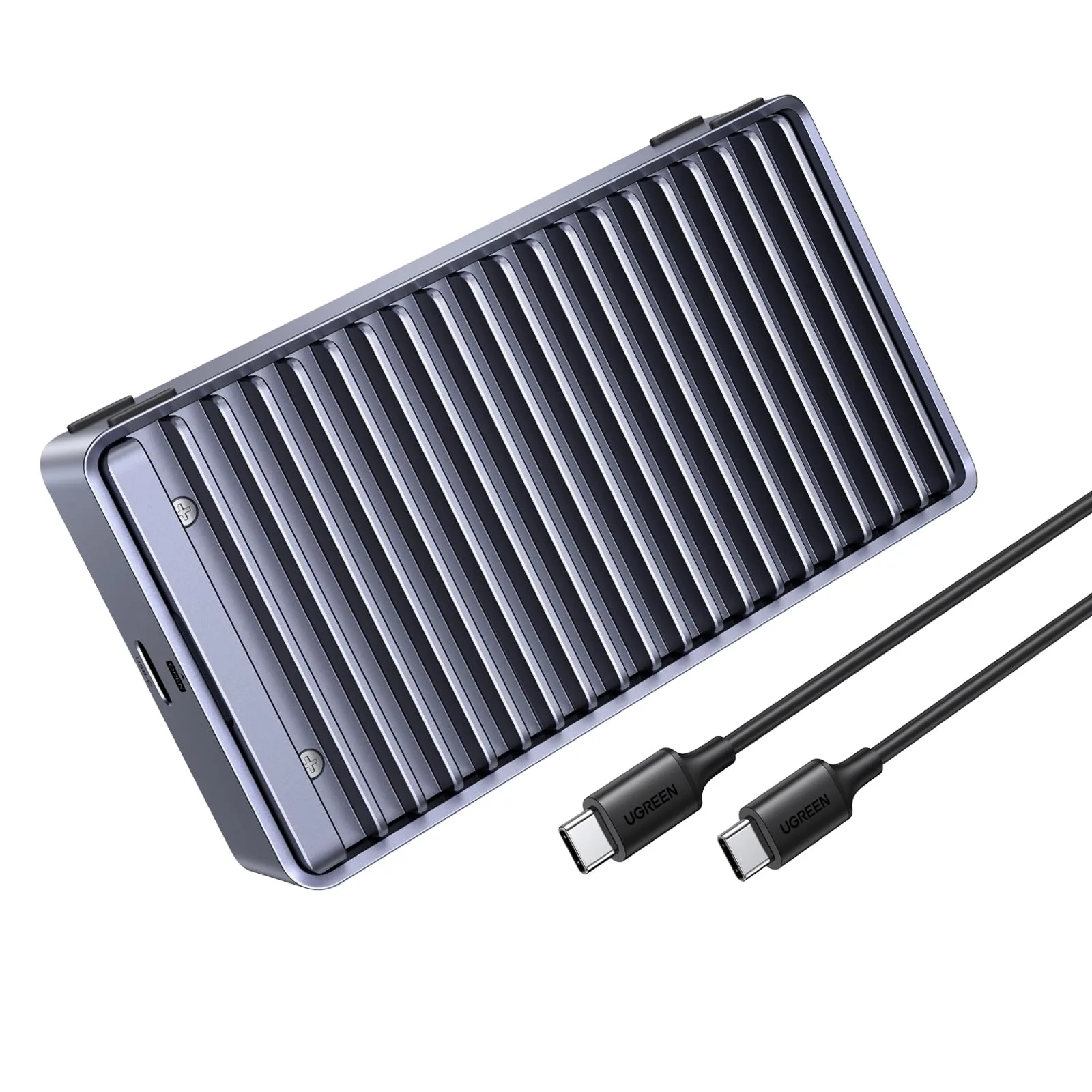
UGREEN M.2 NVMe SSD-behuizing (40Gbps, USB4, Thunderbolt 4): Supports USB4 and Thunderbolt 4 connectivity with up to 40Gbps bandwidth and tool-free installation for M.2 NVMe SSDs. It gives you the full interface ceiling for large-file work and lets you install or swap a drive without special tools.
UGREEN M.2 NVMe SSD-behuizing (40Gbps, USB4, Thunderbolt 4)
UGREEN M.2 NVMe SSD-behuizing (40Gbps, USB4, Thunderbolt 4)
Who should buy a 40Gbps USB4 enclosure
Best for
- Editors and creators who move large video or project files between machines
- Users with a confirmed USB4 or Thunderbolt 4 port who want near-internal SSD speed
Not for
- Laptops or desktops with only USB 3.2 or plain USB-C ports
- Buyers who mainly store documents, photos, or occasional backups