Quick Answer
For most content creators in 2026, USB4 offers broader compatibility and similar real-world speeds for external storage, making it the more practical choice. Thunderbolt 3 still wins when you need guaranteed performance with legacy devices or a docking station ecosystem. Match the cable and drive to your specific ports and workflow.
If you're a content creator juggling large video files, raw photos, or project backups, the choice between USB4 and Thunderbolt 3 can feel like a technical rabbit hole. Both promise fast transfers, but they serve different ecosystems and budgets. In 2026, the answer isn't about which is 'better' on paper—it's about what your devices actually support and how you work.
This comparison breaks down the real-world differences, highlights the trade-offs, and points you to the right cable or drive for your creative setup. No jargon, just practical guidance.
Speed and Bandwidth: What the Specs Mean for You
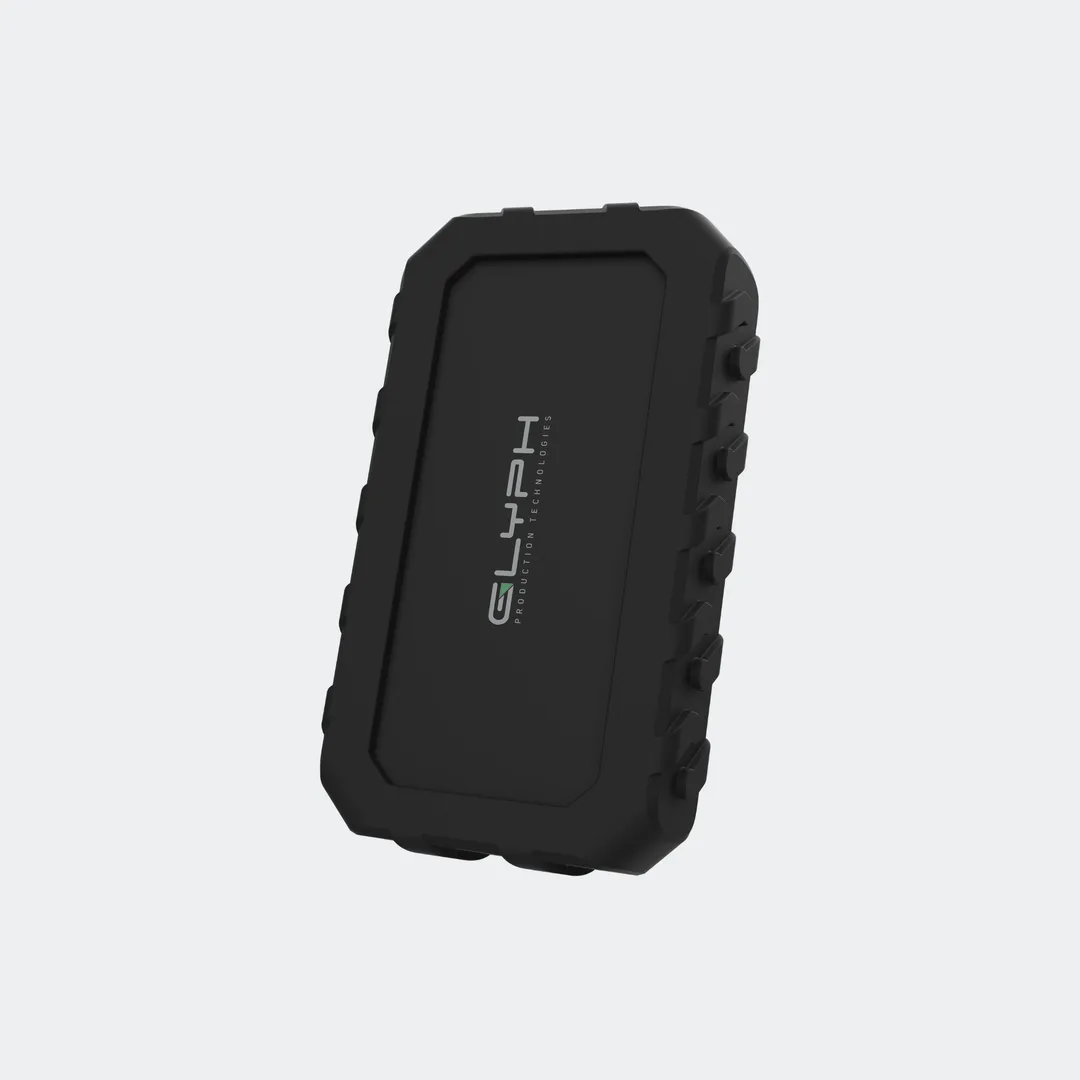
Both USB4 and Thunderbolt 3 offer up to 40Gbps data transfer speeds, but that number doesn't always translate to real-world performance. For video editing, sustained read/write speeds matter more than peak bursts. A USB4 NVMe SSD can move 50GB of footage in under two minutes, as seen with the Glyph Atom EX40, but your cable and port must support the same standard to hit those speeds.
Thunderbolt 3 has been a reliable standard for years, especially on Intel-based laptops and many docking stations. However, USB4 is now common on newer Windows and Apple silicon devices, offering similar bandwidth with broader device compatibility. The practical difference often shows up in sustained transfers and whether your gear negotiates the fastest protocol.
- Check your device's port specifications—both USB4 and Thunderbolt 3 use USB-C, but not all USB-C ports support either.
- For large file transfers, look for sustained speeds, not just peak numbers.
Compatibility: The Real Deciding Factor
Thunderbolt 3 devices are backward compatible with USB-C, but not all USB-C devices support Thunderbolt. This means a Thunderbolt 3 docking station might not work at full speed when plugged into a USB4-only port. Conversely, USB4 is designed to be more universal, working with Thunderbolt 3 devices where supported, but not guaranteeing Thunderbolt features like daisy-chaining or PCIe tunneling.
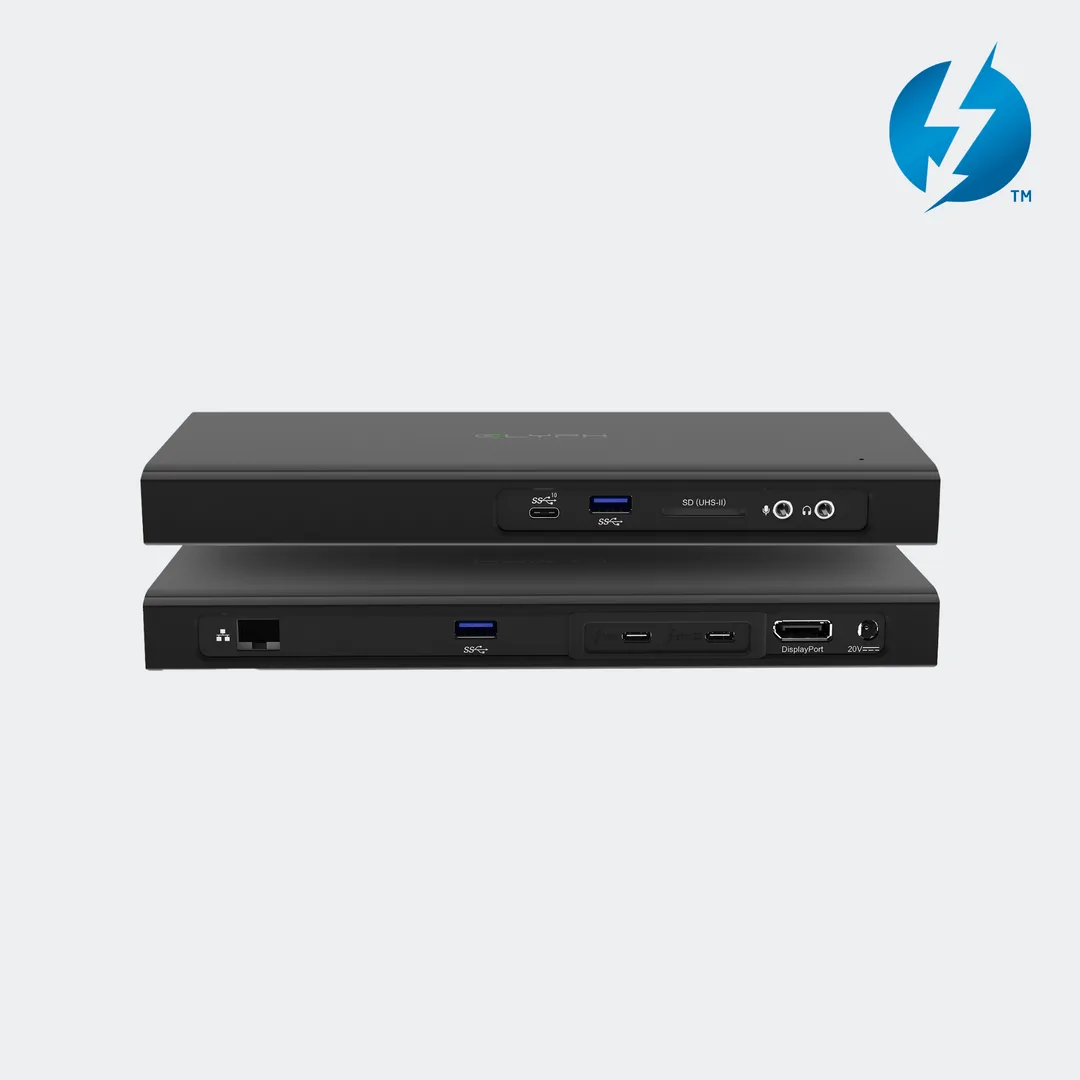
Thunderbolt 3 docking station
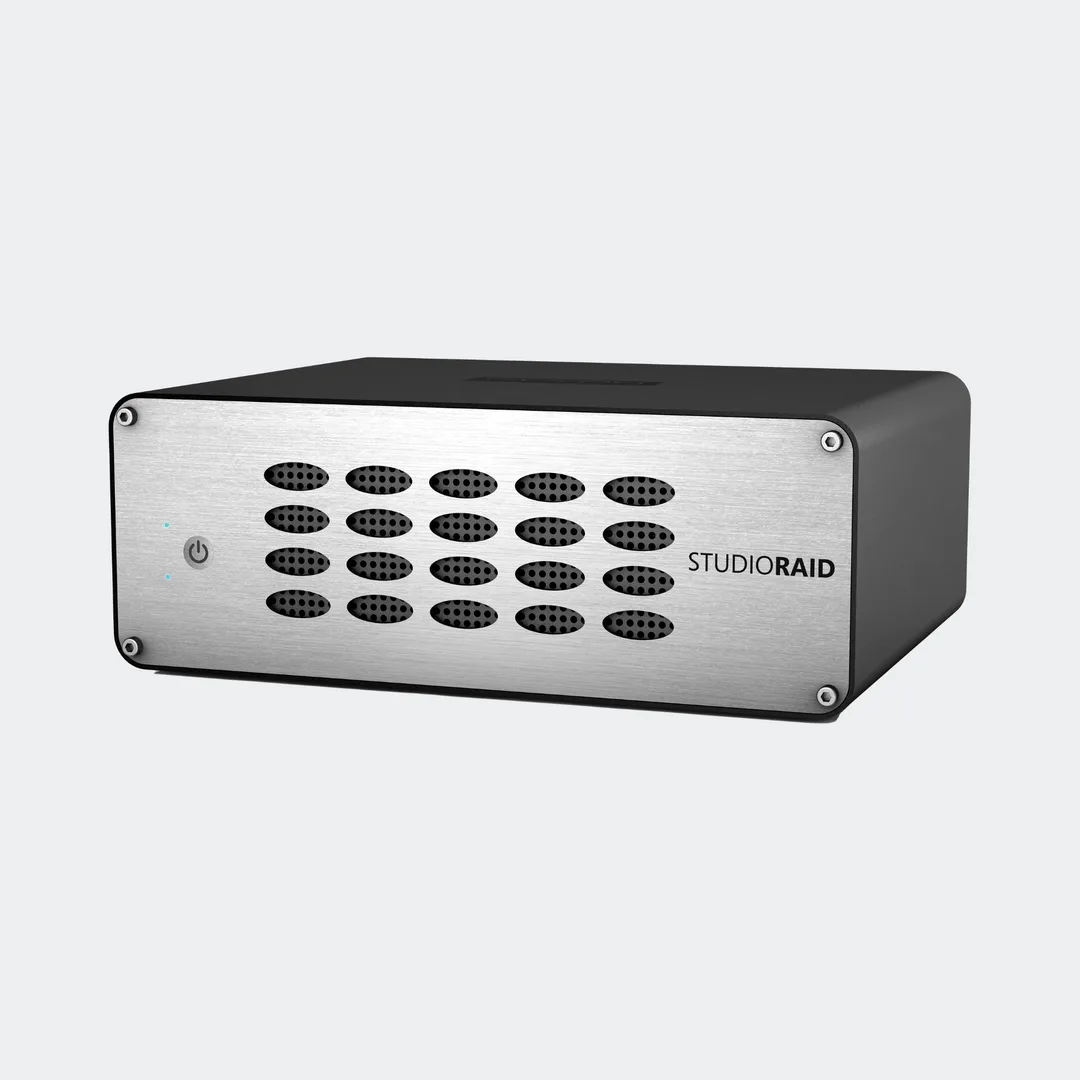
For content creators, this compatibility web matters when you're connecting to studio monitors, card readers, or RAID arrays. The StudioRAID mini, for example, is a professional external drive that works over standard USB connections, making it a safer bet if you mix devices. Know your ports before you invest in a single-cable solution.
- If you use a mix of old and new devices, USB4 offers more flexibility.
- Thunderbolt 3 is ideal if you rely on a specific docking station or monitor daisy-chain.
Power Delivery and Cable Choice
Cables are not all equal. USB4 cables can deliver up to 240W of power, enough to charge high-performance laptops, while Thunderbolt 3 cables typically provide up to 100W. For creators working on location, a single cable that transfers data and charges your laptop simplifies your kit. The https://cleanlinescoai.shop/products/connect-high-performance-usb4-80gbps-240w-type-c-cable-320563https://cleanlinescoai.shop/products/connect-high-performance-usb4-80gbps-240w-type-c-cable-320564https://cleanlinescoai.shop/products/connect-high-performance-usb4-80gbps-240w-type-c-cable-320565Connect+ High-Performance USB4 80Gbps/240W Type-C Cable is a prime example, supporting 80Gbps data transfer and 240W charging—future-proofing your setup.
However, Thunderbolt 3 certified cables are often more affordable and widely available, especially if you don't need the extra power. The trade-off is that you might need separate power adapters, which adds weight to your bag. Choose based on your laptop's charging needs and whether you want one-cable convenience.
- For a clean travel setup, a USB4 cable with high power delivery can replace your laptop charger in some cases.
- Always verify your laptop's charging wattage to ensure the cable can handle it.
The Trade-Offs at a Glance
- Speed vs. Compatibility: USB4 offers similar speeds to Thunderbolt 3 but with broader device support, especially on newer laptops. Thunderbolt 3 guarantees performance with legacy devices but may not work on all USB-C ports. Choose USB4 for future-proofing and flexibility; choose Thunderbolt 3 if you rely on specific older gear.
- Power Delivery vs. Cost: USB4 cables can deliver up to 240W, potentially replacing a laptop charger, but they tend to cost more. Thunderbolt 3 cables are often cheaper but cap at 100W, so you may need a separate power adapter. Invest in a high-power USB4 cable if you value a minimalist travel kit; save money with Thunderbolt 3 if power isn't a concern.
- Ecosystem vs. Universality: Thunderbolt 3 excels in docking stations and daisy-chaining, ideal for a fixed studio setup. USB4 is more universal, making it easier to connect to various devices without compatibility headaches. If you work from a single desk, Thunderbolt 3's ecosystem shines; if you move between devices, USB4 is more forgiving.
Products That Make the Difference
- Atom EX40 High-Intensity USB4 NVMe SSD: I am still testing the drive but the speed of this drive is no joke. I am using this on a Windows PC which is notorious for inconsistent transfer speeds. This drive is fast despite Windows! I transferred over 50GB of footage from a Samsung SSD to The Glyph Atom in under 2 minutes. This shows that USB4 drives can deliver real-world speed even on platforms with mixed performance, making them reliable for video editing and large transfers.
- Connect+ High-Performance USB4 80Gbps/240W Type-C Cable: The Connect+ High-Performance USB4 80Gbps/240W Type-C Cable from Glyphtech is designed for fast data transfer and high-power delivery. With support for USB4 technology, this cable is suitable for connecting external hard drives and other compatible devices. Supports USB4 data transfer speeds up to 80Gbps for quick file transfers. Delivers up to 240W power, enabling charging of high-power laptops and devices. This cable maximizes USB4 performance and power delivery, making it a future-proof choice for creators who need speed and charging in one cable.
- Thunderbolt 3 Docking Station: using for video editing, ProRes 4K 422 without hiccups! It is significantly faster that anything I have. It is well made, metal case, high quality. I wish it had an on/off button as I have to unplug it to switch off. Overall, great product. A Thunderbolt 3 docking station can handle demanding video editing workflows, but the lack of an on/off switch is a minor annoyance to consider.
Which Should You Choose?
Best for
- Content creators with modern laptops (2020 or later) who need broad compatibility and future-proofing.
- Travelers who want a single cable for data and charging, like the Connect+ USB4 cable.
- Video editors working with large files who benefit from USB4 NVMe SSDs like the Atom EX40.
Not for
- Users with older Thunderbolt 3-only devices that require guaranteed performance and daisy-chaining.
- Those on a tight budget who don't need 240W power delivery and prefer cheaper cables.
In 2026, USB4 is the more versatile choice for most content creators, offering similar speeds with broader compatibility and future-proofing. Thunderbolt 3 remains relevant for specific ecosystems and legacy setups. Assess your ports, power needs, and workflow to make the right call—and invest in quality cables and drives that match your chosen standard.