Why Use a Portable DAC/Amp with Your DAP
Your DAP already plays music, but adding a portable DAC/amp like the HiBy FC3 or FC4 can change how your headphones sound. These small USB devices take over digital-to-analog conversion and headphone amplification, often providing a different listening character than your DAP’s built-in circuitry.
Both the FC3 and FC4 are designed for smartphones and computers, but they also work with many DAPs that support USB audio output. This guide covers the basic connection steps and what to check for compatibility.
HiBy FC3 and FC4 at a Glance
-
HiBy FC3 with Display: ES9281AC Pro DAC, MQA 16x support, OLED display, 112mW output power, all-metal body. The FC3 is a compact USB DAC/amp with MQA decoding and enough power for most IEMs and efficient headphones.

HiBy FC3 with Display
-
HiBy FC4 with Display: Dual CS43131 DACs, DSD512, PCM 768kHz/32bit, dual audio clock oscillators, preset and customizable parametric EQ. The FC4 offers higher-resolution support and built-in EQ adjustments, giving you more control over your listening profile.
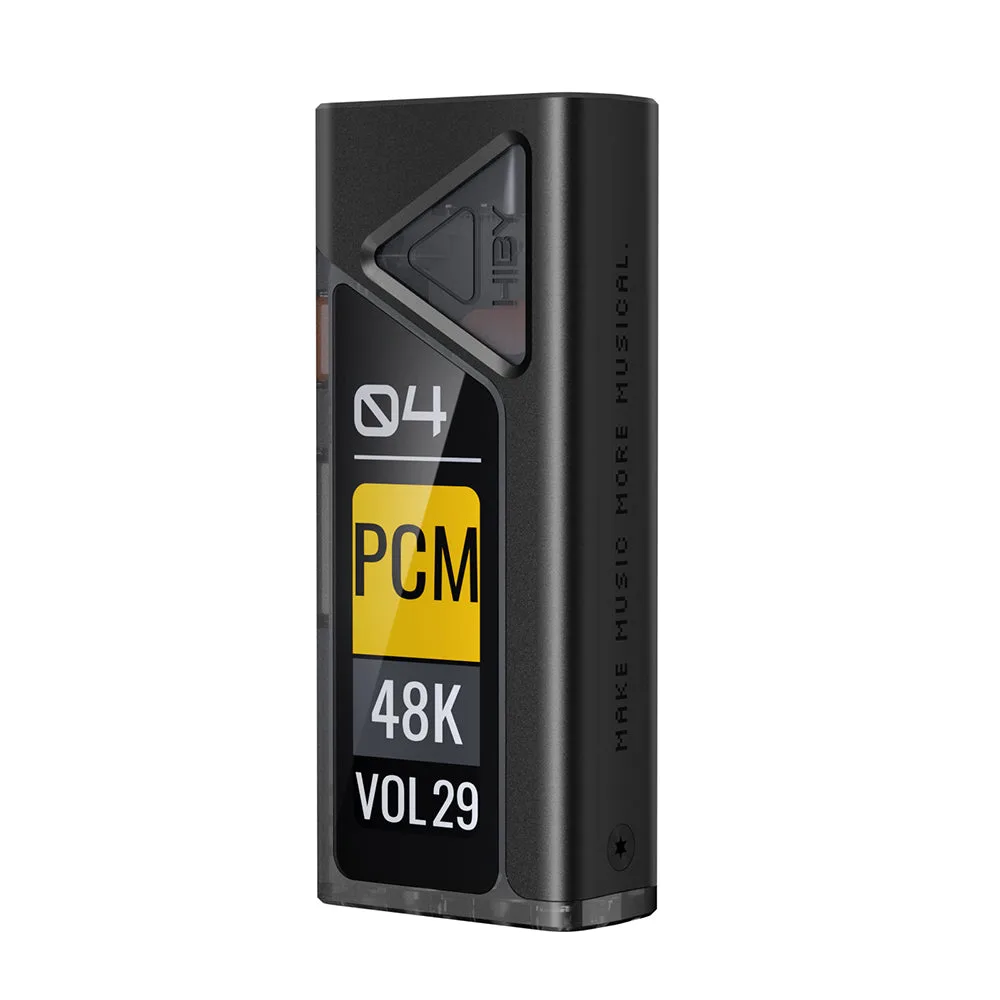
HiBy FC4 with Display
Connecting the FC3 or FC4 to Your DAP
Follow these steps to connect your HiBy FC3 or FC4 to a compatible DAP. The process is similar for both models.
- Check DAP compatibility: Your DAP must support USB audio output (USB OTG). Most modern HiBy DAPs and many others have this feature. Check your DAP's settings for a USB output mode option.
- Connect the USB cable: Use a USB-C to USB-C cable (or USB-C to USB-A with an adapter if needed) to connect the FC3 or FC4 to your DAP. The FC3 and FC4 have built-in USB-C plugs.
- Select USB output on the DAP: In your DAP's settings, choose USB output or external DAC mode. The DAP should recognize the FC3/FC4 and route audio through it. The OLED display on the FC3/FC4 will show connection status.
- Adjust volume and EQ: Start with low volume on both the DAP and the FC3/FC4. The FC4 offers preset and customizable parametric EQ via the HiBy Music app. The FC3's EQ is managed by the DAP or app.
What to Expect After Connection
Once connected, your DAP’s headphone jack is bypassed. The FC3 or FC4 becomes your primary amplifier. You can use the FC3/FC4’s volume control (if available) or control volume from the DAP.
The FC3 provides up to 112mW of output power, suitable for most IEMs and headphones. The FC4’s dual DACs and clock oscillators aim for lower jitter and higher resolution playback. Both support MQA (FC3 does MQA 16x) and high-res PCM.
No drivers are needed for standard operation on Android-based DAPs or computers. The FC3 and FC4 are plug-and-play.
Limitations to Keep in Mind
Battery life: The FC3 and FC4 draw power from the DAP’s USB port. This can reduce your DAP’s playback time compared to using its internal amp.
Not all DAPs support USB audio output. Older or budget models may lack this feature. Check your DAP’s manual or settings before purchasing.
The FC3 and FC4 are designed for portable use. They do not support Bluetooth or wireless connections.