What the i32 Filter Bit Does for Your Sound
The littleBits i32 filter bit is a synth module that changes the character, or timbre, of a sound. It works by adjusting the relative volume of certain frequencies in the audio signal. With this bit, you can make a sound seem "brighter" (more high frequencies) or "darker" (more low frequencies). This is a practical tool for students exploring sound design or building simple electronic music projects.
i32 Filter Bit at a Glance
-
littleBits i32 filter: The filter has the most effect on the sound’s character or 'timbre.' It affects the timbre by changing the relative volume of certain frequencies in the sound. This explains exactly how the bit modifies audio, helping you decide whether it fits your project goal.
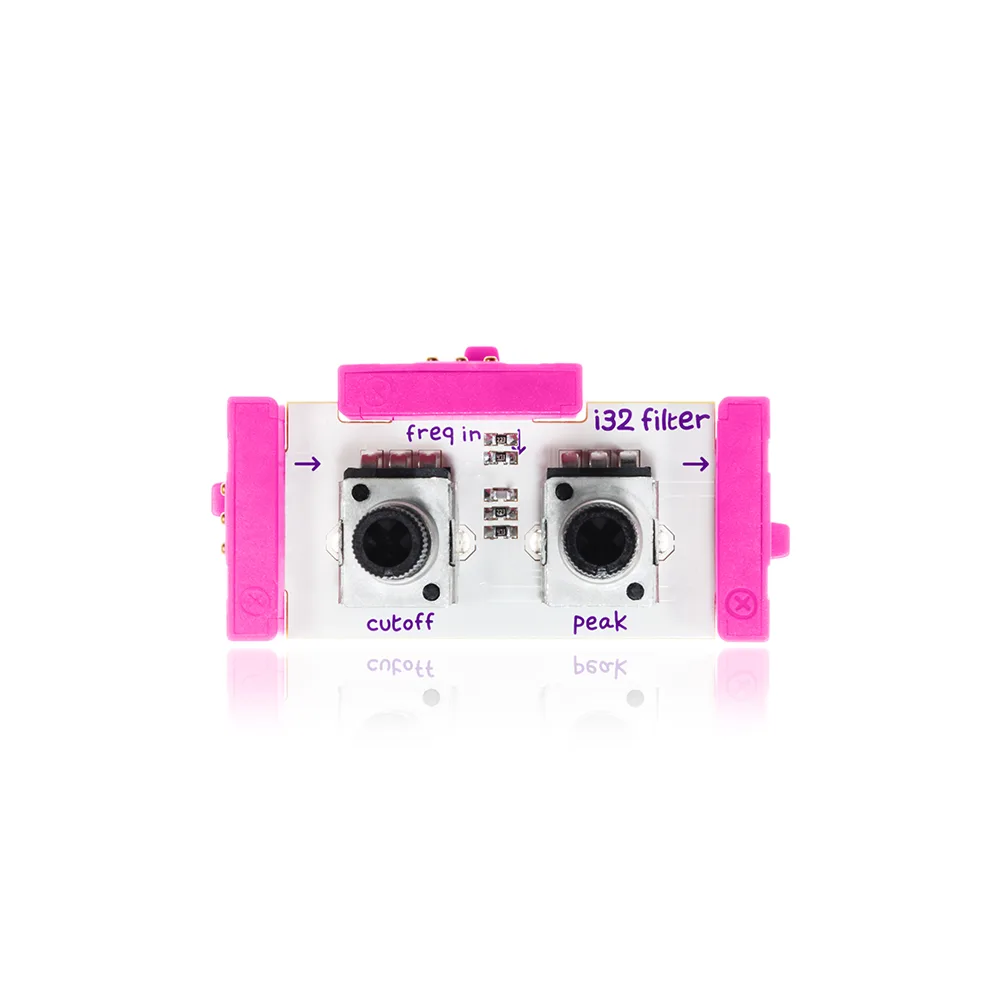
littleBits i32 filter
-
littleBits i32 filter: Use it with other synth Bits to give the impression that a sound is 'brighter' (more high frequencies) or 'darker' (more low frequencies.) The filter is not a standalone sound source; it needs to be combined with other Bits to produce and shape audio.
How to Use the i32 Filter in a Simple Circuit
To hear the filter's effect, you need a complete audio circuit. The steps below assume you have a power Bit, an audio source (like the littleBits oscillator or synth Bits), and a speaker Bit.
- Connect a power Bit: Start your circuit with a power Bit (such as the p1 power or a battery + cable) to supply energy to the whole chain.
- Add an audio source Bit: Snap a synth Bit that generates sound (e.g., an oscillator) next to the power Bit. This will be the raw sound you'll filter.
- Insert the i32 filter Bit: Place the i32 filter Bit after the audio source. This is where the timbre change happens.
- Finish with a speaker Bit: Connect a speaker Bit (like the o26 speaker) to the output of the filter. This lets you hear the filtered sound.
- Adjust the filter: Turn the knob on the i32 filter while the circuit is active. Listen for the shift between brighter (more high frequencies) and darker (more low frequencies) tones.
Practical Classroom Tips
The i32 filter is most useful when students compare the sound before and after the filter. Have them first run the audio source directly into the speaker, then insert the filter and note the difference. This reinforces the concept of timbre and frequency manipulation without requiring complex setup.
Because the filter only changes relative frequencies, it works best with sounds that already have a mix of frequencies. Simple sine waves may show less dramatic change than square or sawtooth waves from other synth Bits.
What the Supplied Information Does Not Cover
The available evidence does not specify exact frequency ranges, filter types (low-pass, high-pass, band-pass), or precise knob markings. The filter's behavior is described generally as affecting timbre by changing relative volume of frequencies. For more detailed technical specifications, refer to the product documentation from the manufacturer.