Quick answer
The Diggers Sunflower Notepad gives you a dedicated space to sketch garden beds, log planting dates, and track seasonal notes without needing a computer or app.
Why a physical notepad still works for garden planning
A paper notepad keeps your garden plan right beside the seed packets or tools, so you can jot down observations the moment you spot them. It doesn't depend on battery life or Wi‑Fi, and you can flip back through seasons to compare what worked.
How to use the Diggers Sunflower Notepad for garden planning
- Sketch your garden beds to scale: Open the notepad to a fresh page and draw the outline of each bed. Use a rough scale (e.g., one square equals 30 cm) so you can place plants realistically. Leave space between rows for paths. Check that your bed dimensions match the actual space before you buy seeds.
- Log planting dates and varieties: Create a table with columns for crop name, variety, planting date, and expected harvest. Write the seed packet details (depth, spacing) next to each entry so you don't have to search for the packet later. Add a note when seedlings emerge so you can track germination speed year to year.
- Record seasonal observations: After each month, write a short paragraph about pest pressure, rainfall, or unusual weather. Note which crops thrived and which struggled. Over time, these notes become your personalised planting calendar. Use a different pen colour for problems (red) and successes (green) to spot patterns quickly.
About this notepad
-
Diggers Sunflower Notepad: A5 size, plain paper, 128 pages, hardback with a linen cover. The A5 size fits in a garden bag or pocket, and the plain pages let you draw bed layouts, tables, or lists without ruled lines getting in the way.
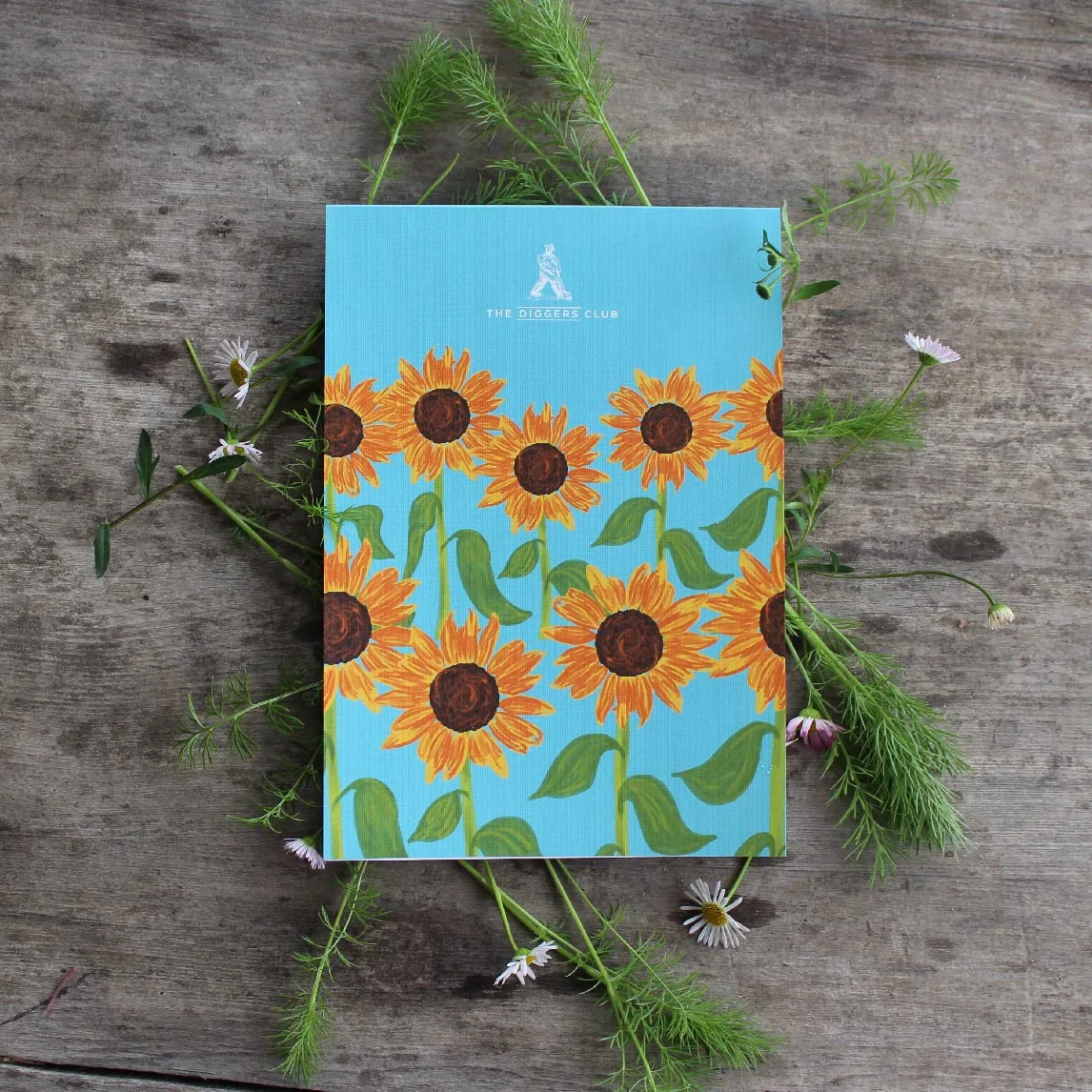
Diggers Sunflower Notepad