What the littleBits o6 Buzzer Bit Does
The littleBits o6 buzzer is a sound output Bit that makes a loud, attention-getting tone. As the product description says, it makes a sound no one can ignore, just like an alarm clock. It's great for sounding the alarm or annoying those nearby.
In sound projects, the buzzer works as a simple audio output. You can use it to signal events, create alerts, or add an audible component to your circuit. Because it's a digital Bit, it produces a single tone when powered, making it straightforward to integrate into any littleBits chain.
o6 Buzzer at a Glance
-
littleBits o6 buzzer: The buzzer Bit makes a sound no one can ignore. This means the buzzer is loud enough for classroom or project use, ensuring your sound is heard clearly.
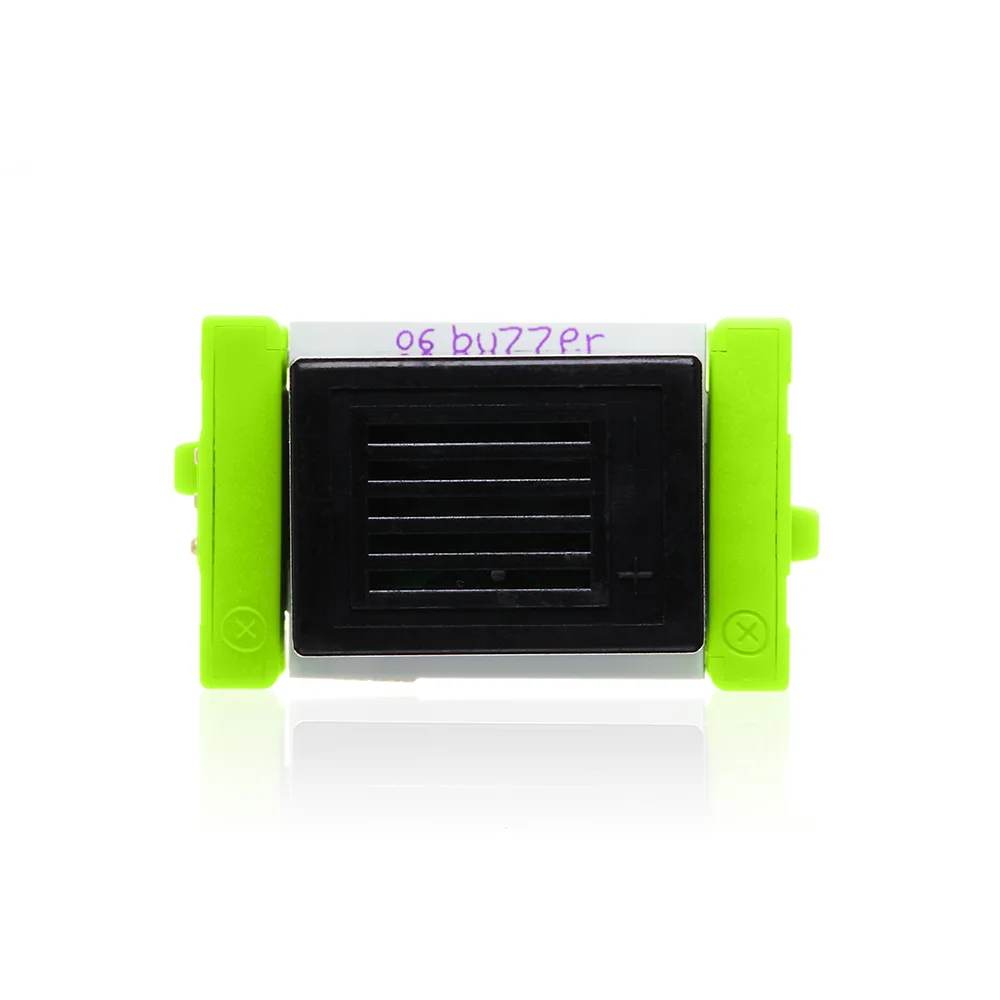
littleBits o6 buzzer
-
littleBits o6 buzzer: Just like an alarm clock! The tone is similar to a classic alarm, making it ideal for timers, alarms, or notification systems.
-
littleBits o6 buzzer: It's great at sounding the alarm or annoying those nearby. The buzzer's primary purpose is to produce an audible alert. Use it when you need a clear, unmistakable sound.
How to Use the o6 Buzzer in a Circuit
To add the o6 buzzer to your project, follow these simple steps. The exact wiring and power requirements depend on your specific littleBits setup, but the general process is the same.
- Connect the buzzer to a power Bit: Attach the o6 buzzer to any littleBits power module (e.g., battery or USB power). The buzzer will sound as soon as it receives power.
- Add an input Bit for control: Place a button, switch, or sensor Bit between the power and the buzzer. For example, a button Bit lets you press to sound the buzzer, while a light sensor can trigger it when dark.
- Combine with other output Bits: You can chain the buzzer with other outputs like LEDs or a speaker for multi-sensory projects. The buzzer works alongside them without conflict.
- Test and adjust your circuit: Once assembled, test the circuit. If the buzzer doesn't sound, check connections and ensure the power module is on. The buzzer has no volume control, so its loudness is fixed.
Practical Classroom and Project Ideas
The o6 buzzer is a versatile tool for STEM activities. Here are a few ways to use it:
Alarm system: Combine the buzzer with a light sensor or magnetic switch to create a simple security alarm that sounds when a door opens or light changes.
Timer: Use a button Bit and the buzzer to build a countdown timer. Press the button to start, and the buzzer sounds when time is up.
Morse code practice: With a button Bit, students can tap out Morse code messages using the buzzer's tone.
Game show buzzer: Create a buzzer system for quiz games. Each player gets a button and buzzer combo to signal their answer.
Remember that the buzzer's sound is fixed and loud, so it's best for projects where an audible alert is needed. For more nuanced sound, consider pairing it with other audio Bits like the speaker.
What the Supplied Information Does Not Cover
The product details do not include specific voltage, current, or decibel ratings for the o6 buzzer. They also do not provide exact operating instructions or timing intervals. For precise technical specifications or advanced usage, refer to the manufacturer's documentation or product packaging. The buzzer's behavior in different circuit configurations may vary, so testing is recommended.