Quick Answer
Install the 2-Axis Mount Clamp by attaching it to your Verifire HDX guide rail, then secure the optical component and adjust both axes for precise alignment. Follow the steps below to avoid misalignment and mechanical binding.
Why Proper Mount Clamp Setup Matters
A misaligned mount clamp can introduce tilt or shift in your interferometer's optical path, leading to measurement errors. The 2-Axis Mount Clamp provides a stable interface between the guide rail and your optical component, but only if installed correctly. Pay attention to the clamp's orientation and tightening sequence to avoid damaging the rail or the clamp itself.
Setup Steps
- 1. Prepare the Guide Rail: Clean the guide rail surface with a lint-free cloth and isopropyl alcohol. Ensure there is no debris or old lubricant that could prevent the clamp from seating flat. A dirty rail can cause the clamp to sit unevenly, leading to alignment drift.
- 2. Attach the Clamp to the Rail: Slide the 2-Axis Mount Clamp onto the guide rail until it is positioned where you need it. Do not tighten the clamp screws yet; leave them loose enough to allow adjustment. Tightening too early can bind the clamp and make final positioning impossible.
- 3. Mount the Optical Component: Attach your optical component (e.g., a mirror or lens mount) to the clamp's interface plate using the appropriate screws. Hand-tighten only—do not use tools yet. Over-tightening can distort the interface plate and misalign the component.
- 4. Adjust the First Axis: Use the adjustment screw on the first axis (typically labeled or marked) to set the initial tilt. Check alignment with a reference beam or level. Tighten the locking screw for that axis once satisfied. Common mistake: adjusting both axes simultaneously. Adjust one axis at a time to avoid confusion.
- 5. Adjust the Second Axis: Repeat the same process for the second axis. Make small incremental adjustments and verify alignment after each turn. If the alignment shifts after tightening, you may have over-tightened the locking screw—back off slightly.
- 6. Final Tightening and Check: Once both axes are aligned, fully tighten all clamp screws in a cross pattern to ensure even pressure. Re-check alignment—if it changed, loosen and repeat steps 4-5. Final tightening can introduce small shifts; always verify alignment afterward.
Product Information
-
2-Axis Mount Clamp: The ZYGO 2-Axis Mount Clamp provides an interface to a guide rail and is offered under the ZYGO brand as a mounting accessory for the Verifire HDX category. This clamp is specifically designed for Verifire HDX guide rails, ensuring a secure and repeatable mounting point for your optical components.
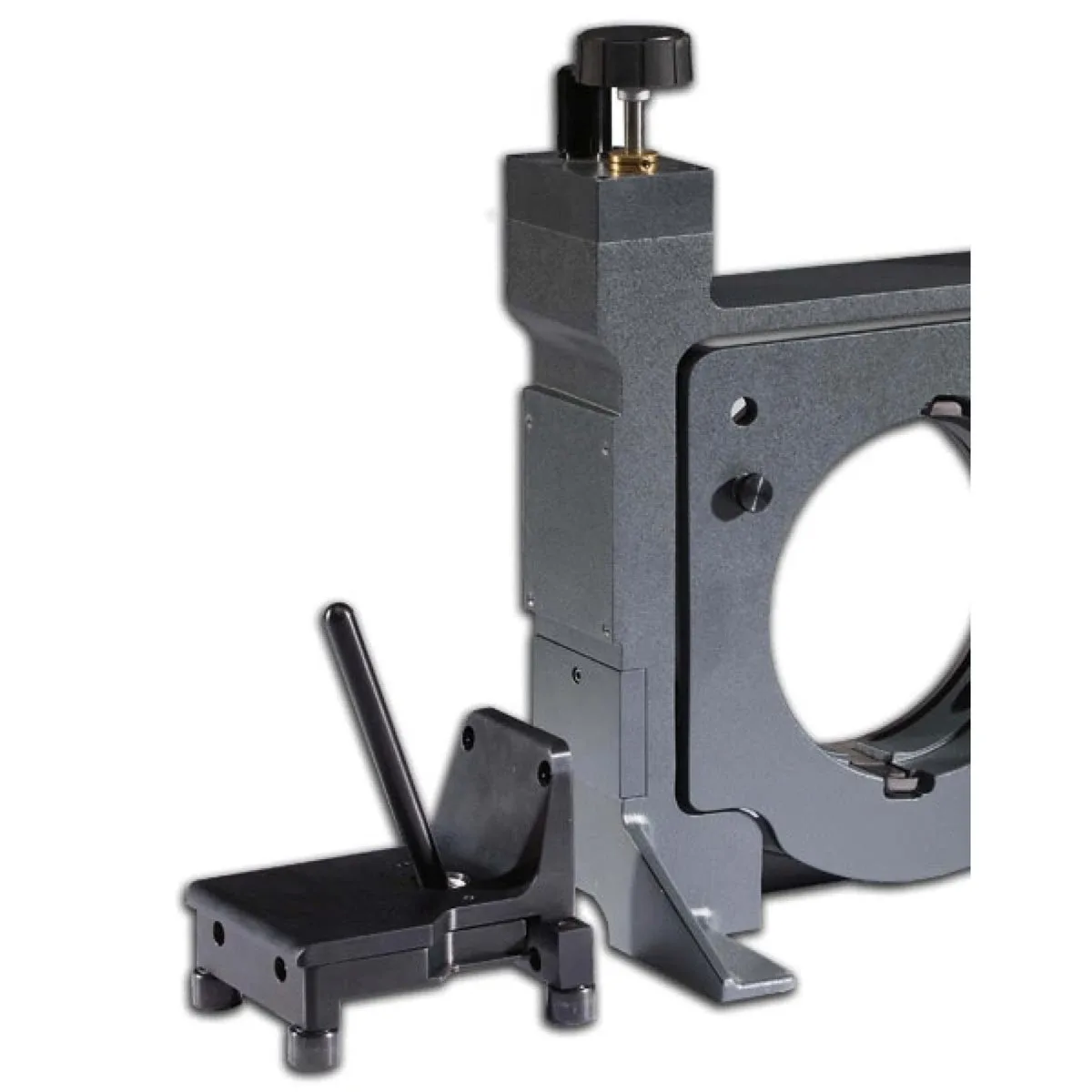
2-Axis Mount Clamp