The core difference: Dreamcast vs PlayStation
The VMUPro Smoke Black and the MemCard PRO are both microSD-based replacements for original memory cards, but they serve different consoles. The VMUPro is built for the Dreamcast, while the MemCard PRO supports saving and loading on PlayStation 1 and PlayStation 2 consoles. If you own both a Dreamcast and a PS1 or PS2, you may need both cards—or you can prioritize the console you play most.
Neither card is a universal solution. The VMUPro is a Dreamcast visual memory card that also runs 8-bit console emulators, while the MemCard PRO is a PS1/PS2 memory card with WiFi and ODE integration. Your first decision is which console library you want to manage.
What each card is designed to do
-
VMUPro Handheld & Visual Memory Card for Dreamcast (Smoke Black): The VMUPro is a visual memory card for Dreamcast that can also run applications and 8-bit console emulators. This tells you the VMUPro is not just storage—it doubles as a handheld emulator device for Game Boy, Game Boy Color, Game Gear, Master System, and NES games.
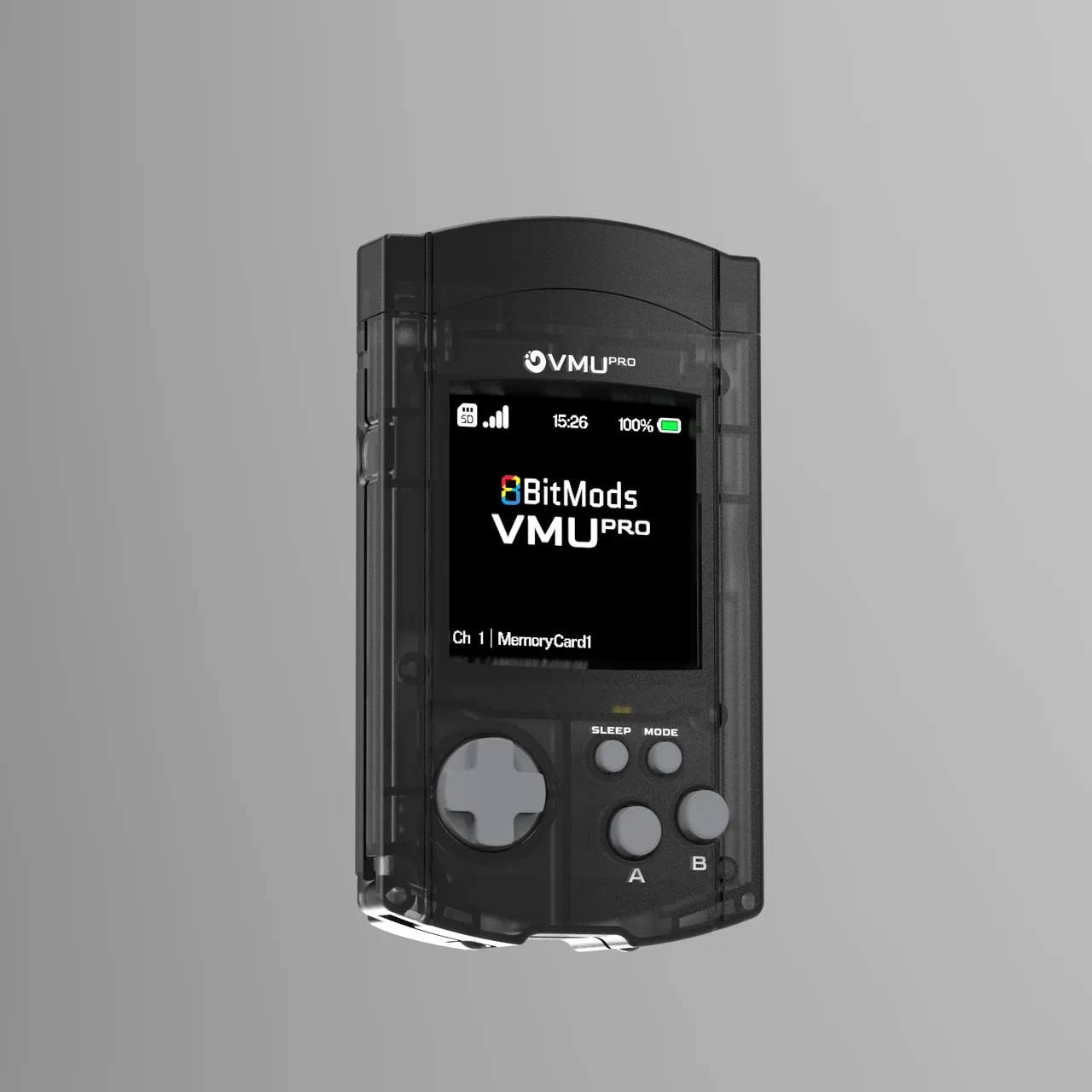
VMUPro Handheld & Visual Memory Card for Dreamcast (Smoke Black)
-
MemCard PRO for PS1 and PS2 (Smoke Black): The MemCard PRO supports saving and loading your saves on PlayStation 2 Fat & Slim consoles when playing PlayStation 2 games, and also works with PlayStation 1. If your collection centers on PS1 or PS2, the MemCard PRO is the relevant card; the VMUPro does not cover those consoles.
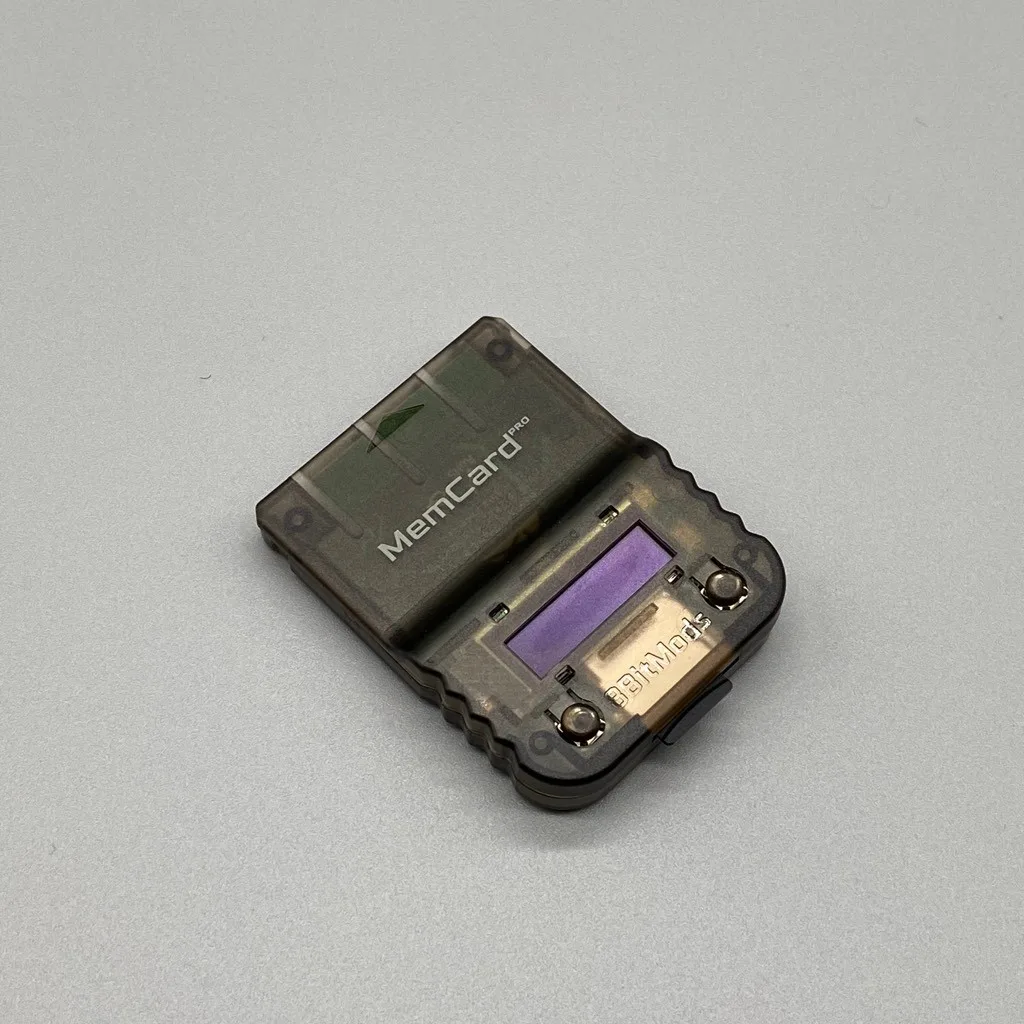
MemCard PRO for PS1 and PS2 (Smoke Black)
Storage and capacity compared
Both cards use microSD storage, but the supplied capacity claims differ. The MemCard PRO supports microSD cards from 1GB to 1TB, with a note that 1GB can store 122,880 blocks of PlayStation 1 game saves. The VMUPro supports up to 2TB microSD cards and states that one gigabyte equals 8192 original memory cards. These figures are not directly comparable because they refer to different console save formats, but they both show that a single microSD card can replace many original memory cards.
- MemCard PRO capacity: Supports microSD cards of 1GB to 1TB; 1GB equals 122,880 PS1 save blocks. Also supports up to 2TB according to the full record.
- VMUPro capacity: Supports microSD cards up to 2TB; 1GB equals 8192 original memory cards. A microSD card is not included.
Display and interface differences
- MemCard PRO for PS1 and PS2 (Smoke Black): MemCard PRO has a 128x32 high-quality OLED monochrome display that shows the state of the card, loaded game, and channel, and can be set to automatically turn off or dim when inactive. The OLED helps you confirm which virtual memory card is mounted without checking a TV or PC, which is useful during long play sessions.
- VMUPro Handheld & Visual Memory Card for Dreamcast (Smoke Black): VMUPro has a backlit 24-bit colour IPS TFT display at 240x240 pixels (running in 16-bit mode at launch) and includes a virtual memory card manager on the device. The colour screen supports the VMUPro's role as a handheld emulator and lets you manage saves directly on the device.
WiFi, web interface, and file access
Both cards offer WiFi connectivity and a web interface, but the supplied details differ. The MemCard PRO can connect to your WiFi network to browse and control memory cards through a web interface, update firmware over the internet, and run an FTP server for file access. The VMUPro includes WiFi and Bluetooth LE connectivity, and its unified WebUI is described as coming soon in the supplied information, with features like save management, playtime statistics, and game artwork. If immediate web-based save management is important, the MemCard PRO's current WebUI and FTP server are confirmed; the VMUPro's WebUI is not yet available at launch according to the catalog.
Emulation and extra features
- VMUPro Handheld & Visual Memory Card for Dreamcast (Smoke Black): VMUPro comes with 5 emulators as standard for Game Boy, Game Boy Color, Game Gear, Master System, and NES, and supports SRAM saving and 8 save states per game. If you want a handheld emulator alongside your Dreamcast memory card, the VMUPro provides that out of the box.
- MemCard PRO for PS1 and PS2 (Smoke Black): MemCard PRO can communicate with a modern PlayStation 1 Optical Disc Emulator (ODE) to automatically mount the memory card for that game, and can create 8 virtual memory cards for a game on first run. For PS1 setups with an ODE, the MemCard PRO automates save management, which is a different convenience than the VMUPro's emulation features.
Compatibility checkpoints before you buy
- MemCard PRO and PS3 adapter: The supplied information states that due to limited power supply capabilities of the PlayStation 3 Memory Card adapter, it is not supported.
- MemCard PRO and FMCB: FMCB might load from a cold boot depending on console model and SD card speed, but it is not guaranteed.
- VMUPro and microSD: A microSD card is not included; you need to supply one up to 2TB.
- VMUPro and Bluetooth LE audio: Bluetooth LE audio and headphone jack are marked with a double asterisk in the catalog, indicating they may be planned or require confirmation.
Battery and portability
The VMUPro is designed as a handheld device with a 720mAh battery that provides up to 6 hours of emulator playtime under specific conditions (WiFi off, screen brightness 10%, volume 10%) and up to 4 hours with WiFi on at 50% brightness and volume. It also supports deep sleep for up to 750 hours with the real-time clock on. The MemCard PRO does not have a battery; it draws power from the console. If you want a portable emulator, the VMUPro is the relevant choice; if you want a card that stays in your console, the MemCard PRO is simpler.
Which card fits your setup?
Choose the VMUPro Smoke Black if you primarily play Dreamcast and want a visual memory card that also functions as a handheld emulator for 8-bit consoles. It offers a colour display, on-device save management, and the ability to run VMU mini-games. Keep in mind that its WebUI is listed as coming soon, and a microSD card is not included.
Choose the MemCard PRO if you play PS1 or PS2 games and want a single card to replace stacks of original memory cards. It provides an OLED display, WiFi with a current WebUI and FTP server, and ODE integration for PS1. It is not supported with the PS3 Memory Card adapter, and FMCB cold boot is not guaranteed.
If you own both a Dreamcast and a PS1/PS2, the two cards complement rather than replace each other. The VMUPro handles Dreamcast saves and portable emulation, while the MemCard PRO handles PlayStation saves. Budget for both if you want coverage across both console families.