Quick Answer
Use the Volume Control Block for Circuit Builder to adjust sound output in your Circuit Blox projects by turning the built-in dial.
Why Add Volume Control to Your Circuit Blox Build
Many Circuit Blox projects include sound effects or music, but the default volume can be too loud or too quiet for your space. The Volume Control Block gives you a simple way to dial in the right level without modifying the circuit design.
This single-piece component from E-Blox snaps directly into your existing setup, so you can add volume adjustment without extra wiring or complicated steps.
What to Know Before You Start
The Volume Control Block is intended for use with circuit builder projects, so it works best when paired with sound-producing blocks like buzzers or speakers. It does not amplify sound—it only reduces the volume when you turn the dial.
If your project has no sound output, the block will have no audible effect. Check that your circuit includes a sound source before adding the volume control.
Steps to Adjust Sound with the Volume Control Block
- Identify the sound source in your circuit: Look for a block that produces sound, such as a buzzer or speaker block. The Volume Control Block must be placed between the power source and the sound block to work properly. Common mistake: placing the block after the sound source will not affect volume.
- Snap the Volume Control Block into the circuit path: Remove one of the existing blocks in the sound circuit path and replace it with the Volume Control Block. The block snaps in like any other Circuit Blox component. Check that all connections are secure—loose snaps can cause intermittent sound.
- Turn the dial to adjust volume: Rotate the small dial on the block slowly. Turning clockwise typically increases volume, counterclockwise decreases it. Test the sound after each small adjustment. If you hear no change, verify the block is oriented correctly and the dial is not stuck.
- Test the sound at different levels: Run your circuit and listen at several dial positions. Find the level that works for your project—whether that's a soft background tone or a louder alert sound. The block reduces volume but does not mute it completely; for silence, remove the block or turn off the circuit.
Product Facts
-
Volume Control Block for Circuit Builder: The Volume Control Block for Circuit Builder is a single-piece component from E-Blox, designed to add volume control to circuit-building setups. You can insert it anywhere in the circuit path to adjust sound without needing extra tools or parts.
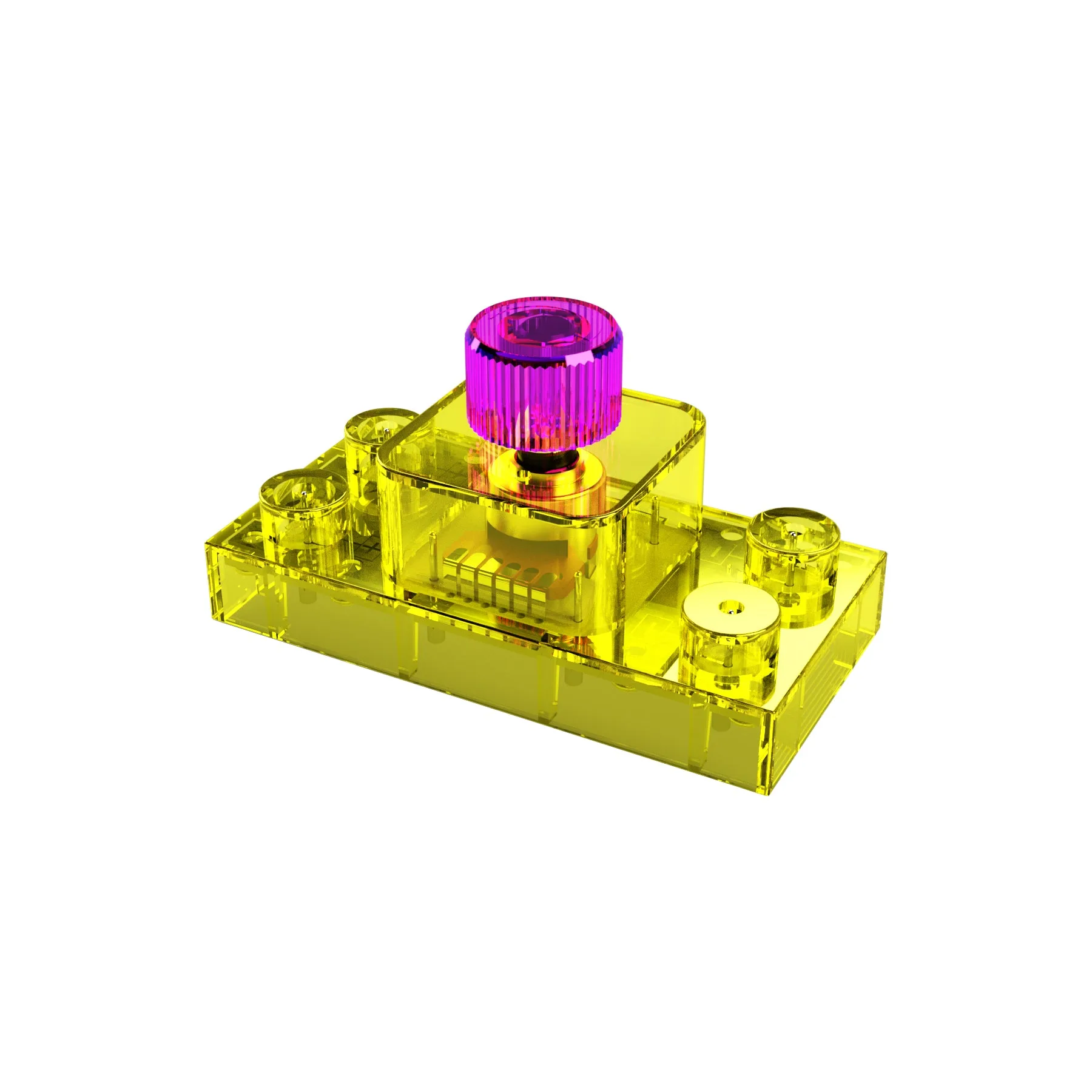
Volume Control Block for Circuit Builder