Quick answer
A 100 Ohm resistor in a Circuit Blox build limits the current flowing through a component, which protects LEDs and other parts from burning out. It also sets how bright an LED glows: lower resistance means brighter light, higher resistance means dimmer light. Use a 100 Ohm resistor when you want a bright but safe LED, and check placement so it sits in series with the LED, not parallel.
If you are building with Circuit Blox and wondering why some LEDs glow brightly while others barely light up, the resistor you choose and where you place it make all the difference. A 100 Ohm resistor is a common choice for projects that need a bright light without damaging the LED.
This guide walks you through what a 100 Ohm resistor does, how to place it correctly, and how to troubleshoot when your circuit does not behave as expected. We will also look at how different resistor values change brightness so you can pick the right one for your build.
What a resistor does in a Circuit Blox circuit
A resistor slows down the flow of electricity. In a Circuit Blox build, that flow is called current, and too much current can burn out an LED or make a motor spin too fast. The resistor acts like a narrow section in a water pipe, reducing current to a safe level while still letting enough through to power the component.
The value of the resistor, measured in Ohms, tells you how much it restricts current. A 100 Ohm resistor is a low value, so it lets more current through than a 1K Ohm or 10K Ohm resistor. That makes it useful when you want a bright LED but still need protection. If you use no resistor at all, the LED may burn out quickly.
- Always place a resistor in series with the LED, not parallel to it.
- Check that the resistor value matches the voltage of your power source and the LED's needs.
How to choose between 100 Ohm, 1K Ohm, and 10K Ohm resistors
Circuit Blox offers several resistor values, each with a different effect. A 100 Ohm resistor gives the brightest light because it restricts current the least. A 1K Ohm resistor (1,000 Ohms) cuts current more, so the LED is noticeably dimmer. A 10K Ohm resistor (10,000 Ohms) restricts current heavily, often making the LED very dim or barely visible.
Use a 100 Ohm resistor when you want a bright indicator light or a project that stands out in a dim room. Switch to a 1K Ohm resistor if the LED feels too bright or if you want to save battery power. A 10K Ohm resistor is handy for very low-power builds or when you need a faint glow. Experiment with each value to see the difference.
- Start with a 1K Ohm resistor for general projects; it is a safe middle ground.
- If the LED is too dim, try a 100 Ohm resistor; if too bright, try a 10K Ohm resistor.
Step-by-step: placing a 100 Ohm resistor in your build
First, identify the LED you want to light. Make sure the longer leg (positive) and shorter leg (negative) are correctly oriented. Next, snap the 100 Ohm resistor into the circuit path so it connects in series with the LED. That means the current must pass through the resistor before reaching the LED.
A common mistake is placing the resistor parallel to the LED, which bypasses the LED and does not limit current properly. Another mistake is forgetting to connect the power block. Always double-check that the resistor is in the same loop as the LED and that the power block is switched on. If the LED does not light, re-seat the resistor and check all connections.
- Test with a multimeter if you have one to confirm the resistor value.
- Keep your build tidy so you can trace the circuit path easily.
Troubleshooting common resistor issues
If your LED is not lighting, first check that the resistor is firmly snapped into the blocks. Loose connections are the most common cause of failure. Next, verify the resistor value: a 10K Ohm resistor may make the LED too dim to see in bright light. Swap in a 100 Ohm resistor to test if brightness improves.
If the LED is too bright or gets hot, you may have forgotten the resistor entirely or used a value that is too low. In that case, switch to a 1K Ohm or 10K Ohm resistor. Also check that the power block is not overloaded; if you are running many LEDs, each may need its own resistor. When in doubt, start with a higher resistance and work down.
- Always power off before changing components.
- If one LED works and another does not, compare their resistor values and connections.
Your step-by-step resistor placement checklist
- Identify the LED and its polarity: Find the LED you want to use. The longer leg is positive; the shorter leg is negative. Make sure you know which is which before building. Checkpoint: If the LED does not light later, reverse it and try again.
- Select the right resistor value: Choose a 100 Ohm resistor for bright light, a 1K Ohm for moderate brightness, or a 10K Ohm for a dim glow. Start with 1K Ohm if unsure. Checkpoint: A 100 Ohm resistor gives the brightest light but uses more power.
- Place the resistor in series with the LED: Snap the resistor into the circuit path so current flows through it before reaching the LED. Avoid placing it parallel to the LED. Checkpoint: Trace the path: power block to resistor to LED and back to power block.
- Connect the power block and test: Turn on the power block. The LED should light. If it does not, check all connections and re-seat the resistor. Checkpoint: If the LED is too dim, try a lower resistor value; if too bright, use a higher value.
- Troubleshoot and adjust: If the LED still does not light, swap the resistor with a known working one. If it lights but is too bright, switch to a higher resistance. Checkpoint: Always power off before swapping components.
Resistor and kit facts
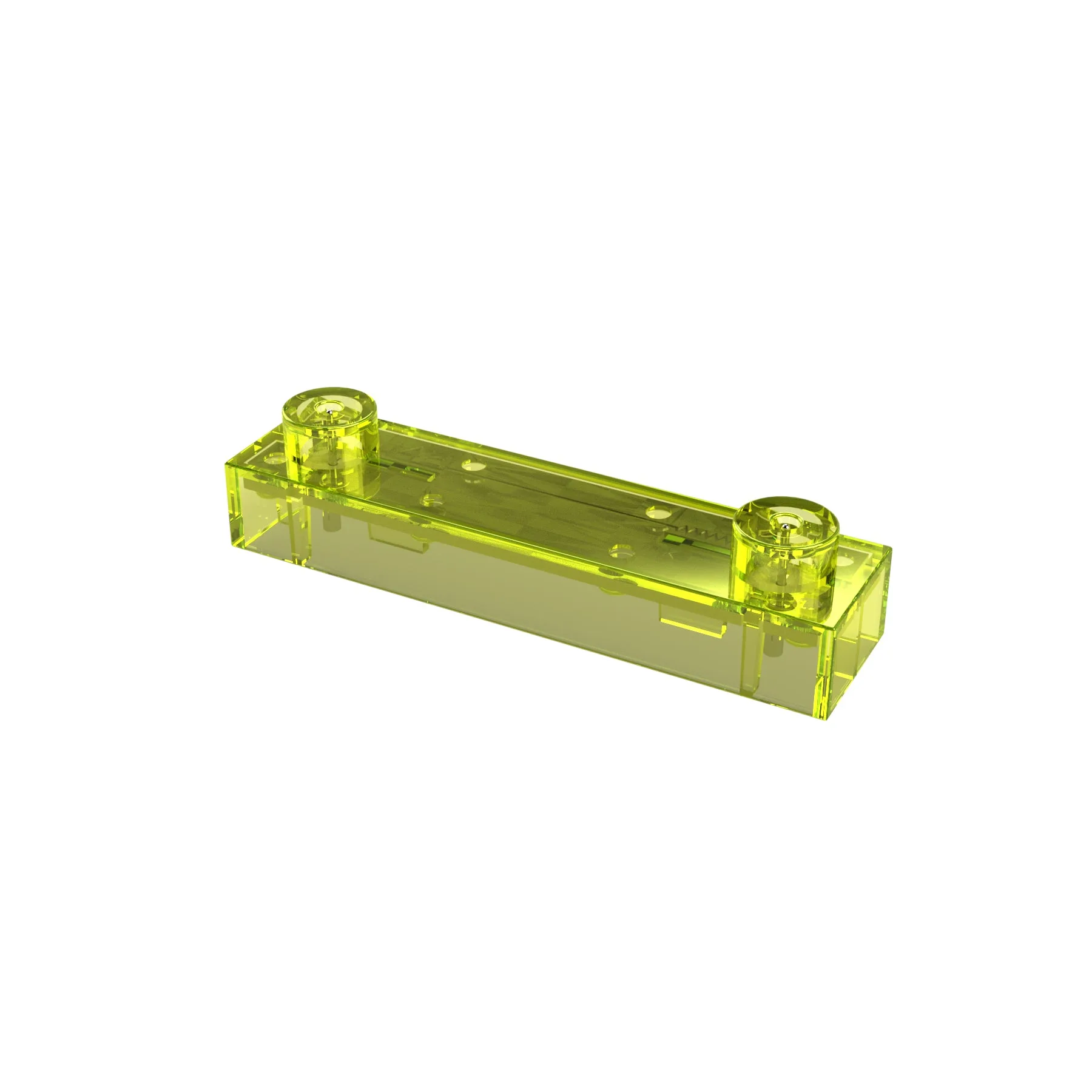
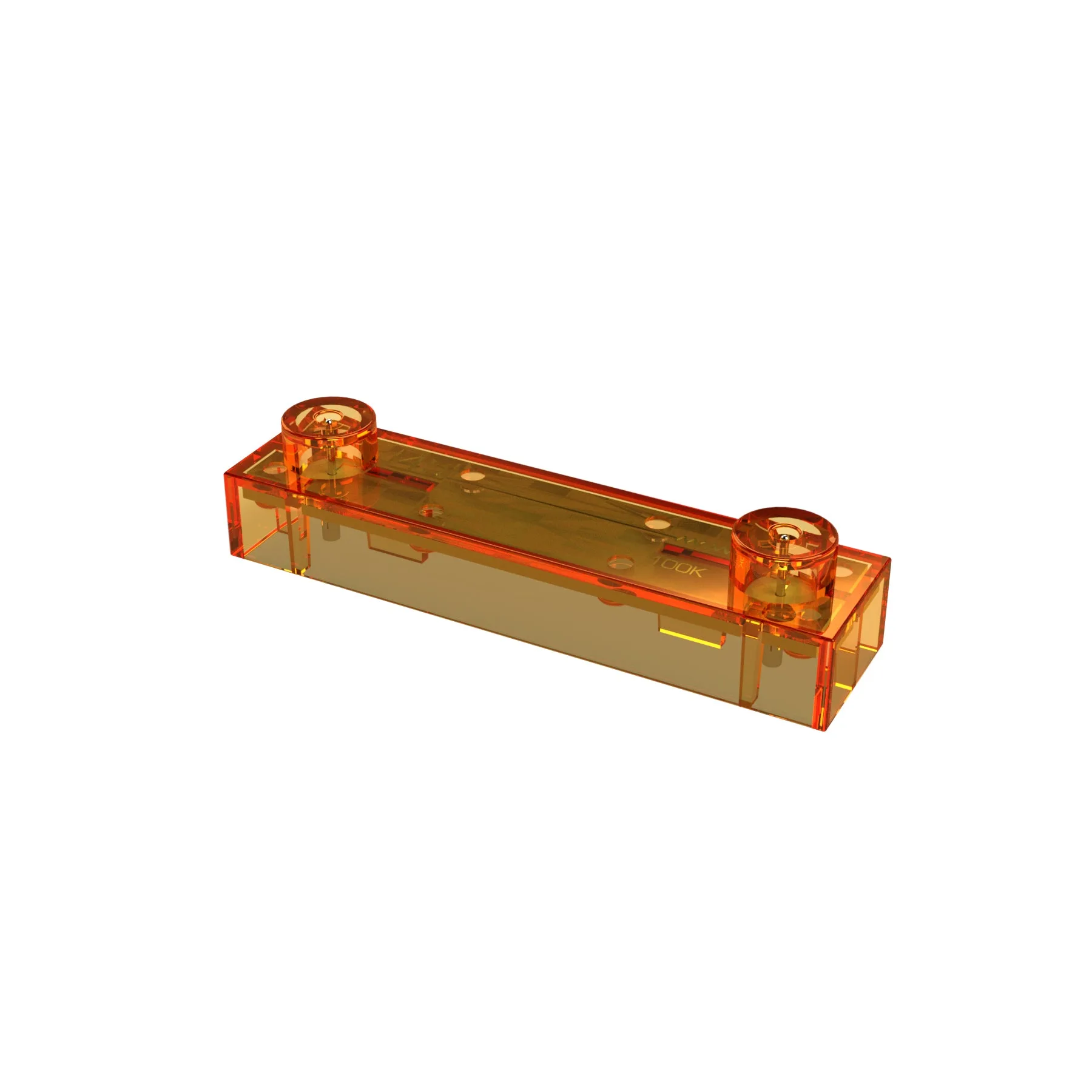
- Circuit Blox 100K Ohm Resistor: 100K Ohm Resistor for use with Circuit Blox. A 100K Ohm resistor restricts current heavily, so it is best for very dim LEDs or low-power experiments, not for bright lighting.
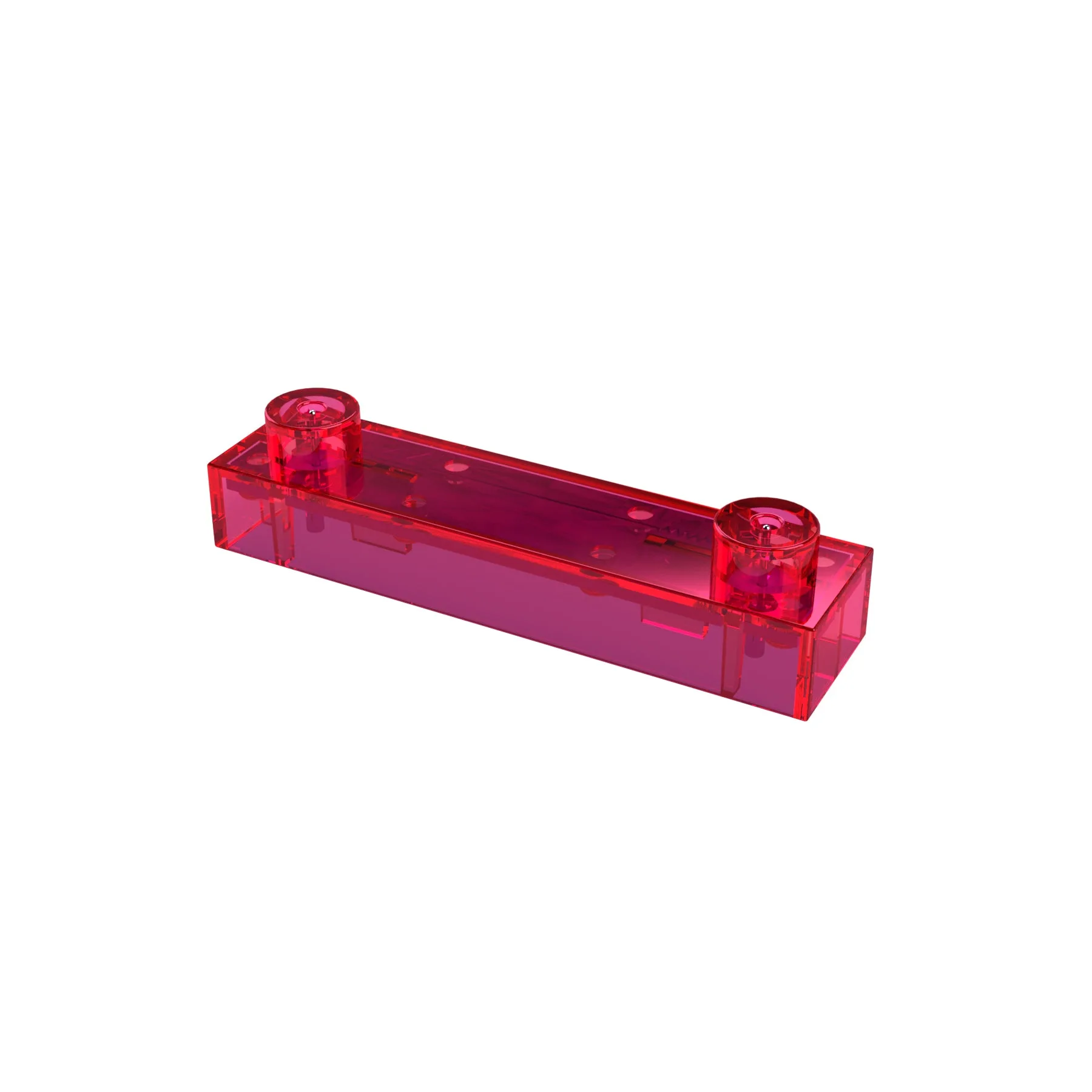
- Circuit Blox 1K Ohm Resistor: 1K Ohm Resistor for use with Circuit Blox. A 1K Ohm resistor is a good middle ground for general LED projects, offering moderate brightness and safe current limiting.
- Circuit Blox 10K Ohm Resistor: 10K Ohm Resistor for use with Circuit Blox. A 10K Ohm resistor cuts current significantly, making it suitable for faint indicator lights or when you want to conserve battery power.
- Lite Blox 2 Student Set - E-Blox® Building Blocks Educational Sets: The Lite Blox 2 Student Set includes 30 LED Lite Blox in a variety of colors, which can be easily attached to the power board in any configuration. This set gives you many LEDs to experiment with, so you can test different resistor values and see how brightness changes across colors.
Understanding what a 100 Ohm resistor does helps you build brighter, safer Circuit Blox projects. Use it when you need a bright LED, and switch to higher values when you want dimmer light or longer battery life. With a little experimentation, you will quickly learn how resistor placement and value shape your circuits.