Quick answer
The connector plate is the metal bracket that joins the scooter deck to the steering column on a Micro Mini 3in1. If your scooter wobbles or won't stay together, the plate is likely the issue.
Why the connector plate matters
The connector plate is a small but critical part. It transfers your child's steering input from the handlebars to the front wheels. A damaged or loose plate makes the scooter unsafe to ride.
When to replace the connector plate
Replace the plate if it's bent, cracked, or if the screw holes are stripped. Also replace it if you've lost the original during disassembly. The plate is sold separately from the screws and other hardware.
Frequently asked questions
What does the connector plate do?
It connects the scooter deck to the steering column, allowing the front wheels to turn when the handlebars are turned.
Is the connector plate the same on all Mini 3in1 models?
Yes, the plate is compatible with the standard Micro Mini 3-in-1. It may not fit the Deluxe Plus or other variants—check your model before ordering. Double-check your scooter model number before purchasing a replacement plate.
How do I install a new connector plate?
Remove the old plate by unscrewing the bolts. Place the new plate in the same position and tighten the screws firmly. Do not overtighten. Use a hex key that fits the screw heads. If the screws are stripped, replace them as well.
Can I ride the scooter without the connector plate?
No. The scooter will separate into two pieces as soon as you lift it or turn. Never ride without the plate properly installed.
Product facts
-
Parts: Connector Plate (Plate Only) for Mini 3in1: The Connector Plate is a replacement part for the Micro Mini 3-in-1. This listing is for the plate only and is compatible with the Micro Mini 3-in-1. When ordering, you need to have the screws and other hardware on hand because the plate alone won't complete the assembly.
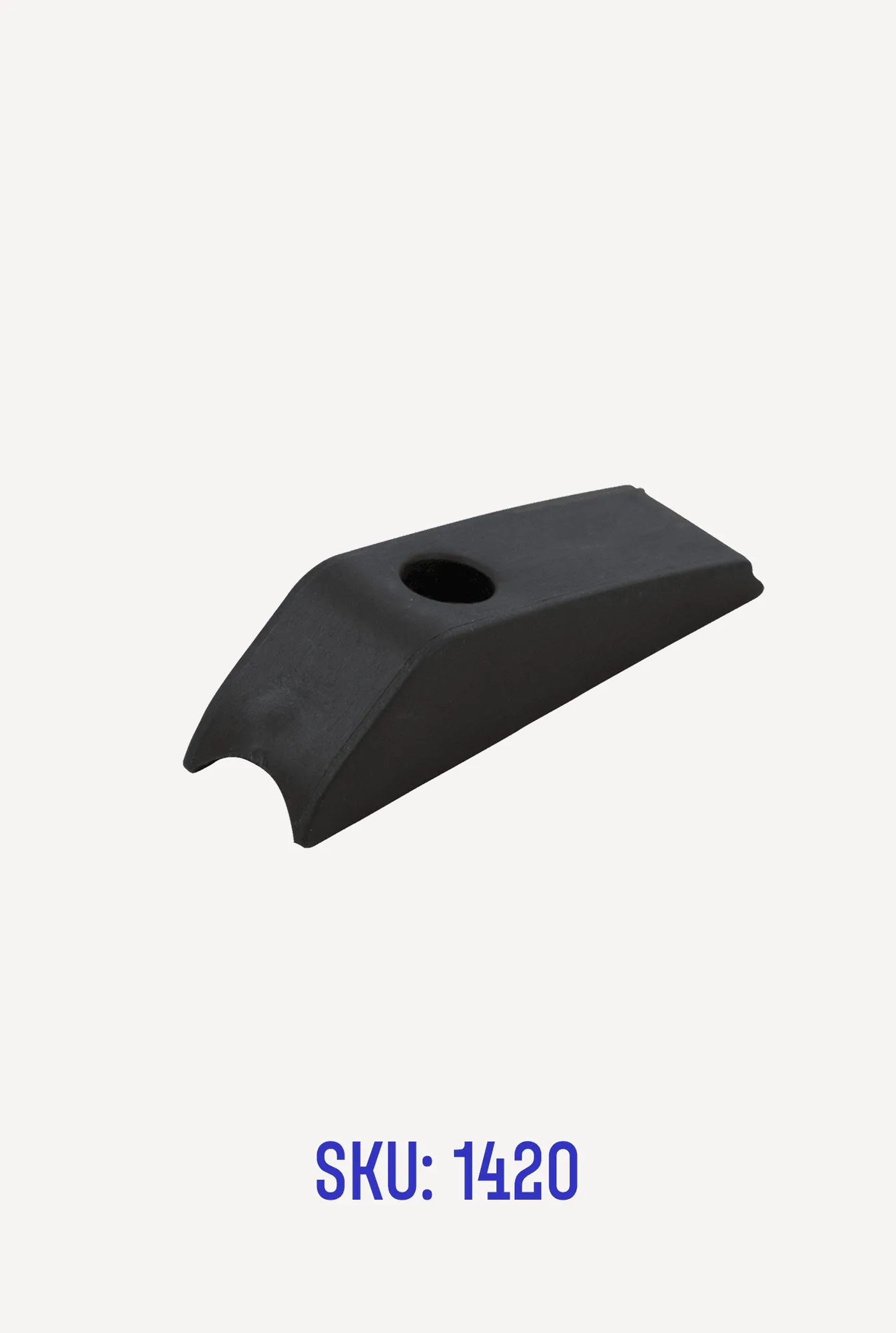
Parts: Connector Plate (Plate Only) for Mini 3in1