Quick answer
A network interface module is the Ethernet distribution block inside a structured wiring panel. It takes one incoming feed from your router or modem and splits it into several labeled ports that run to rooms through in-wall cable. If your home has Cat 5e or Cat 6 cable terminating in a central enclosure and you want wired internet in more than one room, a module is the part that makes those runs usable.
If you have opened a structured wiring enclosure and found a bundle of unterminated cables, the missing piece is usually a network interface module. It is the component that turns loose cable ends into working Ethernet ports, all from one central location.
This guide answers the questions buyers actually ask: what the module does, whether you need one, how many ports to choose, and which supporting parts complete a home network distribution panel.
What does a network interface module actually do?
It is a passive distribution point, not a router or a switch with power. One port accepts the feed from your router or modem, and the remaining ports connect to the in-wall cable runs that lead to wall plates in other rooms. Because the connections are joined inside the module, every linked room gets a live Ethernet path without a separate device at each outlet.
The practical benefit is organization. Instead of a tangle of loose couplers, each run lands on a numbered or labeled port, which makes troubleshooting and future changes far easier. The module itself does not add speed or manage traffic; it simply provides a clean, repeatable way to terminate and connect structured cabling.
- A module distributes an existing network signal. It does not create internet service on its own.
- Label every run at the module and at the wall plate so the two ends match.
Do you need a module, or is a switch enough?
If you have only one or two in-wall runs, a small unmanaged switch in the enclosure can handle the job. A module becomes worthwhile when you have several runs and want them terminated in a tidy, fixed layout rather than dangling from a switch. It also helps when you want the enclosure to stay serviceable for the next owner or technician.
If you need more active ports than the module provides, you can still add a switch downstream. The module handles the physical termination; the switch handles port count and traffic. Many installations use both, with the module as the structured termination point and the switch as the active distribution layer.
- One or two runs: a small switch may be all you need.
- Four or more runs: a module keeps the panel organized and labeled.
How many ports should you choose?
Count the cable runs that actually reach the enclosure, then add one or two spare ports for future use. An 8-port network interface module is a common choice for a typical home because it covers several bedrooms, a home office, and a living room while leaving room to grow. Buying more ports than you have runs is harmless; buying too few means replacing the module later.
Match the module's category rating to your cable. If your in-wall cable is Cat 5e, a Cat 5e-rated module is appropriate. If it is Cat 6, choose a Cat 6-rated module so the termination does not become the weak link in the run.
- Count runs first, then add spare capacity.
- Keep the module rating equal to or better than the cable rating.
What else completes a structured wiring enclosure setup?
You need a way to terminate the room ends of each run. Keystone jacks at the wall plate and a matching insert at the panel side give you a consistent, serviceable connection. A Cat 6 Quick Connect RJ45 Keystone Insert, Brown, for example, terminates Cat 6 cabling and supports both T568A and T568B wiring standards, and its quick connect design simplifies termination without special tools.
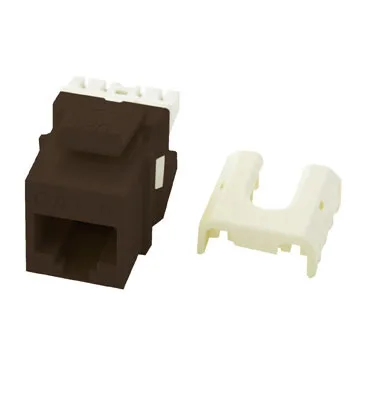
Cat 6 Quick Connect RJ45 Keystone Insert, Brown
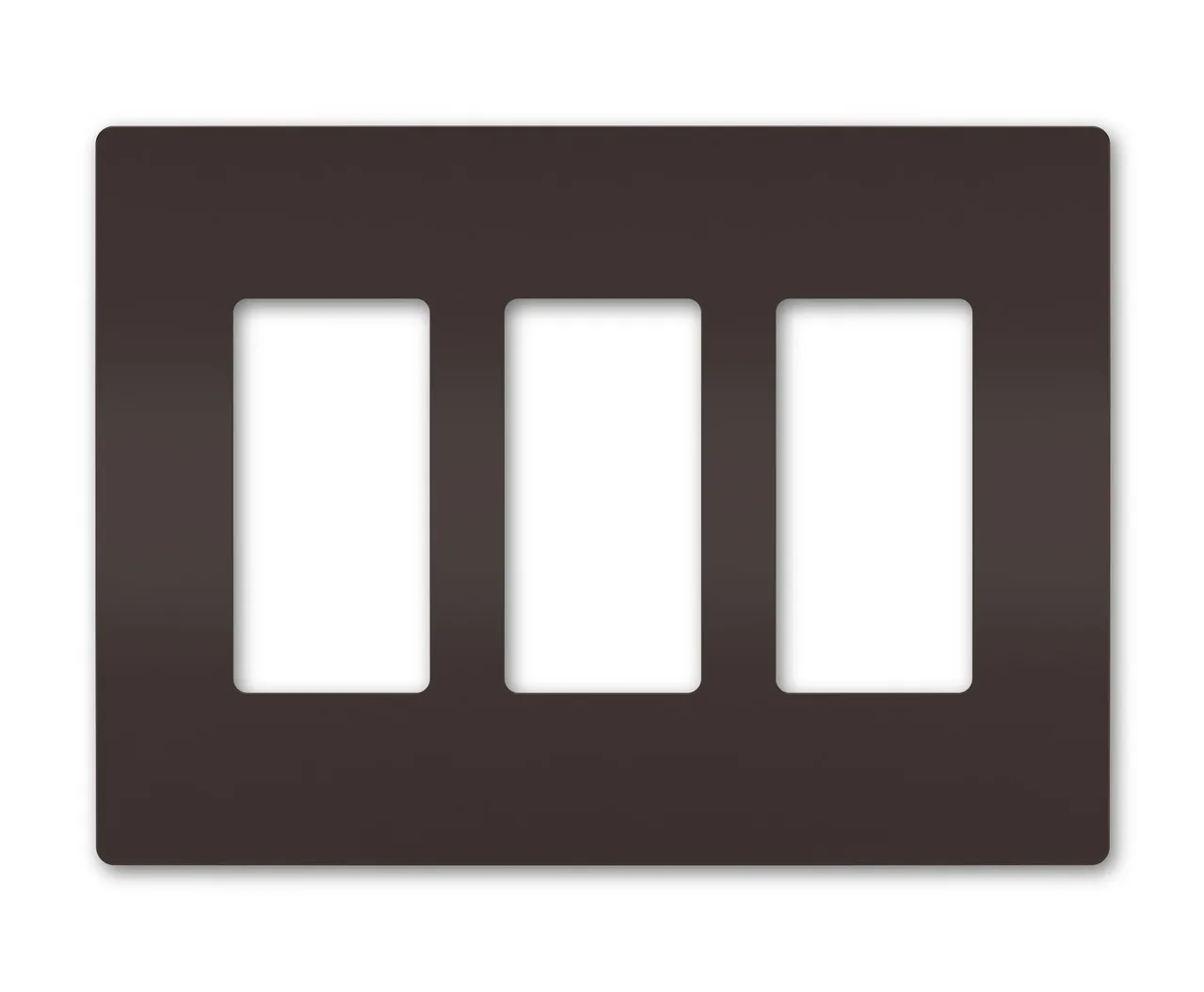
You also need patch cables to link the module ports to your router or switch. A Cat 5e Patch Cable, 50 ft, White provides a reliable 50-foot connection for network devices, and the white jacket helps it blend into office or home environments. Finally, finish the wall openings with a clean plate. The radiant 2-Gang Screwless Wall Plate with Microban antimicrobial product protection gives a seamless look and works continuously to reduce bacteria on the surface.
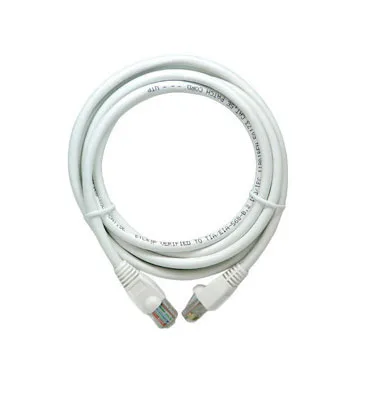
Cat 5e Patch Cable, 50 ft, White
- Use keystone jacks at both ends for a consistent, repairable termination.
- Keep patch cables short inside the enclosure and route them away from power wiring.
Can you add a module to an existing home network distribution panel?
Yes, as long as the enclosure has room and the cable runs are long enough to reach the module's ports. Most structured wiring panels are designed to accept standard modules, so adding one is usually a matter of mounting it and terminating the existing cable ends. If the runs are too short, you may need to extend them or reposition the module within the enclosure.
Before buying, check the enclosure's interior dimensions and the mounting style it accepts. If the panel is full, a larger enclosure may be the better investment than squeezing in a module that leaves no room for future service.
- Measure available space inside the enclosure before ordering.
- Leave slack in each run so the module can be removed for service later.
Network interface module FAQ
Is a network interface module the same as a switch?
No. A module is a passive termination and distribution point for structured cabling. A switch is an active device that manages traffic and adds ports. You can use both together. If you need more active ports than the module offers, add a switch downstream.
Can I use a Cat 5e module with Cat 6 cable?
You can physically connect them, but the module's category rating becomes the limiting factor for the run. Match the module rating to the cable rating or better. For Cat 6 cable, choose a Cat 6-rated module to avoid a bottleneck.
How do I know if my home already has structured wiring?
Look for a central enclosure, often in a closet, garage, or utility room, with multiple cables terminating inside. If the cable ends are loose or unterminated, a module is likely the missing part. Count the runs and add spare ports before ordering a module.
Do I need a module for a single-room wired connection?
Not necessarily. One or two runs can be handled with a small switch or a direct connection. A module makes more sense when you have several runs to organize and label. Buy a module when organization and future capacity matter, not for a single run.
What tools do I need to install a module?
It depends on the module and jacks. Some keystone inserts, such as the Cat 6 Quick Connect RJ45 Keystone Insert, simplify termination without special tools. Others may require a punch-down tool. Check the termination method before you buy so you have the right tools on hand.
Parts that support a structured wiring panel module
- Cat 6 Quick Connect RJ45 Keystone Insert, Brown: Cat 6 rated for high-performance data transmission with a quick connect design that simplifies termination without special tools, compatible with T568A and T568B wiring schemes. It terminates Cat 6 runs at the panel or wall plate without a punch-down tool, and the dual-standard support means it works with either wiring scheme already in your home.
- Cat 5e Patch Cable, 50 ft, White: Provides a reliable 50-foot connection for network devices, with a white jacket that helps blend into office or home environments. A long patch cable lets you link a module port to a router or switch that sits outside the enclosure, and the neutral jacket keeps the run visually tidy.
- radiant® 2-Gang Screwless Wall Plate with Microban®: Screwless design for a clean, seamless appearance with built-in Microban antimicrobial product protection that works continuously to reduce bacteria on the surface. It finishes the wall opening where your Ethernet run ends, giving a modern look and surface protection in high-touch areas like kitchens and offices.
A network interface module is the organizing layer that turns a bundle of in-wall cable into labeled, working Ethernet ports. If you have several runs and want a tidy, serviceable structured wiring panel, choose a module rated for your cable and add keystone inserts, patch cables, and wall plates to finish the job. If you only have one or two runs, a small switch may be all you need.