Quick answer
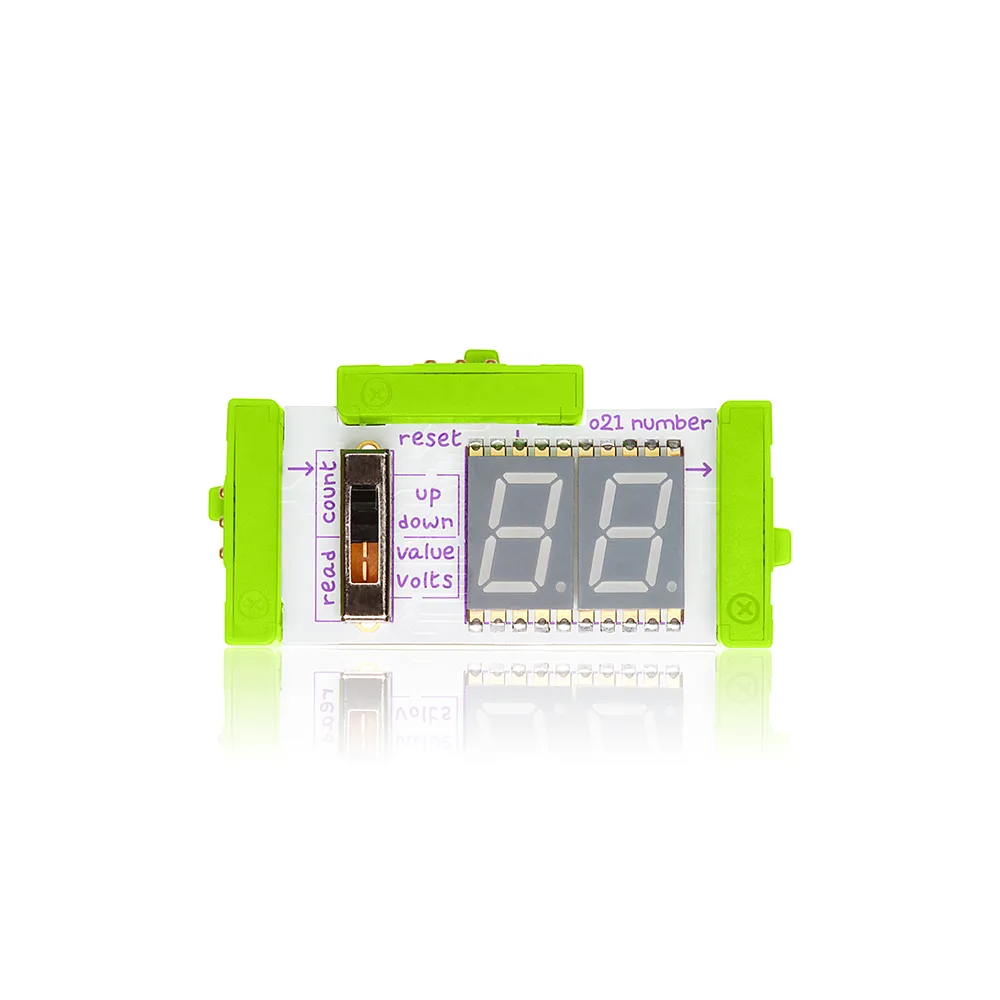
The littleBits o21 Number Bit shows information from the Bits before it, making it ideal for displaying sensor readings or counting events like game scores.
Why use the o21 Number Bit?
The o21 Number Bit acts as a visual output for your littleBits circuits. Instead of guessing what a sensor is detecting, you get a clear numeric readout. This is especially useful in STEM classrooms where students need to see real-time data changes.
Limitations to know
The o21 Number Bit only displays numbers. It cannot show text or graphics. Also, its input comes only from Bits placed before it in the circuit chain, so you need to plan the order of your Bits carefully.
Common questions about the o21 Number Bit
What can I display with the o21 Number Bit?
You can display numeric values from sensors (like light, temperature, or distance) or count events (like button presses or object passes).
How do I connect the o21 Number Bit in a circuit?
Place the o21 Number Bit after the sensor or input Bit you want to read. The circuit must be powered and all Bits snapped together correctly. Always test the circuit with a simple sensor first to confirm the display works before adding complexity.
Can the o21 Number Bit store or log data?
No, the o21 Number Bit only shows the current value. It does not have memory or data logging capabilities. For logging, you would need a different Bit or an external device.
Product details
-
littleBits o21 number: The number Bit displays information that it receives from the Bits before it. It's a great way to measure the input from sensors or count things, like the score in a game. This makes the o21 Number Bit a versatile tool for turning abstract sensor data into a concrete number students can understand and use.
littleBits o21 number