Why Multi-Room Viewing Matters
If you have more than one child or a nursery that spans multiple rooms, a standard single-camera baby monitor may not give you the coverage you need. Multi-room viewing lets you keep an eye on different areas—like a nursery and a playroom—from one screen, reducing the need to carry a monitor around or buy separate systems. When shopping for a baby monitor for multi-room viewing, the key factors are camera expandability, screen size, and how the monitor handles connectivity.
Camera Expandability and Coverage
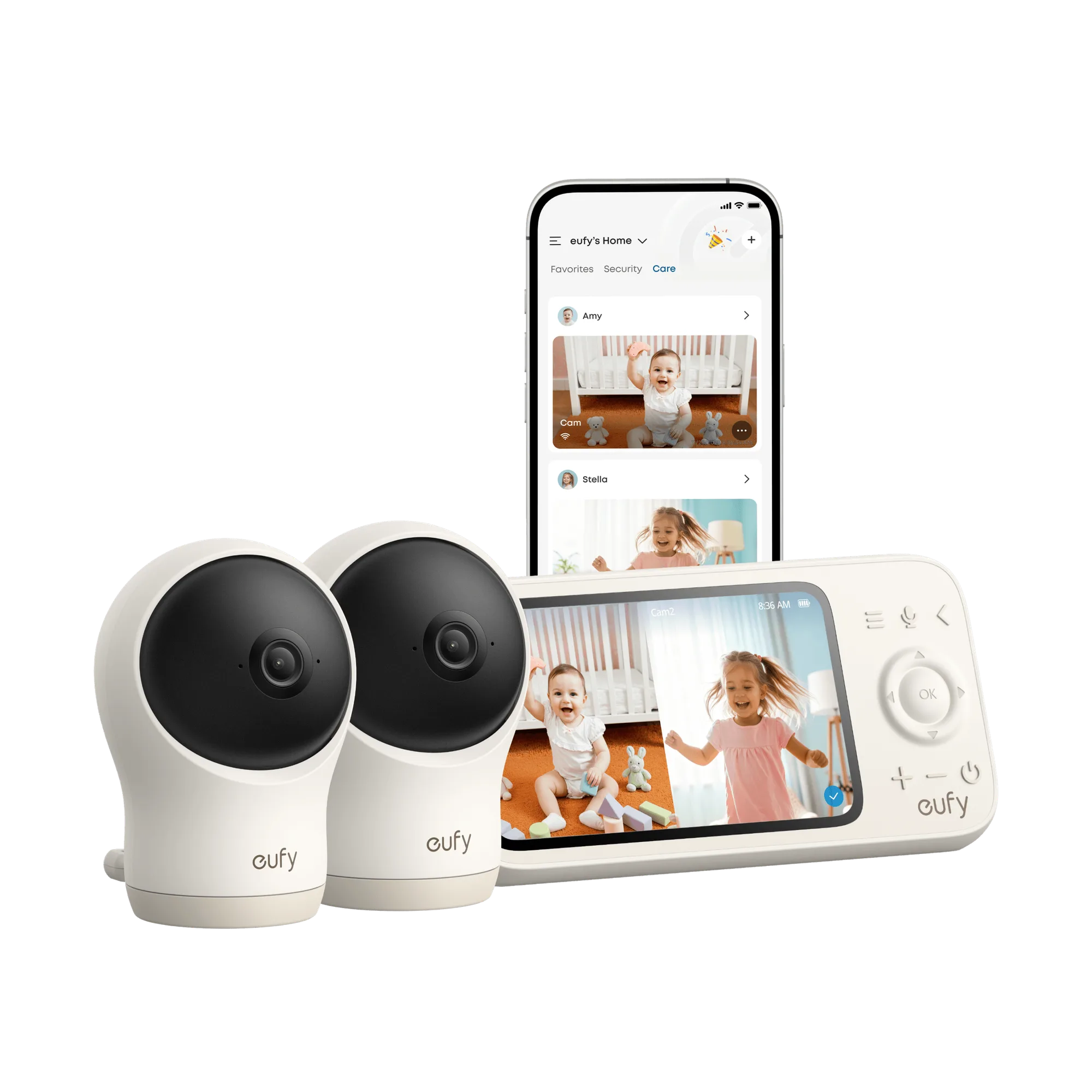
Not all monitors support adding extra cameras. Look for an expandable baby monitor that lets you pair multiple cameras with a single parent unit. This way you can place cameras in different rooms and toggle between views without juggling multiple screens. Some systems offer split-screen or cycling views, which can be helpful when monitoring siblings or a nursery and a play area at the same time.
Product Facts: Additional Monitor Features
-
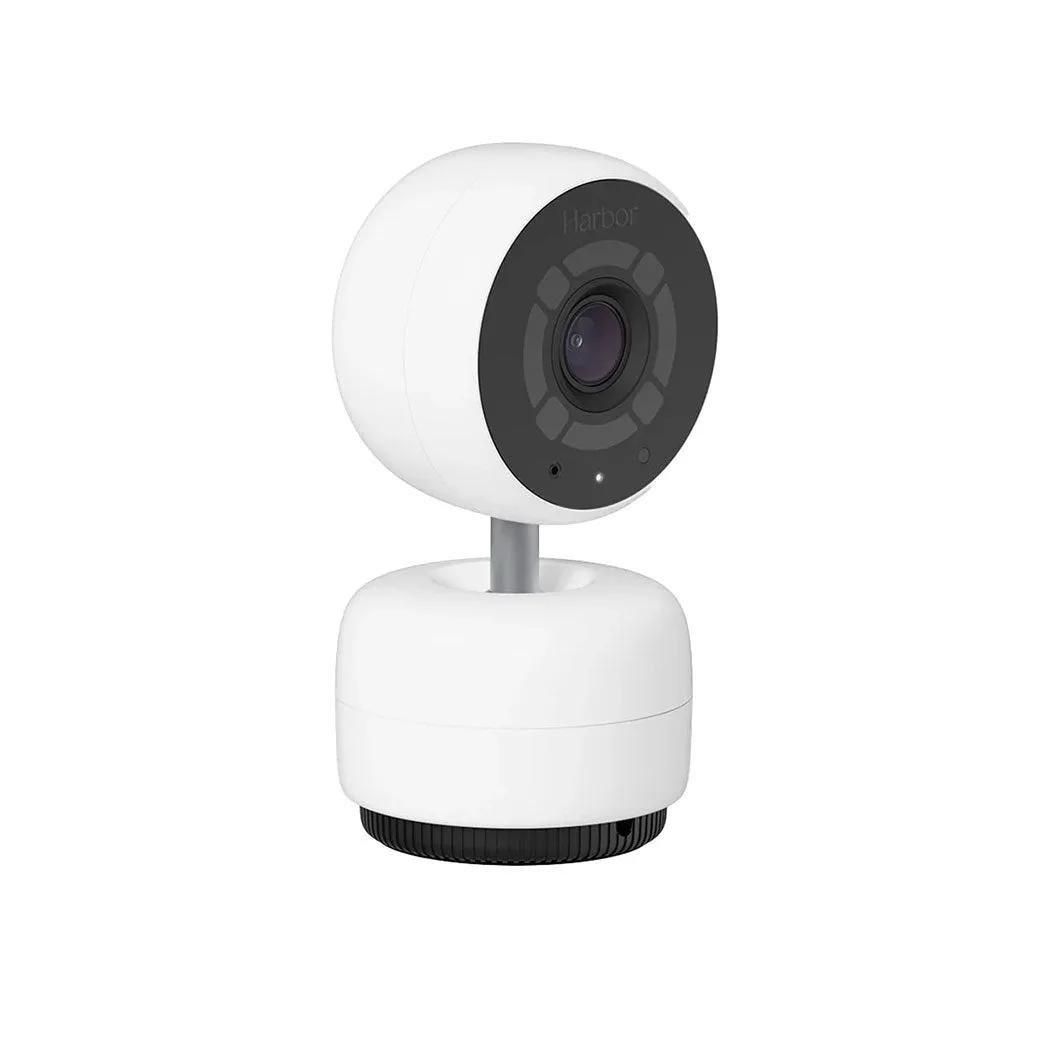
Additional Monitor: Harbor's Additional Monitor accompanies the app-only version of their Baby Monitor, giving you an alternative way to monitor your kiddos and providing a failsafe to your Harbor camera in situations where WiFi isn't available. This monitor works as a secondary display for the Harbor system, giving you a dedicated screen when you prefer not to rely solely on your phone. It also acts as a WiFi backup, which is useful if your network goes down during naps.
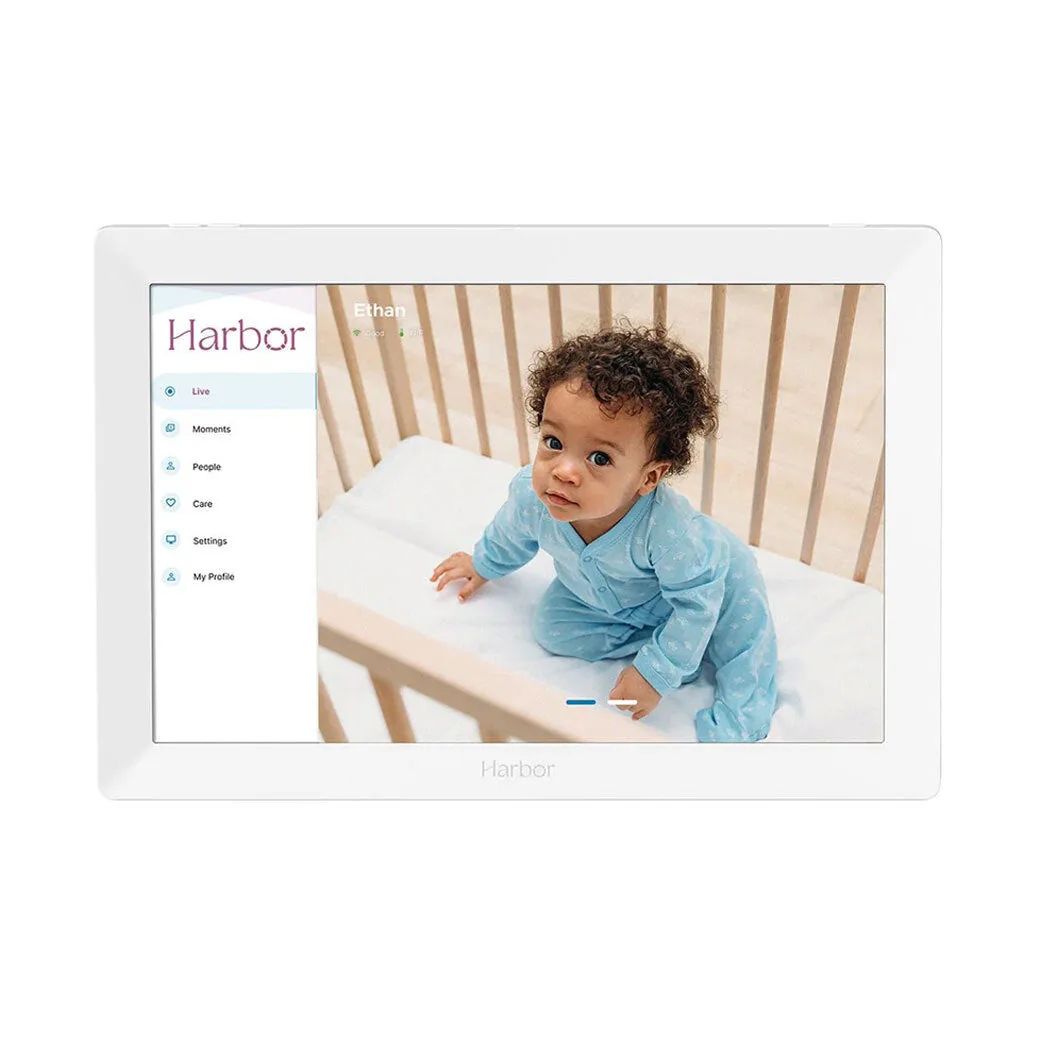
Additional Monitor
-
Additional Monitor: When not in use, the monitor can be used as a digital picture frame showing your family's favorite memories. A multi-purpose device means the monitor stays useful even when you're not actively watching, reducing clutter in the nursery.
-
Additional Monitor: Size: 9.92" x 6.77" x 1.16" (10.1" diagonal screen) A screen large enough to see multiple camera feeds or a single room clearly without squinting makes it practical for multi-room setups.
Screen Size and Display Options
When viewing multiple rooms, a larger screen helps you see details at a glance. Monitors with a sufficiently large diagonal screen let you view split feeds or cycle through cameras without losing clarity. Also consider whether the monitor offers split-screen or sequential viewing—some models let you see two rooms side by side, while others cycle through cameras automatically. Think about your typical monitoring pattern: if you often need to watch two rooms simultaneously, a split-screen feature is valuable. If you just need to check in occasionally, cycling may be sufficient.
Connectivity: WiFi vs. No-WiFi Backup
Many modern baby monitors rely on WiFi for streaming video to your phone or tablet. However, WiFi can be unreliable during outages or interference. A monitor that offers a no-WiFi failsafe—like the Harbor Additional Monitor—gives you a backup connection when your network goes down. According to the product information, the no-WiFi feature has a radius limit of 50 feet, so it works best when the parent unit is within that range of the camera. For multi-room setups where rooms are far apart, WiFi connectivity is more reliable, but having a backup is a smart safety net.
Key Features at a Glance
- Expandable camera support: Look for systems that allow adding extra cameras. Not all monitors support multiple cameras, so check compatibility before buying.
- Screen size and resolution: A larger screen makes it easier to view multiple rooms. Consider whether you need split-screen or sequential viewing.
- WiFi backup or no-WiFi mode: A monitor with a failsafe connection (like the Additional Monitor's 50ft no-WiFi range) ensures you can still see your child even during an internet outage.
- Battery life and charging: Long battery life (e.g., 12 hours depending on usage) means less frequent charging. Fast recharge (3 hours or less) is convenient for overnight use.
Battery Life and Portability
If you plan to move the monitor between rooms or take it with you around the house, battery life matters. A monitor with a 6000mAh battery rated for up to 12 hours of use (depending on settings) can last through a full day of monitoring without needing a recharge. Fast recharging in 3 hours or less means less downtime. Also consider the monitor's size and weight—a slim, lightweight design (like the 9.92" x 6.77" x 1.16" profile) is easier to carry from room to room.
Making Your Choice
For multi-room viewing, prioritize a monitor that supports multiple cameras, has a screen large enough to see details, and offers a reliable connection—preferably with a WiFi backup option. The Harbor Additional Monitor checks these boxes: it pairs with the Harbor app-based camera, provides a screen with a diagonal measurement as specified in the product instructions, and includes a no-WiFi failsafe for peace of mind. If you already have a Harbor camera, the Additional Monitor is a natural extension. If you're starting from scratch, consider whether you prefer a dedicated monitor screen or a phone-based system, and how many rooms you need to cover.