Quick Answer
Replace your 64 Audio IEM filters when cleaning no longer restores clear sound, usually every few months depending on earwax and debris exposure. The VAC Pro Filter and O-Ring Kit provides the parts you need.
Why Filters Matter
Your IEM filters protect the internal sound components from earwax and moisture. When they clog, you may notice muffled audio, reduced bass, or an overall drop in volume. Regular maintenance keeps your monitors performing at their best.
The VAC Pro system uses foam filters that can be cleaned, but they eventually wear out. Knowing when to wash versus replace saves you from unnecessary parts usage while ensuring your sound quality never suffers.
Cleaning vs. Replacing: Trade-Offs
Washing a VAC Pro filter is quick and cost-effective, but it only works until the foam becomes saturated or damaged. Replacement is more reliable if you have heavy earwax buildup or if the filter has been compressed from repeated cleaning.
If you notice that cleaning doesn't restore the original clarity, it's time to swap in fresh filters. The VAC Pro kit includes eight filters and three o-rings, so you have replacements on hand.
Diagnosis: When to Replace Your Filters
- Symptom: Muffled or dull sound, reduced treble, or lower volume despite cleaning your IEMs.
- Likely Cause: The VAC Pro foam filters are clogged with earwax or debris and can no longer be effectively cleaned.
- Corrective Action: Replace the filters with new ones from the VAC Pro Filter and O-Ring Kit. Use a pair of filters and ensure the o-rings are in good condition for a proper seal. If you've replaced filters and still hear issues, the problem may be deeper in the IEM; consider professional service.
Product Facts
-
VAC Pro Filter and O-Ring Kit: The kit includes eight replacement VAC Pro foam filters, used in pairs, and three o-rings for connecting the nozzle to the body. You'll have enough filters for multiple replacements, and the o-rings ensure a secure connection when you reattach the VAC Pro.
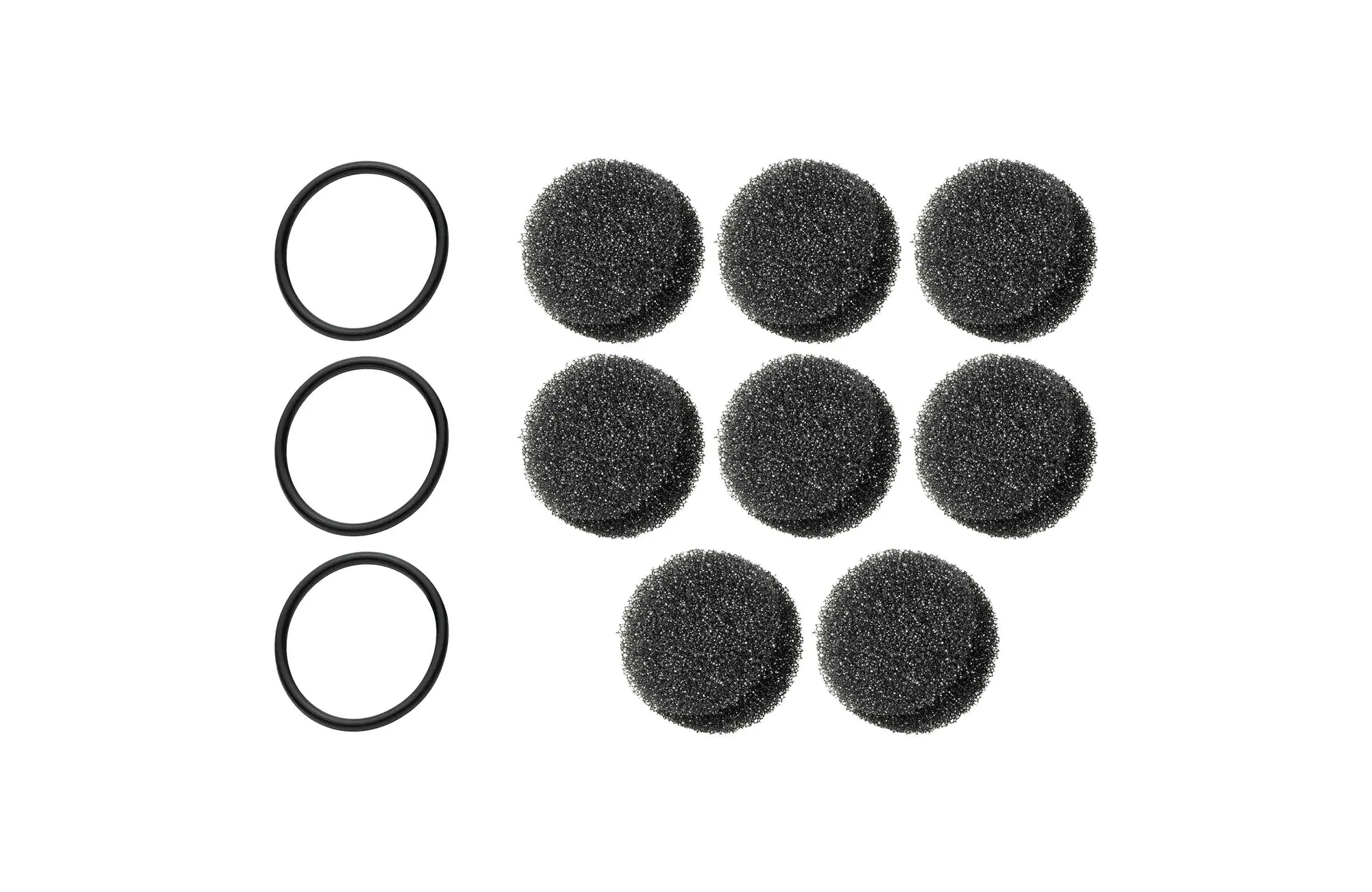
VAC Pro Filter and O-Ring Kit