Quick answer
Replace the base unit on your Whisper Flex Smart or Ultimate with the Gen2 black base (DXCF10/DXCF12 compatible). The swap is straightforward, but you must connect the fan to the Duux app (not the Gen1 app) after installation.
Why replace the base unit?
The base unit holds the electronics that connect your fan to the Duux app. If your current base is damaged, missing, or you want the newer Gen2 design in black, swapping it restores full smart functionality. The Gen2 base also ensures compatibility with the latest app version.
What you need to know before starting
This base is designed for Whisper Flex Smart and Ultimate models only (types DXCF10, DXCF12). It will not fit other Duux fan lines. The replacement does not require any tools, but you will need access to the Duux app for re-pairing.
Step-by-step replacement process
- Disconnect the fan from power: Unplug the fan from the wall outlet and remove the existing base unit by pulling it straight off the fan body. The base is held by friction, so no screws or clips to release. Do not twist the base when removing; pull straight to avoid damaging the internal connector.
- Attach the Gen2 base unit: Line up the alignment notch on the new black Gen2 base with the slot on the fan body. Push firmly until it clicks into place. The base should sit flush with no gaps. If the base does not click fully, check that the notch is aligned correctly. Forcing it can break the locking tabs.
- Reconnect power and test: Plug the fan back in and turn it on using the manual button on the fan body. Verify that the fan operates normally before proceeding to app setup. If the fan does not power on, unplug and re-seat the base. A poor connection is the most common cause.
- Pair with the Duux app (not Gen1 app): Open the Duux app on your phone. Follow the in-app instructions to add a new device. The fan should appear as 'Whisper Flex' in the device list. Complete the pairing process. Do not use the Duux (gen 1) app. The Gen2 base only works with the current Duux app. If the fan does not appear, reset the base by holding the fan button for 10 seconds.
Product facts
-
Base unit Whisper Flex Smart/Ultimate Black - Gen2: Base for Whisper Flex Smart in the color black. Suitable for the following types: DXCF10, DXCF12. When using this base, Whisper Flex is connected to the Duux app and not the Duux (gen 1) app. If you have a Gen1 app installed, you must switch to the current Duux app for the fan to pair and work correctly.
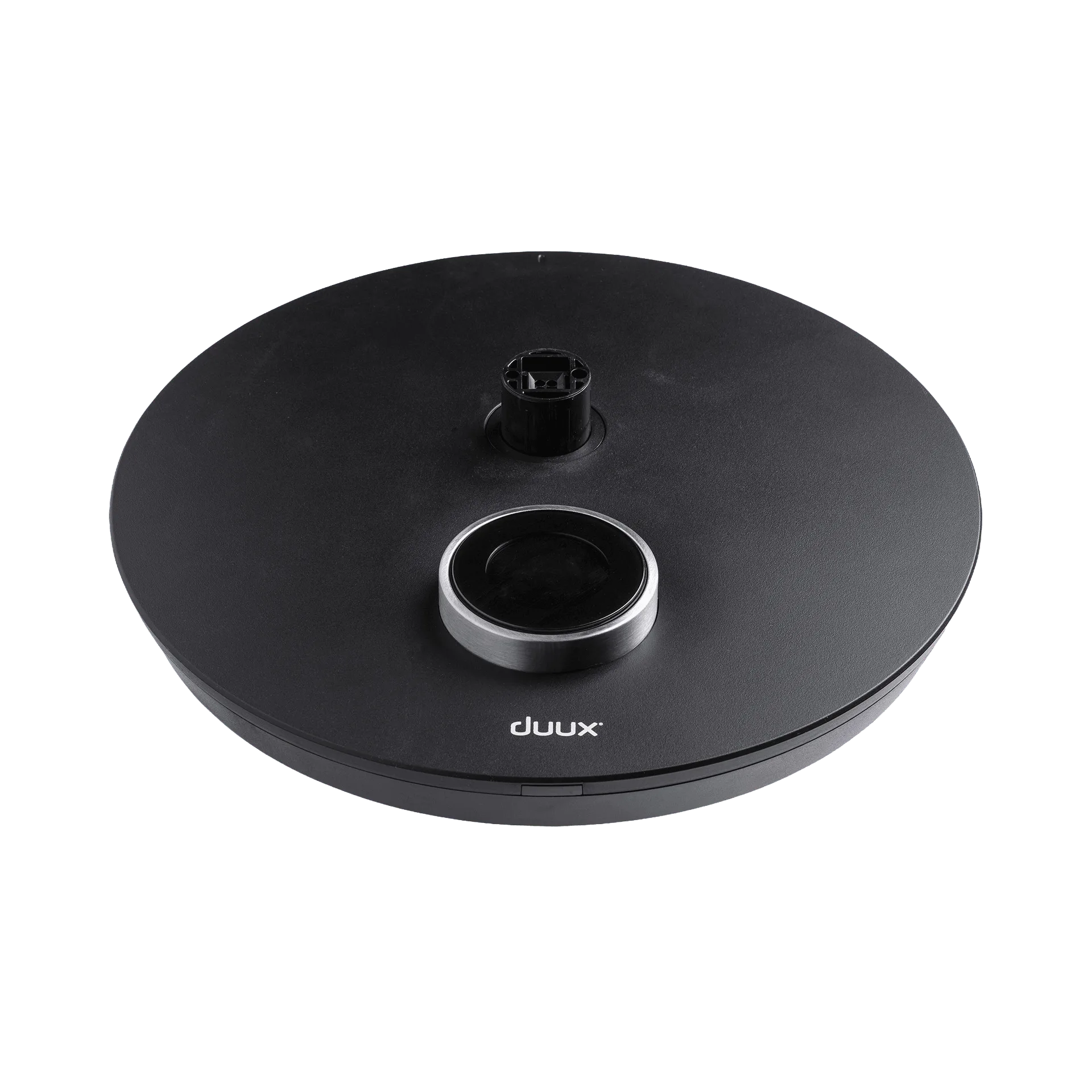
Base unit Whisper Flex Smart/Ultimate Black - Gen2